| Description |
Replace a bent or missing nano SIM card tray for an iPhone 6. | Specifications:
| Watt Hours |
5.73 Wh |
| Voltage |
3.8 V |
| Milliamp Hours |
1510 mAh |
| Manufacturer |
Aftermarket |
| Compatible Part Numbers |
616-0667, 616-0668, 616-0669, 616-0730, 616-0762, 661-8300, |
|
- Replace a dirty, corroded, or damaged lightning connector, or a broken headphone jack in an iPhone 5s.
- This repair may resolve a host of issues like a malfunctioning microphone, slow or nonexistent charging, limited connectivity, or spotty headphone output for your iPhone 5.
|
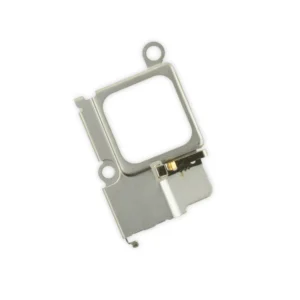
Replace a bent or missing metal bracket securing the front facing camera and earpiece speaker to the display assembly in an iPhone 5s or 1st generation iPhone SE. | Replace a bent or missing SIM card tray for an iPhone 5s or 1st generation iPhone SE. This tray holds the nano SIM card and is inserted on the side of the phone. | Protect the display on your iPhone 5, 5s, 5c, or 1st generation SE from impacts and scratches with this precise laser-cut screen protector.
- Nu Glass Tempered Glass Screen Protector features an advanced silicone adhesion chemical for easy application, four-tiered layer composition (anti-scratch, oleophobic coating, heat resistance and electrostatic adhesion), so your phone will always be protected.
- Each pack contains one set of Nu Glass Tempered Glass Screen Protector
|
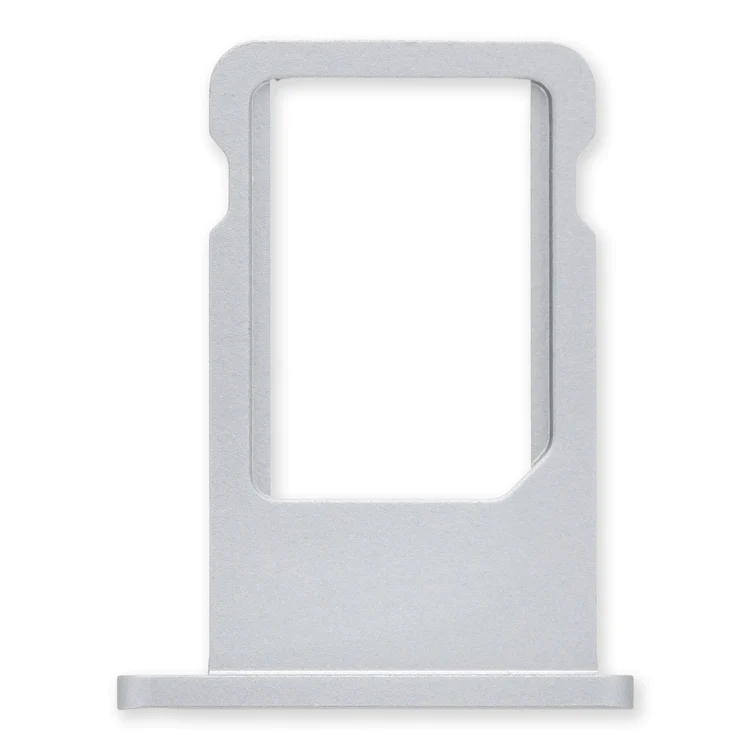
| Content | iPhone 6 Nano SIM Card Tray
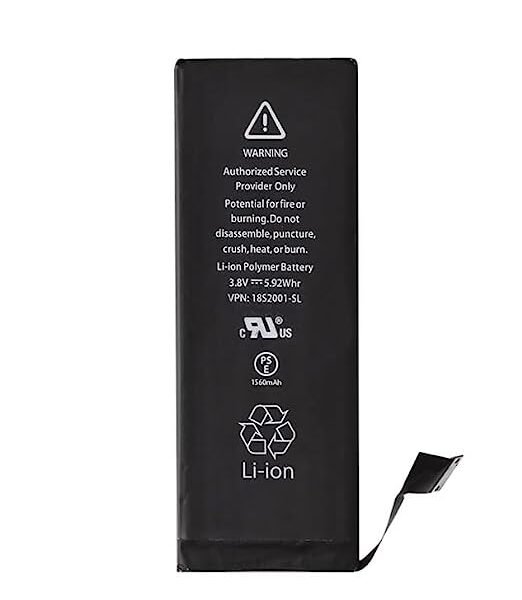
Replace a bent or missing nano SIM card tray for an iPhone 6. | iPhone 5c Battery
This replacement battery is what you need to bring that dead smartphone back to life.
- This battery is brand new! Each one has been tested to confirm that there are no cycles on the cell and that the capacity is 95% or higher.
Note: For optimal performance, calibrate your newly installed battery: Charge it to 100% and keep charging it for at least 2 more hours. Then use your device until it shuts off due to low battery. Finally, charge it uninterrupted to 100%.
Specifications:
| Watt Hours |
5.73 Wh |
| Voltage |
3.8 V |
| Milliamp Hours |
1510 mAh |
| Manufacturer |
Aftermarket |
| Compatible Part Numbers |
616-0667, 616-0668, 616-0669, 616-0730, 616-0762, 661-8300, |
| iPhone 5s Lightning Connector and Headphone Jack
- Replace a dirty, corroded, or damaged lightning connector, or a broken headphone jack in an iPhone 5s.
- This repair may resolve a host of issues like a malfunctioning microphone, slow or nonexistent charging, limited connectivity, or spotty headphone output for your iPhone 5.
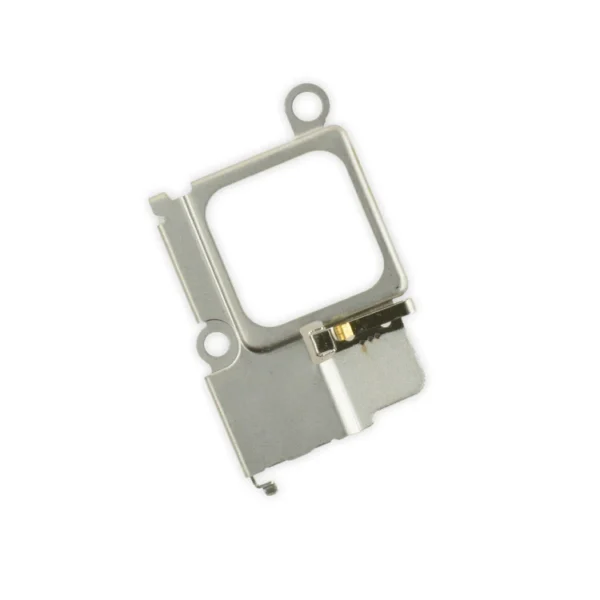
| iPhone 5s/SE (1st Gen) Front Camera Bracket
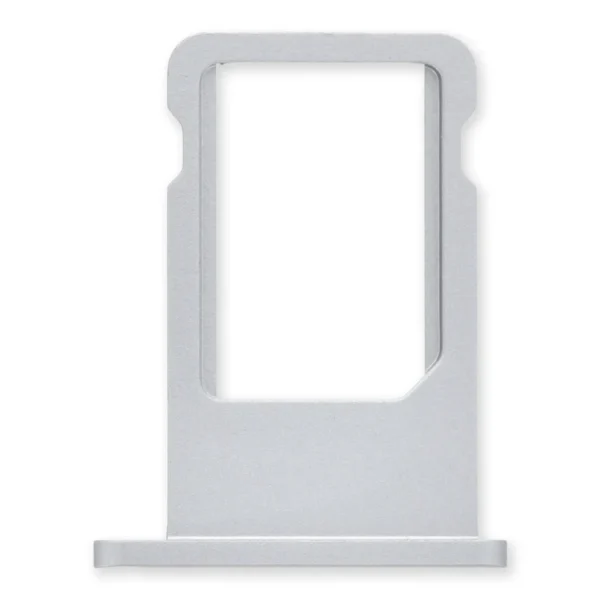
Replace a bent or missing metal bracket securing the front facing camera and earpiece speaker to the display assembly in an iPhone 5s or 1st generation iPhone SE. | iPhone 5s/SE (1st Gen) Nano SIM Card Tray
Replace a bent or missing SIM card tray for an iPhone 5s or 1st generation iPhone SE. This tray holds the nano SIM card and is inserted on the side of the phone. | Nu Glass Tempered Glass Screen Protector for iPhone 5/5s/5c/SE (1st Gen)
Protect the display on your iPhone 5, 5s, 5c, or 1st generation SE from impacts and scratches with this precise laser-cut screen protector.
- Nu Glass Tempered Glass Screen Protector features an advanced silicone adhesion chemical for easy application, four-tiered layer composition (anti-scratch, oleophobic coating, heat resistance and electrostatic adhesion), so your phone will always be protected.
- Each pack contains one set of Nu Glass Tempered Glass Screen Protector
|






Reviews
There are no reviews yet.