Description
iPhone 6 Nano SIM Card Tray
Replace a bent or missing nano SIM card tray for an iPhone 6.

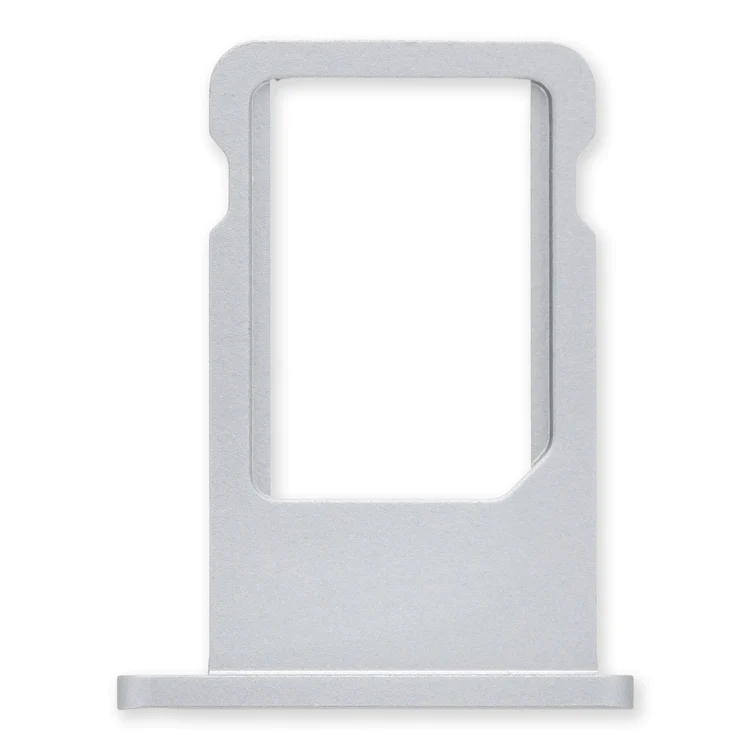
$11.00
Replace a bent or missing nano SIM card tray for an iPhone 6.
Replace a bent or missing nano SIM card tray for an iPhone 6.
| iPhone 6 Nano SIM Card Tray remove | NuGlas Tempered Glass Screen Protector for iPhone 5/5s remove | iPhone 5s/SE (1st Gen) Home Button Bracket remove | iPhone 5s Screen remove | iPhone 5s/SE (1st Gen) Rear Camera Lens Cover remove | iPhone 5s/SE (1st Gen) Front Camera and Sensor Cable remove | |||||||||||||||||||||||||||||||||||||
|---|---|---|---|---|---|---|---|---|---|---|---|---|---|---|---|---|---|---|---|---|---|---|---|---|---|---|---|---|---|---|---|---|---|---|---|---|---|---|---|---|---|---|
| Name | iPhone 6 Nano SIM Card Tray remove | NuGlas Tempered Glass Screen Protector for iPhone 5/5s remove | iPhone 5s/SE (1st Gen) Home Button Bracket remove | iPhone 5s Screen remove | iPhone 5s/SE (1st Gen) Rear Camera Lens Cover remove | iPhone 5s/SE (1st Gen) Front Camera and Sensor Cable remove | ||||||||||||||||||||||||||||||||||||
| Image | 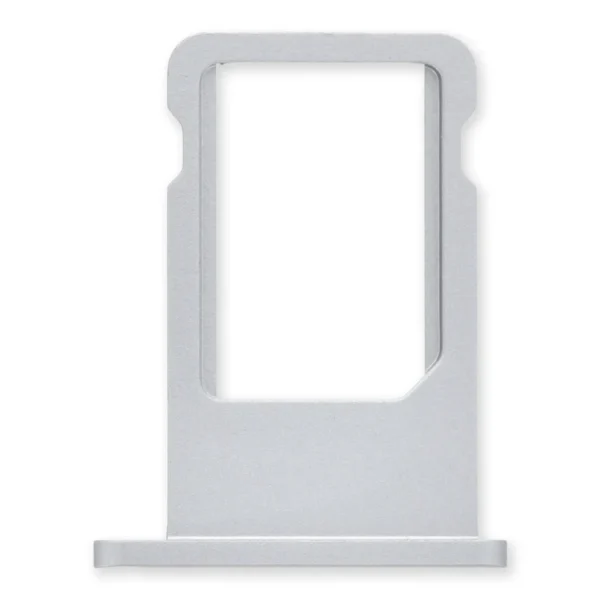 |  |  |  |  | 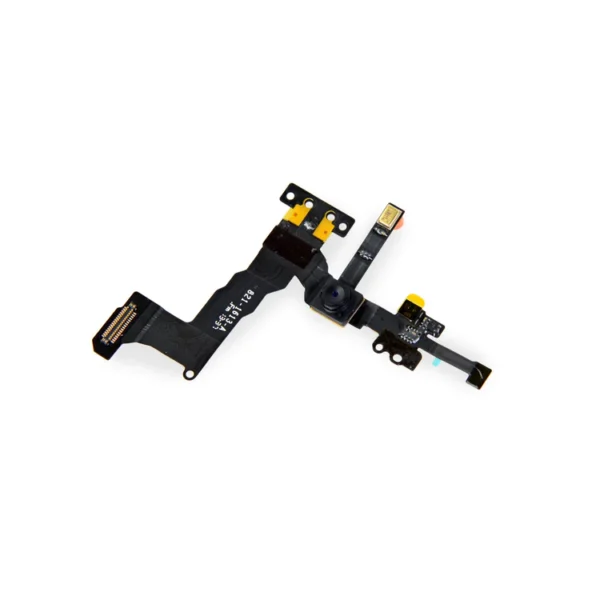 | ||||||||||||||||||||||||||||||||||||
| SKU | iPhone 6 Nano SIM Card Tray | Glass Screen Protector | iPhone 5s/SE (1st Gen) Home Button Bracket | iPhone 5s Screen | iPhone 5s/SE (1st Gen) Lens Cover | iPhone 5s Front Camera and Sensor Cable | ||||||||||||||||||||||||||||||||||||
| Rating | ||||||||||||||||||||||||||||||||||||||||||
| Price | $11.00 | $11.00 | $7.00 | $37.00 | $6.00 | $11.00 | ||||||||||||||||||||||||||||||||||||
| Stock | ||||||||||||||||||||||||||||||||||||||||||
| Availability | ||||||||||||||||||||||||||||||||||||||||||
| Add to cart | ||||||||||||||||||||||||||||||||||||||||||
| Description | Replace a bent or missing nano SIM card tray for an iPhone 6. | Protect the display on your iPhone 5, 5s, 5c, or 1st generation SE from impacts and scratches with this precise laser-cut screen protector.
| Replace a bent or missing metal bracket that secures the home button assembly to the display assembly in your iPhone 5s or 1st generation iPhone SE. | This iPhone 5s screen replacement includes all of the small parts pre-installed in the assembly, saving time and increasing the quality of your repair.
Replace a cracked or scratched front glass panel or malfunctioning LCD display on your iPhone 5s. A new screen and digitizer assembly will renew the appearance of your front panel, restore touch function, and eliminate the dead pixels or flickering on an aging display. | Replace a scratched external lens cover for the rear-facing camera in your iPhone 5s or 1st generation iPhone SE. |
| ||||||||||||||||||||||||||||||||||||
| Content | iPhone 6 Nano SIM Card TrayReplace a bent or missing nano SIM card tray for an iPhone 6. | Nu Glass Tempered Glass Screen Protector for iPhone 5/5s/5c/SE (1st Gen)Protect the display on your iPhone 5, 5s, 5c, or 1st generation SE from impacts and scratches with this precise laser-cut screen protector.
| iPhone 5s/SE (1st Gen) Home Button BracketReplace a bent or missing metal bracket that secures the home button assembly to the display assembly in your iPhone 5s or 1st generation iPhone SE. | iPhone 5s ScreenThis iPhone 5s screen replacement includes all of the small parts pre-installed in the assembly, saving time and increasing the quality of your repair.
Replace a cracked or scratched front glass panel or malfunctioning LCD display on your iPhone 5s. A new screen and digitizer assembly will renew the appearance of your front panel, restore touch function, and eliminate the dead pixels or flickering on an aging display. Note: The Touch ID function will only work with your phone's original home button assembly. This replacement part does not include the home button. You will need to transfer the button assembly from your old display to retain Touch ID. | iPhone 5s/SE (1st Gen) Rear Camera Lens CoverReplace a scratched external lens cover for the rear-facing camera in your iPhone 5s or 1st generation iPhone SE. | iPhone 5s/SE (1st Gen) Front Camera and Sensor Cable
| ||||||||||||||||||||||||||||||||||||
| Weight | N/A | N/A | N/A | N/A | N/A | N/A | ||||||||||||||||||||||||||||||||||||
| Dimensions | N/A | N/A | N/A | N/A | N/A | N/A | ||||||||||||||||||||||||||||||||||||
| Additional information |
|
|
|
|
|
|


Reviews
There are no reviews yet.