| Description |
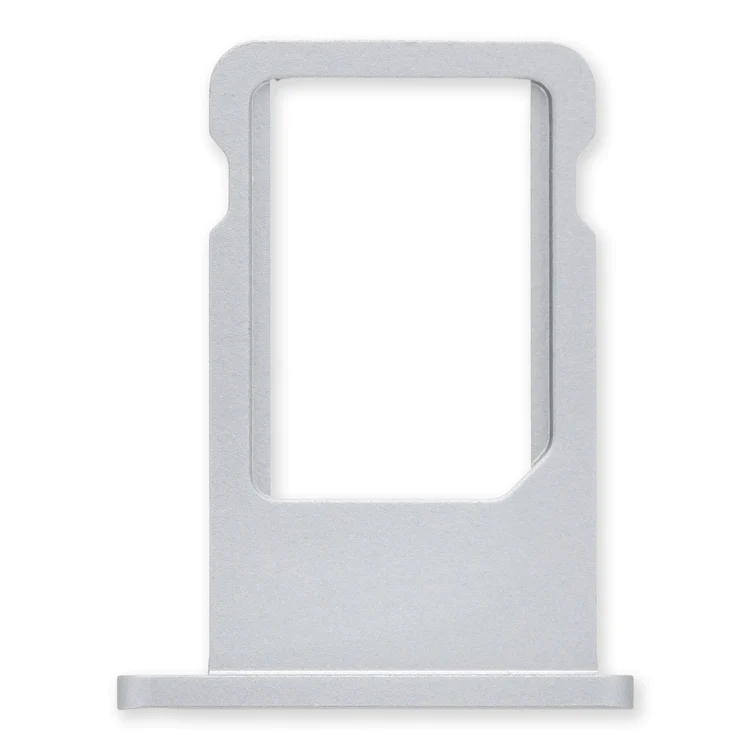
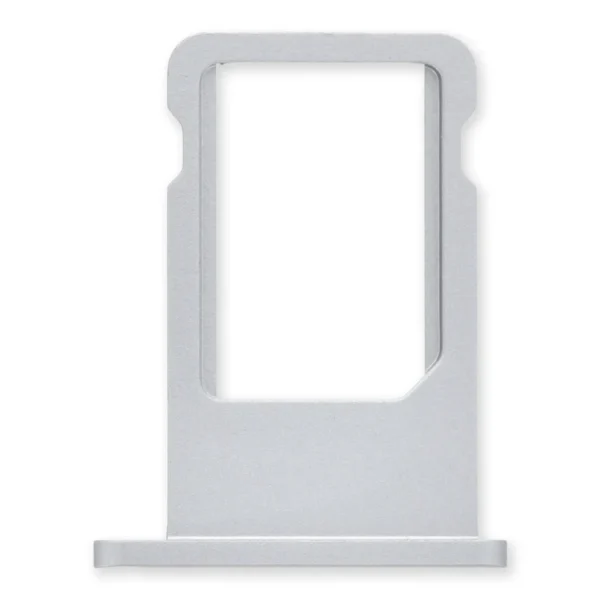
Replace a bent or missing nano SIM card tray for an iPhone 6. |
- Replace a bent or missing metal bracket that keeps the home button cable connection at the bottom end of your iPhone 5s closed.
- This part works with the home button cable support bracket.
| Replace a malfunctioning earpiece speaker in your iPhone 5s or 1st generation iPhone SE and fix problems with phone call audio.
- This is the speaker used to listen while the phone is held to your ear.
- Earpiece speaker functions can be affected by water damage, dust ingress, or a blown speaker.
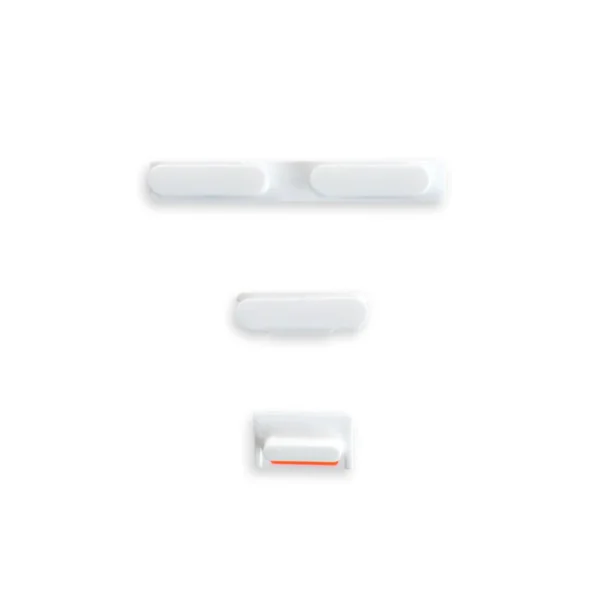
| Replace a bent or missing metal bracket that secures the home button assembly to the display assembly in your iPhone 5s or 1st generation iPhone SE. | Replace a damaged or missing exterior button face for the power/lock button, volume buttons, and vibrate/ring switch for the iPhone 5c.
Note: These are just the button parts visible on the outside of the rear case. You will need to transfer the wire hinge from your current power button. The actual buttons and switch that do all the work are attached to the Audio Control and Power Button Cable. If you are experiencing issues with your buttons not working it may actually be the Audio control & Power button cable that's bad. |
- Replace a dirty, corroded, or damaged lightning connector, or a broken headphone jack in an iPhone 5s.
- This repair may resolve a host of issues like a malfunctioning microphone, slow or nonexistent charging, limited connectivity, or spotty headphone output for your iPhone 5.
|
| Content | iPhone 6 Nano SIM Card Tray
Replace a bent or missing nano SIM card tray for an iPhone 6. | iPhone 5s Home Button Cable Connector Bracket
- Replace a bent or missing metal bracket that keeps the home button cable connection at the bottom end of your iPhone 5s closed.
- This part works with the home button cable support bracket.
| iPhone 5s/SE (1st Gen) Earpiece Speaker
Replace a malfunctioning earpiece speaker in your iPhone 5s or 1st generation iPhone SE and fix problems with phone call audio.
- This is the speaker used to listen while the phone is held to your ear.
- Earpiece speaker functions can be affected by water damage, dust ingress, or a blown speaker.
Note: This is a used OEM part. | iPhone 5s/SE (1st Gen) Home Button Bracket
Replace a bent or missing metal bracket that secures the home button assembly to the display assembly in your iPhone 5s or 1st generation iPhone SE. | iPhone 5c Case Button Set
Replace a damaged or missing exterior button face for the power/lock button, volume buttons, and vibrate/ring switch for the iPhone 5c.
Note: These are just the button parts visible on the outside of the rear case. You will need to transfer the wire hinge from your current power button. The actual buttons and switch that do all the work are attached to the Audio Control and Power Button Cable. If you are experiencing issues with your buttons not working it may actually be the Audio control & Power button cable that's bad. | iPhone 5s Lightning Connector and Headphone Jack
- Replace a dirty, corroded, or damaged lightning connector, or a broken headphone jack in an iPhone 5s.
- This repair may resolve a host of issues like a malfunctioning microphone, slow or nonexistent charging, limited connectivity, or spotty headphone output for your iPhone 5.
|





Reviews
There are no reviews yet.