Description
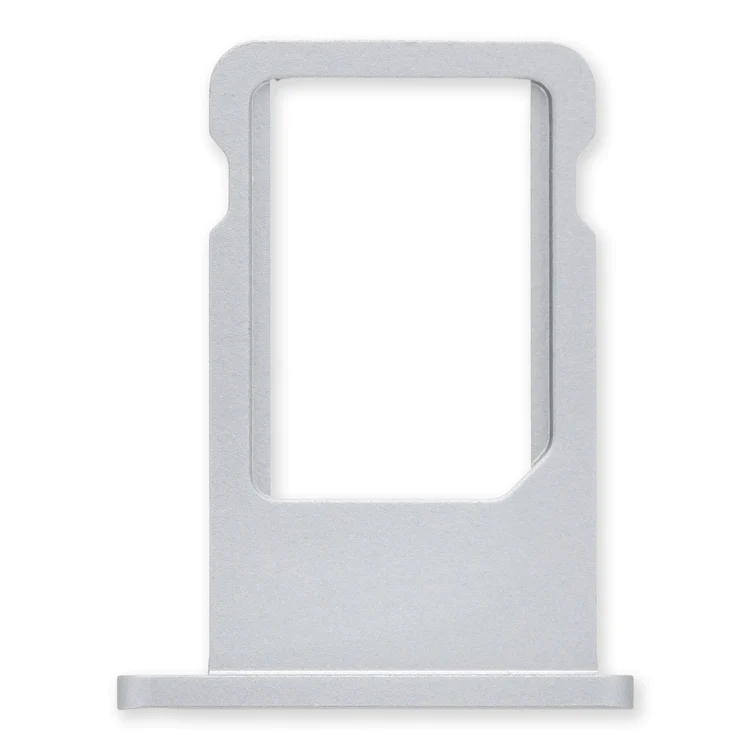
iPhone 6 Nano SIM Card Tray
Replace a bent or missing nano SIM card tray for an iPhone 6.

$11.00
Replace a bent or missing nano SIM card tray for an iPhone 6.
Replace a bent or missing nano SIM card tray for an iPhone 6.
| iPhone 6 Nano SIM Card Tray remove | iPhone 5s/SE (1st Gen) Front Camera and Sensor Cable remove | iPhone 5s Blank Rear Case remove | iPhone 5s Rear Camera remove | iPhone 5s/SE (1st Gen) Front Camera Bracket remove | iPhone 5s/SE (1st Gen) Loudspeaker remove | |||||||||||||||||||||||||||||||
|---|---|---|---|---|---|---|---|---|---|---|---|---|---|---|---|---|---|---|---|---|---|---|---|---|---|---|---|---|---|---|---|---|---|---|---|---|
| Name | iPhone 6 Nano SIM Card Tray remove | iPhone 5s/SE (1st Gen) Front Camera and Sensor Cable remove | iPhone 5s Blank Rear Case remove | iPhone 5s Rear Camera remove | iPhone 5s/SE (1st Gen) Front Camera Bracket remove | iPhone 5s/SE (1st Gen) Loudspeaker remove | ||||||||||||||||||||||||||||||
| Image | 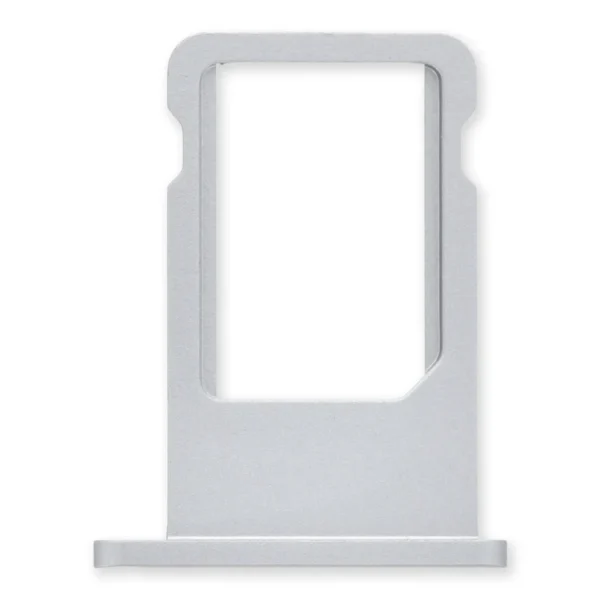 | 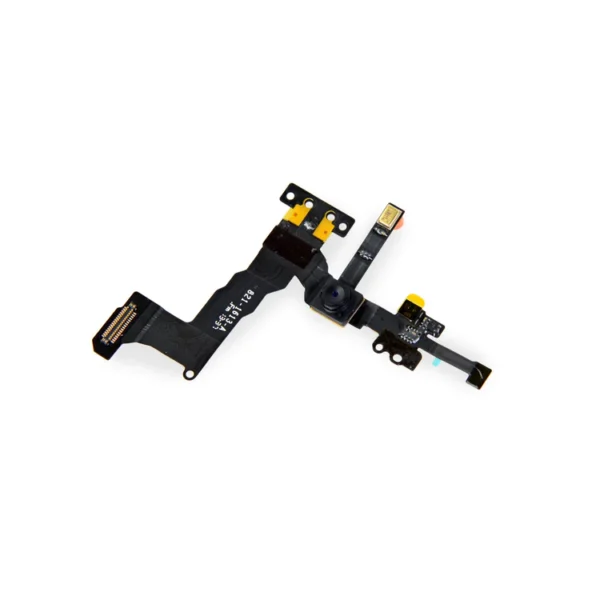 | 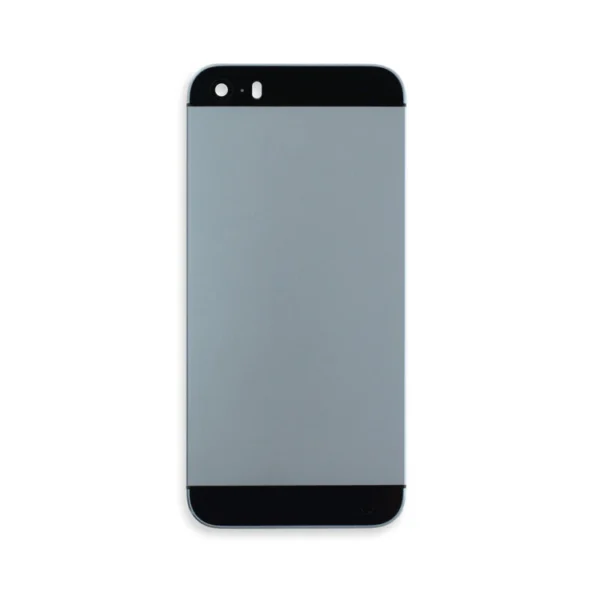 | 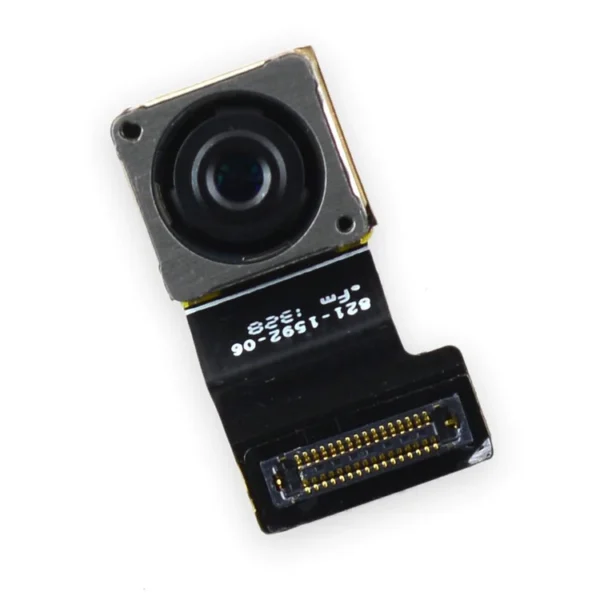 | 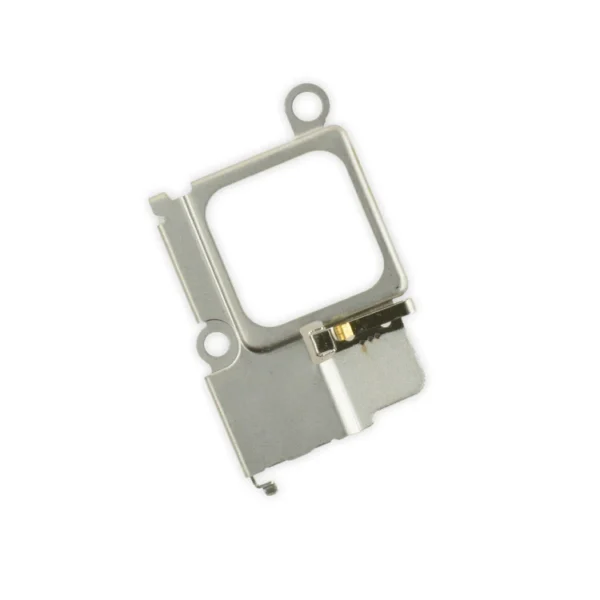 |  | ||||||||||||||||||||||||||||||
| SKU | iPhone 6 Nano SIM Card Tray | iPhone 5s Front Camera and Sensor Cable | iPhone 5s Blank Rear Case | iPhone 5s Rear Camera | iPhone 5s/SE (1st Gen) Front Camera Bracket | iPhone 5s/SE (1st Gen) Loudspeaker | ||||||||||||||||||||||||||||||
| Rating | ||||||||||||||||||||||||||||||||||||
| Price | $11.00 | $11.00 | $32.00 | $11.00 | $9.00 | $21.00 | ||||||||||||||||||||||||||||||
| Stock | ||||||||||||||||||||||||||||||||||||
| Availability | ||||||||||||||||||||||||||||||||||||
| Add to cart | ||||||||||||||||||||||||||||||||||||
| Description | Replace a bent or missing nano SIM card tray for an iPhone 6. |
|
| Replace a malfunctioning 8 megapixel rear-facing camera in your iPhone 5s.
If your rear camera has sensor issues, focusing problems, or shows a blank image, you’ll want to replace this part. |
Replace a bent or missing metal bracket securing the front facing camera and earpiece speaker to the display assembly in an iPhone 5s or 1st generation iPhone SE. | Replace a loudspeaker in your iPhone 5s or 1st generation iPhone SE and fix issues with speakerphone audio output.
An aging or malfunctioning speaker may have buzzing noises or cut out unexpectedly. Restore your phone's sound quality with this replacement part. Specifications:
| ||||||||||||||||||||||||||||||
| Content | iPhone 6 Nano SIM Card TrayReplace a bent or missing nano SIM card tray for an iPhone 6. | iPhone 5s/SE (1st Gen) Front Camera and Sensor Cable
| iPhone 5s Blank Rear Case
| iPhone 5s Rear CameraReplace a malfunctioning 8 megapixel rear-facing camera in your iPhone 5s.If your rear camera has sensor issues, focusing problems, or shows a blank image, you’ll want to replace this part. Note: If you have a scratched lens in the rear case, this part will not solve your issue. Specifications:
| iPhone 5s/SE (1st Gen) Front Camera BracketReplace a bent or missing metal bracket securing the front facing camera and earpiece speaker to the display assembly in an iPhone 5s or 1st generation iPhone SE. | iPhone 5s/SE (1st Gen) LoudspeakerReplace a loudspeaker in your iPhone 5s or 1st generation iPhone SE and fix issues with speakerphone audio output.An aging or malfunctioning speaker may have buzzing noises or cut out unexpectedly. Restore your phone's sound quality with this replacement part. Specifications:
| ||||||||||||||||||||||||||||||
| Weight | N/A | N/A | N/A | N/A | N/A | N/A | ||||||||||||||||||||||||||||||
| Dimensions | N/A | N/A | N/A | N/A | N/A | N/A | ||||||||||||||||||||||||||||||
| Additional information |
|
|
|
|
|
|


Reviews
There are no reviews yet.