Description
iPhone 7 Top Left Antenna
Replace a torn or missing antenna contact assembly in the top left of the rear case of your iPhone 7 and fix cellular connectivity problems.


$8.00
Replace a torn or missing antenna contact assembly in the top left of the rear case of your iPhone 7 and fix cellular connectivity problems.
Replace a torn or missing antenna contact assembly in the top left of the rear case of your iPhone 7 and fix cellular connectivity problems.
| iPhone 7 Top Left Antenna remove | iPhone 7/7 Plus Test Cable for Rear Camera remove | iPhone 7 Case Button Set remove | iPhone 7/7 Plus/8/8 Plus Replacement Home Button remove | iPhone 7/7 Plus SIM Card Slot/Reader remove | iPhone 7/7 Plus Power/Volume Button Retaining Clips remove | |||||||||||||||||||||||||||||||||
|---|---|---|---|---|---|---|---|---|---|---|---|---|---|---|---|---|---|---|---|---|---|---|---|---|---|---|---|---|---|---|---|---|---|---|---|---|---|---|
| Name | iPhone 7 Top Left Antenna remove | iPhone 7/7 Plus Test Cable for Rear Camera remove | iPhone 7 Case Button Set remove | iPhone 7/7 Plus/8/8 Plus Replacement Home Button remove | iPhone 7/7 Plus SIM Card Slot/Reader remove | iPhone 7/7 Plus Power/Volume Button Retaining Clips remove | ||||||||||||||||||||||||||||||||
| Image |  | 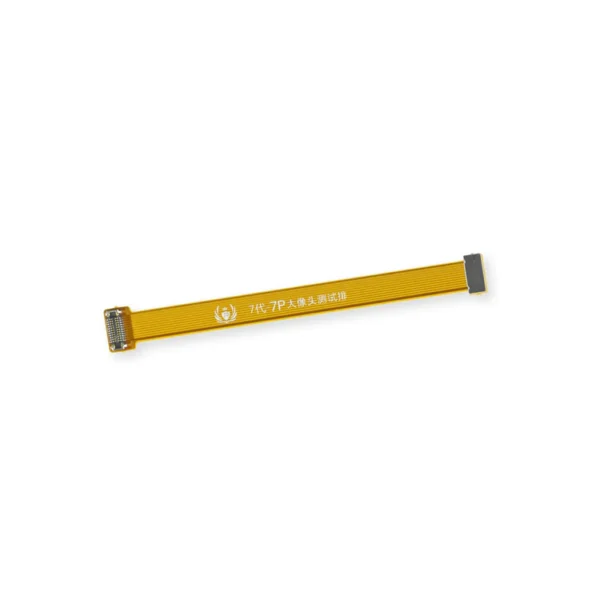 | 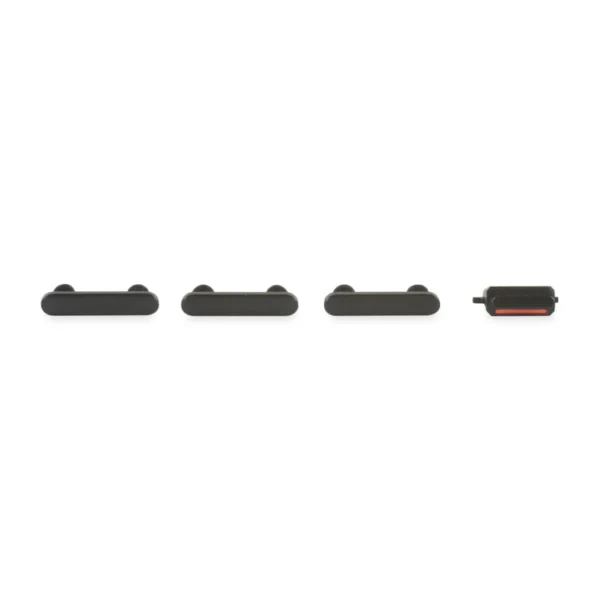 | 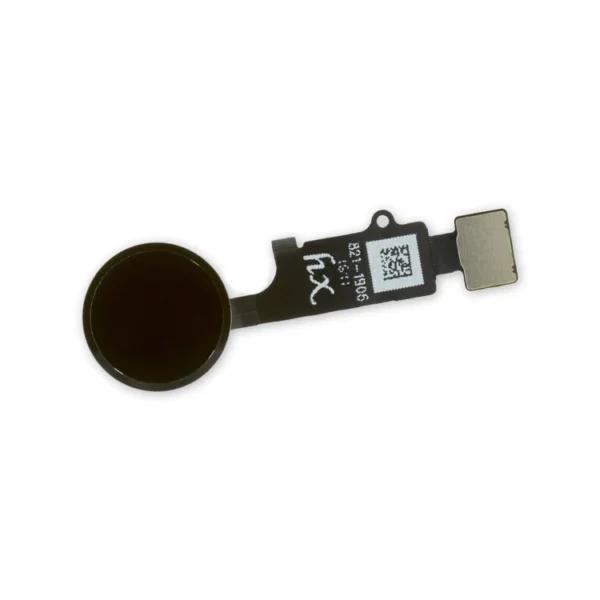 |  |  | ||||||||||||||||||||||||||||||||
| SKU | iPhone 7 Top Left Antenna | iPhone 7/7 Plus Test Cable for Rear Camera | iPhone 7 Case Button Set | iPhone 7/7 Plus/8/8 Plus Replacement Home Button | iPhone 7/7 Plus SIM Card Slot/Reader | iPhone 7/7 Plus Power/Volume Button Retaining Clips | ||||||||||||||||||||||||||||||||
| Rating | ||||||||||||||||||||||||||||||||||||||
| Price | $8.00 | $11.00 | $11.00 | $21.00 | $11.00 | $4.00 | ||||||||||||||||||||||||||||||||
| Stock | ||||||||||||||||||||||||||||||||||||||
| Availability | ||||||||||||||||||||||||||||||||||||||
| Add to cart | ||||||||||||||||||||||||||||||||||||||
| Description |
Replace a torn or missing antenna contact assembly in the top left of the rear case of your iPhone 7 and fix cellular connectivity problems. | This handy test cable makes it easy to check the functions of a rear-facing camera in an iPhone 7 or iPhone 7 Plus without having to complete the installation and close up the iPhone's case.
|
| Replace a home button assembly in your iPhone 7/7 Plus/8/8 Plus and fix an unresponsive home button. |
| Replace the internal clips that hold the external button covers in place. These clips snap over the posts on the inside of the power and volume button covers, preventing the button covers from falling out of the iPhone's case. Set of three clips. | ||||||||||||||||||||||||||||||||
| Content | iPhone 7 Top Left AntennaReplace a torn or missing antenna contact assembly in the top left of the rear case of your iPhone 7 and fix cellular connectivity problems. | iPhone 7/7 Plus Test Cable for Rear CameraThis handy test cable makes it easy to check the functions of a rear-facing camera in an iPhone 7 or iPhone 7 Plus without having to complete the installation and close up the iPhone's case.
| iPhone 7 Case Button Set
| iPhone 7/7 Plus/8/8 Plus Replacement Home ButtonReplace a home button assembly in your iPhone 7/7 Plus/8/8 Plus and fix an unresponsive home button. | iPhone 7/7 Plus SIM Card Slot/Reader
| iPhone 7/7 Plus Power/Volume Button Retaining ClipsReplace the internal clips that hold the external button covers in place. These clips snap over the posts on the inside of the power and volume button covers, preventing the button covers from falling out of the iPhone's case. Set of three clips. | ||||||||||||||||||||||||||||||||
| Weight | N/A | N/A | N/A | N/A | N/A | N/A | ||||||||||||||||||||||||||||||||
| Dimensions | N/A | N/A | N/A | N/A | N/A | N/A | ||||||||||||||||||||||||||||||||
| Additional information |
|
|
|
|
|
|


Reviews
There are no reviews yet.