| Description | Replace a corroded or damaged lightning connector in your iPhone 7 Plus.
If your phone isn't charging, has connectivity problems, is not recognized when plugged into your computer via USB, or has trouble recording audio, this part could fix the problem.
Specifications:
|
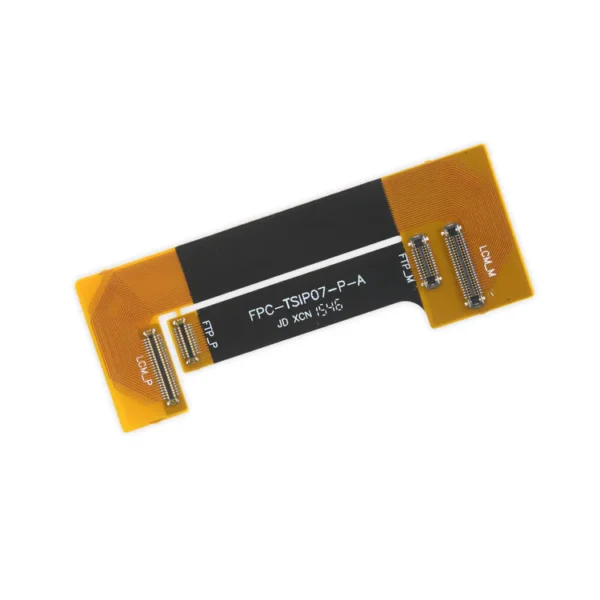
- This handy test cable makes it easy to check the functions of an iPhone 7 Plus LCD Screen and Digitizer without having to complete the installation and close up the iPhone's case.
- Indispensable to anyone who makes multiple iPhone 7 Plus repairs.
- With this cable installed in an iPhone 7 Plus body you can connect, test, and quickly swap multiple replacement LCDs and digitizers without wearing out the delicate press fit connectors on the logic board.
Note: This cable only tests the functions of the LCD and digitizer. It does not test the home button, front camera, or earpiece speaker. | This Dual Rear Camera includes both 12 megapixel rear-facing cameras, one wide-angle camera with Optical Image Stabilization and one telephoto camera with optical zoom.
If the camera assembly has sensor issues, problems focusing, or is malfunctioning, you'll want to replace this part.
Note: If your photos look like you have a scratched lens, this part will not solve the issue. The lens opening in your rear case may be scratched. |
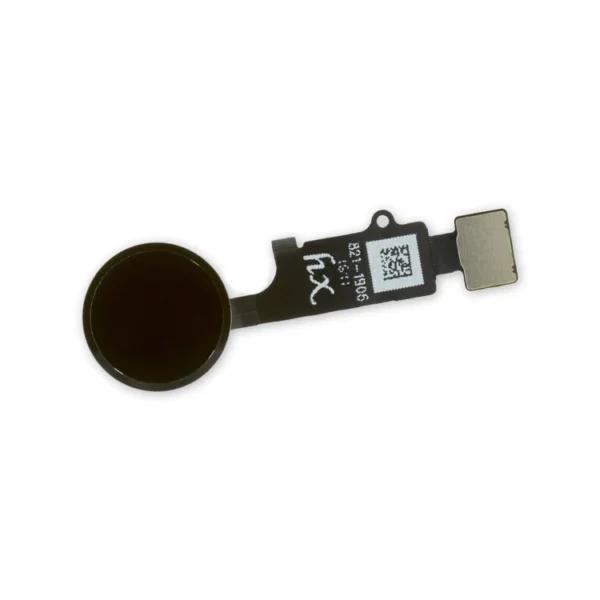
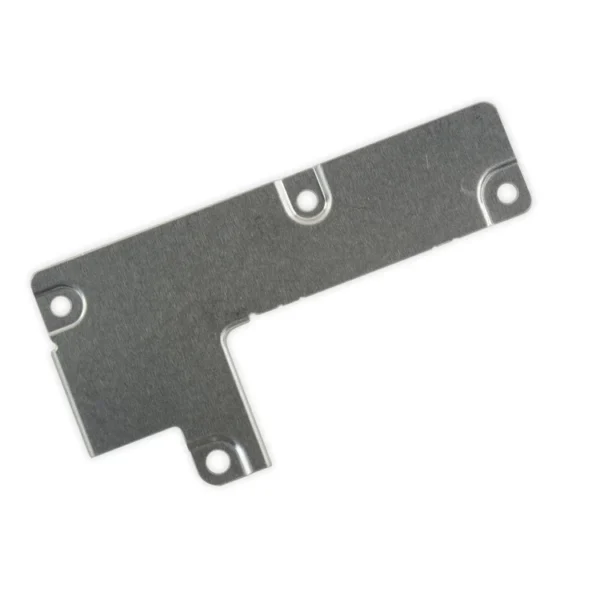
Replace a torn or missing gasket on the hold button assembly for an iPhone 7 or iPhone 7 Plus. This gasket fits around the body of the hold button assembly. | Replace a home button assembly in your iPhone 7/7 Plus/8/8 Plus and fix an unresponsive home button. | This metal bracket secures the connectors from the LCD and digitizer as well as the battery cable to the logic board. |
| Content | iPhone 7 Plus Lightning Connector Assembly
Replace a corroded or damaged lightning connector in your iPhone 7 Plus.
If your phone isn't charging, has connectivity problems, is not recognized when plugged into your computer via USB, or has trouble recording audio, this part could fix the problem.
Specifications:
| iPhone 7 Plus Test Cable for LCD Screen and Digitizer
- This handy test cable makes it easy to check the functions of an iPhone 7 Plus LCD Screen and Digitizer without having to complete the installation and close up the iPhone's case.
- Indispensable to anyone who makes multiple iPhone 7 Plus repairs.
- With this cable installed in an iPhone 7 Plus body you can connect, test, and quickly swap multiple replacement LCDs and digitizers without wearing out the delicate press fit connectors on the logic board.
Note: This cable only tests the functions of the LCD and digitizer. It does not test the home button, front camera, or earpiece speaker. | iPhone 7 Plus Dual Rear Camera
This Dual Rear Camera includes both 12 megapixel rear-facing cameras, one wide-angle camera with Optical Image Stabilization and one telephoto camera with optical zoom.
If the camera assembly has sensor issues, problems focusing, or is malfunctioning, you'll want to replace this part.
Note: If your photos look like you have a scratched lens, this part will not solve the issue. The lens opening in your rear case may be scratched. | iPhone 7/7 Plus Hold Switch Gasket
Replace a torn or missing gasket on the hold button assembly for an iPhone 7 or iPhone 7 Plus. This gasket fits around the body of the hold button assembly. | iPhone 7/7 Plus/8/8 Plus Replacement Home Button
Replace a home button assembly in your iPhone 7/7 Plus/8/8 Plus and fix an unresponsive home button. | iPhone 7 Plus Front Panel Assembly Cable Bracket
This metal bracket secures the connectors from the LCD and digitizer as well as the battery cable to the logic board. |






Reviews
There are no reviews yet.