| SKU | iPhone 6 and 6 Plus Test Cable for Front Camera | iPhone 6 Front Camera and Sensor Cable | iPhone 6 Test Cable for Rear Camera | iPhone 6/6 Plus Bottom Screws | iPhone 6 Rear Camera Bracket | iPhone 6 Test Cable for Home Button and Link Cable |
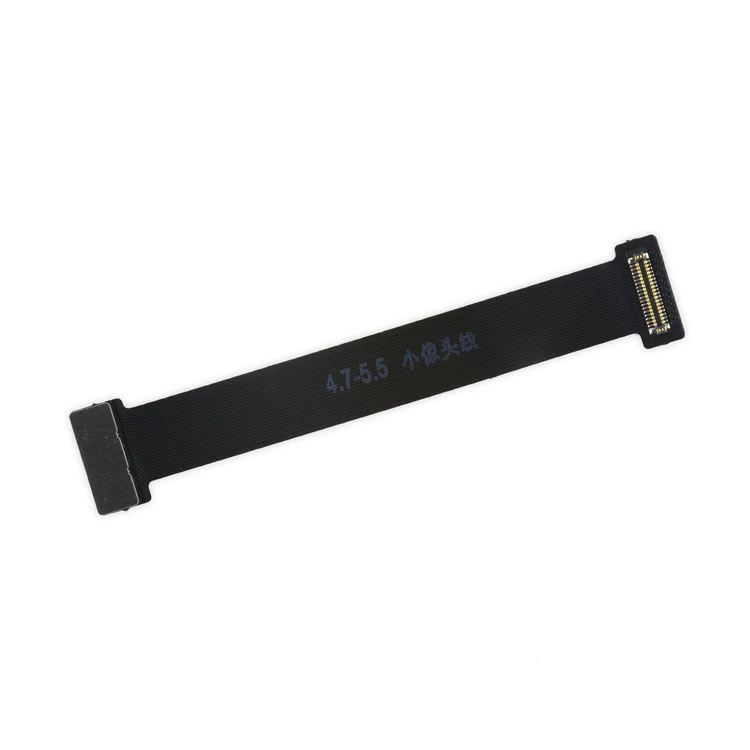
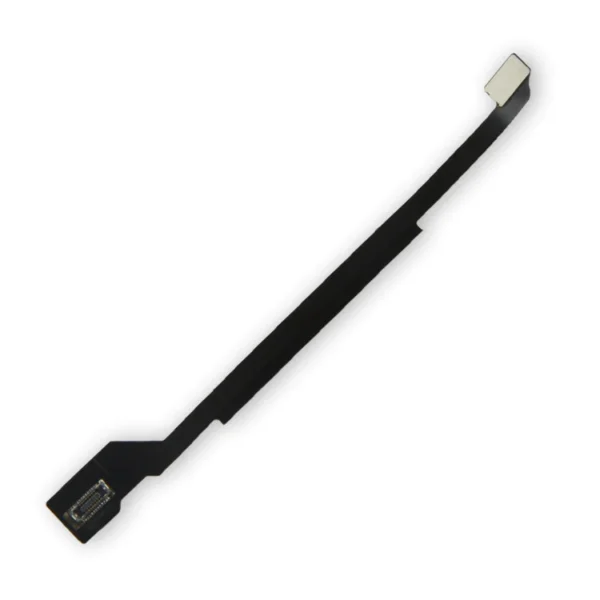
| Description | This handy test cable makes it easy to check the functions of a front camera and sensor cable assembly without having to complete the installation and is indispensable to anyone who makes multiple iPhone 6 and 6 Plus repairs. With this cable installed in an iPhone 6 or 6 Plus body you can connect, test, and quickly swap multiple replacement front camera cables without wearing out the delicate press fit connector on the logic board. | Replace a front-facing camera and sensor cable in your iPhone 6 and fix problems with front-facing camera images, poor noise cancelling for phone calls, or malfunctioning screen brightness adjustment.
Specifications:
|
- This handy test cable makes it easy to check the functions of an iPhone 6 Rear Camera without having to complete the installation.
- Indispensable to anyone who makes multiple iPhone 6 repairs.
- With this cable installed in an iPhone 6 body you can connect, test, and quickly swap multiple replacement rear cameras without wearing out the delicate press fit connector on the logic board.
|
- Includes a set of two replacement 5-point Pentalobe screws.
- iPhone 6 and 6 Plus smartphones have two proprietary 5-point Pentalobe screws near the lightning connector.
|
Replace a bent or missing metal bracket securing the iPhone 6 Rear Camera to the rear case of your iPhone 6. | This iPhone 6 Test Cable for Home Button and Link Cable is indispensable to anyone who makes multiple iPhone 6 repairs!
- Make it easy to check the function of a home button assembly through the home button link cable connection to the logic board without having to complete the installation.
- This test cable fits between the home button connector on the logic board and the connector on the home button link cable.
Note: This cable will not fit between the home button assembly and the home button link cable. |
| Content | iPhone 6 and 6 Plus Test Cable for Front Camera
This handy test cable makes it easy to check the functions of a front camera and sensor cable assembly without having to complete the installation and is indispensable to anyone who makes multiple iPhone 6 and 6 Plus repairs. With this cable installed in an iPhone 6 or 6 Plus body you can connect, test, and quickly swap multiple replacement front camera cables without wearing out the delicate press fit connector on the logic board. | iPhone 6 Front Camera and Sensor Cable
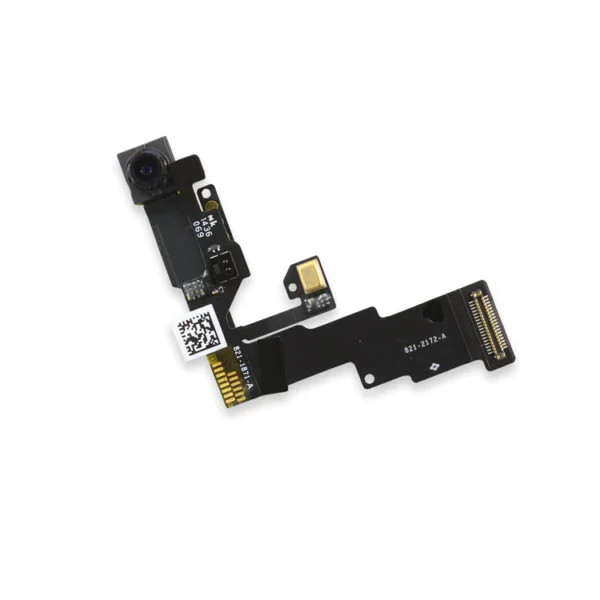
Replace a front-facing camera and sensor cable in your iPhone 6 and fix problems with front-facing camera images, poor noise cancelling for phone calls, or malfunctioning screen brightness adjustment.
Specifications:
| iPhone 6 Test Cable for Rear Camera
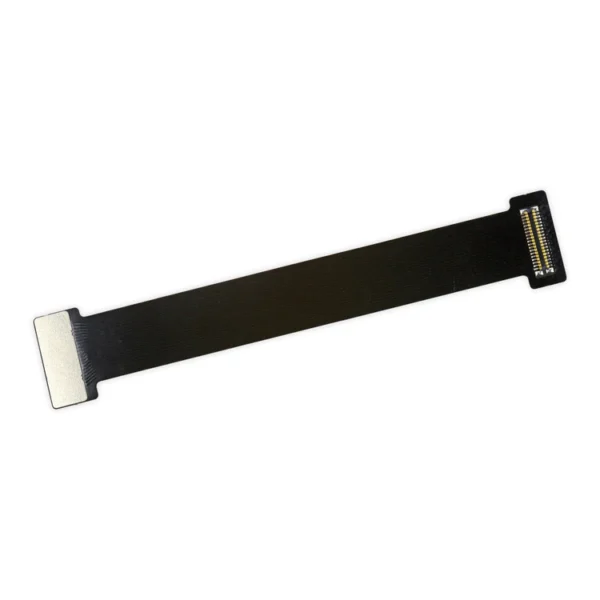
- This handy test cable makes it easy to check the functions of an iPhone 6 Rear Camera without having to complete the installation.
- Indispensable to anyone who makes multiple iPhone 6 repairs.
- With this cable installed in an iPhone 6 body you can connect, test, and quickly swap multiple replacement rear cameras without wearing out the delicate press fit connector on the logic board.
| iPhone 6/6 Plus Bottom Screws
- Includes a set of two replacement 5-point Pentalobe screws.
- iPhone 6 and 6 Plus smartphones have two proprietary 5-point Pentalobe screws near the lightning connector.
| iPhone 6 Rear Camera Bracket
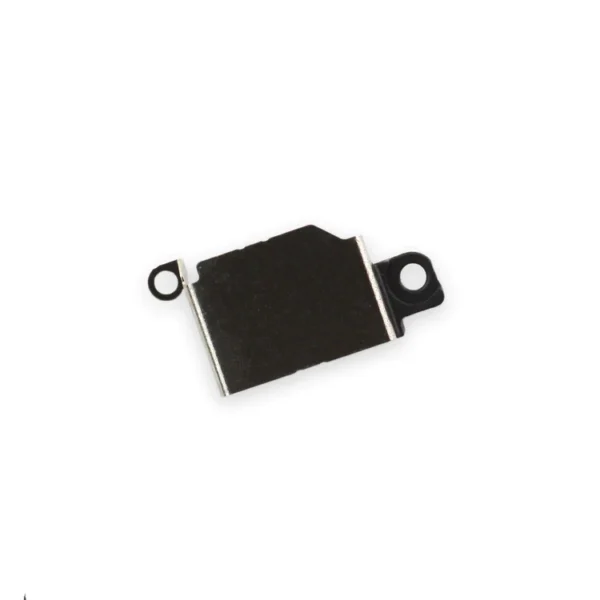
Replace a bent or missing metal bracket securing the iPhone 6 Rear Camera to the rear case of your iPhone 6. | iPhone 6 Test Cable for Home Button and Link Cable
This iPhone 6 Test Cable for Home Button and Link Cable is indispensable to anyone who makes multiple iPhone 6 repairs!
- Make it easy to check the function of a home button assembly through the home button link cable connection to the logic board without having to complete the installation.
- This test cable fits between the home button connector on the logic board and the connector on the home button link cable.
Note: This cable will not fit between the home button assembly and the home button link cable. |
| Additional information |
|
|
|
|
|
|




Reviews
There are no reviews yet.