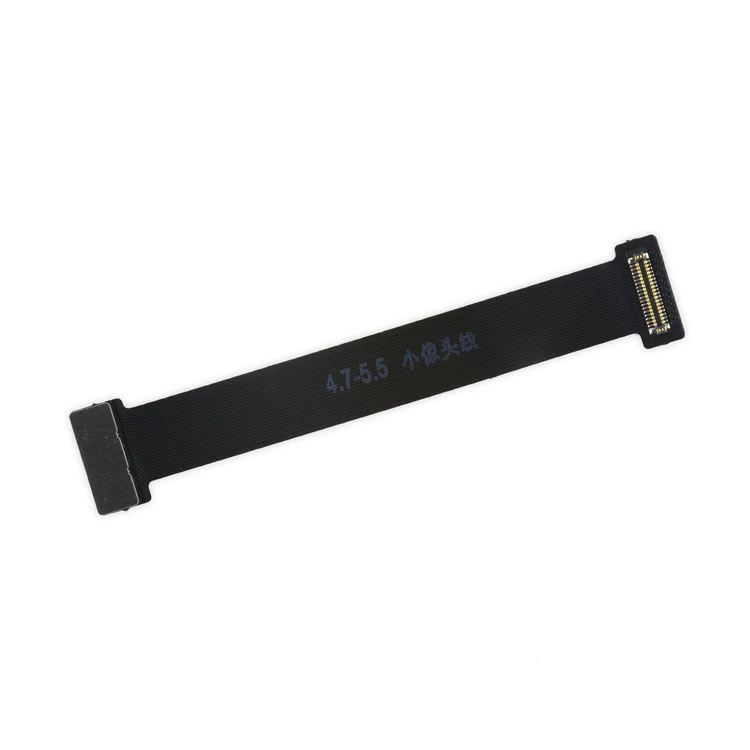
| Description | This handy test cable makes it easy to check the functions of a front camera and sensor cable assembly without having to complete the installation and is indispensable to anyone who makes multiple iPhone 6 and 6 Plus repairs. With this cable installed in an iPhone 6 or 6 Plus body you can connect, test, and quickly swap multiple replacement front camera cables without wearing out the delicate press fit connector on the logic board. |
If you have a scratched lens, this part will not solve your issue. The scratches are likely in the lens cover part of the iPhone 6 OEM Rear Case. |
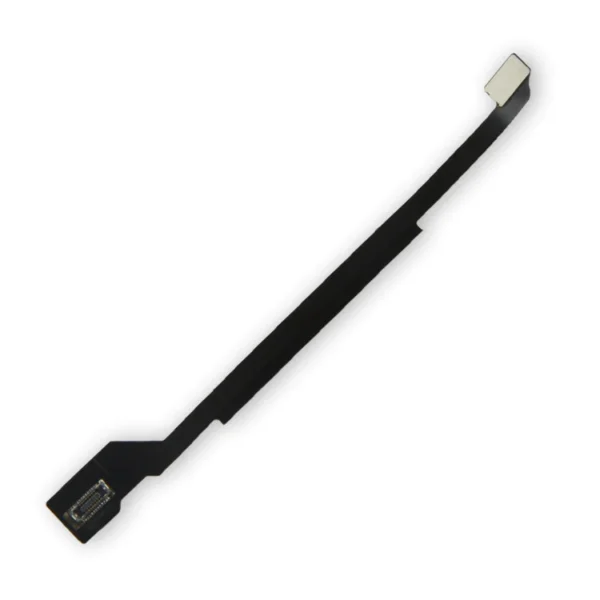
Replace a torn or damaged four connector Logic Board Antenna Flex Cable in your iPhone 6 and fix routing issues with Wi-Fi signal. |
Replace a dirty, corroded, or damaged lightning connector, or a broken headphone jack in an iPhone 6. This repair may resolve a host of issues like a malfunctioning microphone, slow or nonexistent charging, limited connectivity, or spotty headphone output for your iPhone 6. | This iPhone 6 Test Cable for Home Button and Link Cable is indispensable to anyone who makes multiple iPhone 6 repairs!
- Make it easy to check the function of a home button assembly through the home button link cable connection to the logic board without having to complete the installation.
- This test cable fits between the home button connector on the logic board and the connector on the home button link cable.
Note: This cable will not fit between the home button assembly and the home button link cable. |
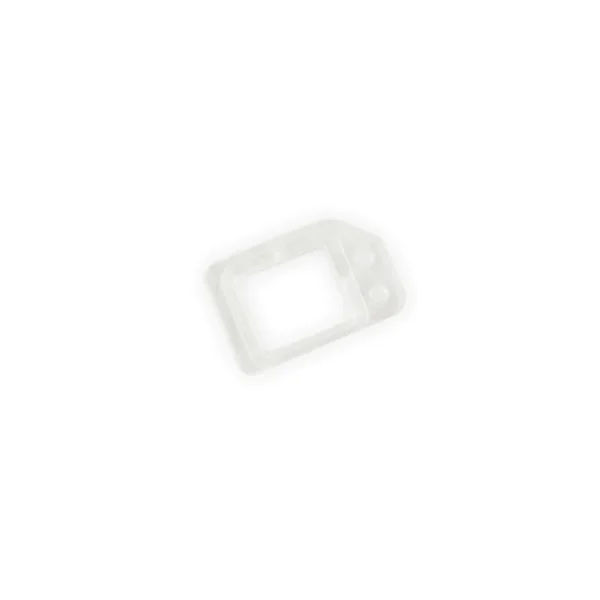
Replace a missing or damaged frame for your proximity sensor. This tiny clear plastic frame is adhered to the back of the front glass panel near the top edge and holds the proximity sensor centered over the small window in the front glass. |
| Content | iPhone 6 and 6 Plus Test Cable for Front Camera
This handy test cable makes it easy to check the functions of a front camera and sensor cable assembly without having to complete the installation and is indispensable to anyone who makes multiple iPhone 6 and 6 Plus repairs. With this cable installed in an iPhone 6 or 6 Plus body you can connect, test, and quickly swap multiple replacement front camera cables without wearing out the delicate press fit connector on the logic board. | iPhone 6 Rear Camera
If you have a scratched lens, this part will not solve your issue. The scratches are likely in the lens cover part of the iPhone 6 OEM Rear Case. | iPhone 6 Logic Board Antenna Flex Cable
Replace a torn or damaged four connector Logic Board Antenna Flex Cable in your iPhone 6 and fix routing issues with Wi-Fi signal. | iPhone 6 Lightning Connector and Headphone Jack
Replace a dirty, corroded, or damaged lightning connector, or a broken headphone jack in an iPhone 6. This repair may resolve a host of issues like a malfunctioning microphone, slow or nonexistent charging, limited connectivity, or spotty headphone output for your iPhone 6. | iPhone 6 Test Cable for Home Button and Link Cable
This iPhone 6 Test Cable for Home Button and Link Cable is indispensable to anyone who makes multiple iPhone 6 repairs!
- Make it easy to check the function of a home button assembly through the home button link cable connection to the logic board without having to complete the installation.
- This test cable fits between the home button connector on the logic board and the connector on the home button link cable.
Note: This cable will not fit between the home button assembly and the home button link cable. | iPhone 6 and 6 Plus Proximity Sensor Frame
Replace a missing or damaged frame for your proximity sensor. This tiny clear plastic frame is adhered to the back of the front glass panel near the top edge and holds the proximity sensor centered over the small window in the front glass. |





Reviews
There are no reviews yet.