| SKU | iPhone 6 and 6 Plus Test Cable for Front Camera | iPhone 6 Power Button Cable and Bracket | iPhone 6/6 Plus Bottom Screws | iPhone 6 Front Camera and Sensor Cable | iPhone 6 Test Cable for LCD Screen and Digitizer | iPhone 6 LCD and Digitizer |
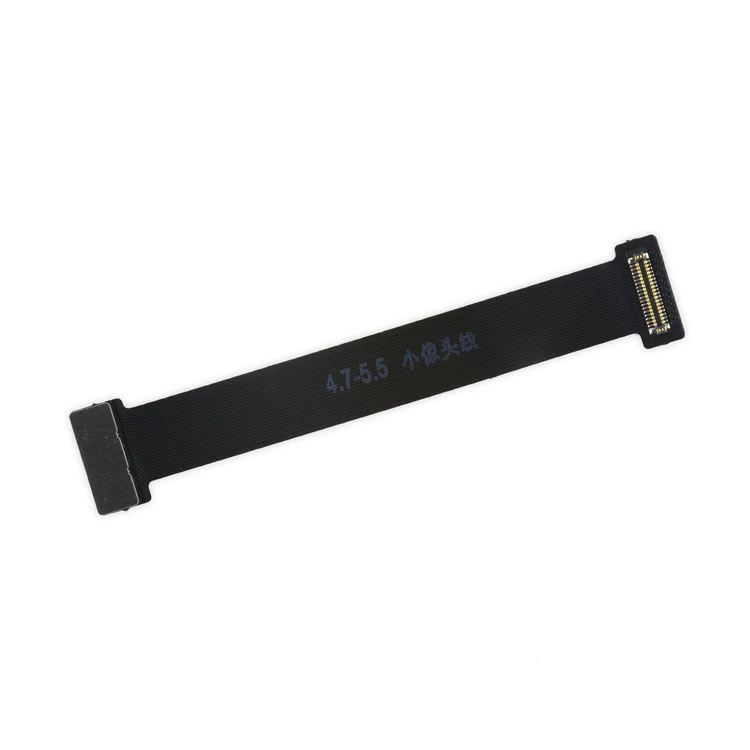
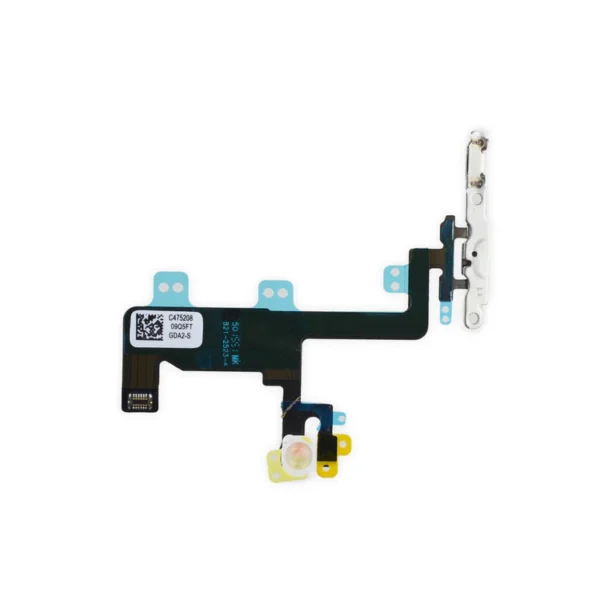
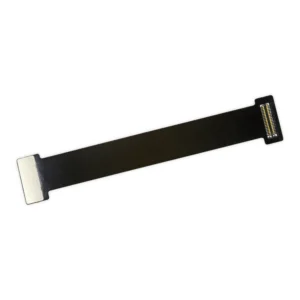
| Description | This handy test cable makes it easy to check the functions of a front camera and sensor cable assembly without having to complete the installation and is indispensable to anyone who makes multiple iPhone 6 and 6 Plus repairs. With this cable installed in an iPhone 6 or 6 Plus body you can connect, test, and quickly swap multiple replacement front camera cables without wearing out the delicate press fit connector on the logic board. | Replace the internal power button switch and cable with its metal bracket in your iPhone 6.
Specifications:
|
- Includes a set of two replacement 5-point Pentalobe screws.
- iPhone 6 and 6 Plus smartphones have two proprietary 5-point Pentalobe screws near the lightning connector.
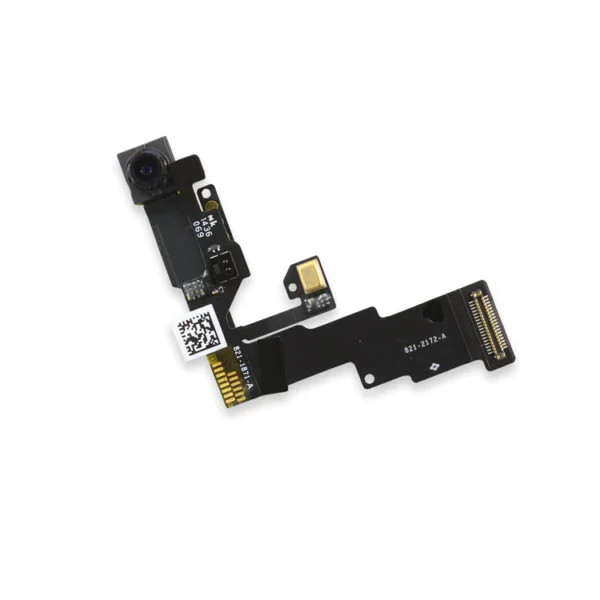
| Replace a front-facing camera and sensor cable in your iPhone 6 and fix problems with front-facing camera images, poor noise cancelling for phone calls, or malfunctioning screen brightness adjustment.
Specifications:
| This handy test cable makes it easy to check the functions of an iPhone 6 LCD and Digitizer without having to complete the installation and close up the iPhone's case, making it indispensable to anyone who makes multiple iPhone 6 repairs. With this cable installed in an iPhone 6 body you can connect, test, and quickly swap multiple replacement LCDs and digitizers without wearing out the delicate press fit connectors on the logic board.
Note: This cable only tests the functions of the LCD and digitizer. It does not test the home button, front camera, or earpiece speaker. | Replace a scratched or cracked front glass panel or malfunctioning display. This part is preferred by repair professionals.
Our Premium screens are all hand tested here in the USA. We test, track, and guarantee every one of our Premium replacement iPhone screens to ensure you get the best part every time. We back that up with our Lifetime Guarantee as well.
Specifications:
| Resolution |
750 x 1334 |
| Display Panel |
Aftermarket LCD |
| Diagonal Size |
4.7" |
|
| Content | iPhone 6 and 6 Plus Test Cable for Front Camera
This handy test cable makes it easy to check the functions of a front camera and sensor cable assembly without having to complete the installation and is indispensable to anyone who makes multiple iPhone 6 and 6 Plus repairs. With this cable installed in an iPhone 6 or 6 Plus body you can connect, test, and quickly swap multiple replacement front camera cables without wearing out the delicate press fit connector on the logic board. | iPhone 6 Power Button Cable and Bracket
Replace the internal power button switch and cable with its metal bracket in your iPhone 6.
Specifications:
| iPhone 6/6 Plus Bottom Screws
- Includes a set of two replacement 5-point Pentalobe screws.
- iPhone 6 and 6 Plus smartphones have two proprietary 5-point Pentalobe screws near the lightning connector.
| iPhone 6 Front Camera and Sensor Cable
Replace a front-facing camera and sensor cable in your iPhone 6 and fix problems with front-facing camera images, poor noise cancelling for phone calls, or malfunctioning screen brightness adjustment.
Specifications:
| iPhone 6 Test Cable for LCD Screen and Digitizer
This handy test cable makes it easy to check the functions of an iPhone 6 LCD and Digitizer without having to complete the installation and close up the iPhone's case, making it indispensable to anyone who makes multiple iPhone 6 repairs. With this cable installed in an iPhone 6 body you can connect, test, and quickly swap multiple replacement LCDs and digitizers without wearing out the delicate press fit connectors on the logic board.
Note: This cable only tests the functions of the LCD and digitizer. It does not test the home button, front camera, or earpiece speaker. | iPhone 6 LCD and Digitizer
Replace a scratched or cracked front glass panel or malfunctioning display. This part is preferred by repair professionals.
Our Premium screens are all hand tested here in the USA. We test, track, and guarantee every one of our Premium replacement iPhone screens to ensure you get the best part every time. We back that up with our Lifetime Guarantee as well.
Note:
- The Touch ID function will only work with your phone's original home button assembly.
- This replacement part does not include the home button. You will need to transfer the button assembly from your old display to retain Touch ID.
- The front camera, earpiece speaker, and the LCD shield plate are not included. You will need to transfer those parts from your original screen assembly.
Specifications:
| Resolution |
750 x 1334 |
| Display Panel |
Aftermarket LCD |
| Diagonal Size |
4.7" |
|






Reviews
There are no reviews yet.