| SKU | iPhone 6 and 6 Plus Test Cable for Front Camera | iPhone 6 Lightning Connector and Headphone Jack | iPhone 6 Home Button Link Cable | iPhone 6 and 6 Plus Proximity Sensor Frame | iPhone 6 Test Cable for LCD Screen and Digitizer | iPhone 6 and 6 Plus Home Button Bracket |
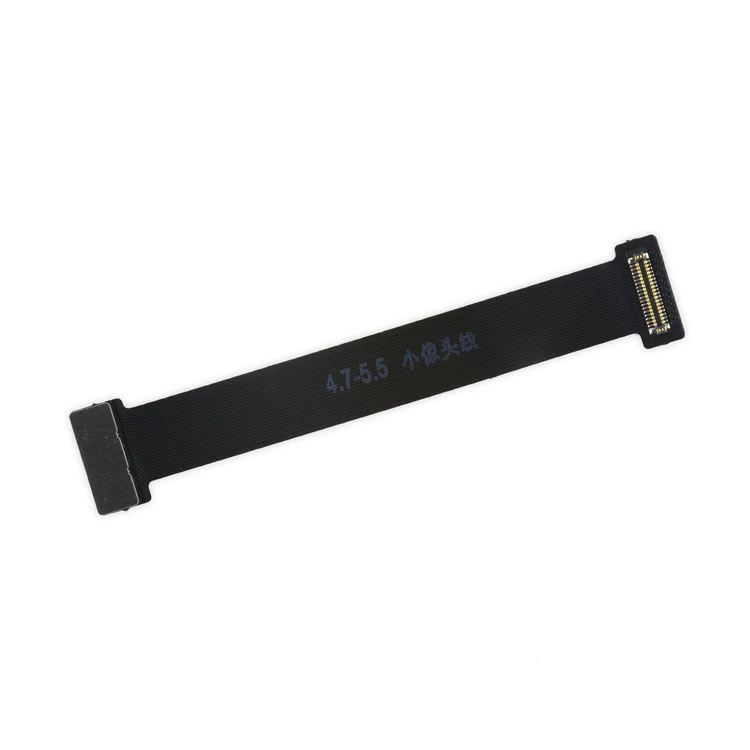
| Description | This handy test cable makes it easy to check the functions of a front camera and sensor cable assembly without having to complete the installation and is indispensable to anyone who makes multiple iPhone 6 and 6 Plus repairs. With this cable installed in an iPhone 6 or 6 Plus body you can connect, test, and quickly swap multiple replacement front camera cables without wearing out the delicate press fit connector on the logic board. |
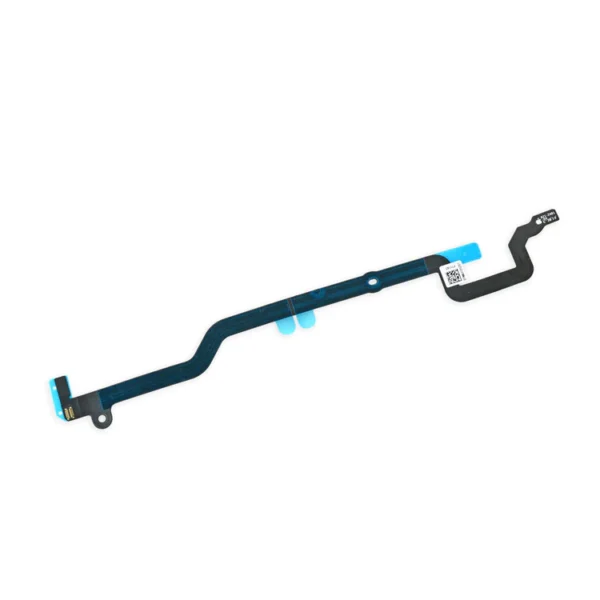
Replace a dirty, corroded, or damaged lightning connector, or a broken headphone jack in an iPhone 6. This repair may resolve a host of issues like a malfunctioning microphone, slow or nonexistent charging, limited connectivity, or spotty headphone output for your iPhone 6. | Replace a torn or missing cable that connects the home button assembly to the logic board of your iPhone 6.
- This cable follows a channel in the LCD shield plate of the device.
This cable is available installed on the LCD Shield Plate as well. |
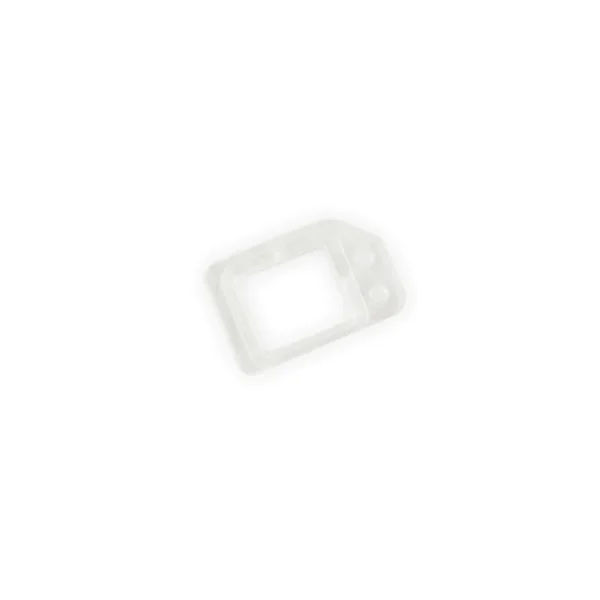
Replace a missing or damaged frame for your proximity sensor. This tiny clear plastic frame is adhered to the back of the front glass panel near the top edge and holds the proximity sensor centered over the small window in the front glass. | This handy test cable makes it easy to check the functions of an iPhone 6 LCD and Digitizer without having to complete the installation and close up the iPhone's case, making it indispensable to anyone who makes multiple iPhone 6 repairs. With this cable installed in an iPhone 6 body you can connect, test, and quickly swap multiple replacement LCDs and digitizers without wearing out the delicate press fit connectors on the logic board.
Note: This cable only tests the functions of the LCD and digitizer. It does not test the home button, front camera, or earpiece speaker. |
- Replace a bent or missing metal bracket that secures the home button assembly to the inside of the display in your iPhone 6 or 6 Plus.
- Fix a loose connection causing an unresponsive home button.
|
| Content | iPhone 6 and 6 Plus Test Cable for Front Camera
This handy test cable makes it easy to check the functions of a front camera and sensor cable assembly without having to complete the installation and is indispensable to anyone who makes multiple iPhone 6 and 6 Plus repairs. With this cable installed in an iPhone 6 or 6 Plus body you can connect, test, and quickly swap multiple replacement front camera cables without wearing out the delicate press fit connector on the logic board. | iPhone 6 Lightning Connector and Headphone Jack
Replace a dirty, corroded, or damaged lightning connector, or a broken headphone jack in an iPhone 6. This repair may resolve a host of issues like a malfunctioning microphone, slow or nonexistent charging, limited connectivity, or spotty headphone output for your iPhone 6. | iPhone 6 Home Button Link Cable
Replace a torn or missing cable that connects the home button assembly to the logic board of your iPhone 6.
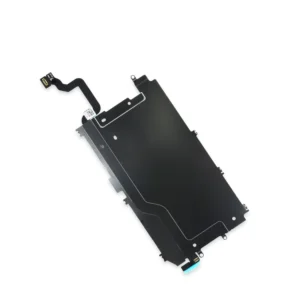
- This cable follows a channel in the LCD shield plate of the device.
This cable is available installed on the LCD Shield Plate as well. | iPhone 6 and 6 Plus Proximity Sensor Frame
Replace a missing or damaged frame for your proximity sensor. This tiny clear plastic frame is adhered to the back of the front glass panel near the top edge and holds the proximity sensor centered over the small window in the front glass. | iPhone 6 Test Cable for LCD Screen and Digitizer
This handy test cable makes it easy to check the functions of an iPhone 6 LCD and Digitizer without having to complete the installation and close up the iPhone's case, making it indispensable to anyone who makes multiple iPhone 6 repairs. With this cable installed in an iPhone 6 body you can connect, test, and quickly swap multiple replacement LCDs and digitizers without wearing out the delicate press fit connectors on the logic board.
Note: This cable only tests the functions of the LCD and digitizer. It does not test the home button, front camera, or earpiece speaker. | iPhone 6 and 6 Plus Home Button Bracket
- Replace a bent or missing metal bracket that secures the home button assembly to the inside of the display in your iPhone 6 or 6 Plus.
- Fix a loose connection causing an unresponsive home button.
|






Reviews
There are no reviews yet.