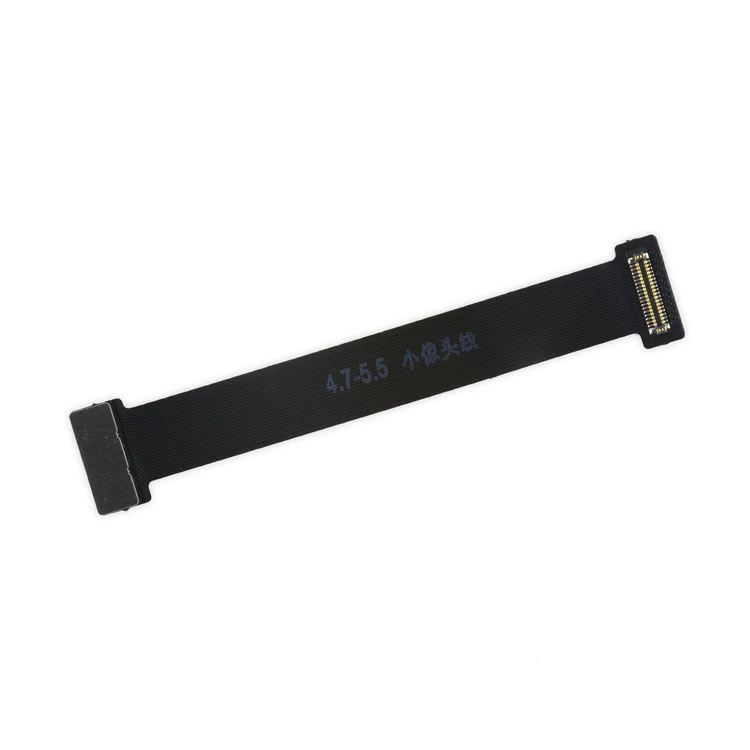
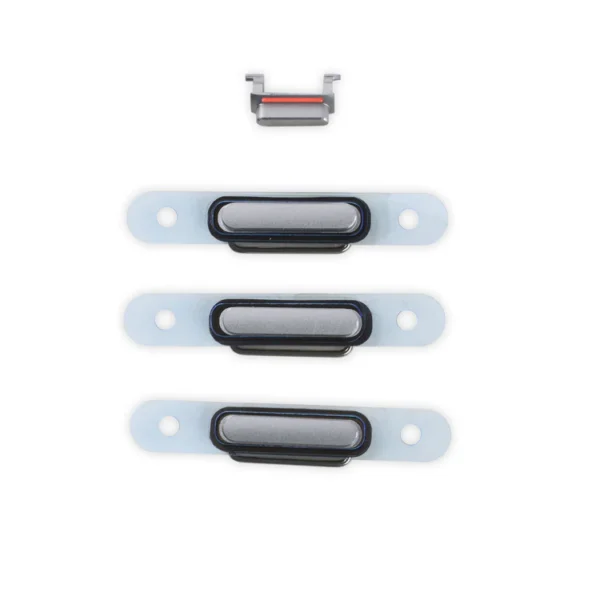
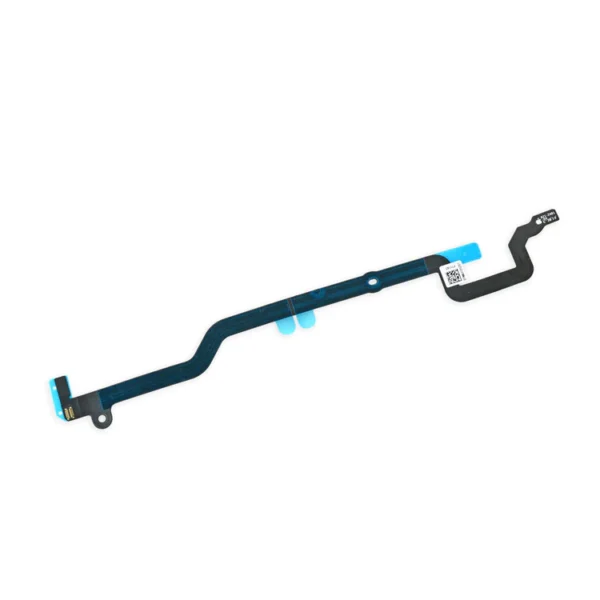
| SKU | iPhone 6 and 6 Plus Test Cable for Front Camera | iPhone 6 Case Button Set | iPhone 6 and 6 Plus Home Button Gasket | iPhone 6 Home Button Link Cable | iPhone 6 LCD Shield Plate with Sticker and Home Cable | iPhone 6 Antenna Flex Cable |
| Description | This handy test cable makes it easy to check the functions of a front camera and sensor cable assembly without having to complete the installation and is indispensable to anyone who makes multiple iPhone 6 and 6 Plus repairs. With this cable installed in an iPhone 6 or 6 Plus body you can connect, test, and quickly swap multiple replacement front camera cables without wearing out the delicate press fit connector on the logic board. | Replace a scratched or missing exterior case button for your iPhone 6. Gray tone to match the case of the Black iPhone 6.
Note: These are the button parts visible on the outside of the case. The actual buttons and switch that do all the work are attached to the Audio Control or Power Button Cable. | Replace a torn or loose gasket between the home button face and the inside of the display in your iPhone 6 or 6 Plus. | Replace a torn or missing cable that connects the home button assembly to the logic board of your iPhone 6.
- This cable follows a channel in the LCD shield plate of the device.
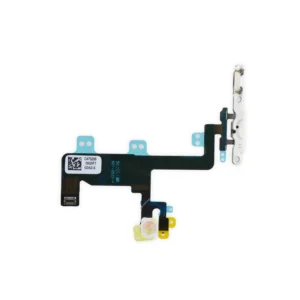
This cable is available installed on the LCD Shield Plate as well. | Replace a damaged LCD shield plate and home button link cable for your iPhone 6 with this part.
- The shield diffuses heat and protects the back of the LCD.
- This part fits between the LCD and the main body of the phone.
Specifications
| Part Number |
821-2481
Note: This is not the iPhone 6 LCD and Digitizer and does not include the LCD. |
|
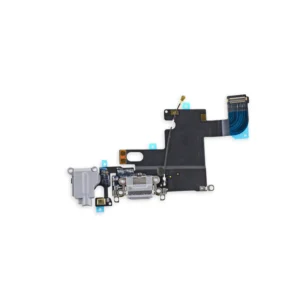
Replace a torn or damaged four connector Logic Board Antenna Flex Cable in your iPhone 6 and fix routing issues with Wi-Fi signal. |
| Content | iPhone 6 and 6 Plus Test Cable for Front Camera
This handy test cable makes it easy to check the functions of a front camera and sensor cable assembly without having to complete the installation and is indispensable to anyone who makes multiple iPhone 6 and 6 Plus repairs. With this cable installed in an iPhone 6 or 6 Plus body you can connect, test, and quickly swap multiple replacement front camera cables without wearing out the delicate press fit connector on the logic board. | iPhone 6 Case Button Set
Replace a scratched or missing exterior case button for your iPhone 6. Gray tone to match the case of the Black iPhone 6.
Note: These are the button parts visible on the outside of the case. The actual buttons and switch that do all the work are attached to the Audio Control or Power Button Cable. | iPhone 6 and 6 Plus Home Button Gasket
Replace a torn or loose gasket between the home button face and the inside of the display in your iPhone 6 or 6 Plus. | iPhone 6 Home Button Link Cable
Replace a torn or missing cable that connects the home button assembly to the logic board of your iPhone 6.
- This cable follows a channel in the LCD shield plate of the device.
This cable is available installed on the LCD Shield Plate as well. | iPhone 6 LCD Shield Plate with Sticker and Home Cable
Replace a damaged LCD shield plate and home button link cable for your iPhone 6 with this part.
- The shield diffuses heat and protects the back of the LCD.
- This part fits between the LCD and the main body of the phone.
Specifications
| Part Number |
821-2481
Note: This is not the iPhone 6 LCD and Digitizer and does not include the LCD. |
| iPhone 6 Logic Board Antenna Flex Cable
Replace a torn or damaged four connector Logic Board Antenna Flex Cable in your iPhone 6 and fix routing issues with Wi-Fi signal. |
| Additional information |
|
|
|
|
|
|






Reviews
There are no reviews yet.