Description
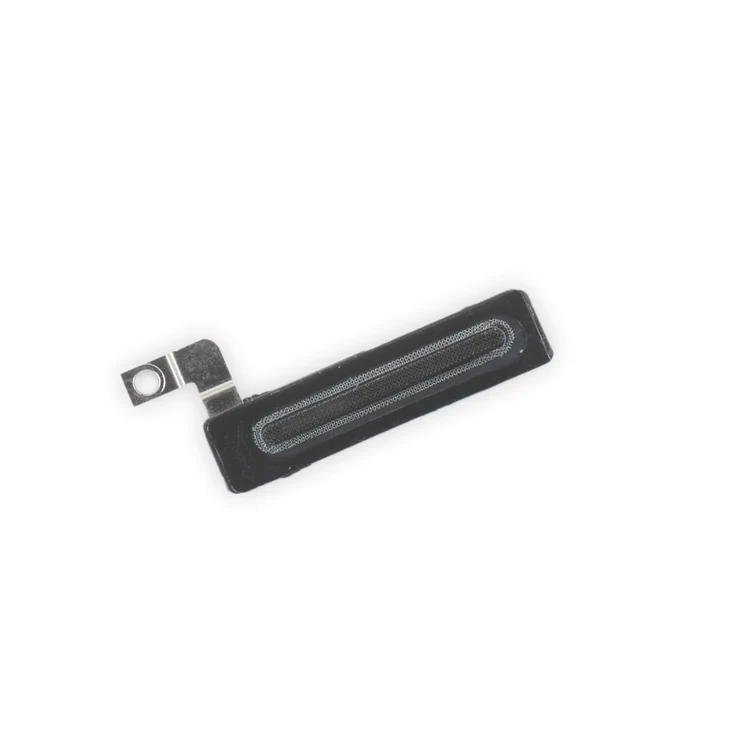
iPhone 7 Plus Earpiece Speaker Mesh Bracket Assembly
Replace the plastic bracket that holds the earpiece speaker dust proof mesh in place against the inside of the front panel assembly in your iPhone 7 Plus.

$9.00
Replace the plastic bracket that holds the earpiece speaker dust proof mesh in place against the inside of the front panel assembly in your iPhone 7 Plus.
Replace the plastic bracket that holds the earpiece speaker dust proof mesh in place against the inside of the front panel assembly in your iPhone 7 Plus.
| iPhone 7 Plus Parts | |
|---|---|
| IPhones Repair Parts |
| iPhone 7 Plus Earpiece Speaker Mesh Bracket Assembly remove | iPhone 7 Plus Wi-Fi Diversity Antenna remove | iPhone 7/7 Plus Test Cable for Home Button remove | iPhone 7 Plus Case Button Set remove | iPhone 7/7 Plus Hold Switch Gasket remove | iPhone 7 Plus Front Panel Assembly Cable Bracket remove | |||||||||||||||||||||||||
|---|---|---|---|---|---|---|---|---|---|---|---|---|---|---|---|---|---|---|---|---|---|---|---|---|---|---|---|---|---|---|
| Name | iPhone 7 Plus Earpiece Speaker Mesh Bracket Assembly remove | iPhone 7 Plus Wi-Fi Diversity Antenna remove | iPhone 7/7 Plus Test Cable for Home Button remove | iPhone 7 Plus Case Button Set remove | iPhone 7/7 Plus Hold Switch Gasket remove | iPhone 7 Plus Front Panel Assembly Cable Bracket remove | ||||||||||||||||||||||||
| Image | 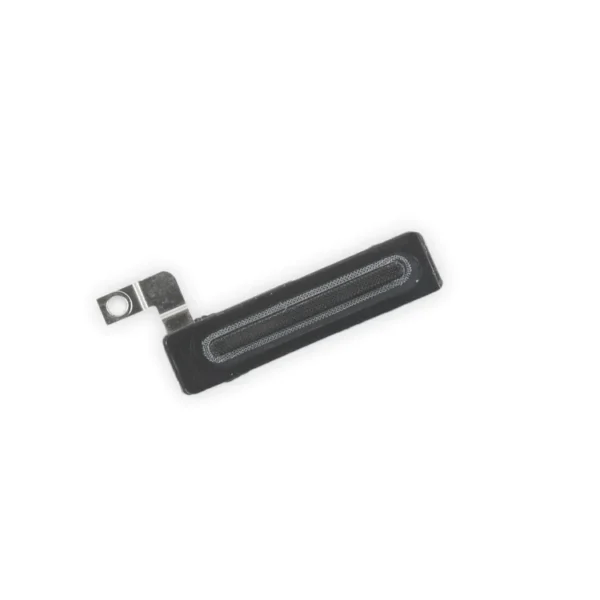 |  | 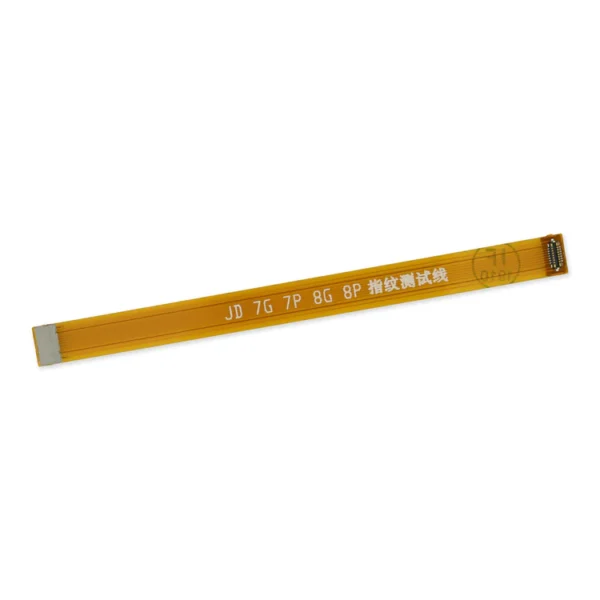 | 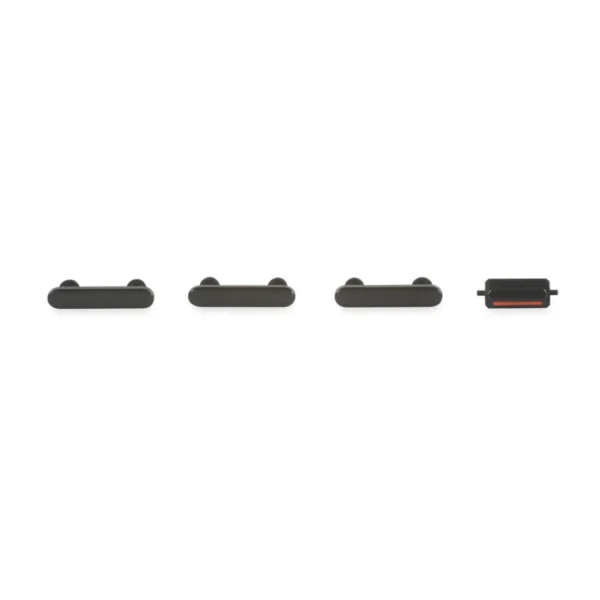 |  | 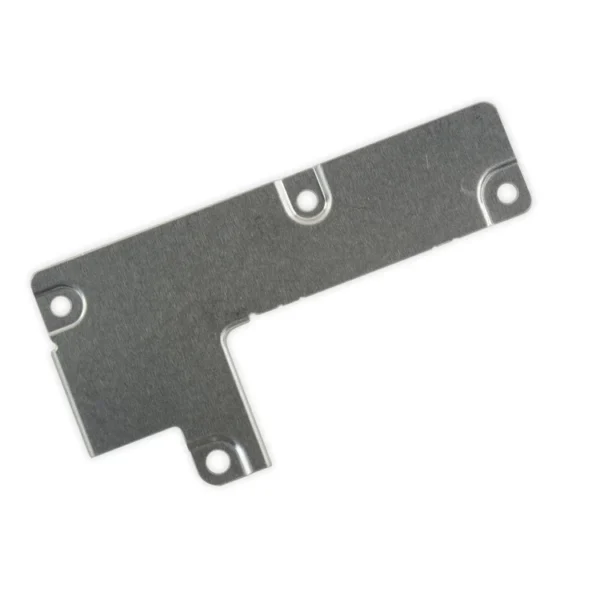 | ||||||||||||||||||||||||
| SKU | iPhone 7 Plus Earpiece Speaker Mesh Bracket Assembly | iPhone 7 Plus Wi-Fi Diversity Antenna | iPhone 7/7 Plus Test Cable for Home Button | iPhone 7 Plus Case Button Set | iPhone 7/7 Plus Hold Switch Gasket | iPhone 7 Plus Front Panel Assembly Cable Bracket | ||||||||||||||||||||||||
| Rating | ||||||||||||||||||||||||||||||
| Price | $9.00 | $7.00 | $11.00 | $11.00 | $1.05 | $6.00 | ||||||||||||||||||||||||
| Stock | ||||||||||||||||||||||||||||||
| Availability | ||||||||||||||||||||||||||||||
| Add to cart | ||||||||||||||||||||||||||||||
| Description |
Replace the plastic bracket that holds the earpiece speaker dust proof mesh in place against the inside of the front panel assembly in your iPhone 7 Plus. | Replace a torn or missing Wi-Fi Diversity Antenna in your iPhone 7 Plus and fix unreliable connections to Wi-Fi signal.
This Wi-Fi Diversity and cable is adhered to the loudspeaker in the lower right corner inside the rear case. Specifications:
|
|
|
Replace a torn or missing gasket on the hold button assembly for an iPhone 7 or iPhone 7 Plus. This gasket fits around the body of the hold button assembly. | This metal bracket secures the connectors from the LCD and digitizer as well as the battery cable to the logic board. | ||||||||||||||||||||||||
| Content | iPhone 7 Plus Earpiece Speaker Mesh Bracket AssemblyReplace the plastic bracket that holds the earpiece speaker dust proof mesh in place against the inside of the front panel assembly in your iPhone 7 Plus. | iPhone 7 Plus Wi-Fi Diversity AntennaReplace a torn or missing Wi-Fi Diversity Antenna in your iPhone 7 Plus and fix unreliable connections to Wi-Fi signal.This Wi-Fi Diversity and cable is adhered to the loudspeaker in the lower right corner inside the rear case. Specifications:
| iPhone 7/7 Plus Test Cable for Home Button
| iPhone 7 Plus Case Button Set
| iPhone 7/7 Plus Hold Switch GasketReplace a torn or missing gasket on the hold button assembly for an iPhone 7 or iPhone 7 Plus. This gasket fits around the body of the hold button assembly. | iPhone 7 Plus Front Panel Assembly Cable BracketThis metal bracket secures the connectors from the LCD and digitizer as well as the battery cable to the logic board. | ||||||||||||||||||||||||
| Weight | N/A | N/A | N/A | N/A | N/A | N/A | ||||||||||||||||||||||||
| Dimensions | N/A | N/A | N/A | N/A | N/A | N/A | ||||||||||||||||||||||||
| Additional information |
|
|
|
|
|
|


Reviews
There are no reviews yet.