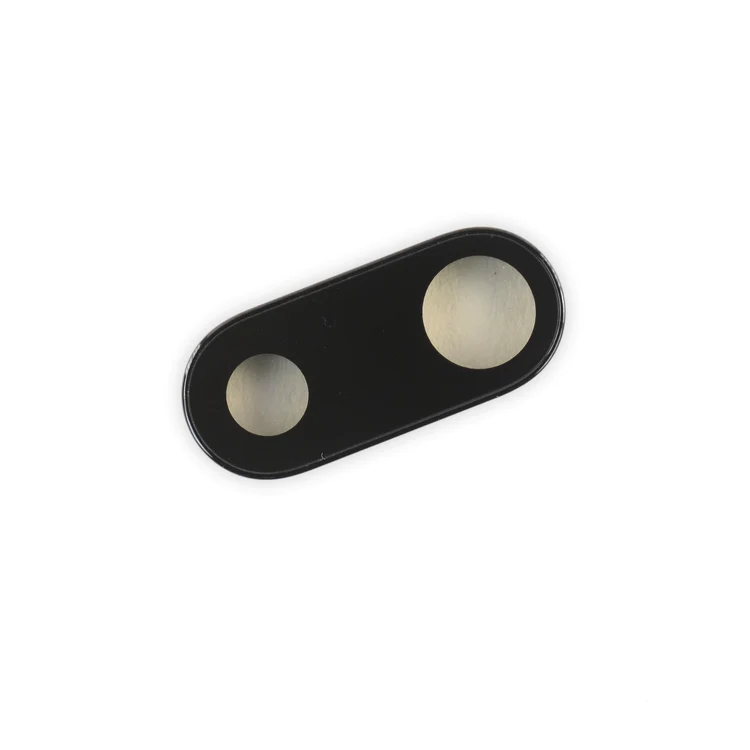
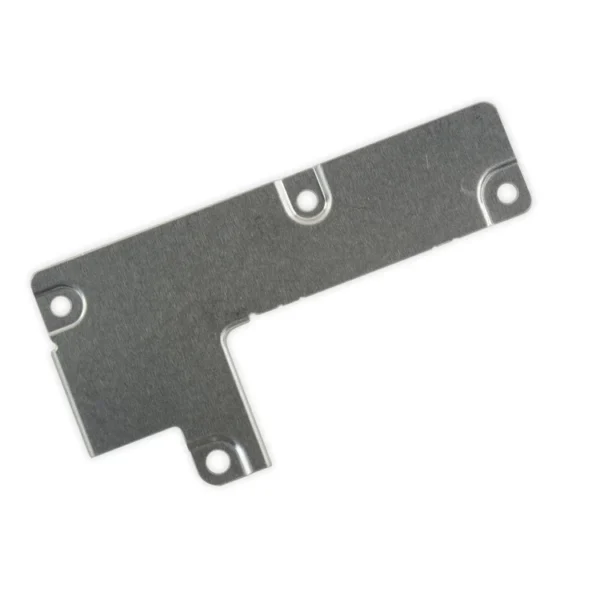
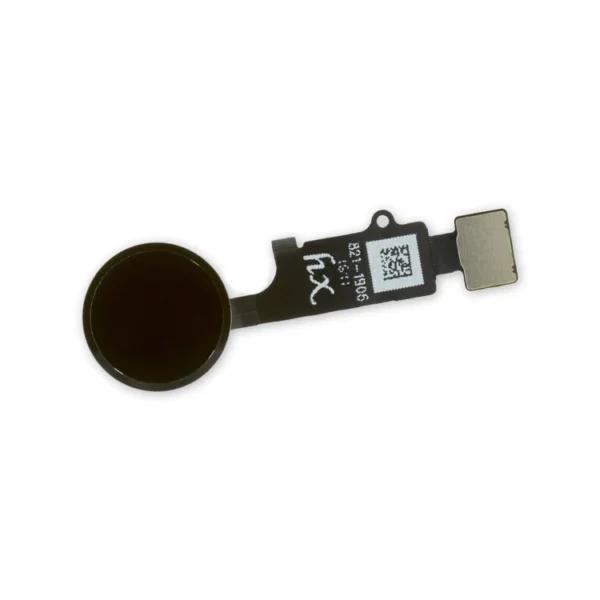
iPhone 7 Plus Dual Rear Camera Lens Cover

$7.00

Replace the external lens covers for the dual rear-facing cameras in your iPhone 7 Plus.

Note: Removal of this part requires breaking spot welds between the lens cover bezel and the internal camera bracket. This is a difficult task. Be sure to review all of the replacement guide before attempting this repair.

SKU: iPhone 7 Plus Dual Rear Camera Lens Cover Category:

Description

iPhone 7 Plus Dual Rear Camera Lens Cover

Replace the external lens covers for the dual rear-facing cameras in your iPhone 7 Plus.

Note: Removal of this part requires breaking spot welds between the lens cover bezel and the internal camera bracket. This is a difficult task. Be sure to review all of the replacement guide before attempting this repair.

Additional information

iPhone 7 Plus Parts

IPhones Repair Parts

Reviews

There are no reviews yet.

Be the first to review “iPhone 7 Plus Dual Rear Camera Lens Cover”

Your email address will not be published. Required fields are marked *

Quick Comparison

iPhone 7 Plus Dual Rear Camera Lens Cover removeiPhone 7 Plus Test Cable for LCD Screen and Digitizer removeiPhone 7/7 Plus Power/Volume Button Retaining Clips removeiPhone 7/7 Plus Test Cable for Rear Camera removeiPhone 7/7 Plus Test Cable for Front Camera and Sensors removeiPhone 7 Plus Top Center Antenna Cable remove
NameiPhone 7 Plus Dual Rear Camera Lens Cover removeiPhone 7 Plus Test Cable for LCD Screen and Digitizer removeiPhone 7/7 Plus Power/Volume Button Retaining Clips removeiPhone 7/7 Plus Test Cable for Rear Camera removeiPhone 7/7 Plus Test Cable for Front Camera and Sensors removeiPhone 7 Plus Top Center Antenna Cable remove
ImageiPhone 7 Plus Dual Rear Camera Lens CoveriPhone 7 Plus Test Cable for LCD Screen and DigitizeriPhone 7/7 Plus Power/Volume Button Retaining ClipsiPhone 7/7 Plus Test Cable for Rear CameraiPhone 7/7 Plus Test Cable for Front Camera and SensorsiPhone 7 Plus Top Center Antenna Cable
SKUiPhone 7 Plus Dual Rear Camera Lens CoveriPhone 7 Plus Test Cable for LCD Screen and DigitizeriPhone 7/7 Plus Power/Volume Button Retaining ClipsiPhone 7/7 Plus Test Cable for Rear CameraiPhone 7/7 Plus Test Cable for Front Camera and SensorsiPhone 7 Plus Top Center Antenna Cable
Rating
Rated 0 out of 5
Rated 0 out of 5
Rated 0 out of 5
Rated 0 out of 5
Rated 0 out of 5
Rated 0 out of 5
Price$7.00$16.00$4.00$11.00$11.00$6.00
Stock
Availability
Add to cart

Add to cart

Add to cart

Add to cart

Add to cart

Add to cart

Add to cart

DescriptionReplace the external lens covers for the dual rear-facing cameras in your iPhone 7 Plus. Note: Removal of this part requires breaking spot welds between the lens cover bezel and the internal camera bracket. This is a difficult task. Be sure to review all of the replacement guide before attempting this repair.
  • This handy test cable makes it easy to check the functions of an iPhone 7 Plus LCD Screen and Digitizer without having to complete the installation and close up the iPhone's case.
  • Indispensable to anyone who makes multiple iPhone 7 Plus repairs.
  • With this cable installed in an iPhone 7 Plus body you can connect, test, and quickly swap multiple replacement LCDs and digitizers without wearing out the delicate press fit connectors on the logic board.
Note: This cable only tests the functions of the LCD and digitizer. It does not test the home button, front camera, or earpiece speaker.
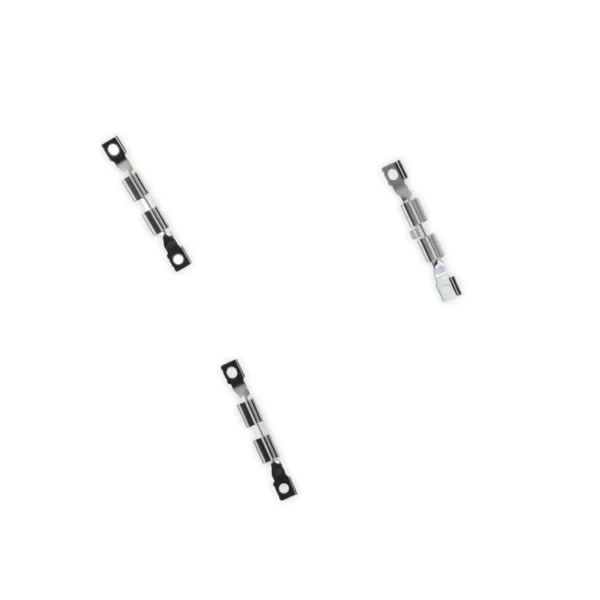
Replace the internal clips that hold the external button covers in place. These clips snap over the posts on the inside of the power and volume button covers, preventing the button covers from falling out of the iPhone's case. Set of three clips.

This handy test cable makes it easy to check the functions of a rear-facing camera in an iPhone 7 or iPhone 7 Plus without having to complete the installation and close up the iPhone's case.

  • Indispensable to anyone who makes multiple iPhone 7 or iPhone 7 Plus repairs.
  • With this cable installed you can connect, test, and quickly swap multiple replacement rear-facing cameras without wearing out the delicate press fit connectors on the logic board.
Note: This cable fits the connectors for the main and secondary rear-facing cameras in a iPhone 7 Plus, but one cable can only test one camera at a time.
  • This handy test cable makes it easy to check the functions of an iPhone 7 or iPhone 7 Plus front-facing camera and sensor cable assembly without having to complete the installation and close up the iPhone's case.
  • Indispensable to anyone who makes multiple iPhone 7 and iPhone 7 Plus repairs.
  • With this cable installed you can connect, test, and quickly swap multiple replacement front-facing camera and sensor cables without wearing out the delicate press fit connectors on the logic board.

  Replace the antenna cable in the top center of the rear case in your iPhone 7 Plus smartphone.

Content

iPhone 7 Plus Dual Rear Camera Lens Cover

Replace the external lens covers for the dual rear-facing cameras in your iPhone 7 Plus. Note: Removal of this part requires breaking spot welds between the lens cover bezel and the internal camera bracket. This is a difficult task. Be sure to review all of the replacement guide before attempting this repair.

iPhone 7 Plus Test Cable for LCD Screen and Digitizer

 
  • This handy test cable makes it easy to check the functions of an iPhone 7 Plus LCD Screen and Digitizer without having to complete the installation and close up the iPhone's case.
  • Indispensable to anyone who makes multiple iPhone 7 Plus repairs.
  • With this cable installed in an iPhone 7 Plus body you can connect, test, and quickly swap multiple replacement LCDs and digitizers without wearing out the delicate press fit connectors on the logic board.
Note: This cable only tests the functions of the LCD and digitizer. It does not test the home button, front camera, or earpiece speaker.

iPhone 7/7 Plus Power/Volume Button Retaining Clips

Replace the internal clips that hold the external button covers in place. These clips snap over the posts on the inside of the power and volume button covers, preventing the button covers from falling out of the iPhone's case. Set of three clips.

iPhone 7/7 Plus Test Cable for Rear Camera

This handy test cable makes it easy to check the functions of a rear-facing camera in an iPhone 7 or iPhone 7 Plus without having to complete the installation and close up the iPhone's case.

  • Indispensable to anyone who makes multiple iPhone 7 or iPhone 7 Plus repairs.
  • With this cable installed you can connect, test, and quickly swap multiple replacement rear-facing cameras without wearing out the delicate press fit connectors on the logic board.
Note: This cable fits the connectors for the main and secondary rear-facing cameras in a iPhone 7 Plus, but one cable can only test one camera at a time.

iPhone 7/7 Plus Test Cable for Front Camera and Sensors

 
  • This handy test cable makes it easy to check the functions of an iPhone 7 or iPhone 7 Plus front-facing camera and sensor cable assembly without having to complete the installation and close up the iPhone's case.
  • Indispensable to anyone who makes multiple iPhone 7 and iPhone 7 Plus repairs.
  • With this cable installed you can connect, test, and quickly swap multiple replacement front-facing camera and sensor cables without wearing out the delicate press fit connectors on the logic board.

iPhone 7 Plus Top Center Antenna Cable

  Replace the antenna cable in the top center of the rear case in your iPhone 7 Plus smartphone.

WeightN/AN/AN/AN/AN/AN/A
DimensionsN/AN/AN/AN/AN/AN/A
Additional information
iPhone 7 Plus Parts

IPhones Repair Parts

iPhone 7 Plus Parts

IPhones Repair Parts

iPhone 7 Parts

IPhones Repair Parts

iPhone 7 Parts

iPhone 7 Plus Parts

IPhones Repair Parts

iPhone 7 Parts

iPhone 7 Plus Parts

IPhones Repair Parts

iPhone 7 Plus Parts

IPhones Repair Parts

Select the fields to be shown. Others will be hidden. Drag and drop to rearrange the order.
  • Image
  • SKU
  • Rating
  • Price
  • Stock
  • Availability
  • Add to cart
  • Description
  • Content
  • Weight
  • Dimensions
  • Additional information
Click outside to hide the comparison bar
Compare