| SKU | iPhone 7 Plus Dual Rear Camera Lens Cover | iPhone 7 Plus Lightning Connector Assembly | iPhone 7 Plus/8 Plus Home Button Bracket | iPhone 7 Plus Top Left Antenna | iPhone 7 Plus Wi-Fi Diversity Antenna | iPhone 7/7 Plus/8/8 Plus Replacement Home Button |
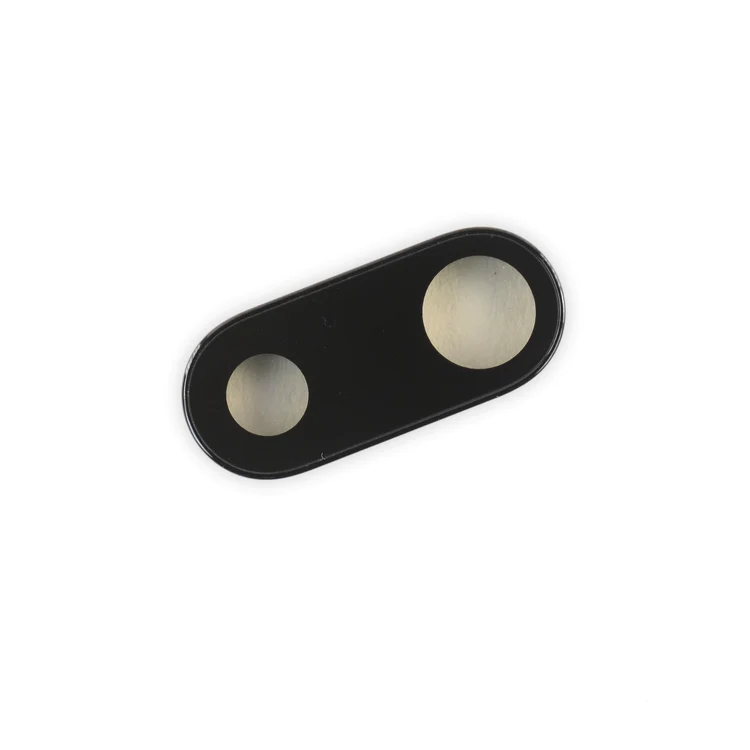
| Description | Replace the external lens covers for the dual rear-facing cameras in your iPhone 7 Plus.
Note: Removal of this part requires breaking spot welds between the lens cover bezel and the internal camera bracket. This is a difficult task. Be sure to review all of the replacement guide before attempting this repair. | Replace a corroded or damaged lightning connector in your iPhone 7 Plus.
If your phone isn't charging, has connectivity problems, is not recognized when plugged into your computer via USB, or has trouble recording audio, this part could fix the problem.
Specifications:
| Replace a missing or bent metal bracket securing the home button assembly to the back of the display assembly and fix a misaligned home button. | Replace the antenna in the top left of the rear case in your iPhone 7 Plus. | Replace a torn or missing Wi-Fi Diversity Antenna in your iPhone 7 Plus and fix unreliable connections to Wi-Fi signal.
This Wi-Fi Diversity and cable is adhered to the loudspeaker in the lower right corner inside the rear case.
Specifications:
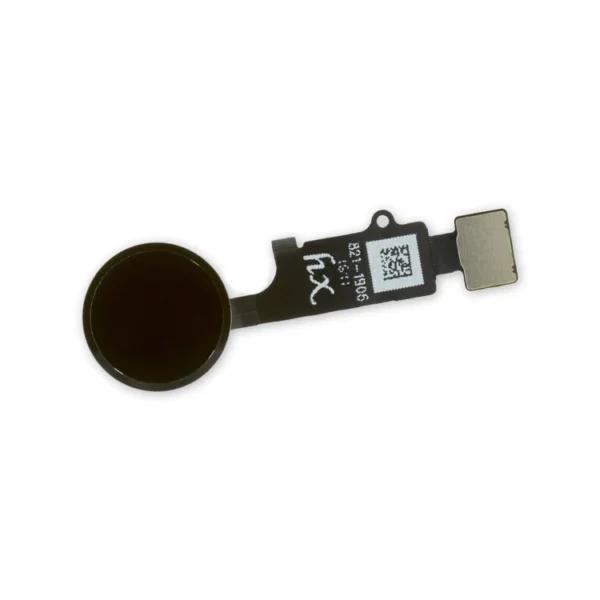
| Replace a home button assembly in your iPhone 7/7 Plus/8/8 Plus and fix an unresponsive home button. |
| Content | iPhone 7 Plus Dual Rear Camera Lens Cover
Replace the external lens covers for the dual rear-facing cameras in your iPhone 7 Plus.
Note: Removal of this part requires breaking spot welds between the lens cover bezel and the internal camera bracket. This is a difficult task. Be sure to review all of the replacement guide before attempting this repair. | iPhone 7 Plus Lightning Connector Assembly
Replace a corroded or damaged lightning connector in your iPhone 7 Plus.
If your phone isn't charging, has connectivity problems, is not recognized when plugged into your computer via USB, or has trouble recording audio, this part could fix the problem.
Specifications:
| iPhone 7 Plus/8 Plus Home Button Bracket
Replace a missing or bent metal bracket securing the home button assembly to the back of the display assembly and fix a misaligned home button. | iPhone 7 Plus Top Left Antenna
Replace the antenna in the top left of the rear case in your iPhone 7 Plus. | iPhone 7 Plus Wi-Fi Diversity Antenna
Replace a torn or missing Wi-Fi Diversity Antenna in your iPhone 7 Plus and fix unreliable connections to Wi-Fi signal.
This Wi-Fi Diversity and cable is adhered to the loudspeaker in the lower right corner inside the rear case.
Specifications:
| iPhone 7/7 Plus/8/8 Plus Replacement Home Button
Replace a home button assembly in your iPhone 7/7 Plus/8/8 Plus and fix an unresponsive home button. |





Reviews
There are no reviews yet.