| SKU | iPhone 7/7 Plus Test Cable for Home Button | iPhone 7/7 Plus Power/Volume Button Retaining Clips | iPhone 7/7 Plus Test Cable for Rear Camera | iPhone 7 Front Camera and Sensor Cable | iPhone 7/7 Plus SIM Card Slot/Reader | iPhone 6/6s/7 Backlight Diode |
| Description |
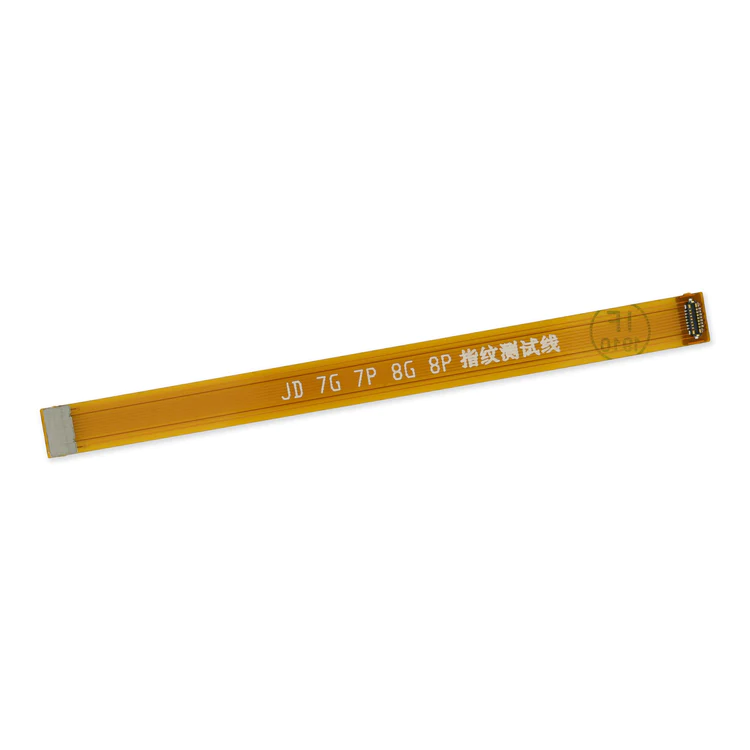
- This handy test cable makes it easy to check the function of a home button assembly without having to complete the installation.
- Indispensable to anyone who makes multiple iPhone 7 and 7 Plus repairs.
- With this cable installed in an iPhone 7 or 7 Plus body you can connect, test, and quickly swap multiple replacement home button assemblies without wearing out the delicate press fit connector on the logic board.
| Replace the internal clips that hold the external button covers in place.
These clips snap over the posts on the inside of the power and volume button covers, preventing the button covers from falling out of the iPhone's case.
Set of three clips. | This handy test cable makes it easy to check the functions of a rear-facing camera in an iPhone 7 or iPhone 7 Plus without having to complete the installation and close up the iPhone's case.
- Indispensable to anyone who makes multiple iPhone 7 or iPhone 7 Plus repairs.
- With this cable installed you can connect, test, and quickly swap multiple replacement rear-facing cameras without wearing out the delicate press fit connectors on the logic board.
Note: This cable fits the connectors for the main and secondary rear-facing cameras in a iPhone 7 Plus, but one cable can only test one camera at a time. | Replace a front-facing camera and sensor cable in your iPhone 7 and fix problems with front-facing camera images, poor noise cancelling for phone calls, or malfunctioning screen brightness adjustment.
- Components of this cable assembly have the part numbers 821-00379 and 821-00514.
Specifications:
|
- Replace a corroded or bent SIM card reader slot and save a logic board from e-waste. This component is surface soldered to the the logic board.
- The SIM card tray is not included.
| Replace a backlight diode on the logic board of the following iPhone models with their component labels:
- iPhone 6 D1501
- iPhone 6s D4020
- iPhone 7 D3702
Are you learning to microsolder or starting your own board level repair business? This component is included in the Board Component Bundle. |
| Content | iPhone 7/7 Plus Test Cable for Home Button
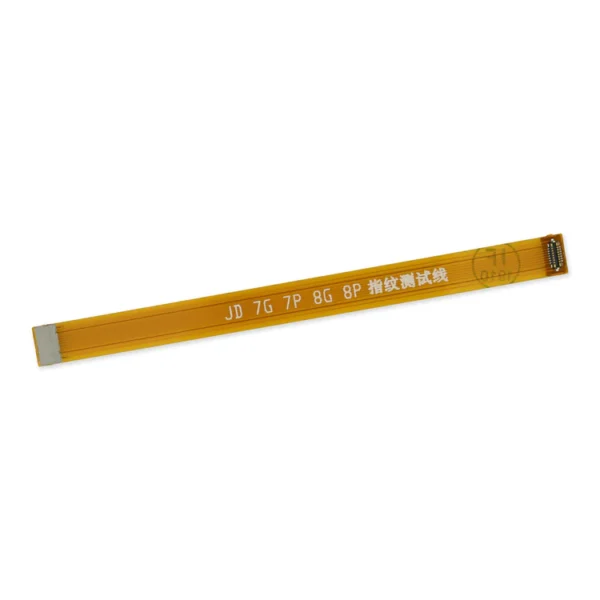
- This handy test cable makes it easy to check the function of a home button assembly without having to complete the installation.
- Indispensable to anyone who makes multiple iPhone 7 and 7 Plus repairs.
- With this cable installed in an iPhone 7 or 7 Plus body you can connect, test, and quickly swap multiple replacement home button assemblies without wearing out the delicate press fit connector on the logic board.
| iPhone 7/7 Plus Power/Volume Button Retaining Clips
Replace the internal clips that hold the external button covers in place.
These clips snap over the posts on the inside of the power and volume button covers, preventing the button covers from falling out of the iPhone's case.
Set of three clips. | iPhone 7/7 Plus Test Cable for Rear Camera
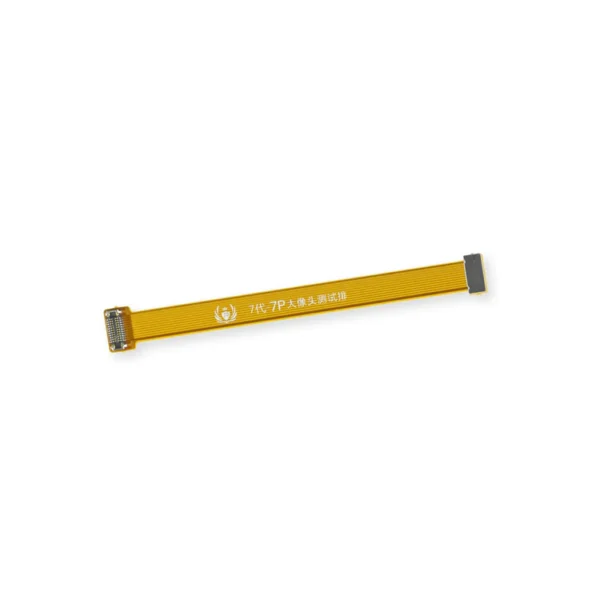
This handy test cable makes it easy to check the functions of a rear-facing camera in an iPhone 7 or iPhone 7 Plus without having to complete the installation and close up the iPhone's case.
- Indispensable to anyone who makes multiple iPhone 7 or iPhone 7 Plus repairs.
- With this cable installed you can connect, test, and quickly swap multiple replacement rear-facing cameras without wearing out the delicate press fit connectors on the logic board.
Note: This cable fits the connectors for the main and secondary rear-facing cameras in a iPhone 7 Plus, but one cable can only test one camera at a time. | iPhone 7 Front Camera and Sensor Cable
Replace a front-facing camera and sensor cable in your iPhone 7 and fix problems with front-facing camera images, poor noise cancelling for phone calls, or malfunctioning screen brightness adjustment.
- Components of this cable assembly have the part numbers 821-00379 and 821-00514.
Specifications:
| iPhone 7/7 Plus SIM Card Slot/Reader
- Replace a corroded or bent SIM card reader slot and save a logic board from e-waste. This component is surface soldered to the the logic board.
- The SIM card tray is not included.
| iPhone 6/6s/7 Backlight Diode
Replace a backlight diode on the logic board of the following iPhone models with their component labels:
- iPhone 6 D1501
- iPhone 6s D4020
- iPhone 7 D3702
Are you learning to microsolder or starting your own board level repair business? This component is included in the Board Component Bundle. |




Reviews
There are no reviews yet.