| SKU | iPhone 7/7 Plus Test Cable for Home Button | iPhone 7/7 Plus SIM Card Tray Gasket | iPhone 7/7 Plus Test Cable for Front Camera and Sensors | iPhone 7/7 Plus/8/8 Plus Replacement Home Button | iPhone 7/7 Plus Button Retaining Clips | iPhone 7 Bare Logic Board |
| Description |
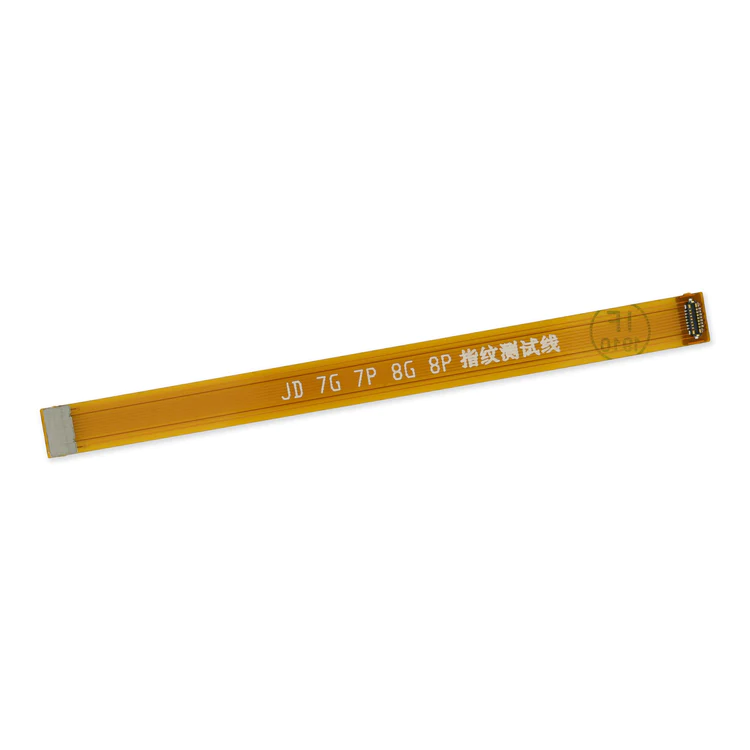
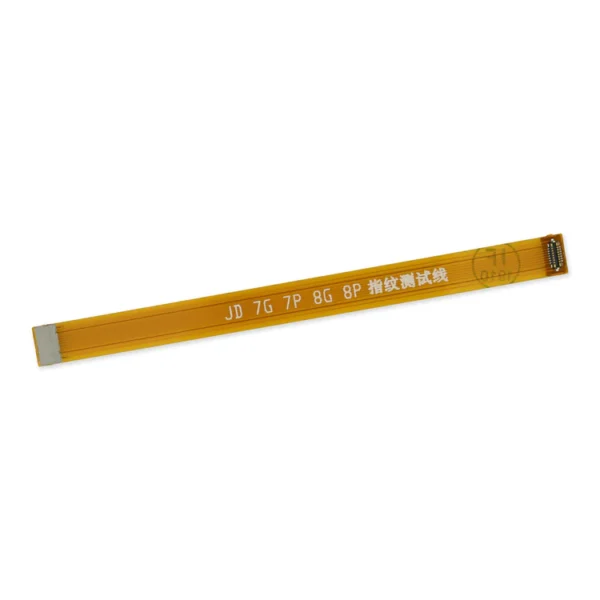
- This handy test cable makes it easy to check the function of a home button assembly without having to complete the installation.
- Indispensable to anyone who makes multiple iPhone 7 and 7 Plus repairs.
- With this cable installed in an iPhone 7 or 7 Plus body you can connect, test, and quickly swap multiple replacement home button assemblies without wearing out the delicate press fit connector on the logic board.
| Replace a torn or missing gasket on the SIM card tray for an iPhone 7 or iPhone 7 Plus. This gasket fits just inside the exterior face of the SIM card tray. |
- This handy test cable makes it easy to check the functions of an iPhone 7 or iPhone 7 Plus front-facing camera and sensor cable assembly without having to complete the installation and close up the iPhone's case.
- Indispensable to anyone who makes multiple iPhone 7 and iPhone 7 Plus repairs.
- With this cable installed you can connect, test, and quickly swap multiple replacement front-facing camera and sensor cables without wearing out the delicate press fit connectors on the logic board.
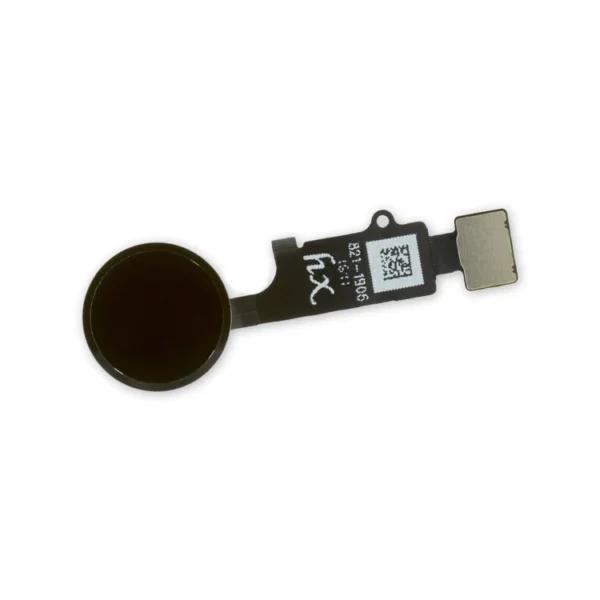
| Replace a home button assembly in your iPhone 7/7 Plus/8/8 Plus and fix an unresponsive home button. |
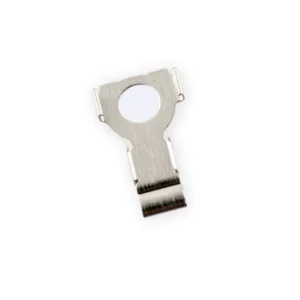
- Replace the internal clips that hold the external button covers in place.
- These clips snap over the posts on the inside of the power and volume button covers, preventing the button covers from falling out of the iPhone's case.
- Set of three clips.
| Replace a bare logic board (with no components) for the iPhone 7.
- This is only the board to which all the surface soldered components would be mounted.
- There are two revision numbers for this logic board. This board is 820-00188-A.
|
| Content | iPhone 7/7 Plus Test Cable for Home Button
- This handy test cable makes it easy to check the function of a home button assembly without having to complete the installation.
- Indispensable to anyone who makes multiple iPhone 7 and 7 Plus repairs.
- With this cable installed in an iPhone 7 or 7 Plus body you can connect, test, and quickly swap multiple replacement home button assemblies without wearing out the delicate press fit connector on the logic board.
| iPhone 7/7 Plus SIM Card Tray Gasket
Replace a torn or missing gasket on the SIM card tray for an iPhone 7 or iPhone 7 Plus. This gasket fits just inside the exterior face of the SIM card tray. | iPhone 7/7 Plus Test Cable for Front Camera and Sensors
- This handy test cable makes it easy to check the functions of an iPhone 7 or iPhone 7 Plus front-facing camera and sensor cable assembly without having to complete the installation and close up the iPhone's case.
- Indispensable to anyone who makes multiple iPhone 7 and iPhone 7 Plus repairs.
- With this cable installed you can connect, test, and quickly swap multiple replacement front-facing camera and sensor cables without wearing out the delicate press fit connectors on the logic board.
| iPhone 7/7 Plus/8/8 Plus Replacement Home Button
Replace a home button assembly in your iPhone 7/7 Plus/8/8 Plus and fix an unresponsive home button. | iPhone 7/7 Plus Power/Volume Button Retaining Clips
- Replace the internal clips that hold the external button covers in place.
- These clips snap over the posts on the inside of the power and volume button covers, preventing the button covers from falling out of the iPhone's case.
- Set of three clips.
| iPhone 7 Bare Logic Board
Replace a bare logic board (with no components) for the iPhone 7.
- This is only the board to which all the surface soldered components would be mounted.
- There are two revision numbers for this logic board. This board is 820-00188-A.
|






Reviews
There are no reviews yet.