| SKU | iPhone 6s Plus Wi-Fi Diversity Antenna | iPhone 6s Plus Loudspeaker Mount | iPhone 6s Plus Antenna Clip | iPhone 6s Plus Wi-Fi/Bluetooth Antenna | iPhone 6s and 6s Plus Front-Facing Camera Holder | iPhone 6s Plus Front Panel Clips |
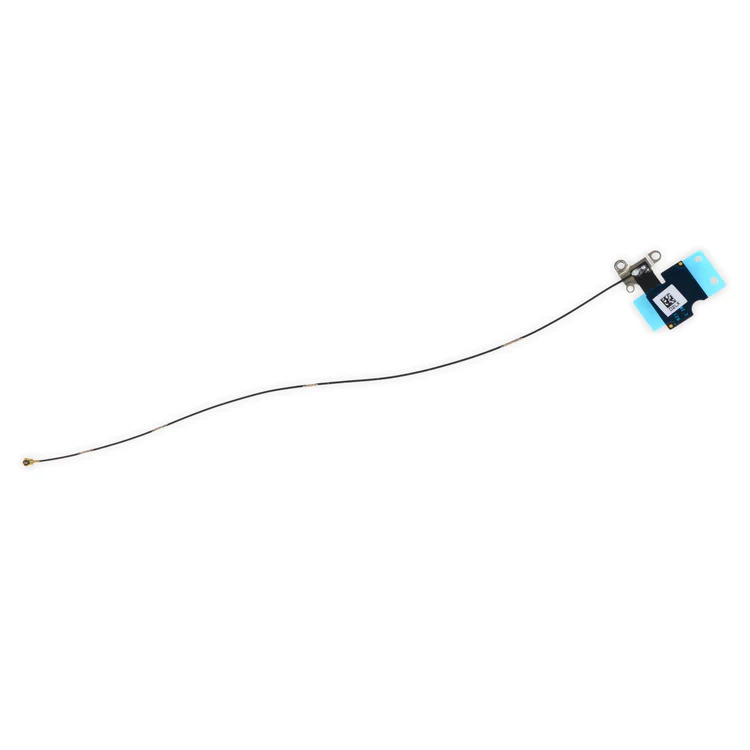
| Description | Replace a torn or missing Wi-Fi Diversity Antenna in your iPhone 6s Plus smartphone and fix unreliable connections to Wi-Fi signal.
This antenna is adhered to the speaker on the bottom edge of the rear case. |
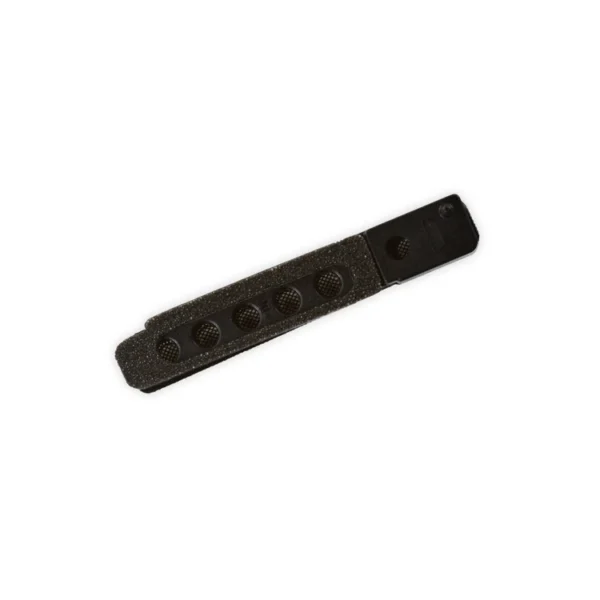
- Replace the anti-dust mesh and plastic mount for the loudspeaker and lower right microphone in your iPhone 6s Plus.
- Keep dust and dirt from blocking the microphone or speaker.
|
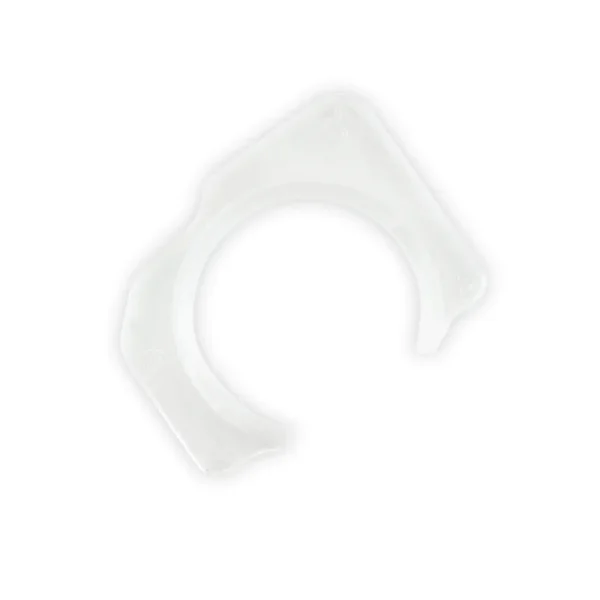
- Replace the clip that holds the antenna cables to the edge of the loudspeaker assembly in your iPhone 6s Plus.
- See the clip's location in the detail photo.
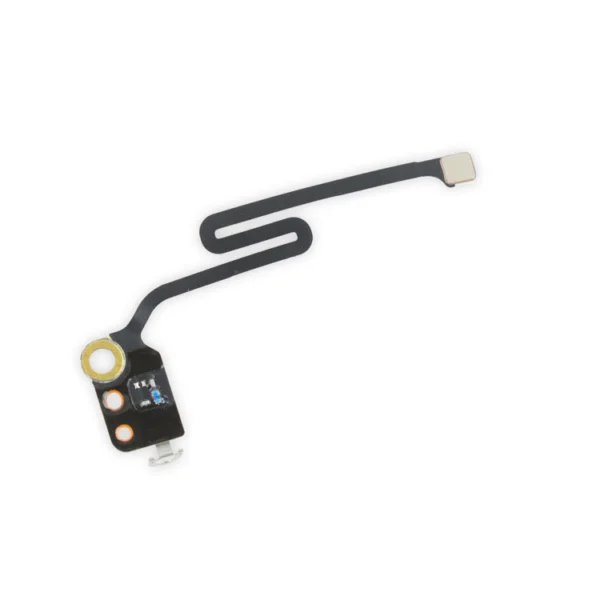
| Replace a torn or missing Wi-Fi/Bluetooth antenna in your iPhone 6s Plus and fix unreliable connections to Bluetooth and Wi-Fi service.
This antenna is located in the top left corner of the rear case.
Specifications:
Part Number
00172-03 | Fix a misaligned camera by replacing the plastic guide that centers the front-facing camera over the camera lens opening in the front glass panel. This part is compatible with an iPhone 6s or 6s Plus. |
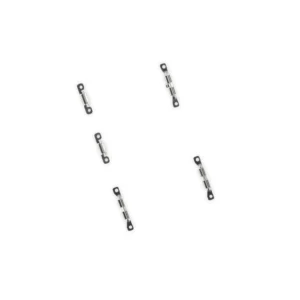
- Replace the set of five retaining clips in the edges of the rear case of an iPhone 6s Plus.
- These clips help hold the front panel assembly in place. Two short clips and one long clip fit in the left edge of the rear case.
- Two more long clips fit in the right edge and one includes a flange for the antenna cable.
|
| Content | iPhone 6s Plus Wi-Fi Diversity Antenna
Replace a torn or missing Wi-Fi Diversity Antenna in your iPhone 6s Plus smartphone and fix unreliable connections to Wi-Fi signal.
This antenna is adhered to the speaker on the bottom edge of the rear case. | iPhone 6s Plus Loudspeaker Mount
- Replace the anti-dust mesh and plastic mount for the loudspeaker and lower right microphone in your iPhone 6s Plus.
- Keep dust and dirt from blocking the microphone or speaker.
| iPhone 6s Plus Antenna Clip
- Replace the clip that holds the antenna cables to the edge of the loudspeaker assembly in your iPhone 6s Plus.
- See the clip's location in the detail photo.
| iPhone 6s Plus Wi-Fi/Bluetooth Antenna
Replace a torn or missing Wi-Fi/Bluetooth antenna in your iPhone 6s Plus and fix unreliable connections to Bluetooth and Wi-Fi service.
This antenna is located in the top left corner of the rear case.
Specifications:
Part Number
00172-03 | iPhone 6s and 6s Plus Front-Facing Camera Holder
Fix a misaligned camera by replacing the plastic guide that centers the front-facing camera over the camera lens opening in the front glass panel. This part is compatible with an iPhone 6s or 6s Plus. | iPhone 6s Plus Front Panel Clips
- Replace the set of five retaining clips in the edges of the rear case of an iPhone 6s Plus.
- These clips help hold the front panel assembly in place. Two short clips and one long clip fit in the left edge of the rear case.
- Two more long clips fit in the right edge and one includes a flange for the antenna cable.
|
| Additional information |
|
|
|
|
|
|




Reviews
There are no reviews yet.