| SKU | iPhone 6s Plus Wi-Fi Diversity Antenna | iPhone 6s Plus Blank Rear Case | iPhone 6s Plus Audio Control Cable | iPhone 6/6 Plus/6s/6s Plus Test Cable for Home Button | iPhone 6s Plus Wi-Fi Antenna | iPhone 6s Plus Microphone Mount |
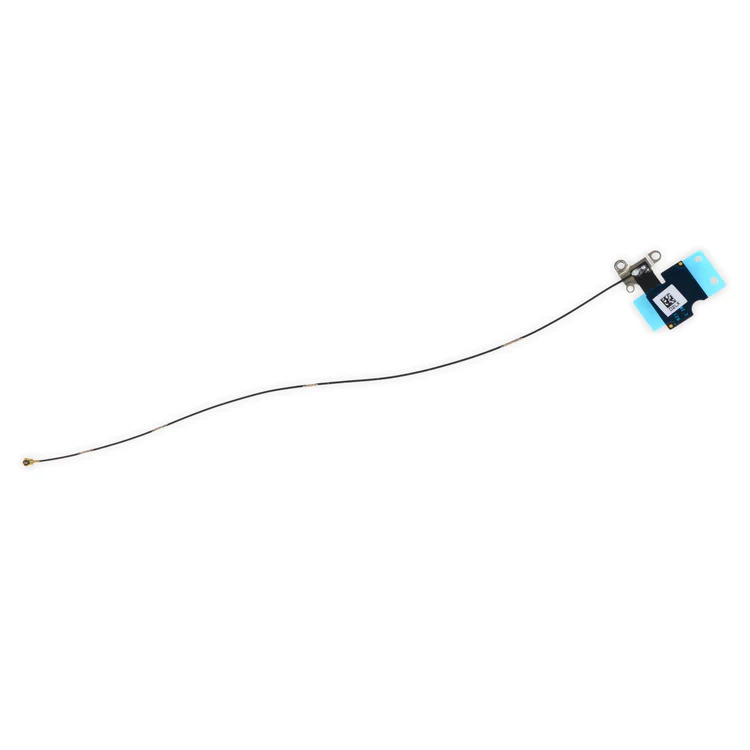
| Description | Replace a torn or missing Wi-Fi Diversity Antenna in your iPhone 6s Plus smartphone and fix unreliable connections to Wi-Fi signal.
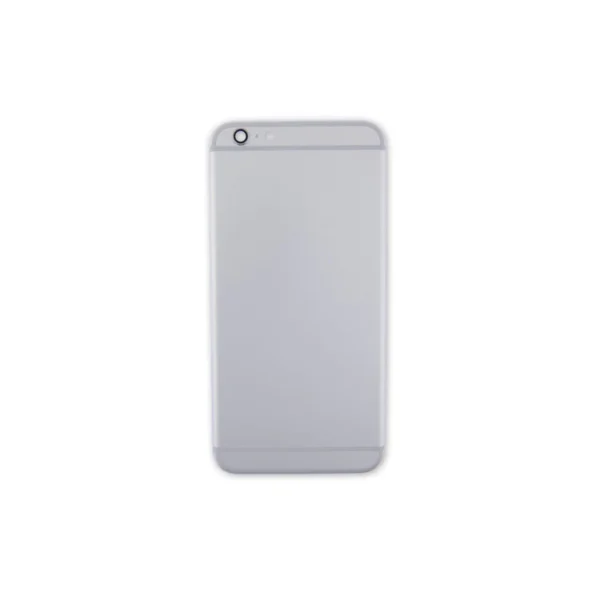
This antenna is adhered to the speaker on the bottom edge of the rear case. | Replace a scratched or dented rear case and edge bezel.
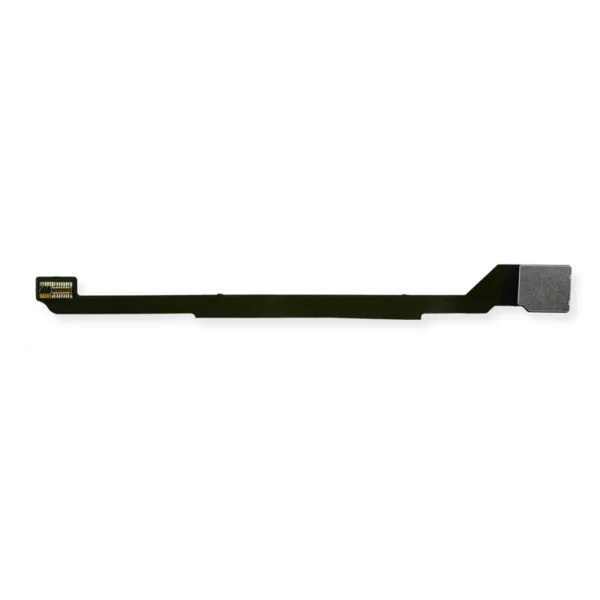
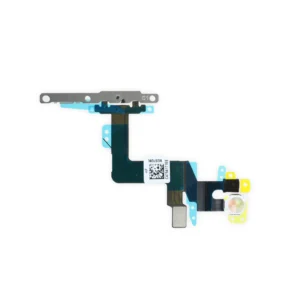
Note: This replacement rear case does not have the Apple logo or any other text on it. | Replace the cable and internal switches for the volume and mute controls. |
- This handy test cable makes it easy to check the function of a home button assembly without having to complete the installation.
- Indispensable to anyone who makes multiple iPhone 6, iPhone 6 Plus, iPhone 6s, or iPhone 6s Plus repairs.
- With this cable attached to the home button link cable on the display assembly you can connect, test, and quickly swap multiple replacement home button assemblies without wearing out the delicate press fit connector on the link cable.
- This cable will not fit the connectors between the link cable and the logic board.
|
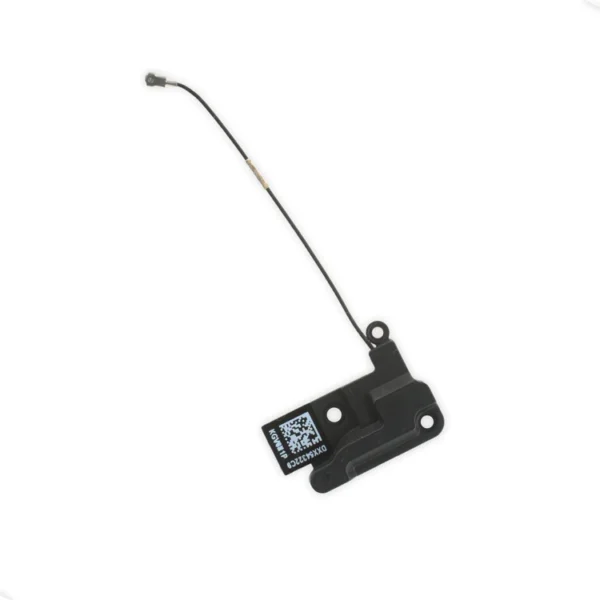
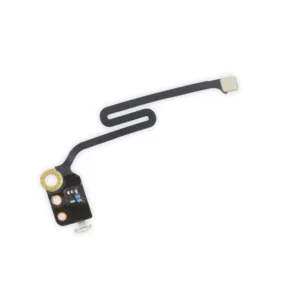
- Replace the Wi-Fi antenna in your iPhone 6s Plus smartphone and fix unreliable connectivity to Wi-Fi signal.
- This antenna is located in the top left corner of the rear case.
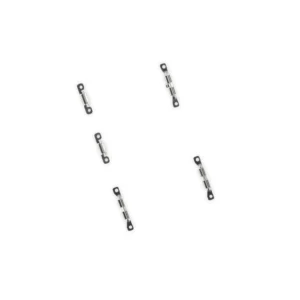
| Replace a punctured or damaged anti-dust mesh and plastic mount for the lower left microphone and keep dust and dirt from blocking the microphone. This part is compatible with an iPhone 6s Plus. |
| Content | iPhone 6s Plus Wi-Fi Diversity Antenna
Replace a torn or missing Wi-Fi Diversity Antenna in your iPhone 6s Plus smartphone and fix unreliable connections to Wi-Fi signal.
This antenna is adhered to the speaker on the bottom edge of the rear case. | iPhone 6s Plus Blank Rear Case
Replace a scratched or dented rear case and edge bezel.
Note: This replacement rear case does not have the Apple logo or any other text on it. | iPhone 6s Plus Audio Control Cable
Replace the cable and internal switches for the volume and mute controls.
Specifications:
Part Number
821-00151-03 | iPhone 6/6 Plus/6s/6s Plus Test Cable for Home Button
- This handy test cable makes it easy to check the function of a home button assembly without having to complete the installation.
- Indispensable to anyone who makes multiple iPhone 6, iPhone 6 Plus, iPhone 6s, or iPhone 6s Plus repairs.
- With this cable attached to the home button link cable on the display assembly you can connect, test, and quickly swap multiple replacement home button assemblies without wearing out the delicate press fit connector on the link cable.
- This cable will not fit the connectors between the link cable and the logic board.
| iPhone 6s Plus Top Left Wi-Fi Antenna
- Replace the Wi-Fi antenna in your iPhone 6s Plus smartphone and fix unreliable connectivity to Wi-Fi signal.
- This antenna is located in the top left corner of the rear case.
|
iPhone 6s Plus Microphone Mount
Replace a punctured or damaged anti-dust mesh and plastic mount for the lower left microphone and keep dust and dirt from blocking the microphone. This part is compatible with an iPhone 6s Plus. |
| Additional information |
|
|
|
|
|
|




Reviews
There are no reviews yet.