| SKU | iPhone 6s Plus Wi-Fi Diversity Antenna | iPhone 6s Plus OEM Rear Case | iPhone 6s Plus Wi-Fi Antenna | iPhone 6s Plus Lightning Connector and Headphone Jack | iPhone 6s Plus Wi-Fi/Bluetooth Antenna | iPhone 6s Plus Blank Rear Case |
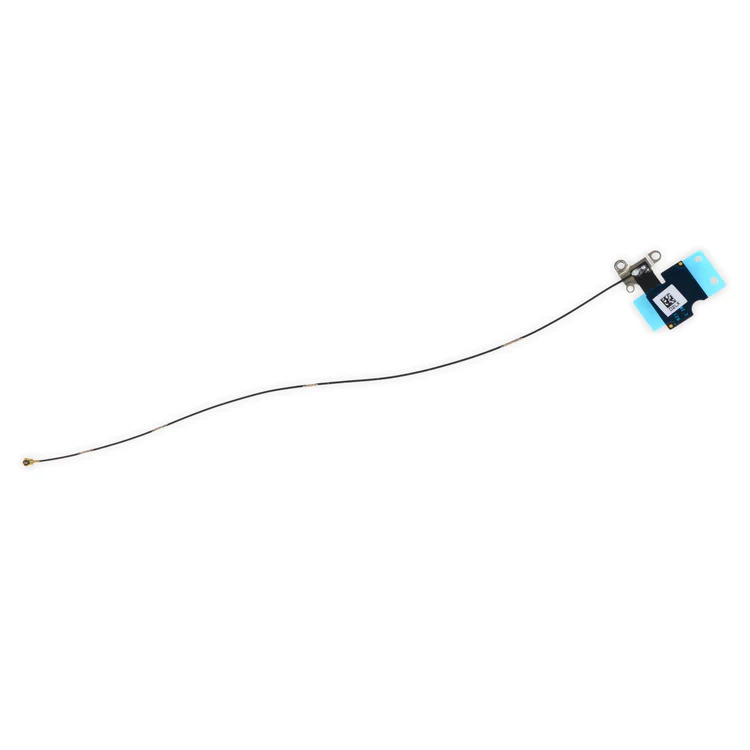
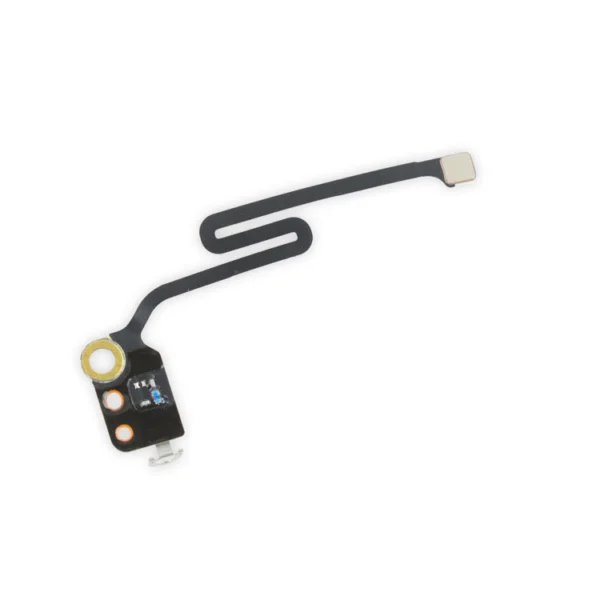
| Description | Replace a torn or missing Wi-Fi Diversity Antenna in your iPhone 6s Plus smartphone and fix unreliable connections to Wi-Fi signal.
This antenna is adhered to the speaker on the bottom edge of the rear case. |
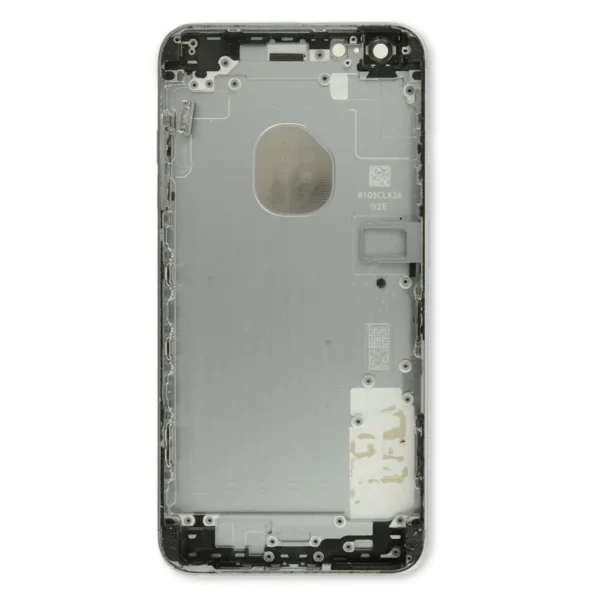
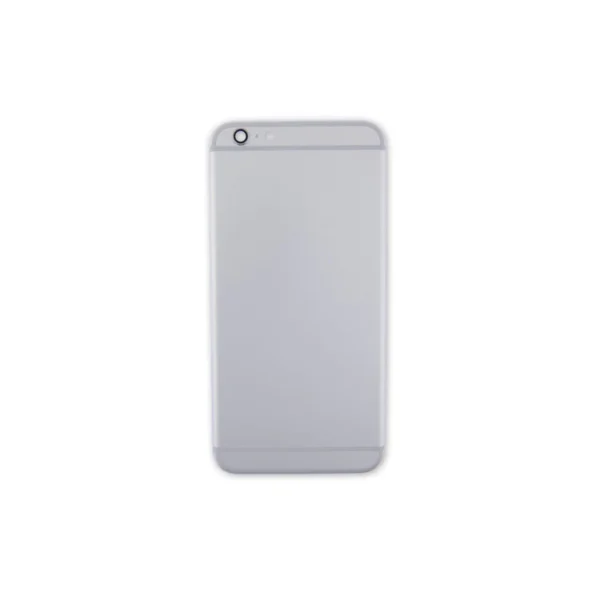
- Replace a damaged iPhone 6s Plus rear panel with this replacement part.
- Keep the same color or experiment with a new color combination.
- This is a used, OEM part.
|
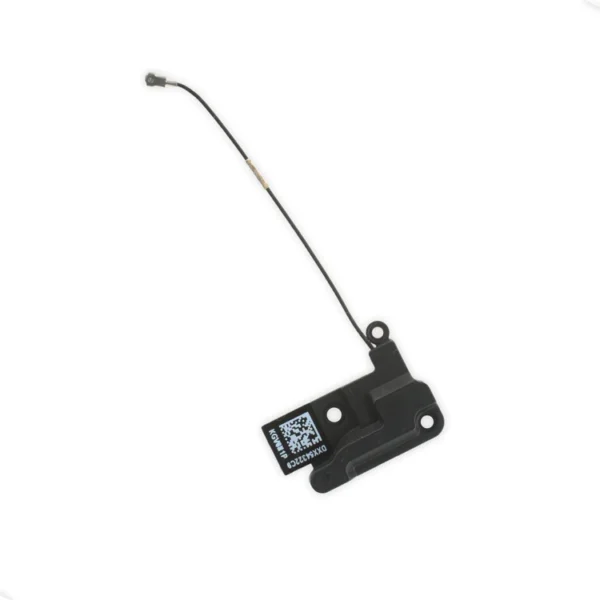
- Replace the Wi-Fi antenna in your iPhone 6s Plus smartphone and fix unreliable connectivity to Wi-Fi signal.
- This antenna is located in the top left corner of the rear case.
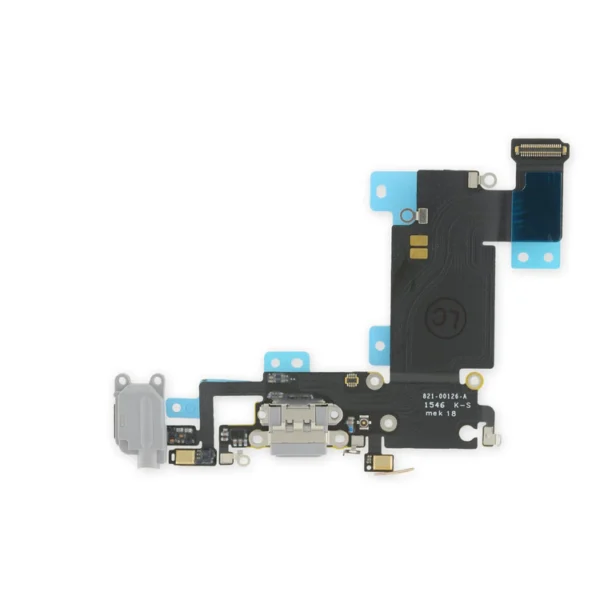
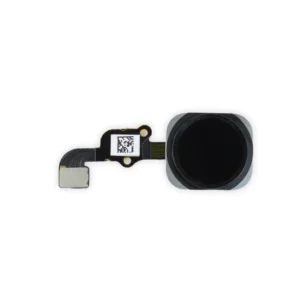
| Replace a dirty, corroded, or damaged lightning connector, or a broken headphone jack in an iPhone 6s Plus. This repair may resolve a host of issues like a malfunctioning microphone, slow or nonexistent charging, limited connectivity, or spotty headphone output for your phone.
The ports on this assembly are a medium gray to match the "space gray" iPhone 6s Plus. | Replace a torn or missing Wi-Fi/Bluetooth antenna in your iPhone 6s Plus and fix unreliable connections to Bluetooth and Wi-Fi service.
This antenna is located in the top left corner of the rear case.
Specifications:
Part Number
00172-03 | Replace a scratched or dented rear case and edge bezel.
Note: This replacement rear case does not have the Apple logo or any other text on it. |
| Content | iPhone 6s Plus Wi-Fi Diversity Antenna
Replace a torn or missing Wi-Fi Diversity Antenna in your iPhone 6s Plus smartphone and fix unreliable connections to Wi-Fi signal.
This antenna is adhered to the speaker on the bottom edge of the rear case. | iPhone 6s Plus OEM Rear Case
- Replace a damaged iPhone 6s Plus rear panel with this replacement part.
- Keep the same color or experiment with a new color combination.
- This is a used, OEM part.
| iPhone 6s Plus Top Left Wi-Fi Antenna
- Replace the Wi-Fi antenna in your iPhone 6s Plus smartphone and fix unreliable connectivity to Wi-Fi signal.
- This antenna is located in the top left corner of the rear case.
| iPhone 6s Plus Lightning Connector and Headphone Jack
Replace a dirty, corroded, or damaged lightning connector, or a broken headphone jack in an iPhone 6s Plus. This repair may resolve a host of issues like a malfunctioning microphone, slow or nonexistent charging, limited connectivity, or spotty headphone output for your phone.
The ports on this assembly are a medium gray to match the "space gray" iPhone 6s Plus. | iPhone 6s Plus Wi-Fi/Bluetooth Antenna
Replace a torn or missing Wi-Fi/Bluetooth antenna in your iPhone 6s Plus and fix unreliable connections to Bluetooth and Wi-Fi service.
This antenna is located in the top left corner of the rear case.
Specifications:
Part Number
00172-03 | iPhone 6s Plus Blank Rear Case
Replace a scratched or dented rear case and edge bezel.
Note: This replacement rear case does not have the Apple logo or any other text on it. |




Reviews
There are no reviews yet.