| SKU | iPhone 6s Plus Wi-Fi Diversity Antenna | iPhone 6s Plus OEM Rear Case | iPhone 6s Plus Lightning Connector and Headphone Jack | iPhone 6s Plus Antenna Bracket | iPhone 6s/6s Plus Test Cable for Rear Camera | iPhone 6s Plus LCD and Digitizer |
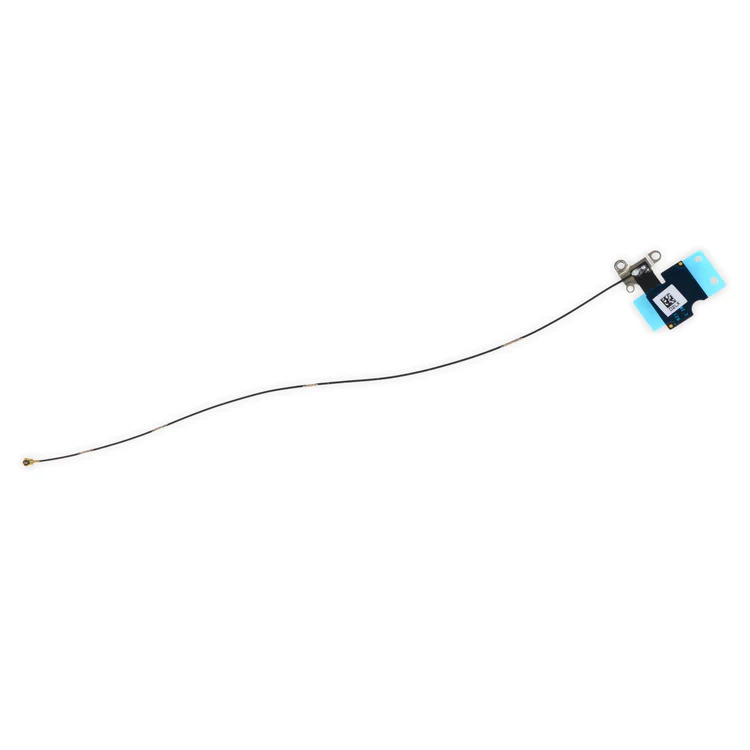
| Description | Replace a torn or missing Wi-Fi Diversity Antenna in your iPhone 6s Plus smartphone and fix unreliable connections to Wi-Fi signal.
This antenna is adhered to the speaker on the bottom edge of the rear case. |
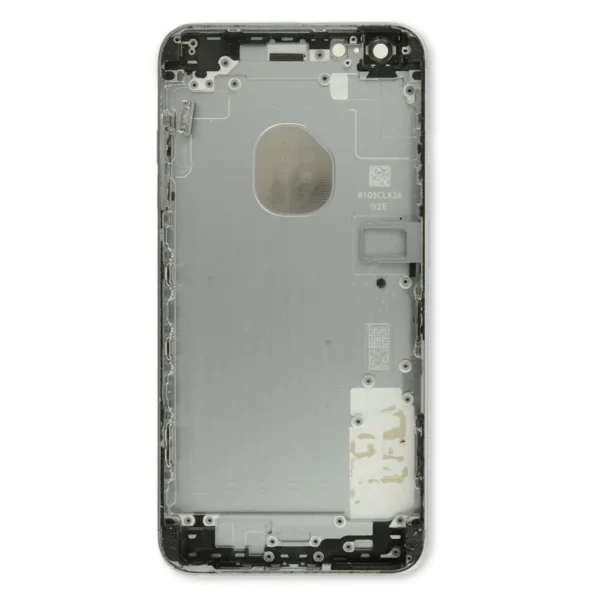
- Replace a damaged iPhone 6s Plus rear panel with this replacement part.
- Keep the same color or experiment with a new color combination.
- This is a used, OEM part.
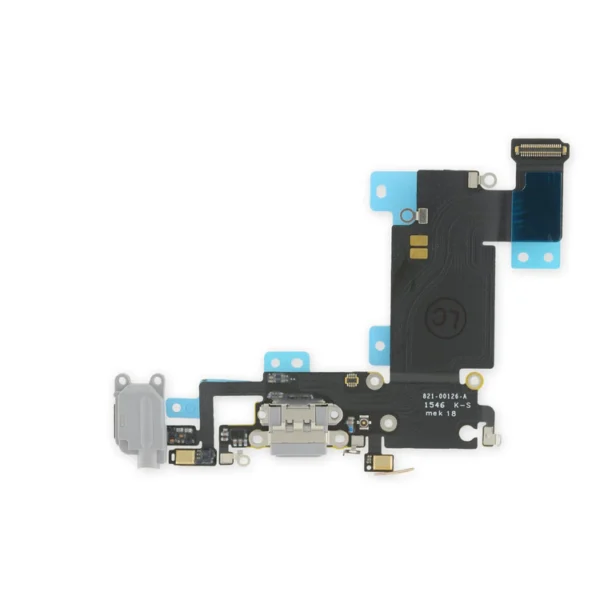
| Replace a dirty, corroded, or damaged lightning connector, or a broken headphone jack in an iPhone 6s Plus. This repair may resolve a host of issues like a malfunctioning microphone, slow or nonexistent charging, limited connectivity, or spotty headphone output for your phone.
The ports on this assembly are a medium gray to match the "space gray" iPhone 6s Plus. | Replace a torn or missing bracket that connects the logic board to the top cellular antenna in your iPhone 6s Plus. |
- This handy test cable makes it easy to check the functions of a rear-facing camera compatible with an iPhone 6s or iPhone 6s Plus without having to complete the installation.
- Indispensable to anyone who makes multiple iPhone 6s or 6s Plus repairs.
- With this cable installed in an iPhone 6s or 6s Plus body you can connect, test, and quickly swap multiple replacement rear cameras without wearing out the delicate press fit connector on the logic board.
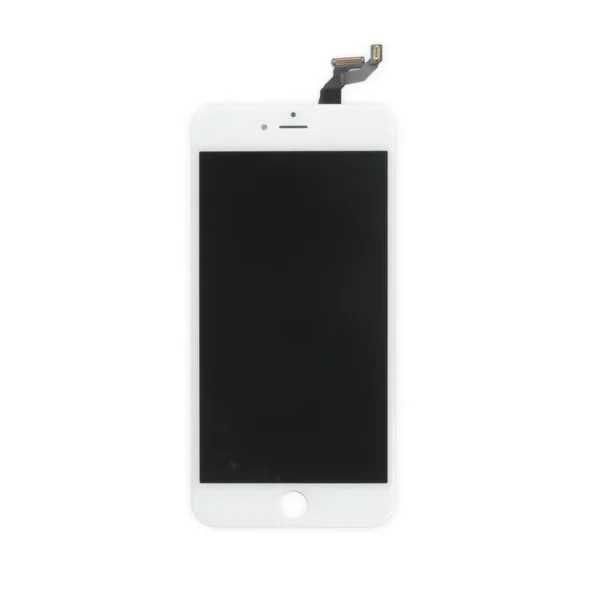
Note: This cable is not compatible with iPhone 6 or 6 Plus. | Replace a scratched or cracked front glass panel or malfunctioning display. This part is preferred by repair professionals.
Our Premium screens are all hand tested here in the USA. We test, track, and guarantee every one of our Premium replacement iPhone screens to ensure you get the best part every time. We back that up with our Lifetime Guarantee as well.
- The Touch ID function will only work with your phone's original home button assembly.
- This replacement part does not include the home button. You will need to transfer the button assembly from your old display to retain Touch ID.
- This part does not include the front camera, earpiece speaker, or LCD shield plate.
|
| Content | iPhone 6s Plus Wi-Fi Diversity Antenna
Replace a torn or missing Wi-Fi Diversity Antenna in your iPhone 6s Plus smartphone and fix unreliable connections to Wi-Fi signal.
This antenna is adhered to the speaker on the bottom edge of the rear case. | iPhone 6s Plus OEM Rear Case
- Replace a damaged iPhone 6s Plus rear panel with this replacement part.
- Keep the same color or experiment with a new color combination.
- This is a used, OEM part.
| iPhone 6s Plus Lightning Connector and Headphone Jack
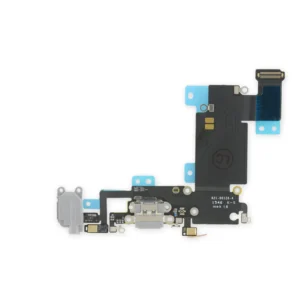
Replace a dirty, corroded, or damaged lightning connector, or a broken headphone jack in an iPhone 6s Plus. This repair may resolve a host of issues like a malfunctioning microphone, slow or nonexistent charging, limited connectivity, or spotty headphone output for your phone.
The ports on this assembly are a medium gray to match the "space gray" iPhone 6s Plus. | iPhone 6s Plus Top Center Cell Antenna Bracket
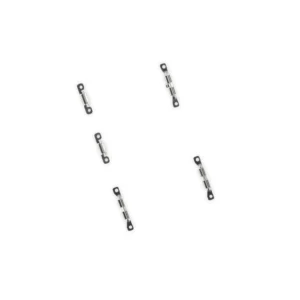
Replace a torn or missing bracket that connects the logic board to the top cellular antenna in your iPhone 6s Plus. | iPhone 6s/6s Plus Test Cable for Rear Camera
- This handy test cable makes it easy to check the functions of a rear-facing camera compatible with an iPhone 6s or iPhone 6s Plus without having to complete the installation.
- Indispensable to anyone who makes multiple iPhone 6s or 6s Plus repairs.
- With this cable installed in an iPhone 6s or 6s Plus body you can connect, test, and quickly swap multiple replacement rear cameras without wearing out the delicate press fit connector on the logic board.
Note: This cable is not compatible with iPhone 6 or 6 Plus. | iPhone 6s Plus LCD and Digitizer
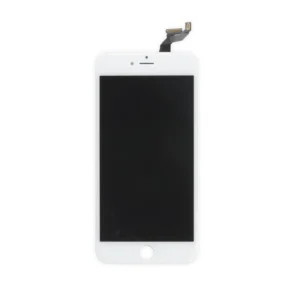
Replace a scratched or cracked front glass panel or malfunctioning display. This part is preferred by repair professionals.
Our Premium screens are all hand tested here in the USA. We test, track, and guarantee every one of our Premium replacement iPhone screens to ensure you get the best part every time. We back that up with our Lifetime Guarantee as well.
- The Touch ID function will only work with your phone's original home button assembly.
- This replacement part does not include the home button. You will need to transfer the button assembly from your old display to retain Touch ID.
- This part does not include the front camera, earpiece speaker, or LCD shield plate.
|




Reviews
There are no reviews yet.