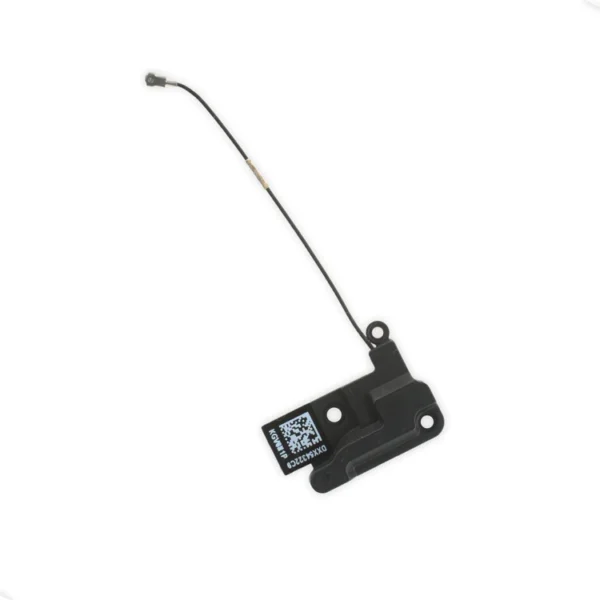
| Description | Replace a torn or missing Wi-Fi Diversity Antenna in your iPhone 6s Plus smartphone and fix unreliable connections to Wi-Fi signal.
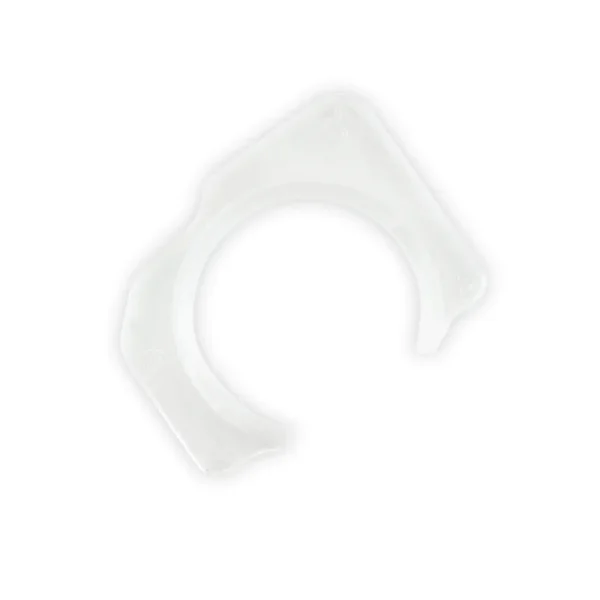
This antenna is adhered to the speaker on the bottom edge of the rear case. | Fix a misaligned camera by replacing the plastic guide that centers the front-facing camera over the camera lens opening in the front glass panel. This part is compatible with an iPhone 6s or 6s Plus. |
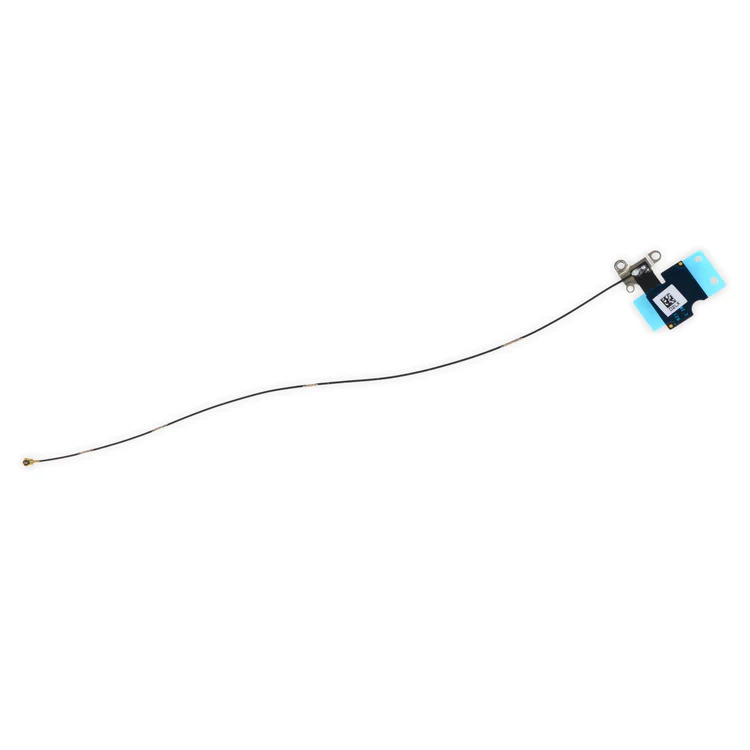
- Replace the Wi-Fi antenna in your iPhone 6s Plus smartphone and fix unreliable connectivity to Wi-Fi signal.
- This antenna is located in the top left corner of the rear case.
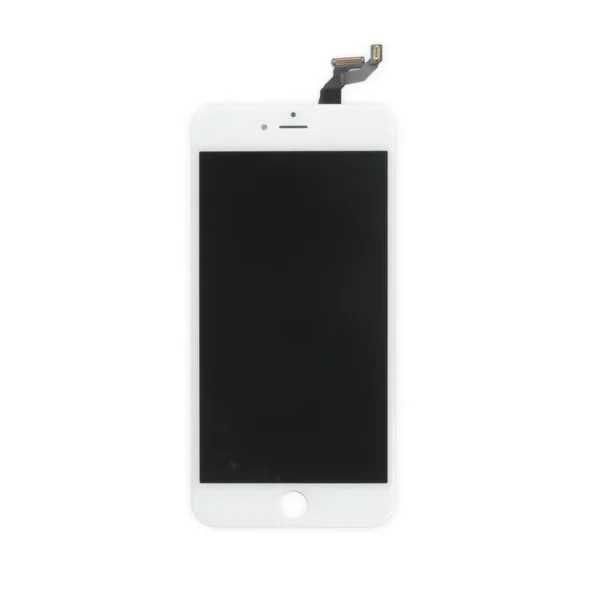
| Replace a scratched or cracked front glass panel or malfunctioning display. This part is preferred by repair professionals.
Our Premium screens are all hand tested here in the USA. We test, track, and guarantee every one of our Premium replacement iPhone screens to ensure you get the best part every time. We back that up with our Lifetime Guarantee as well.
- The Touch ID function will only work with your phone's original home button assembly.
- This replacement part does not include the home button. You will need to transfer the button assembly from your old display to retain Touch ID.
- This part does not include the front camera, earpiece speaker, or LCD shield plate.
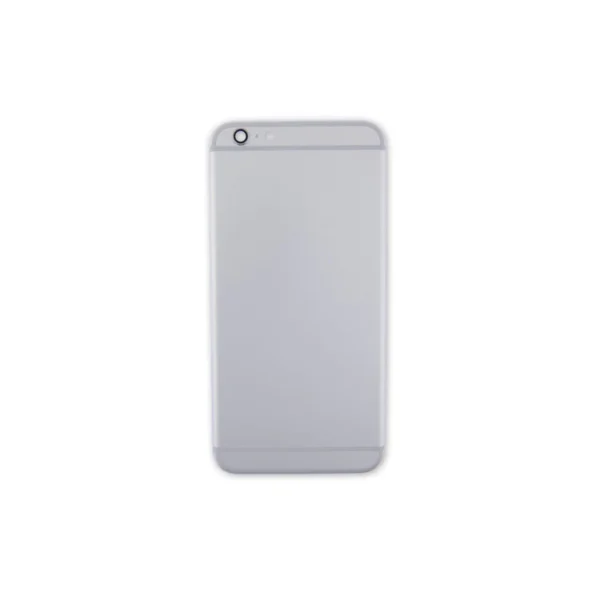
| Replace a scratched or dented rear case and edge bezel.
Note: This replacement rear case does not have the Apple logo or any other text on it. | Replace a scratched or cracked front glass panel or malfunctioning display. This part is preferred by repair professionals.
Our Premium screens are all hand tested here in the USA. We test, track, and guarantee every one of our Premium replacement iPhone screens to ensure you get the best part every time. We back that up with our Lifetime Guarantee as well.
- The Touch ID function will only work with your phone's original home button assembly.
- This replacement part does not include the home button. You will need to transfer the button assembly from your old display to retain Touch ID.
- This part does not include the front camera, earpiece speaker, or LCD shield plate.
|
| Content | iPhone 6s Plus Wi-Fi Diversity Antenna
Replace a torn or missing Wi-Fi Diversity Antenna in your iPhone 6s Plus smartphone and fix unreliable connections to Wi-Fi signal.
This antenna is adhered to the speaker on the bottom edge of the rear case. | iPhone 6s and 6s Plus Front-Facing Camera Holder
Fix a misaligned camera by replacing the plastic guide that centers the front-facing camera over the camera lens opening in the front glass panel. This part is compatible with an iPhone 6s or 6s Plus. | iPhone 6s Plus Top Left Wi-Fi Antenna
- Replace the Wi-Fi antenna in your iPhone 6s Plus smartphone and fix unreliable connectivity to Wi-Fi signal.
- This antenna is located in the top left corner of the rear case.
| iPhone 6s Plus LCD and Digitizer
Replace a scratched or cracked front glass panel or malfunctioning display. This part is preferred by repair professionals.
Our Premium screens are all hand tested here in the USA. We test, track, and guarantee every one of our Premium replacement iPhone screens to ensure you get the best part every time. We back that up with our Lifetime Guarantee as well.
- The Touch ID function will only work with your phone's original home button assembly.
- This replacement part does not include the home button. You will need to transfer the button assembly from your old display to retain Touch ID.
- This part does not include the front camera, earpiece speaker, or LCD shield plate.
| iPhone 6s Plus Blank Rear Case
Replace a scratched or dented rear case and edge bezel.
Note: This replacement rear case does not have the Apple logo or any other text on it. | iPhone 6s Plus LCD and Digitizer
Replace a scratched or cracked front glass panel or malfunctioning display. This part is preferred by repair professionals.
Our Premium screens are all hand tested here in the USA. We test, track, and guarantee every one of our Premium replacement iPhone screens to ensure you get the best part every time. We back that up with our Lifetime Guarantee as well.
- The Touch ID function will only work with your phone's original home button assembly.
- This replacement part does not include the home button. You will need to transfer the button assembly from your old display to retain Touch ID.
- This part does not include the front camera, earpiece speaker, or LCD shield plate.
|




Reviews
There are no reviews yet.