| SKU | iPhone 6s Plus Wi-Fi Diversity Antenna | Bare Logic Board | iPhone 6s Plus Wi-Fi Antenna | iPhone 6s Plus Lightning Connector Bracket | iPhone 6s Plus Home Button Bracket | iPhone 6s Plus Microphone Mount |
| Description | Replace a torn or missing Wi-Fi Diversity Antenna in your iPhone 6s Plus smartphone and fix unreliable connections to Wi-Fi signal.
This antenna is adhered to the speaker on the bottom edge of the rear case. |
- Replace a bare circuit board (with no components) for your iPhone 6s Plus.
- This is only the board to which all the surface soldered components would be mounted.
|
- Replace the Wi-Fi antenna in your iPhone 6s Plus smartphone and fix unreliable connectivity to Wi-Fi signal.
- This antenna is located in the top left corner of the rear case.
|
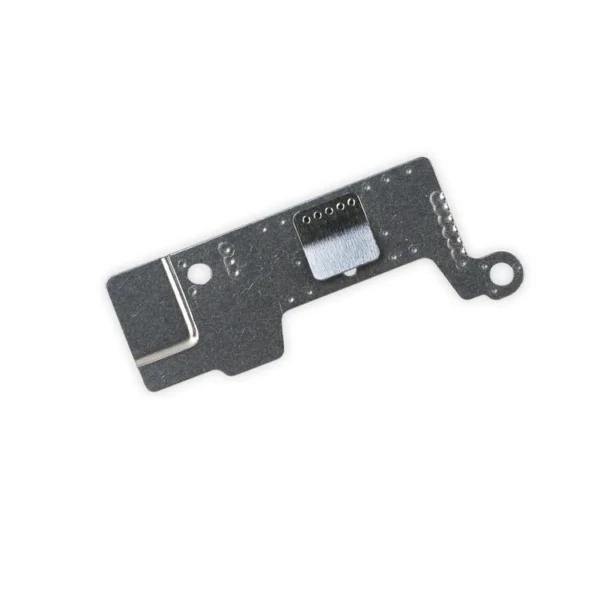
- Replace a missing or bent lightning connector bracket that secures the lightning connector assembly to the rear case of your iPhone 6s Plus.
- This metal bracket secures the home button assembly to the back of the LCD Screen and Digitizer Panel.
|
This metal bracket secures the home button assembly to the back of the LCD Screen and Digitizer Panel. | Replace a punctured or damaged anti-dust mesh and plastic mount for the lower left microphone and keep dust and dirt from blocking the microphone. This part is compatible with an iPhone 6s Plus. |
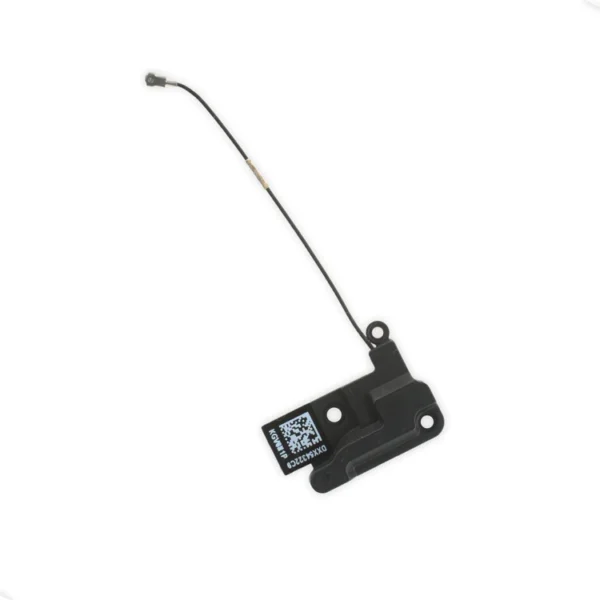
| Content | iPhone 6s Plus Wi-Fi Diversity Antenna
Replace a torn or missing Wi-Fi Diversity Antenna in your iPhone 6s Plus smartphone and fix unreliable connections to Wi-Fi signal.
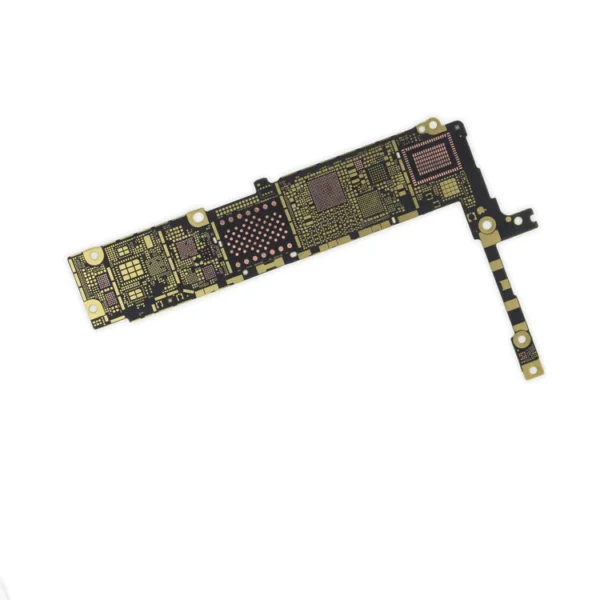
This antenna is adhered to the speaker on the bottom edge of the rear case. | iPhone 6s Plus Bare Logic Board
- Replace a bare circuit board (with no components) for your iPhone 6s Plus.
- This is only the board to which all the surface soldered components would be mounted.
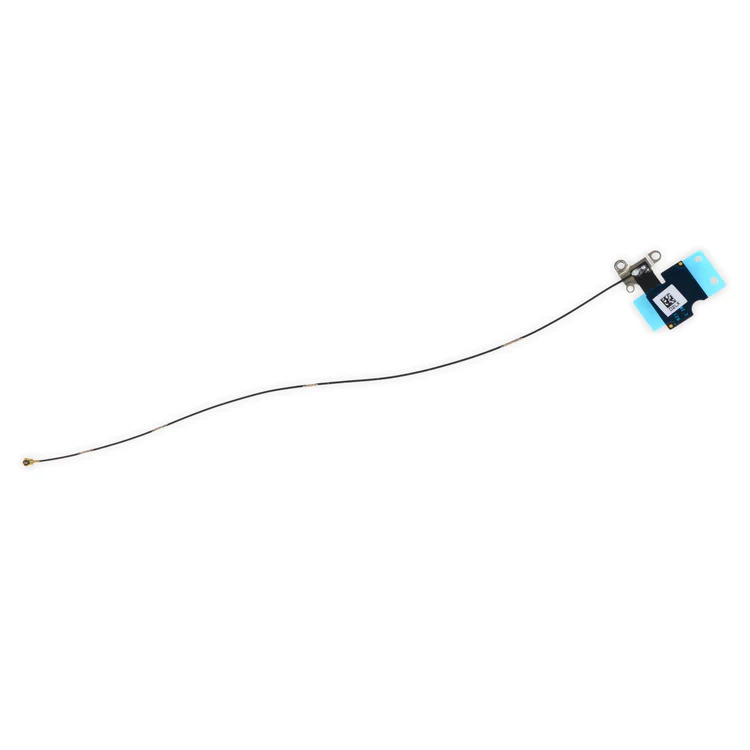
| iPhone 6s Plus Top Left Wi-Fi Antenna
- Replace the Wi-Fi antenna in your iPhone 6s Plus smartphone and fix unreliable connectivity to Wi-Fi signal.
- This antenna is located in the top left corner of the rear case.
| iPhone 6s Plus Lightning Connector Bracket
- Replace a missing or bent lightning connector bracket that secures the lightning connector assembly to the rear case of your iPhone 6s Plus.
- This metal bracket secures the home button assembly to the back of the LCD Screen and Digitizer Panel.
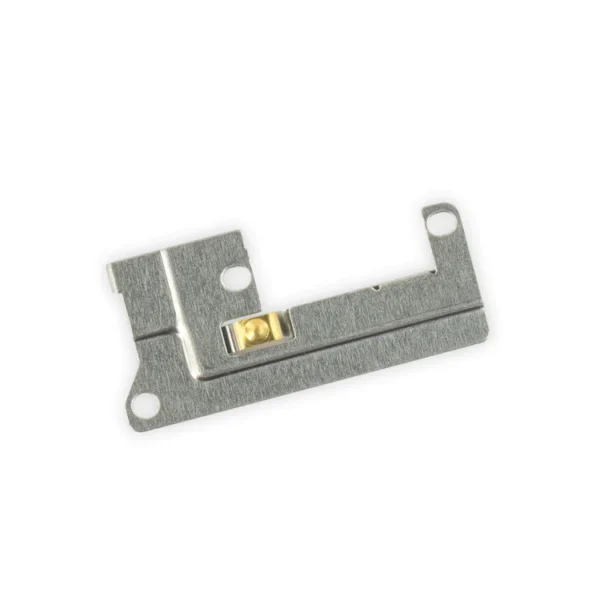
| iPhone 6s Plus Home Button Bracket
This metal bracket secures the home button assembly to the back of the LCD Screen and Digitizer Panel. |
iPhone 6s Plus Microphone Mount
Replace a punctured or damaged anti-dust mesh and plastic mount for the lower left microphone and keep dust and dirt from blocking the microphone. This part is compatible with an iPhone 6s Plus. |
| Additional information |
|
|
|
|
|
|




Reviews
There are no reviews yet.