Description
iPhone 6 Nano SIM Card Tray
Replace a bent or missing nano SIM card tray for an iPhone 6.

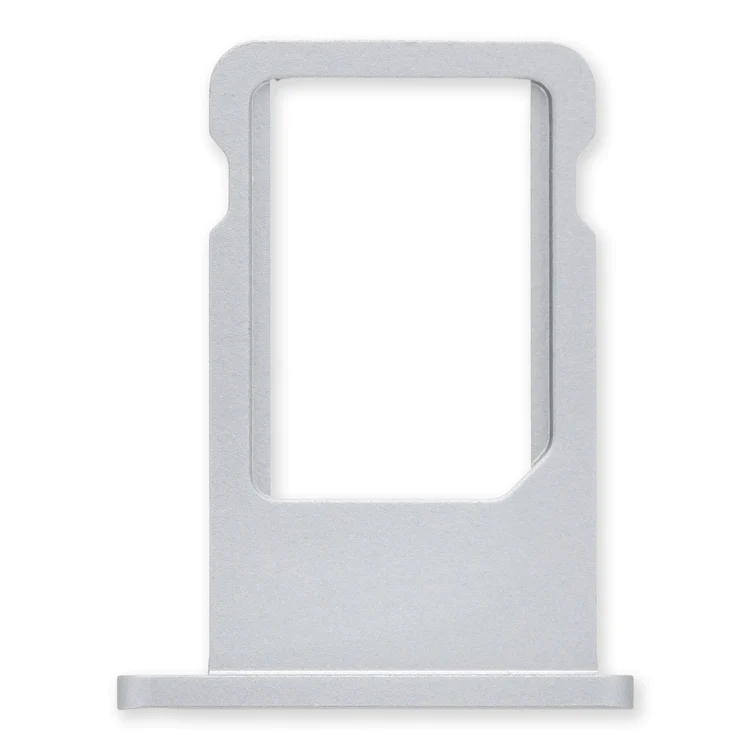
$11.00
Replace a bent or missing nano SIM card tray for an iPhone 6.
Replace a bent or missing nano SIM card tray for an iPhone 6.
| iPhone 6 Nano SIM Card Tray remove | iPhone 5c Case Button Set remove | iPhone 5s/SE (1st Gen) Front Camera Bracket remove | iPhone 5s Lightning Connector and Headphone Jack remove | iPhone 5s/SE (1st Gen) Rear Camera Lens Cover remove | iPhone 5s/SE (1st Gen) Front Panel Assembly Cable Bracket remove | |||||||||||||||||||||||||||||||
|---|---|---|---|---|---|---|---|---|---|---|---|---|---|---|---|---|---|---|---|---|---|---|---|---|---|---|---|---|---|---|---|---|---|---|---|---|
| Name | iPhone 6 Nano SIM Card Tray remove | iPhone 5c Case Button Set remove | iPhone 5s/SE (1st Gen) Front Camera Bracket remove | iPhone 5s Lightning Connector and Headphone Jack remove | iPhone 5s/SE (1st Gen) Rear Camera Lens Cover remove | iPhone 5s/SE (1st Gen) Front Panel Assembly Cable Bracket remove | ||||||||||||||||||||||||||||||
| Image | 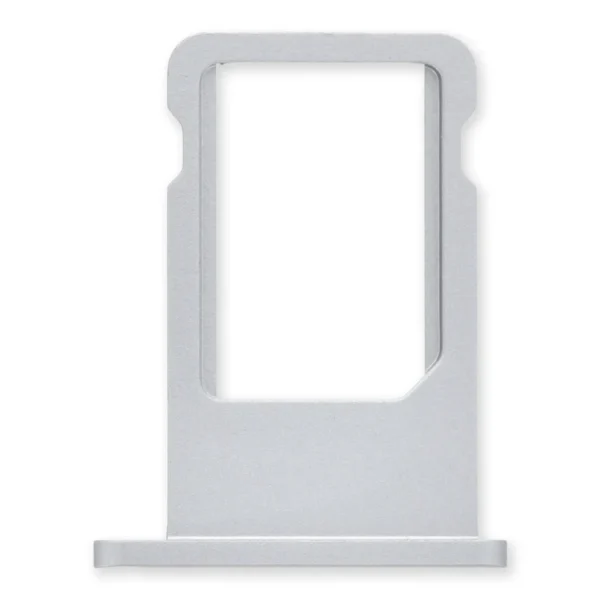 | 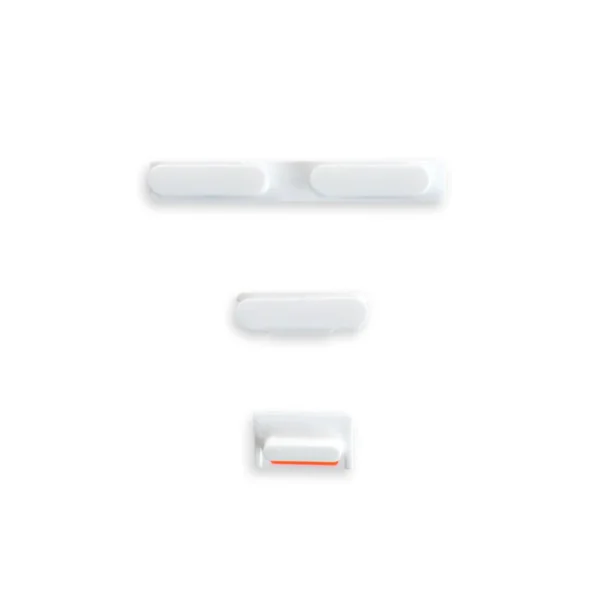 |  |  |  |  | ||||||||||||||||||||||||||||||
| SKU | iPhone 6 Nano SIM Card Tray | iPhone 5c Case Button Set | iPhone 5s/SE Camera Bracket | iPhone 5s/SE (1st Gen) Lens Cover | iPhone 5s/SE (1st Gen) cable Braket | |||||||||||||||||||||||||||||||
| Rating | ||||||||||||||||||||||||||||||||||||
| Price | $11.00 | $6.00 | $9.00 | $27.00 | $6.00 | $8.00 | ||||||||||||||||||||||||||||||
| Stock | ||||||||||||||||||||||||||||||||||||
| Availability | ||||||||||||||||||||||||||||||||||||
| Add to cart | ||||||||||||||||||||||||||||||||||||
| Description | Replace a bent or missing nano SIM card tray for an iPhone 6. | Replace a damaged or missing exterior button face for the power/lock button, volume buttons, and vibrate/ring switch for the iPhone 5c. Note: These are just the button parts visible on the outside of the rear case. You will need to transfer the wire hinge from your current power button. The actual buttons and switch that do all the work are attached to the Audio Control and Power Button Cable. If you are experiencing issues with your buttons not working it may actually be the Audio control & Power button cable that's bad. | Replace a bent or missing metal bracket securing the front facing camera and earpiece speaker to the display assembly in an iPhone 5s or 1st generation iPhone SE. |
| Replace a scratched external lens cover for the rear-facing camera in your iPhone 5s or 1st generation iPhone SE. | Replace a bent or missing metal bracket securing the front panel assembly cable connectors to the logic board in an iPhone 5s or 1st generation iPhone SE. | ||||||||||||||||||||||||||||||
| Content | iPhone 6 Nano SIM Card TrayReplace a bent or missing nano SIM card tray for an iPhone 6. | iPhone 5c Case Button SetReplace a damaged or missing exterior button face for the power/lock button, volume buttons, and vibrate/ring switch for the iPhone 5c. Note: These are just the button parts visible on the outside of the rear case. You will need to transfer the wire hinge from your current power button. The actual buttons and switch that do all the work are attached to the Audio Control and Power Button Cable. If you are experiencing issues with your buttons not working it may actually be the Audio control & Power button cable that's bad. | iPhone 5s/SE (1st Gen) Front Camera BracketReplace a bent or missing metal bracket securing the front facing camera and earpiece speaker to the display assembly in an iPhone 5s or 1st generation iPhone SE. | iPhone 5s Lightning Connector and Headphone Jack
| iPhone 5s/SE (1st Gen) Rear Camera Lens CoverReplace a scratched external lens cover for the rear-facing camera in your iPhone 5s or 1st generation iPhone SE. | iPhone 5s/SE (1st Gen) Front Panel Assembly Cable BracketReplace a bent or missing metal bracket securing the front panel assembly cable connectors to the logic board in an iPhone 5s or 1st generation iPhone SE. | ||||||||||||||||||||||||||||||
| Weight | N/A | N/A | N/A | N/A | N/A | N/A | ||||||||||||||||||||||||||||||
| Dimensions | N/A | N/A | N/A | N/A | N/A | N/A | ||||||||||||||||||||||||||||||
| Additional information |
|
|
|
|
|
|


Reviews
There are no reviews yet.