| Description |
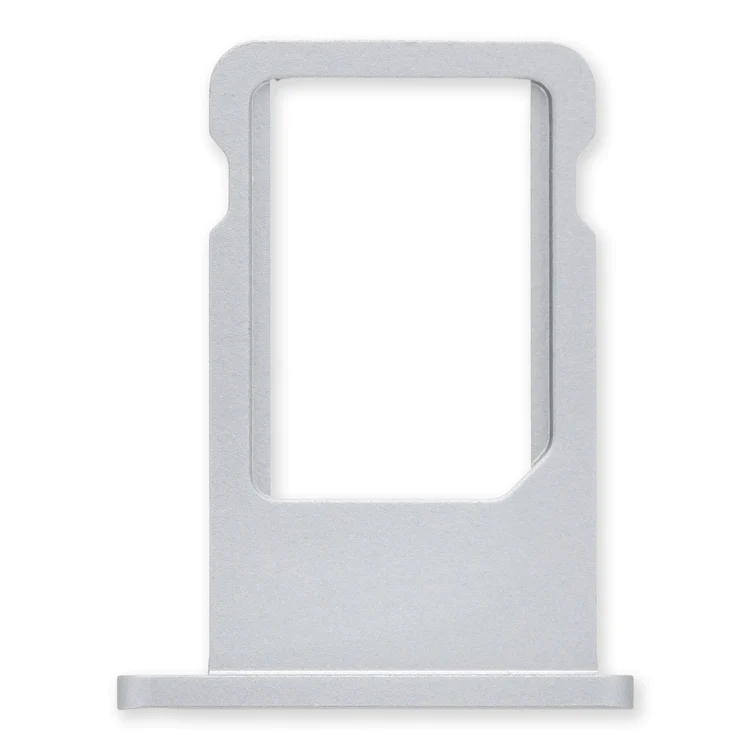
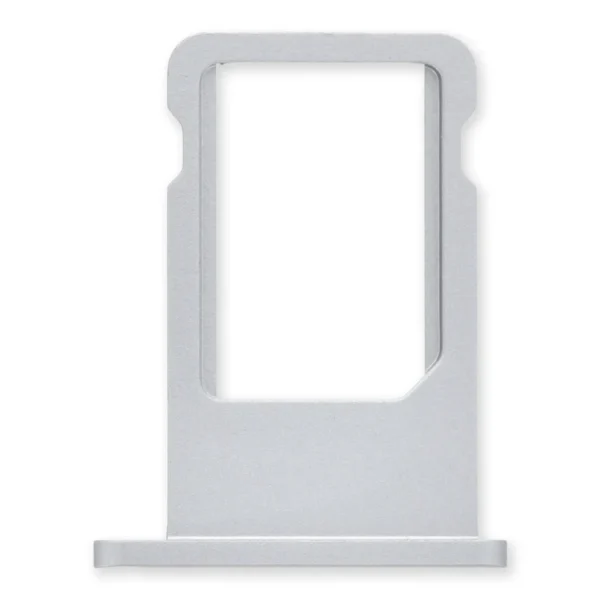
Replace a bent or missing nano SIM card tray for an iPhone 6. | Specifications:
| Watt Hours |
5.73 Wh |
| Voltage |
3.8 V |
| Milliamp Hours |
1510 mAh |
| Manufacturer |
Aftermarket |
| Compatible Part Numbers |
616-0667, 616-0668, 616-0669, 616-0730, 616-0762, 661-8300, |
| Replace a bent or missing metal bracket securing the front panel assembly cable connectors to the logic board in an iPhone 5s or 1st generation iPhone SE. | Replace a damaged or missing exterior button face for the power/lock button, volume buttons, and vibrate/ring switch for the iPhone 5c.
Note: These are just the button parts visible on the outside of the rear case. You will need to transfer the wire hinge from your current power button. The actual buttons and switch that do all the work are attached to the Audio Control and Power Button Cable. If you are experiencing issues with your buttons not working it may actually be the Audio control & Power button cable that's bad. |
- Black rear case includes black glass panels at top and bottom.
- Silver or gold rear case includes white glass panels at top and bottom.
|
- Replace a bent or missing metal bracket that keeps the home button cable connection at the bottom end of your iPhone 5s closed.
- This part works with the home button cable support bracket.
|
| Content | iPhone 6 Nano SIM Card Tray
Replace a bent or missing nano SIM card tray for an iPhone 6. | iPhone 5c Battery
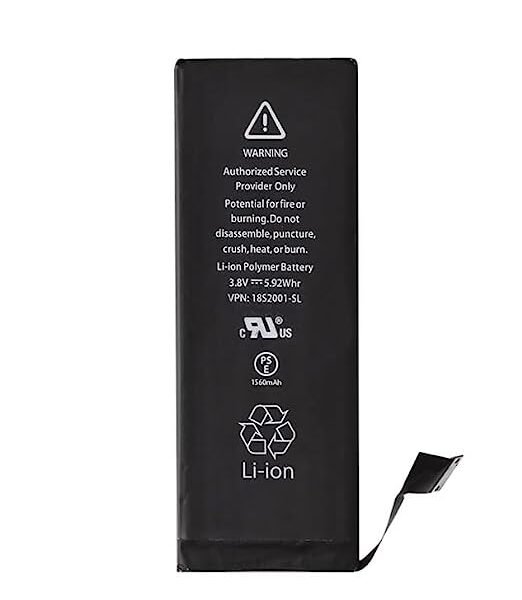
This replacement battery is what you need to bring that dead smartphone back to life.
- This battery is brand new! Each one has been tested to confirm that there are no cycles on the cell and that the capacity is 95% or higher.
Note: For optimal performance, calibrate your newly installed battery: Charge it to 100% and keep charging it for at least 2 more hours. Then use your device until it shuts off due to low battery. Finally, charge it uninterrupted to 100%.
Specifications:
| Watt Hours |
5.73 Wh |
| Voltage |
3.8 V |
| Milliamp Hours |
1510 mAh |
| Manufacturer |
Aftermarket |
| Compatible Part Numbers |
616-0667, 616-0668, 616-0669, 616-0730, 616-0762, 661-8300, |
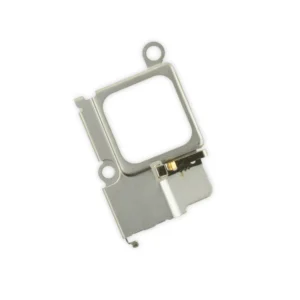
| iPhone 5s/SE (1st Gen) Front Panel Assembly Cable Bracket
Replace a bent or missing metal bracket securing the front panel assembly cable connectors to the logic board in an iPhone 5s or 1st generation iPhone SE. | iPhone 5c Case Button Set
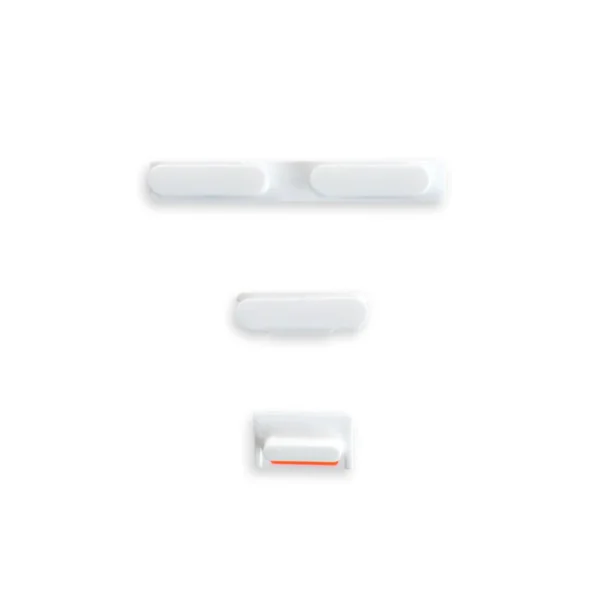
Replace a damaged or missing exterior button face for the power/lock button, volume buttons, and vibrate/ring switch for the iPhone 5c.
Note: These are just the button parts visible on the outside of the rear case. You will need to transfer the wire hinge from your current power button. The actual buttons and switch that do all the work are attached to the Audio Control and Power Button Cable. If you are experiencing issues with your buttons not working it may actually be the Audio control & Power button cable that's bad. | iPhone 5s Blank Rear Case
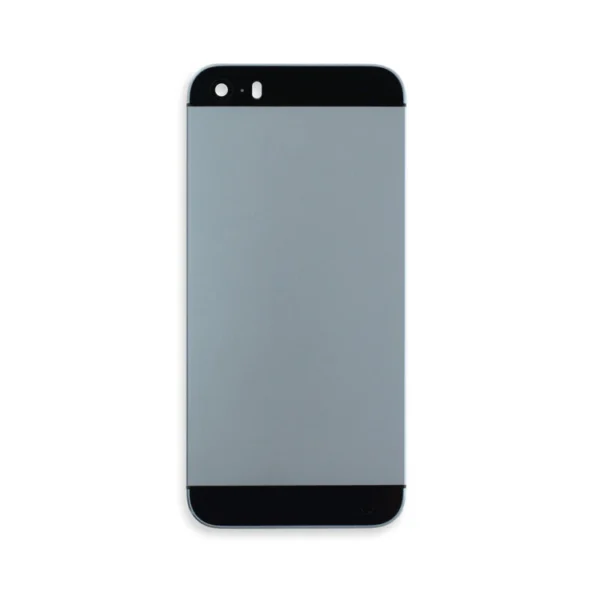
- Black rear case includes black glass panels at top and bottom.
- Silver or gold rear case includes white glass panels at top and bottom.
| iPhone 5s Home Button Cable Connector Bracket
- Replace a bent or missing metal bracket that keeps the home button cable connection at the bottom end of your iPhone 5s closed.
- This part works with the home button cable support bracket.
|




Reviews
There are no reviews yet.