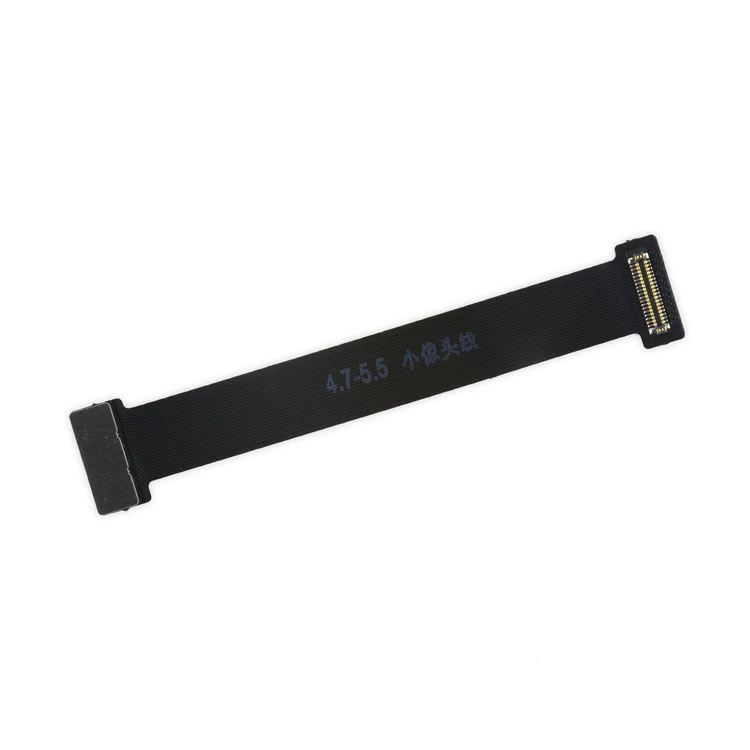
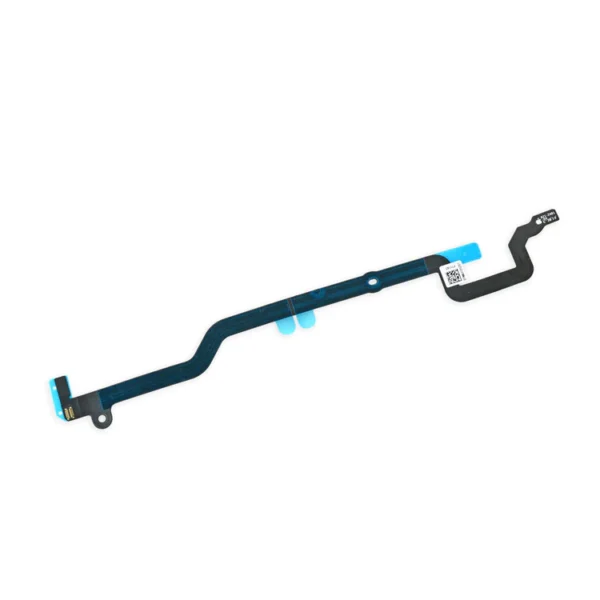
| Description | This handy test cable makes it easy to check the functions of a front camera and sensor cable assembly without having to complete the installation and is indispensable to anyone who makes multiple iPhone 6 and 6 Plus repairs. With this cable installed in an iPhone 6 or 6 Plus body you can connect, test, and quickly swap multiple replacement front camera cables without wearing out the delicate press fit connector on the logic board. | Replace a torn or missing cable that connects the home button assembly to the logic board of your iPhone 6.
- This cable follows a channel in the LCD shield plate of the device.
This cable is available installed on the LCD Shield Plate as well. |
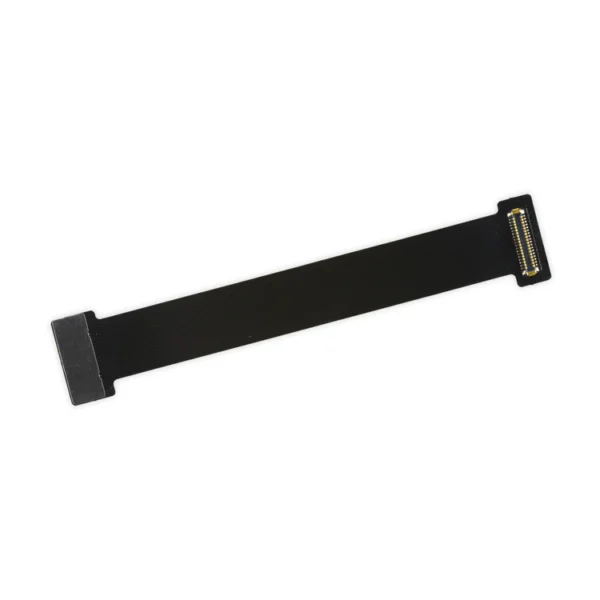
If you have a scratched lens, this part will not solve your issue. The scratches are likely in the lens cover part of the iPhone 6 OEM Rear Case. | This handy test cable makes it easy to check the functions of a lightning connector assembly without having to complete the installation and is indispensable to anyone who makes multiple iPhone 6 repairs.
With this cable installed in the phone's body you can connect, test, and quickly swap multiple replacement lightning connector assemblies without wearing out the delicate press fit connector on the logic board. | This iPhone 6 Test Cable for Home Button and Link Cable is indispensable to anyone who makes multiple iPhone 6 repairs!
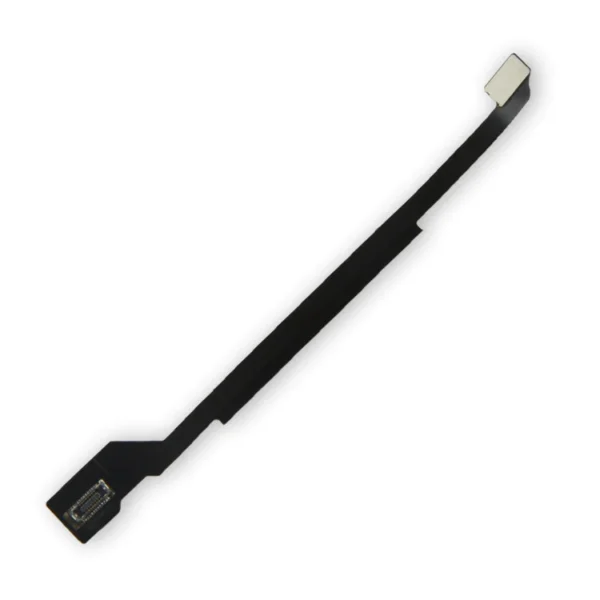
- Make it easy to check the function of a home button assembly through the home button link cable connection to the logic board without having to complete the installation.
- This test cable fits between the home button connector on the logic board and the connector on the home button link cable.
Note: This cable will not fit between the home button assembly and the home button link cable. |
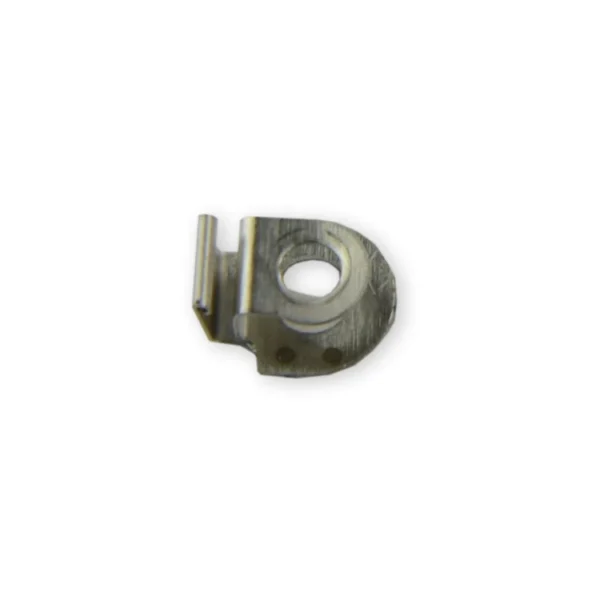
Replace the small metal clip that holds the antenna cable from the lightning connector assembly against the side of the loudspeaker assembly in your iPhone 6 or 6s. |
| Content | iPhone 6 and 6 Plus Test Cable for Front Camera
This handy test cable makes it easy to check the functions of a front camera and sensor cable assembly without having to complete the installation and is indispensable to anyone who makes multiple iPhone 6 and 6 Plus repairs. With this cable installed in an iPhone 6 or 6 Plus body you can connect, test, and quickly swap multiple replacement front camera cables without wearing out the delicate press fit connector on the logic board. | iPhone 6 Home Button Link Cable
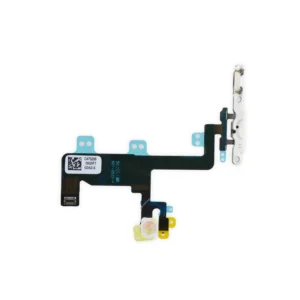
Replace a torn or missing cable that connects the home button assembly to the logic board of your iPhone 6.
- This cable follows a channel in the LCD shield plate of the device.
This cable is available installed on the LCD Shield Plate as well. | iPhone 6 Rear Camera
If you have a scratched lens, this part will not solve your issue. The scratches are likely in the lens cover part of the iPhone 6 OEM Rear Case. | iPhone 6 Test Cable for Lightning Connector
This handy test cable makes it easy to check the functions of a lightning connector assembly without having to complete the installation and is indispensable to anyone who makes multiple iPhone 6 repairs.
With this cable installed in the phone's body you can connect, test, and quickly swap multiple replacement lightning connector assemblies without wearing out the delicate press fit connector on the logic board. | iPhone 6 Test Cable for Home Button and Link Cable
This iPhone 6 Test Cable for Home Button and Link Cable is indispensable to anyone who makes multiple iPhone 6 repairs!
- Make it easy to check the function of a home button assembly through the home button link cable connection to the logic board without having to complete the installation.
- This test cable fits between the home button connector on the logic board and the connector on the home button link cable.
Note: This cable will not fit between the home button assembly and the home button link cable. | iPhone 6/6s Antenna Interconnect Cable Clip
Replace the small metal clip that holds the antenna cable from the lightning connector assembly against the side of the loudspeaker assembly in your iPhone 6 or 6s.
See the clip's location in the detail image. |





Reviews
There are no reviews yet.