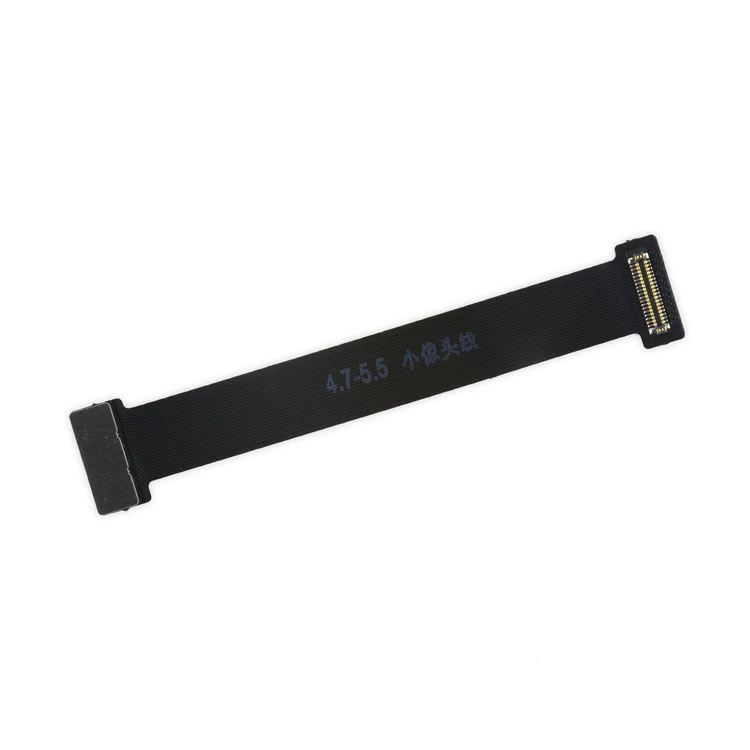
| Description | This handy test cable makes it easy to check the functions of a front camera and sensor cable assembly without having to complete the installation and is indispensable to anyone who makes multiple iPhone 6 and 6 Plus repairs. With this cable installed in an iPhone 6 or 6 Plus body you can connect, test, and quickly swap multiple replacement front camera cables without wearing out the delicate press fit connector on the logic board. |
Replace a dirty, corroded, or damaged lightning connector, or a broken headphone jack in an iPhone 6. This repair may resolve a host of issues like a malfunctioning microphone, slow or nonexistent charging, limited connectivity, or spotty headphone output for your iPhone 6. | This iPhone 6 Test Cable for Home Button and Link Cable is indispensable to anyone who makes multiple iPhone 6 repairs!
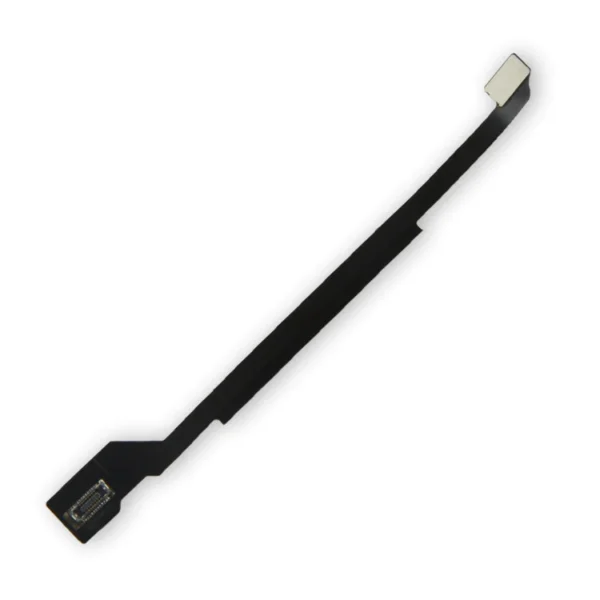
- Make it easy to check the function of a home button assembly through the home button link cable connection to the logic board without having to complete the installation.
- This test cable fits between the home button connector on the logic board and the connector on the home button link cable.
Note: This cable will not fit between the home button assembly and the home button link cable. |
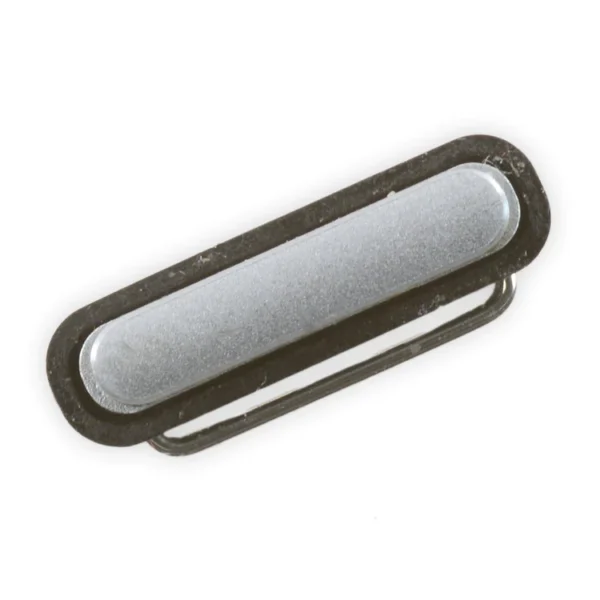
Replace a silver external power button cover for the iPhone 6. This is just the external part and does not include the cable. This is a used OEM part. | Replace a home button assembly in your iPhone 6 or iPhone 6 Plus and fix an unresponsive home button.
Note: The Touch ID function will only work with your phone's original home button assembly. Installing a new home button will only restore ordinary home button functionality—not Touch ID features.
This assembly does not include the gasket that seals the home button face to the front panel of the phone. |
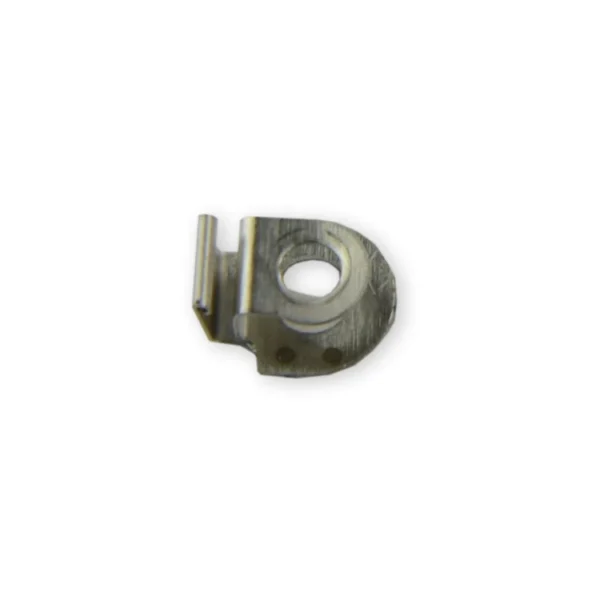
Replace the small metal clip that holds the antenna cable from the lightning connector assembly against the side of the loudspeaker assembly in your iPhone 6 or 6s. |
| Content | iPhone 6 and 6 Plus Test Cable for Front Camera
This handy test cable makes it easy to check the functions of a front camera and sensor cable assembly without having to complete the installation and is indispensable to anyone who makes multiple iPhone 6 and 6 Plus repairs. With this cable installed in an iPhone 6 or 6 Plus body you can connect, test, and quickly swap multiple replacement front camera cables without wearing out the delicate press fit connector on the logic board. | iPhone 6 Lightning Connector and Headphone Jack
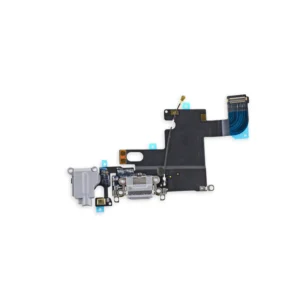
Replace a dirty, corroded, or damaged lightning connector, or a broken headphone jack in an iPhone 6. This repair may resolve a host of issues like a malfunctioning microphone, slow or nonexistent charging, limited connectivity, or spotty headphone output for your iPhone 6. | iPhone 6 Test Cable for Home Button and Link Cable
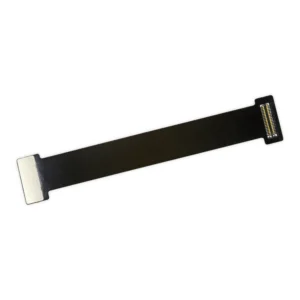
This iPhone 6 Test Cable for Home Button and Link Cable is indispensable to anyone who makes multiple iPhone 6 repairs!
- Make it easy to check the function of a home button assembly through the home button link cable connection to the logic board without having to complete the installation.
- This test cable fits between the home button connector on the logic board and the connector on the home button link cable.
Note: This cable will not fit between the home button assembly and the home button link cable. | iPhone 6 Power Button
Replace a silver external power button cover for the iPhone 6. This is just the external part and does not include the cable. This is a used OEM part. | iPhone 6 and 6 Plus Home Button Assembly
Replace a home button assembly in your iPhone 6 or iPhone 6 Plus and fix an unresponsive home button.
Note: The Touch ID function will only work with your phone's original home button assembly. Installing a new home button will only restore ordinary home button functionality—not Touch ID features.
This assembly does not include the gasket that seals the home button face to the front panel of the phone. | iPhone 6/6s Antenna Interconnect Cable Clip
Replace the small metal clip that holds the antenna cable from the lightning connector assembly against the side of the loudspeaker assembly in your iPhone 6 or 6s.
See the clip's location in the detail image. |





Reviews
There are no reviews yet.