| SKU | iPhone 7 Plus OEM Rear Case | iPhone 7/7 Plus Power/Volume Button Retaining Clips | iPhone 7 Plus Lightning Connector Assembly | iPhone 7 Plus Front Panel Assembly Cable Bracket | iPhone 7 Plus Wi-Fi Diversity Antenna | iPhone 7 Plus Front Panel Clips |
| Description |
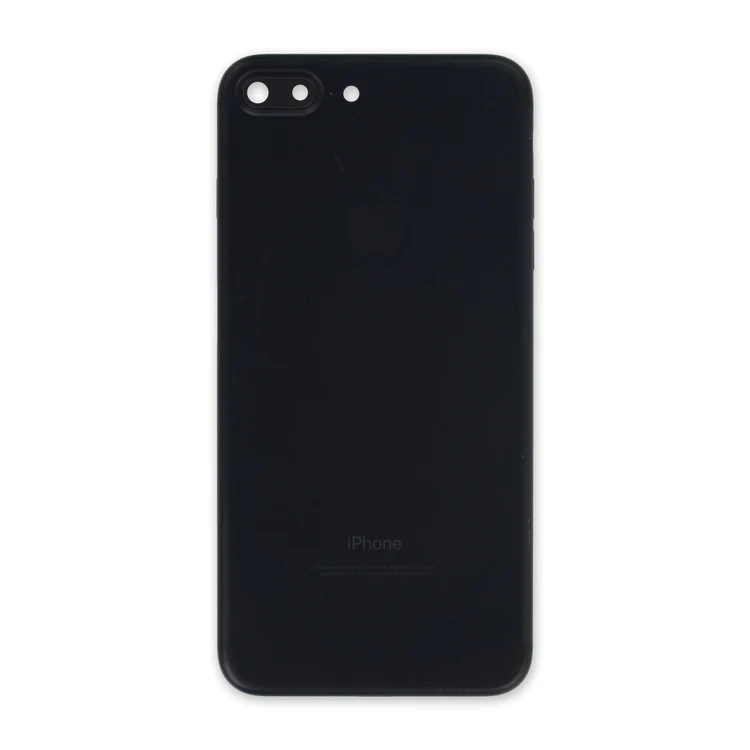
- Replace a scratched or dented aluminum rear case. This part is compatible with an iPhone 7 Plus smartphone.
- This is a used OEM part.
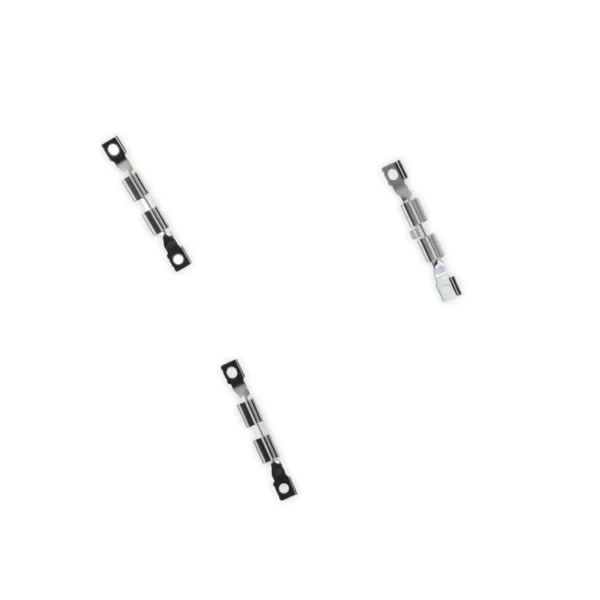
| Replace the internal clips that hold the external button covers in place.
These clips snap over the posts on the inside of the power and volume button covers, preventing the button covers from falling out of the iPhone's case.
Set of three clips. | Replace a corroded or damaged lightning connector in your iPhone 7 Plus.
If your phone isn't charging, has connectivity problems, is not recognized when plugged into your computer via USB, or has trouble recording audio, this part could fix the problem.
Specifications:
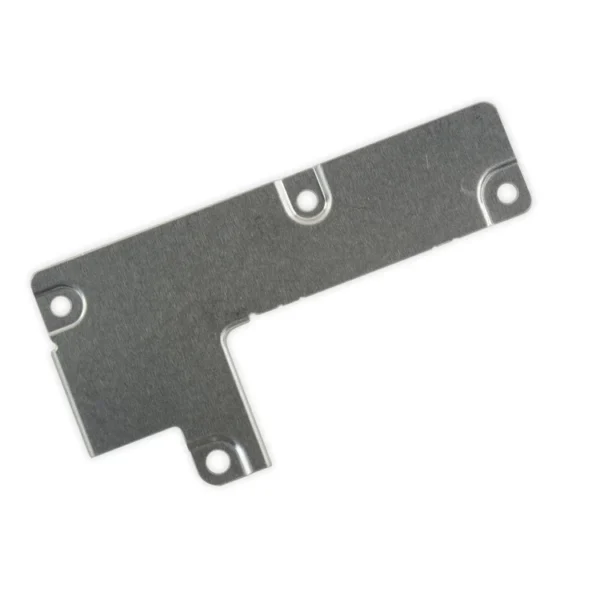
| This metal bracket secures the connectors from the LCD and digitizer as well as the battery cable to the logic board. | Replace a torn or missing Wi-Fi Diversity Antenna in your iPhone 7 Plus and fix unreliable connections to Wi-Fi signal.
This Wi-Fi Diversity and cable is adhered to the loudspeaker in the lower right corner inside the rear case.
Specifications:
|
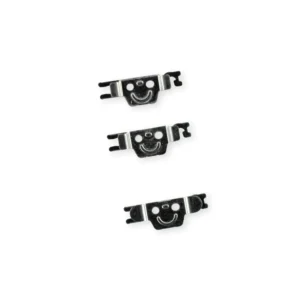
- Replace the set of six retaining clips in the edges of the rear case.
- Set includes two small clips and four large clips.
- These clips help hold the front panel assembly in place.
|
| Content | iPhone 7 Plus OEM Rear Case
- Replace a scratched or dented aluminum rear case. This part is compatible with an iPhone 7 Plus smartphone.
- This is a used OEM part.
| iPhone 7/7 Plus Power/Volume Button Retaining Clips
Replace the internal clips that hold the external button covers in place.
These clips snap over the posts on the inside of the power and volume button covers, preventing the button covers from falling out of the iPhone's case.
Set of three clips. | iPhone 7 Plus Lightning Connector Assembly
Replace a corroded or damaged lightning connector in your iPhone 7 Plus.
If your phone isn't charging, has connectivity problems, is not recognized when plugged into your computer via USB, or has trouble recording audio, this part could fix the problem.
Specifications:
| iPhone 7 Plus Front Panel Assembly Cable Bracket
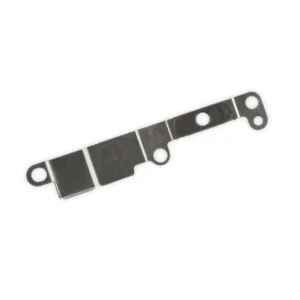
This metal bracket secures the connectors from the LCD and digitizer as well as the battery cable to the logic board. | iPhone 7 Plus Wi-Fi Diversity Antenna
Replace a torn or missing Wi-Fi Diversity Antenna in your iPhone 7 Plus and fix unreliable connections to Wi-Fi signal.
This Wi-Fi Diversity and cable is adhered to the loudspeaker in the lower right corner inside the rear case.
Specifications:
| iPhone 7 Plus Front Panel Clips
- Replace the set of six retaining clips in the edges of the rear case.
- Set includes two small clips and four large clips.
- These clips help hold the front panel assembly in place.
|





Reviews
There are no reviews yet.