Description
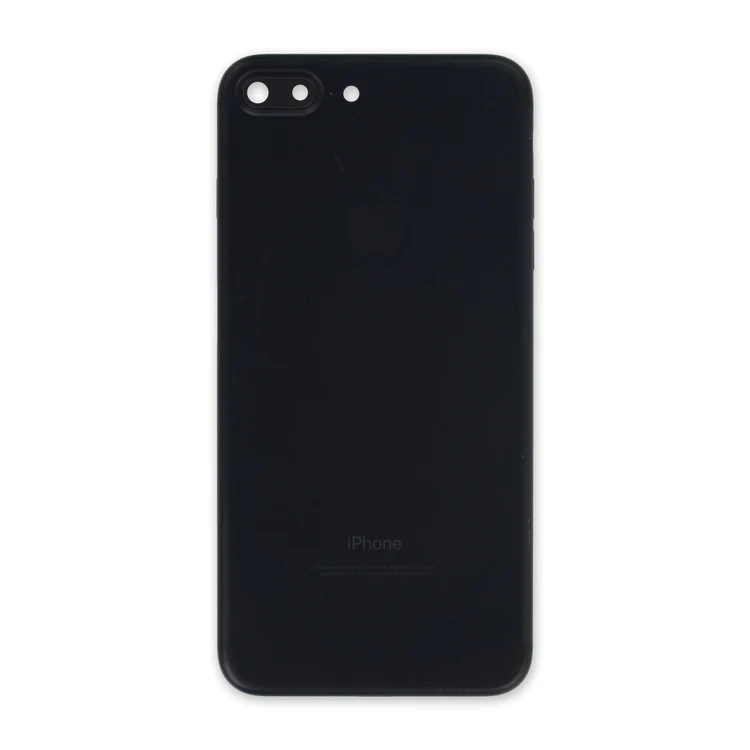
iPhone 7 Plus OEM Rear Case
- Replace a scratched or dented aluminum rear case. This part is compatible with an iPhone 7 Plus smartphone.
- This is a used OEM part.

$42.00
| iPhone 7 Plus Parts | |
|---|---|
| IPhones Repair Parts |
| iPhone 7 Plus OEM Rear Case remove | iPhone 7 Plus Front Panel Assembly Cable Bracket remove | iPhone 7 Plus Front Panel Clips remove | iPhone 7/7 Plus Power/Volume Button Retaining Clips remove | iPhone 7/7 Plus Power and Volume Button Gaskets remove | iPhone 7/7 Plus Hold Switch Gasket remove | |||||||||||||||||||||||||
|---|---|---|---|---|---|---|---|---|---|---|---|---|---|---|---|---|---|---|---|---|---|---|---|---|---|---|---|---|---|---|
| Name | iPhone 7 Plus OEM Rear Case remove | iPhone 7 Plus Front Panel Assembly Cable Bracket remove | iPhone 7 Plus Front Panel Clips remove | iPhone 7/7 Plus Power/Volume Button Retaining Clips remove | iPhone 7/7 Plus Power and Volume Button Gaskets remove | iPhone 7/7 Plus Hold Switch Gasket remove | ||||||||||||||||||||||||
| Image |  | 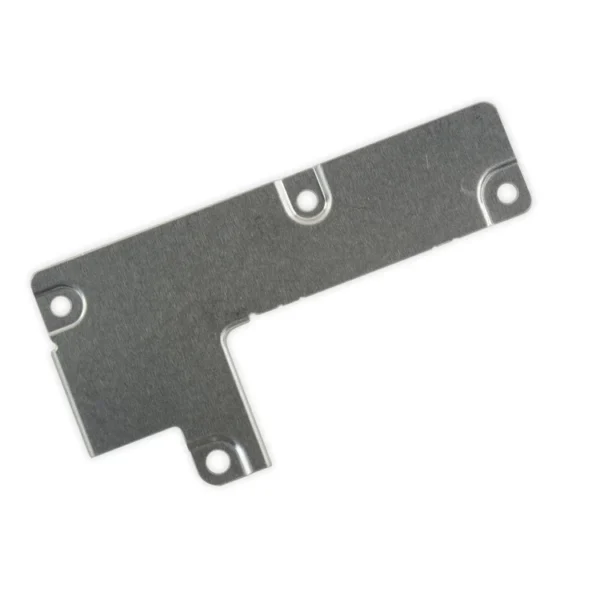 | 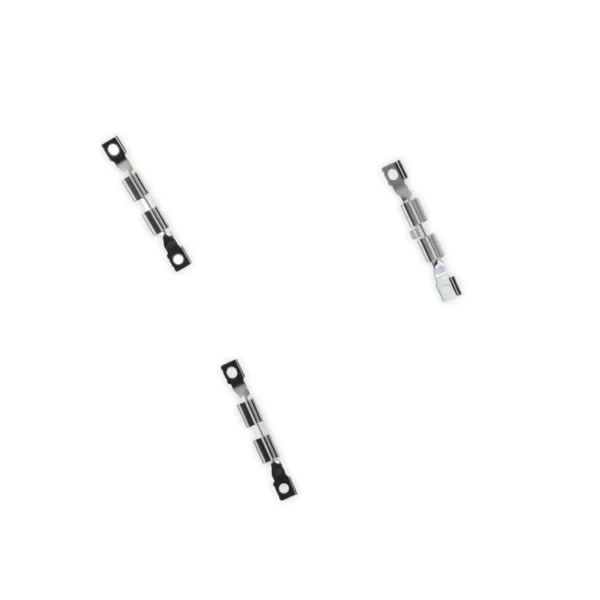 |  |  |  | ||||||||||||||||||||||||
| SKU | iPhone 7 Plus OEM Rear Case | iPhone 7 Plus Front Panel Assembly Cable Bracket | iPhone 7 Plus Front Panel Clips | iPhone 7/7 Plus Power/Volume Button Retaining Clips | iPhone 7/7 Plus Power and Volume Button Gaskets | iPhone 7/7 Plus Hold Switch Gasket | ||||||||||||||||||||||||
| Rating | ||||||||||||||||||||||||||||||
| Price | $42.00 | $6.00 | $11.00 | $4.00 | $9.00 | $1.05 | ||||||||||||||||||||||||
| Stock | ||||||||||||||||||||||||||||||
| Availability | ||||||||||||||||||||||||||||||
| Add to cart | ||||||||||||||||||||||||||||||
| Description |
| This metal bracket secures the connectors from the LCD and digitizer as well as the battery cable to the logic board. |
| Replace the internal clips that hold the external button covers in place. These clips snap over the posts on the inside of the power and volume button covers, preventing the button covers from falling out of the iPhone's case. Set of three clips. | Includes 6 gaskets.
Replace any or all of this set of six o-ring gaskets for the power or volume button face posts in an iPhone 7 or iPhone 7 Plus. Each of the volume button faces and the power button face have two posts that extend to the interior of the phone. Each post has a tiny gasket. That makes six gaskets for one phone or two for each button face. |
Replace a torn or missing gasket on the hold button assembly for an iPhone 7 or iPhone 7 Plus. This gasket fits around the body of the hold button assembly. | ||||||||||||||||||||||||
| Content | iPhone 7 Plus OEM Rear Case
| iPhone 7 Plus Front Panel Assembly Cable BracketThis metal bracket secures the connectors from the LCD and digitizer as well as the battery cable to the logic board. | iPhone 7 Plus Front Panel Clips
| iPhone 7/7 Plus Power/Volume Button Retaining ClipsReplace the internal clips that hold the external button covers in place. These clips snap over the posts on the inside of the power and volume button covers, preventing the button covers from falling out of the iPhone's case. Set of three clips. | iPhone 7/7 Plus Power and Volume Button GasketsIncludes 6 gaskets.Replace any or all of this set of six o-ring gaskets for the power or volume button face posts in an iPhone 7 or iPhone 7 Plus. Each of the volume button faces and the power button face have two posts that extend to the interior of the phone. Each post has a tiny gasket. That makes six gaskets for one phone or two for each button face. | iPhone 7/7 Plus Hold Switch GasketReplace a torn or missing gasket on the hold button assembly for an iPhone 7 or iPhone 7 Plus. This gasket fits around the body of the hold button assembly. | ||||||||||||||||||||||||
| Weight | N/A | N/A | N/A | N/A | N/A | N/A | ||||||||||||||||||||||||
| Dimensions | N/A | N/A | N/A | N/A | N/A | N/A | ||||||||||||||||||||||||
| Additional information |
|
|
|
|
|
|


Reviews
There are no reviews yet.