Description
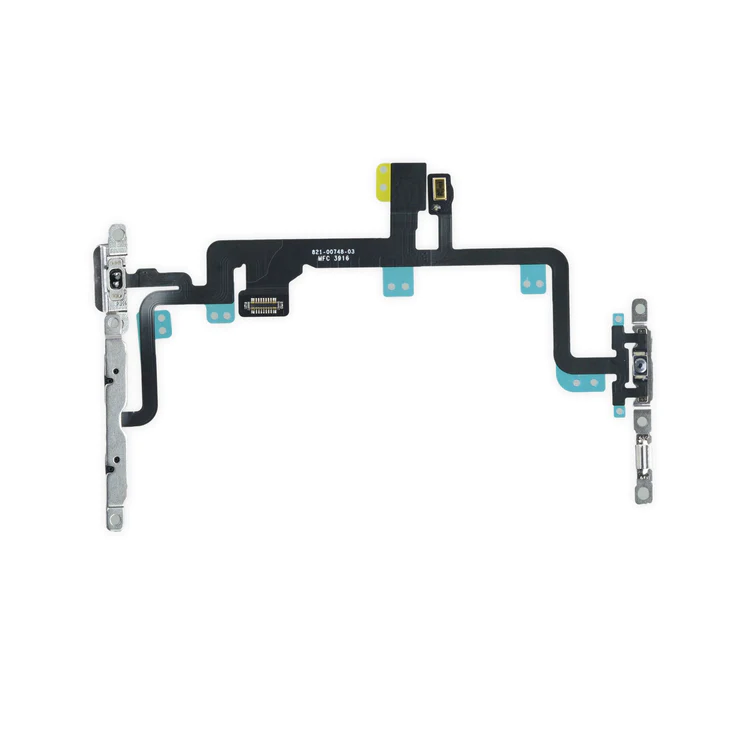
iPhone 7 Plus Audio Control Cable and Brackets
- This cable connects the volume buttons, vibrate/ring switch, and power button to the logic board.
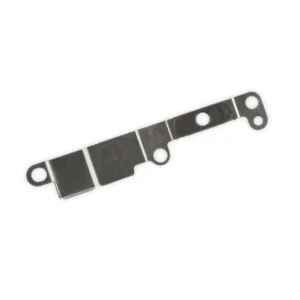
- The metal button brackets are included.
Specifications:
| Part Number | 821-00748-03 |
|---|

$21.00
Specifications:
| Part Number | 821-00748-03 |
|---|
Specifications:
| Part Number | 821-00748-03 |
|---|
| iPhone 7 Plus Audio Control Cable and Brackets remove | iPhone 7 Plus Bare Logic Board remove | iPhone 7 Plus Lightning Connector Assembly remove | iPhone 7/7 Plus/8/8 Plus Replacement Home Button remove | iPhone 7 Plus Test Cable for LCD Screen and Digitizer remove | iPhone 7 Plus Wi-Fi Diversity Antenna remove | |||||||||||||||||||||||||||||||
|---|---|---|---|---|---|---|---|---|---|---|---|---|---|---|---|---|---|---|---|---|---|---|---|---|---|---|---|---|---|---|---|---|---|---|---|---|
| Name | iPhone 7 Plus Audio Control Cable and Brackets remove | iPhone 7 Plus Bare Logic Board remove | iPhone 7 Plus Lightning Connector Assembly remove | iPhone 7/7 Plus/8/8 Plus Replacement Home Button remove | iPhone 7 Plus Test Cable for LCD Screen and Digitizer remove | iPhone 7 Plus Wi-Fi Diversity Antenna remove | ||||||||||||||||||||||||||||||
| Image | 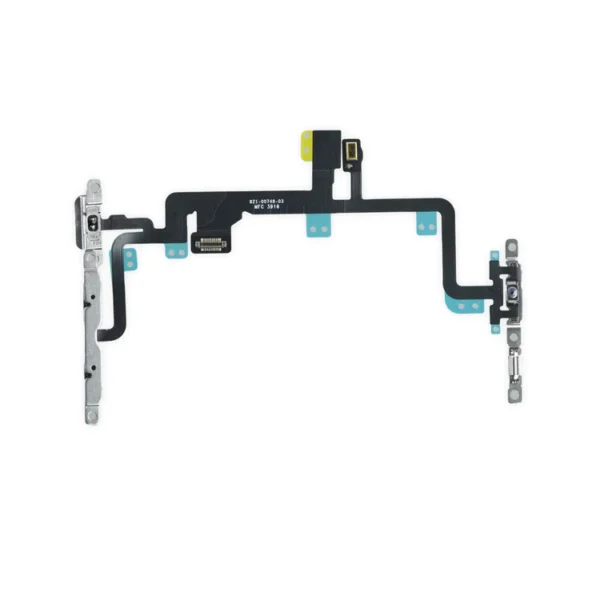 | 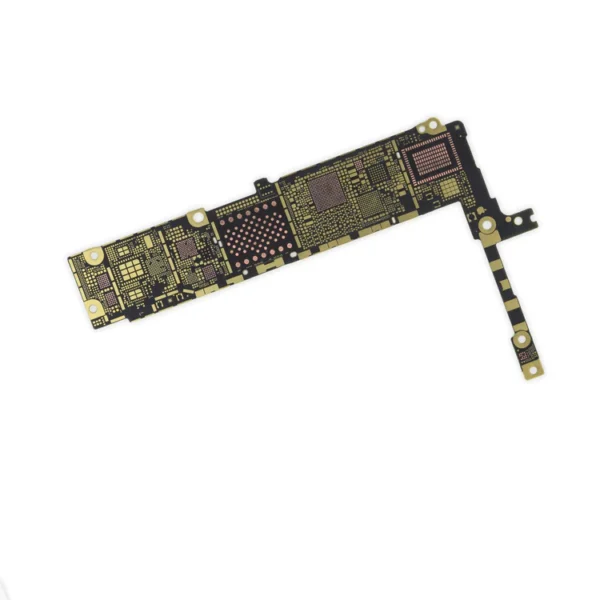 |  | 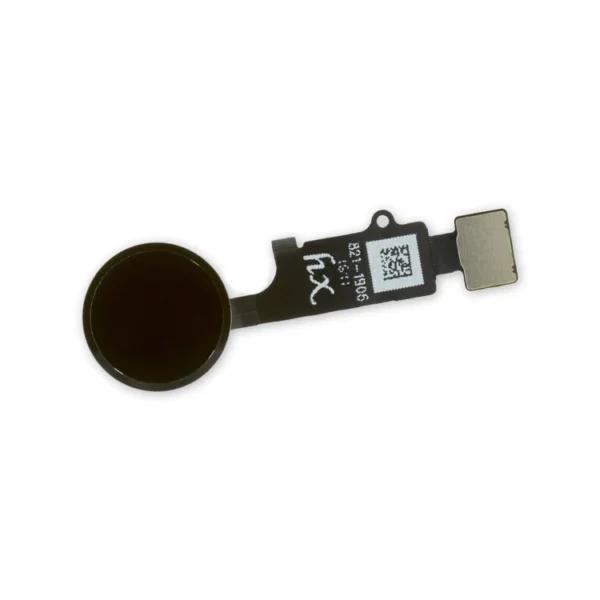 | 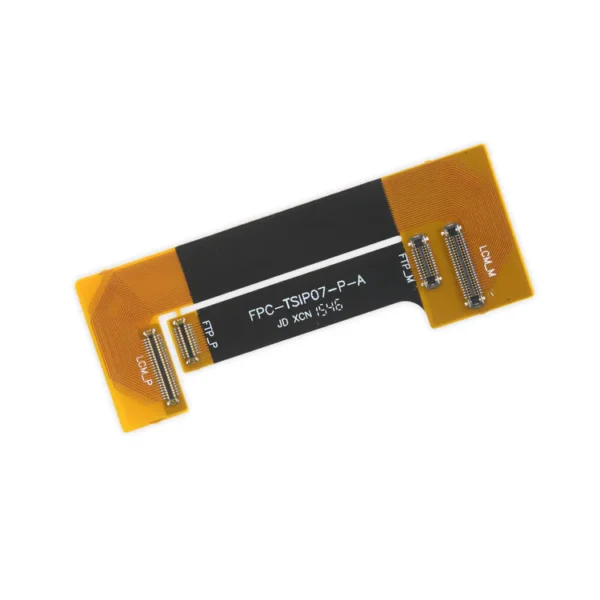 |  | ||||||||||||||||||||||||||||||
| SKU | iPhone 7 Plus Audio Control Cable and Brackets | iPhone 7 Plus Bare Logic Board | iPhone 7 Plus Lightning Connector Assembly | iPhone 7/7 Plus/8/8 Plus Replacement Home Button | iPhone 7 Plus Test Cable for LCD Screen and Digitizer | iPhone 7 Plus Wi-Fi Diversity Antenna | ||||||||||||||||||||||||||||||
| Rating | ||||||||||||||||||||||||||||||||||||
| Price | $21.00 | $11.00 | $27.00 | $21.00 | $16.00 | $7.00 | ||||||||||||||||||||||||||||||
| Stock | ||||||||||||||||||||||||||||||||||||
| Availability | ||||||||||||||||||||||||||||||||||||
| Add to cart | ||||||||||||||||||||||||||||||||||||
| Description |
| Replace a bare logic board (with no components) for the iPhone 7 Plus.
This is only the board to which all the surface soldered components would be mounted. | Replace a corroded or damaged lightning connector in your iPhone 7 Plus. If your phone isn't charging, has connectivity problems, is not recognized when plugged into your computer via USB, or has trouble recording audio, this part could fix the problem. Specifications:
| Replace a home button assembly in your iPhone 7/7 Plus/8/8 Plus and fix an unresponsive home button. |
| Replace a torn or missing Wi-Fi Diversity Antenna in your iPhone 7 Plus and fix unreliable connections to Wi-Fi signal.
This Wi-Fi Diversity and cable is adhered to the loudspeaker in the lower right corner inside the rear case. Specifications:
| ||||||||||||||||||||||||||||||
| Content | iPhone 7 Plus Audio Control Cable and Brackets
| iPhone 7 Plus Bare Logic BoardReplace a bare logic board (with no components) for the iPhone 7 Plus.This is only the board to which all the surface soldered components would be mounted. | iPhone 7 Plus Lightning Connector AssemblyReplace a corroded or damaged lightning connector in your iPhone 7 Plus. If your phone isn't charging, has connectivity problems, is not recognized when plugged into your computer via USB, or has trouble recording audio, this part could fix the problem. Specifications:
| iPhone 7/7 Plus/8/8 Plus Replacement Home ButtonReplace a home button assembly in your iPhone 7/7 Plus/8/8 Plus and fix an unresponsive home button. | iPhone 7 Plus Test Cable for LCD Screen and Digitizer
| iPhone 7 Plus Wi-Fi Diversity AntennaReplace a torn or missing Wi-Fi Diversity Antenna in your iPhone 7 Plus and fix unreliable connections to Wi-Fi signal.This Wi-Fi Diversity and cable is adhered to the loudspeaker in the lower right corner inside the rear case. Specifications:
| ||||||||||||||||||||||||||||||
| Weight | N/A | N/A | N/A | N/A | N/A | N/A | ||||||||||||||||||||||||||||||
| Dimensions | N/A | N/A | N/A | N/A | N/A | N/A | ||||||||||||||||||||||||||||||
| Additional information |
|
|
|
|
|
|


Reviews
There are no reviews yet.