Description
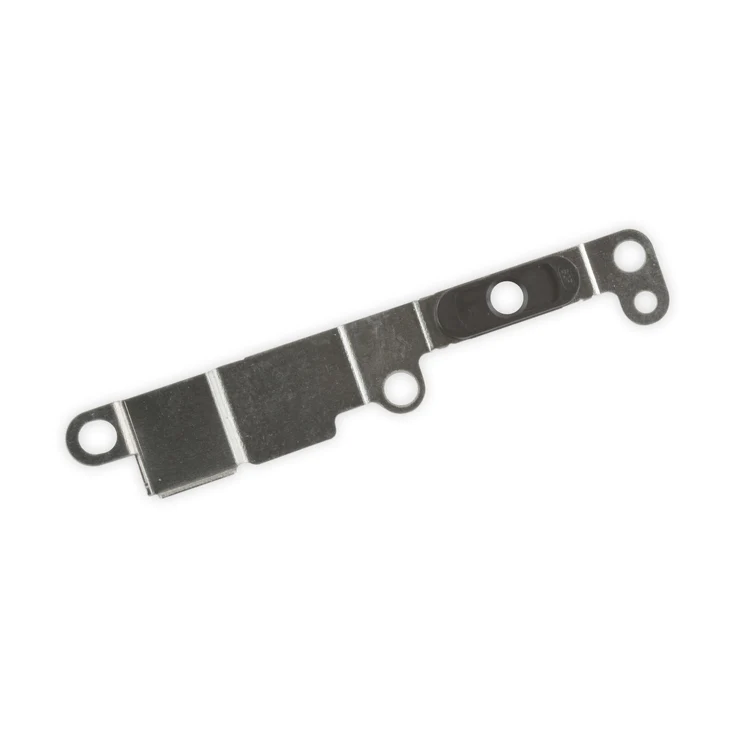
iPhone 7 Plus/8 Plus Home Button Bracket
Replace a missing or bent metal bracket securing the home button assembly to the back of the display assembly and fix a misaligned home button.

$32.00
Replace a front-facing camera and sensor cable in your iPhone iPhone 7 Plus and fix problems with front-facing camera images, poor noise cancelling for phone calls, or malfunctioning screen brightness adjustment.
Specifications:
| Part Number | 821-00519-03 |
|---|
Replace a missing or bent metal bracket securing the home button assembly to the back of the display assembly and fix a misaligned home button.
| iPhone 7 Plus/8 Plus Home Button Bracket remove | iPhone 7 Plus Front Panel Assembly Cable Bracket remove | iPhone 7 Plus Case Button Set remove | iPhone 7 Plus Dual Rear Camera remove | iPhone 7 Plus Top Left Antenna remove | iPhone 7 Plus Bare Logic Board remove | |||||||||||||||||||||||||
|---|---|---|---|---|---|---|---|---|---|---|---|---|---|---|---|---|---|---|---|---|---|---|---|---|---|---|---|---|---|---|
| Name | iPhone 7 Plus/8 Plus Home Button Bracket remove | iPhone 7 Plus Front Panel Assembly Cable Bracket remove | iPhone 7 Plus Case Button Set remove | iPhone 7 Plus Dual Rear Camera remove | iPhone 7 Plus Top Left Antenna remove | iPhone 7 Plus Bare Logic Board remove | ||||||||||||||||||||||||
| Image |  | 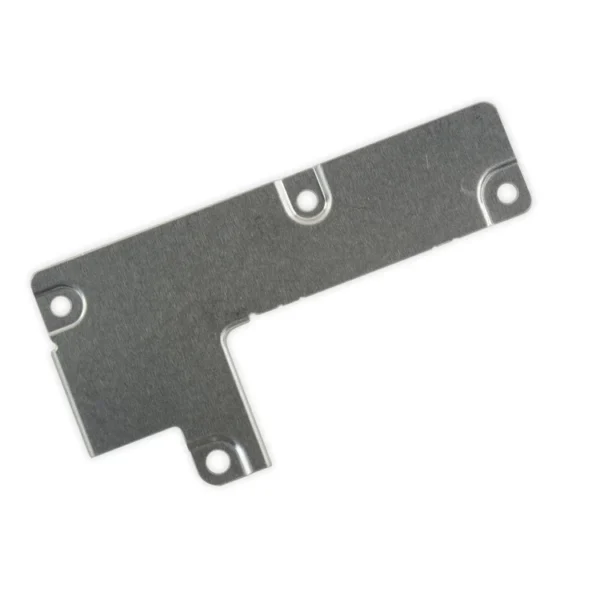 | 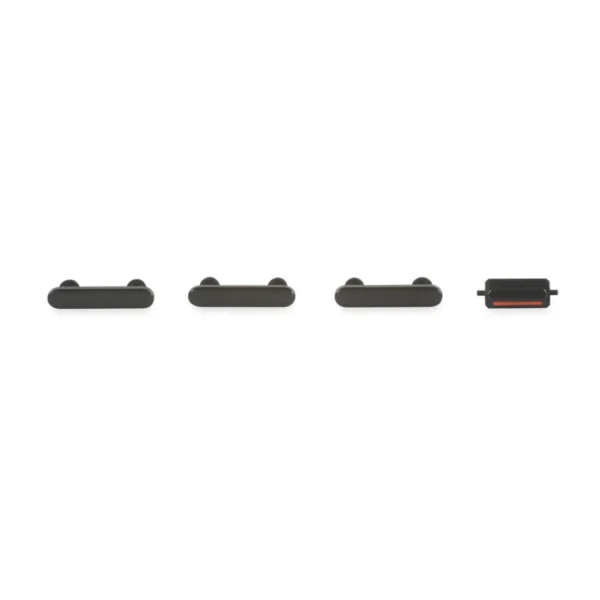 |  |  | 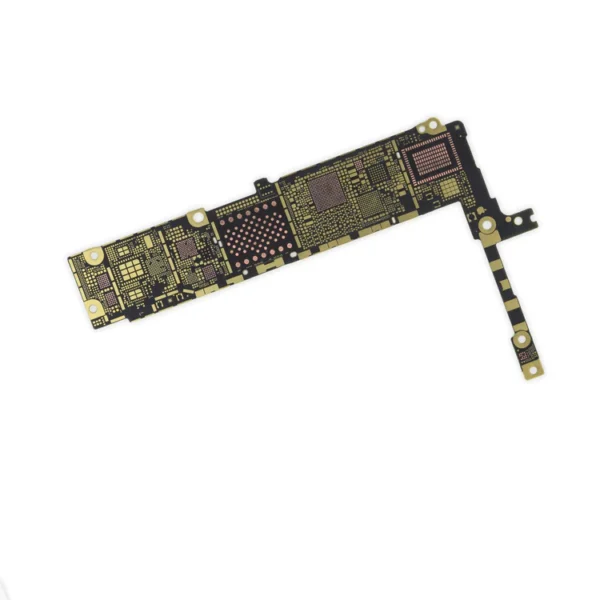 | ||||||||||||||||||||||||
| SKU | iPhone 7 Plus Front Panel Assembly Cable Bracket | iPhone 7 Plus Case Button Set | iPhone 7 Plus Dual Rear Camera | iPhone 7 Plus Top Left Antenna | iPhone 7 Plus Bare Logic Board | |||||||||||||||||||||||||
| Rating | ||||||||||||||||||||||||||||||
| Price | $32.00 | $6.00 | $11.00 | $105.00 | $8.00 | $11.00 | ||||||||||||||||||||||||
| Stock | ||||||||||||||||||||||||||||||
| Availability | ||||||||||||||||||||||||||||||
| Add to cart | ||||||||||||||||||||||||||||||
| Description | Replace a front-facing camera and sensor cable in your iPhone iPhone 7 Plus and fix problems with front-facing camera images, poor noise cancelling for phone calls, or malfunctioning screen brightness adjustment.
Specifications:
| This metal bracket secures the connectors from the LCD and digitizer as well as the battery cable to the logic board. |
| This Dual Rear Camera includes both 12 megapixel rear-facing cameras, one wide-angle camera with Optical Image Stabilization and one telephoto camera with optical zoom.
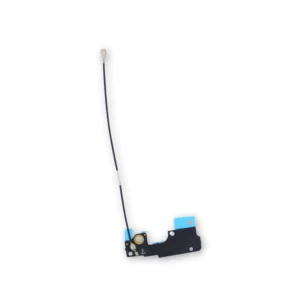
If the camera assembly has sensor issues, problems focusing, or is malfunctioning, you'll want to replace this part. Note: If your photos look like you have a scratched lens, this part will not solve the issue. The lens opening in your rear case may be scratched. | Replace the antenna in the top left of the rear case in your iPhone 7 Plus. | Replace a bare logic board (with no components) for the iPhone 7 Plus.
This is only the board to which all the surface soldered components would be mounted. | ||||||||||||||||||||||||
| Content | iPhone 7 Plus/8 Plus Home Button BracketReplace a missing or bent metal bracket securing the home button assembly to the back of the display assembly and fix a misaligned home button. | iPhone 7 Plus Front Panel Assembly Cable BracketThis metal bracket secures the connectors from the LCD and digitizer as well as the battery cable to the logic board. | iPhone 7 Plus Case Button Set
| iPhone 7 Plus Dual Rear CameraThis Dual Rear Camera includes both 12 megapixel rear-facing cameras, one wide-angle camera with Optical Image Stabilization and one telephoto camera with optical zoom.If the camera assembly has sensor issues, problems focusing, or is malfunctioning, you'll want to replace this part. Note: If your photos look like you have a scratched lens, this part will not solve the issue. The lens opening in your rear case may be scratched. | iPhone 7 Plus Top Left AntennaReplace the antenna in the top left of the rear case in your iPhone 7 Plus. | iPhone 7 Plus Bare Logic BoardReplace a bare logic board (with no components) for the iPhone 7 Plus.This is only the board to which all the surface soldered components would be mounted. | ||||||||||||||||||||||||
| Weight | N/A | N/A | N/A | N/A | N/A | N/A | ||||||||||||||||||||||||
| Dimensions | N/A | N/A | N/A | N/A | N/A | N/A | ||||||||||||||||||||||||
| Additional information |
|
|
|
|
|
|


Reviews
There are no reviews yet.