| SKU | iPhone 7 Plus Earpiece Speaker Mesh Bracket | iPhone 7/7 Plus Power and Volume Button Gaskets | iPhone 7/7 Plus Power/Volume Button Retaining Clips | iPhone 7/7 Plus Test Cable for Rear Camera | iPhone 7 Plus Test Cable for LCD Screen and Digitizer | iPhone 7 Plus/8 Plus Home Button Bracket |
| Description |
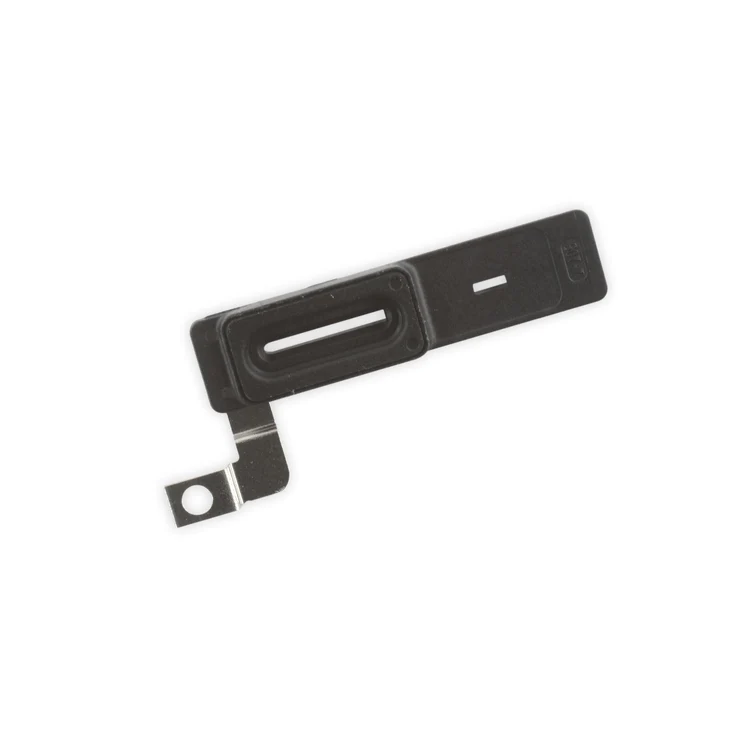
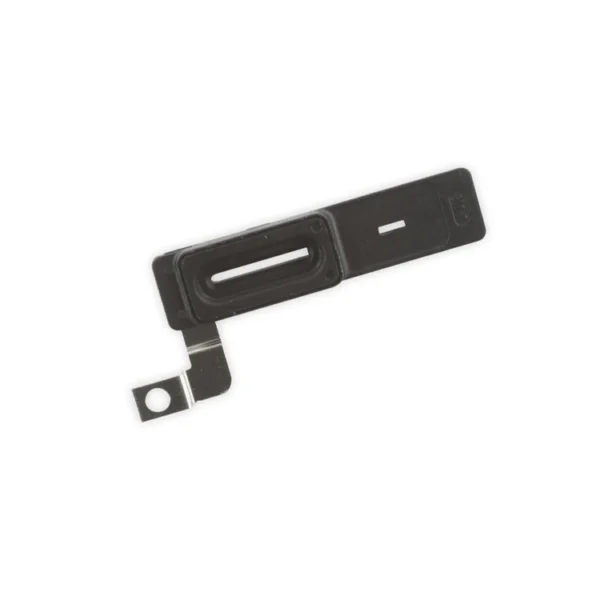
- Replace the plastic bracket that holds the earpiece speaker dust proof mesh in place against the inside of the front panel assembly in your iPhone 7 Plus.
- Includes the gasket that seals this bracket to the earpiece speaker.
| Includes 6 gaskets.
Replace any or all of this set of six o-ring gaskets for the power or volume button face posts in an iPhone 7 or iPhone 7 Plus.
Each of the volume button faces and the power button face have two posts that extend to the interior of the phone. Each post has a tiny gasket. That makes six gaskets for one phone or two for each button face. | Replace the internal clips that hold the external button covers in place.
These clips snap over the posts on the inside of the power and volume button covers, preventing the button covers from falling out of the iPhone's case.
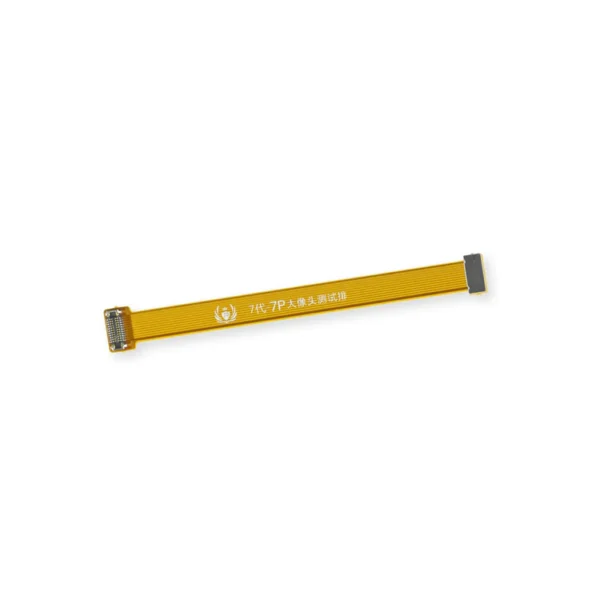
Set of three clips. | This handy test cable makes it easy to check the functions of a rear-facing camera in an iPhone 7 or iPhone 7 Plus without having to complete the installation and close up the iPhone's case.
- Indispensable to anyone who makes multiple iPhone 7 or iPhone 7 Plus repairs.
- With this cable installed you can connect, test, and quickly swap multiple replacement rear-facing cameras without wearing out the delicate press fit connectors on the logic board.
Note: This cable fits the connectors for the main and secondary rear-facing cameras in a iPhone 7 Plus, but one cable can only test one camera at a time. |
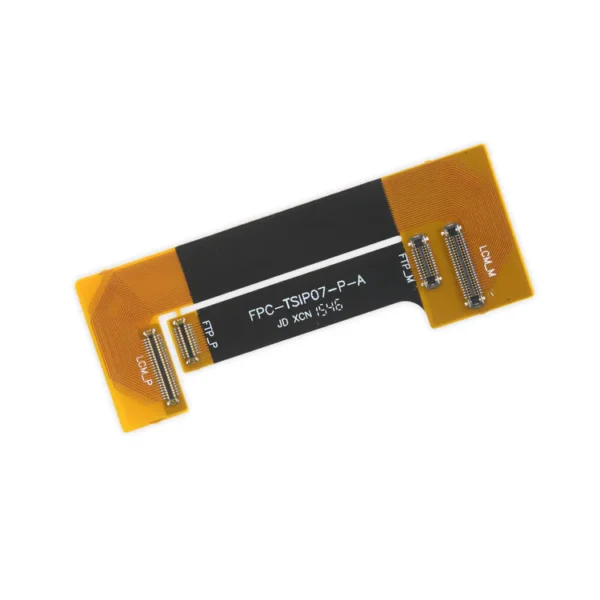
- This handy test cable makes it easy to check the functions of an iPhone 7 Plus LCD Screen and Digitizer without having to complete the installation and close up the iPhone's case.
- Indispensable to anyone who makes multiple iPhone 7 Plus repairs.
- With this cable installed in an iPhone 7 Plus body you can connect, test, and quickly swap multiple replacement LCDs and digitizers without wearing out the delicate press fit connectors on the logic board.
Note: This cable only tests the functions of the LCD and digitizer. It does not test the home button, front camera, or earpiece speaker. | Replace a missing or bent metal bracket securing the home button assembly to the back of the display assembly and fix a misaligned home button. |
| Content | iPhone 7 Plus Earpiece Speaker Mesh Bracket
- Replace the plastic bracket that holds the earpiece speaker dust proof mesh in place against the inside of the front panel assembly in your iPhone 7 Plus.
- Includes the gasket that seals this bracket to the earpiece speaker.
| iPhone 7/7 Plus Power and Volume Button Gaskets
Includes 6 gaskets.
Replace any or all of this set of six o-ring gaskets for the power or volume button face posts in an iPhone 7 or iPhone 7 Plus.
Each of the volume button faces and the power button face have two posts that extend to the interior of the phone. Each post has a tiny gasket. That makes six gaskets for one phone or two for each button face. | iPhone 7/7 Plus Power/Volume Button Retaining Clips
Replace the internal clips that hold the external button covers in place.
These clips snap over the posts on the inside of the power and volume button covers, preventing the button covers from falling out of the iPhone's case.
Set of three clips. | iPhone 7/7 Plus Test Cable for Rear Camera
This handy test cable makes it easy to check the functions of a rear-facing camera in an iPhone 7 or iPhone 7 Plus without having to complete the installation and close up the iPhone's case.
- Indispensable to anyone who makes multiple iPhone 7 or iPhone 7 Plus repairs.
- With this cable installed you can connect, test, and quickly swap multiple replacement rear-facing cameras without wearing out the delicate press fit connectors on the logic board.
Note: This cable fits the connectors for the main and secondary rear-facing cameras in a iPhone 7 Plus, but one cable can only test one camera at a time. | iPhone 7 Plus Test Cable for LCD Screen and Digitizer
- This handy test cable makes it easy to check the functions of an iPhone 7 Plus LCD Screen and Digitizer without having to complete the installation and close up the iPhone's case.
- Indispensable to anyone who makes multiple iPhone 7 Plus repairs.
- With this cable installed in an iPhone 7 Plus body you can connect, test, and quickly swap multiple replacement LCDs and digitizers without wearing out the delicate press fit connectors on the logic board.
Note: This cable only tests the functions of the LCD and digitizer. It does not test the home button, front camera, or earpiece speaker. | iPhone 7 Plus/8 Plus Home Button Bracket
Replace a missing or bent metal bracket securing the home button assembly to the back of the display assembly and fix a misaligned home button. |





Reviews
There are no reviews yet.