| SKU | iPhone 7/7 Plus Test Cable for Rear Camera | iPhone 7/7 Plus SIM Card Tray Gasket | iPhone 7 Front Panel Assembly Cable Bracket | iPhone 7 Wi-Fi Diversity Antenna | iPhone 7/7 Plus Test Cable for Audio Control Cable | iPhone 7/7 Plus Hold Switch Gasket |
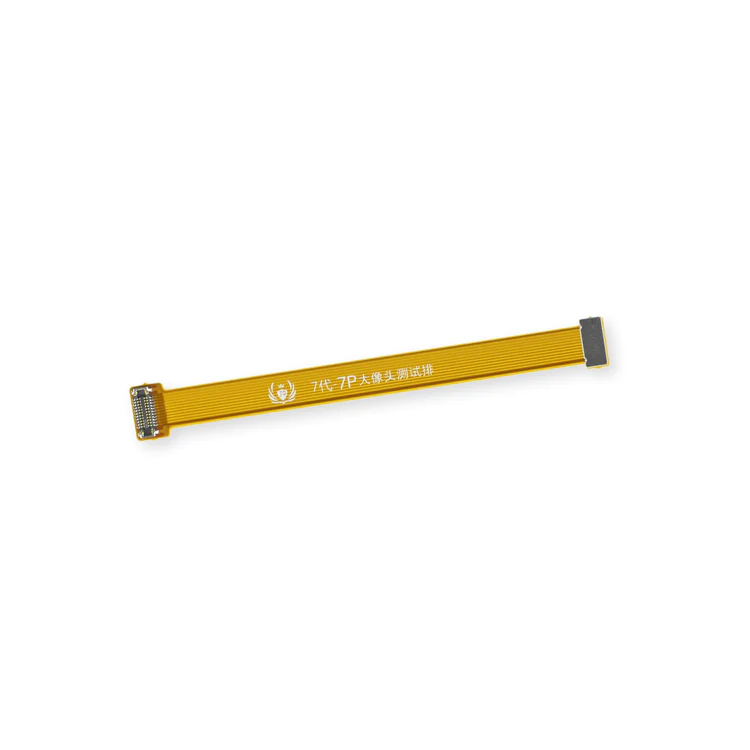
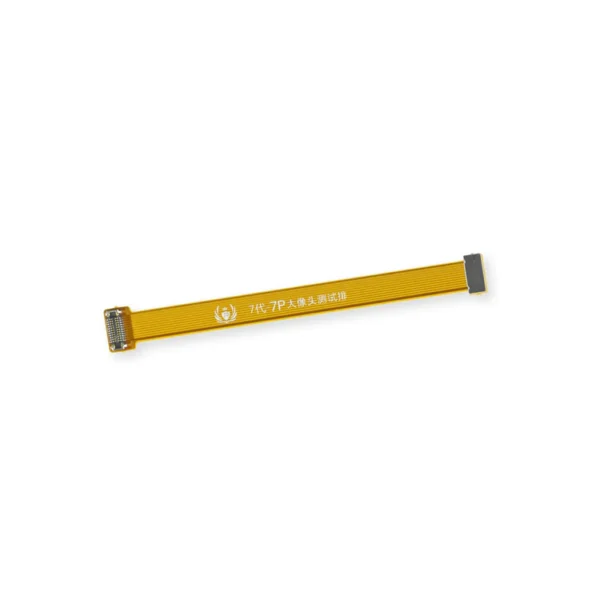
| Description | This handy test cable makes it easy to check the functions of a rear-facing camera in an iPhone 7 or iPhone 7 Plus without having to complete the installation and close up the iPhone's case.
- Indispensable to anyone who makes multiple iPhone 7 or iPhone 7 Plus repairs.
- With this cable installed you can connect, test, and quickly swap multiple replacement rear-facing cameras without wearing out the delicate press fit connectors on the logic board.
Note: This cable fits the connectors for the main and secondary rear-facing cameras in a iPhone 7 Plus, but one cable can only test one camera at a time. | Replace a torn or missing gasket on the SIM card tray for an iPhone 7 or iPhone 7 Plus. This gasket fits just inside the exterior face of the SIM card tray. |
This metal bracket secures the connectors from the LCD and digitizer as well as the battery cable to the logic board. | Replace a torn or missing Wi-Fi Diversity Antenna in your iPhone 7 and fix unreliable connections to Wi-Fi signal.
This Wi-Fi antenna and cable is adhered to the loudspeaker in the lower right corner inside the rear case.
Specifications:
|
- This handy test cable makes it easy to check the functions of an audio control and power button cable assembly without having to complete the installation.
- Indispensable to anyone who makes multiple iPhone 7 or iPhone 7 Plus repairs.
- With this cable installed you can connect, test, and quickly swap multiple replacement audio control and power button cable assemblies without wearing out the delicate press fit connector on the logic board.
|
Replace a torn or missing gasket on the hold button assembly for an iPhone 7 or iPhone 7 Plus. This gasket fits around the body of the hold button assembly. |
| Content | iPhone 7/7 Plus Test Cable for Rear Camera
This handy test cable makes it easy to check the functions of a rear-facing camera in an iPhone 7 or iPhone 7 Plus without having to complete the installation and close up the iPhone's case.
- Indispensable to anyone who makes multiple iPhone 7 or iPhone 7 Plus repairs.
- With this cable installed you can connect, test, and quickly swap multiple replacement rear-facing cameras without wearing out the delicate press fit connectors on the logic board.
Note: This cable fits the connectors for the main and secondary rear-facing cameras in a iPhone 7 Plus, but one cable can only test one camera at a time. | iPhone 7/7 Plus SIM Card Tray Gasket
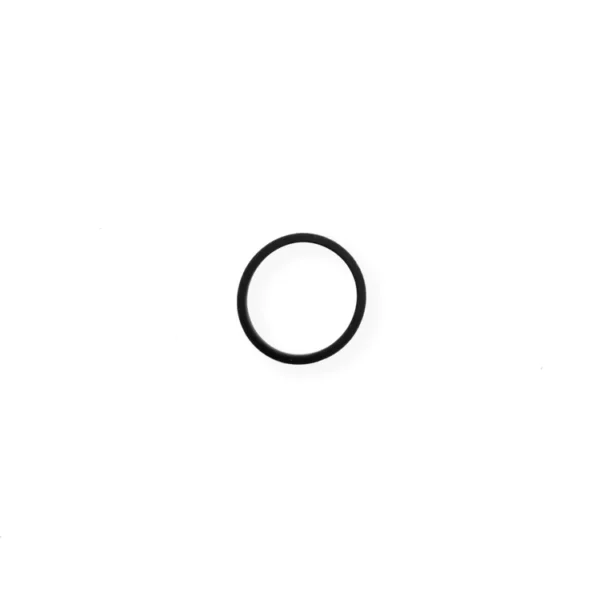
Replace a torn or missing gasket on the SIM card tray for an iPhone 7 or iPhone 7 Plus. This gasket fits just inside the exterior face of the SIM card tray. | iPhone 7 Front Panel Assembly Cable Bracket
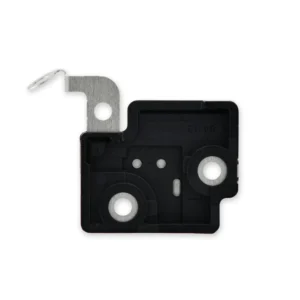
This metal bracket secures the connectors from the LCD and digitizer as well as the battery cable to the logic board. | iPhone 7 Wi-Fi Diversity Antenna
Replace a torn or missing Wi-Fi Diversity Antenna in your iPhone 7 and fix unreliable connections to Wi-Fi signal.
This Wi-Fi antenna and cable is adhered to the loudspeaker in the lower right corner inside the rear case.
Specifications:
| iPhone 7/7 Plus Test Cable for Audio Control Cable
- This handy test cable makes it easy to check the functions of an audio control and power button cable assembly without having to complete the installation.
- Indispensable to anyone who makes multiple iPhone 7 or iPhone 7 Plus repairs.
- With this cable installed you can connect, test, and quickly swap multiple replacement audio control and power button cable assemblies without wearing out the delicate press fit connector on the logic board.
| iPhone 7/7 Plus Hold Switch Gasket
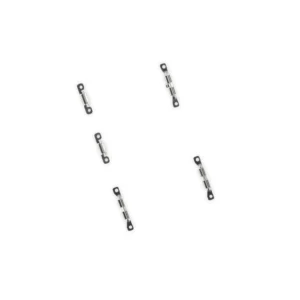
Replace a torn or missing gasket on the hold button assembly for an iPhone 7 or iPhone 7 Plus. This gasket fits around the body of the hold button assembly. |




Reviews
There are no reviews yet.