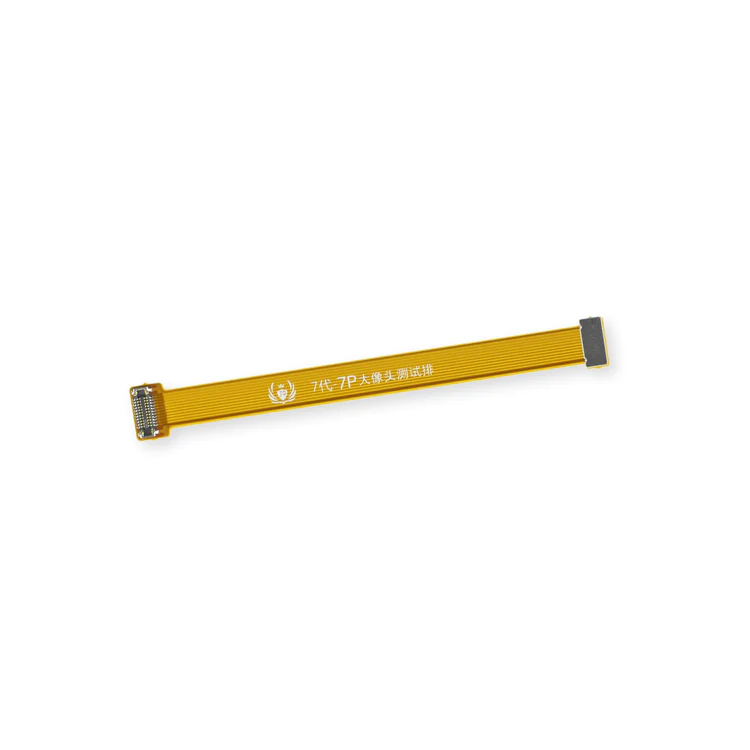
| Description | This handy test cable makes it easy to check the functions of a rear-facing camera in an iPhone 7 or iPhone 7 Plus without having to complete the installation and close up the iPhone's case.
- Indispensable to anyone who makes multiple iPhone 7 or iPhone 7 Plus repairs.
- With this cable installed you can connect, test, and quickly swap multiple replacement rear-facing cameras without wearing out the delicate press fit connectors on the logic board.
Note: This cable fits the connectors for the main and secondary rear-facing cameras in a iPhone 7 Plus, but one cable can only test one camera at a time. |
- This handy test cable makes it easy to check the functions of an audio control and power button cable assembly without having to complete the installation.
- Indispensable to anyone who makes multiple iPhone 7 or iPhone 7 Plus repairs.
- With this cable installed you can connect, test, and quickly swap multiple replacement audio control and power button cable assemblies without wearing out the delicate press fit connector on the logic board.
| Replace a bare logic board (with no components) for the iPhone 7.
- This is only the board to which all the surface soldered components would be mounted.
- There are two revision numbers for this logic board. This board is 820-00188-A.
|
- Replace the set of three retaining clips in the edges of the rear case.
- These clips help hold the front panel assembly in place.
|
Replace the spring contact that grounds the lightning connector assembly to the back of the home button bracket in your iPhone 7 or iPhone 7 Plus. |
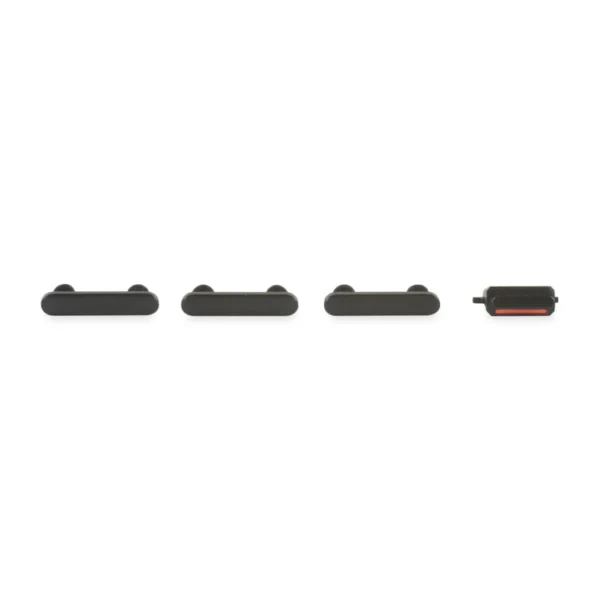
- This set of exterior case buttons includes the Power/Lock Button, Volume Buttons, and the Vibrate/Ring Switch for replacing buttons with cosmetic troubles.
- These are the button parts visible on the outside of the case.
- The actual buttons and switch that do all the work are attached to the internal button cables.
|
| Content | iPhone 7/7 Plus Test Cable for Rear Camera
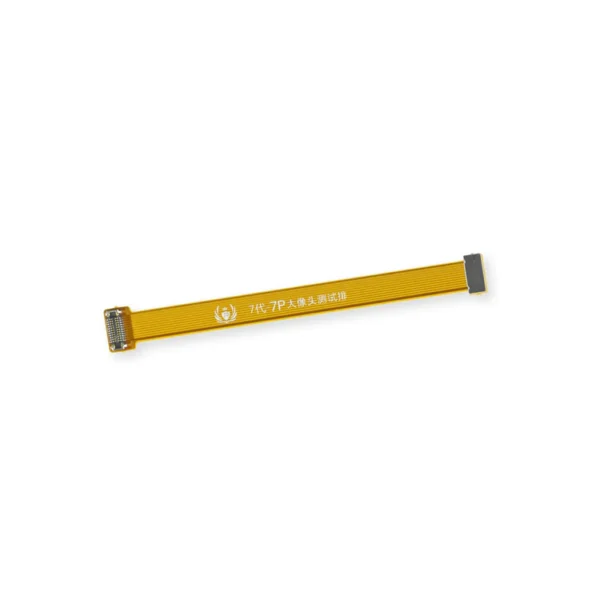
This handy test cable makes it easy to check the functions of a rear-facing camera in an iPhone 7 or iPhone 7 Plus without having to complete the installation and close up the iPhone's case.
- Indispensable to anyone who makes multiple iPhone 7 or iPhone 7 Plus repairs.
- With this cable installed you can connect, test, and quickly swap multiple replacement rear-facing cameras without wearing out the delicate press fit connectors on the logic board.
Note: This cable fits the connectors for the main and secondary rear-facing cameras in a iPhone 7 Plus, but one cable can only test one camera at a time. | iPhone 7/7 Plus Test Cable for Audio Control Cable
- This handy test cable makes it easy to check the functions of an audio control and power button cable assembly without having to complete the installation.
- Indispensable to anyone who makes multiple iPhone 7 or iPhone 7 Plus repairs.
- With this cable installed you can connect, test, and quickly swap multiple replacement audio control and power button cable assemblies without wearing out the delicate press fit connector on the logic board.
| iPhone 7 Bare Logic Board
Replace a bare logic board (with no components) for the iPhone 7.
- This is only the board to which all the surface soldered components would be mounted.
- There are two revision numbers for this logic board. This board is 820-00188-A.
| iPhone 7 Front Panel Clips
- Replace the set of three retaining clips in the edges of the rear case.
- These clips help hold the front panel assembly in place.
| iPhone 7/7 Plus Lightning Connector Grounding Spring Contact
Replace the spring contact that grounds the lightning connector assembly to the back of the home button bracket in your iPhone 7 or iPhone 7 Plus. | iPhone 7 Case Button Set
- This set of exterior case buttons includes the Power/Lock Button, Volume Buttons, and the Vibrate/Ring Switch for replacing buttons with cosmetic troubles.
- These are the button parts visible on the outside of the case.
- The actual buttons and switch that do all the work are attached to the internal button cables.
|






Reviews
There are no reviews yet.