| Description |
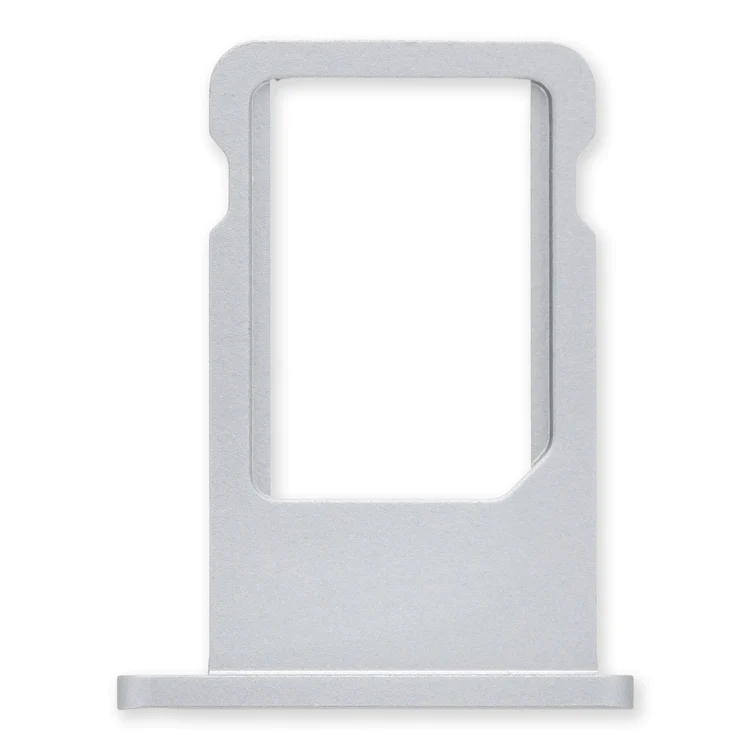
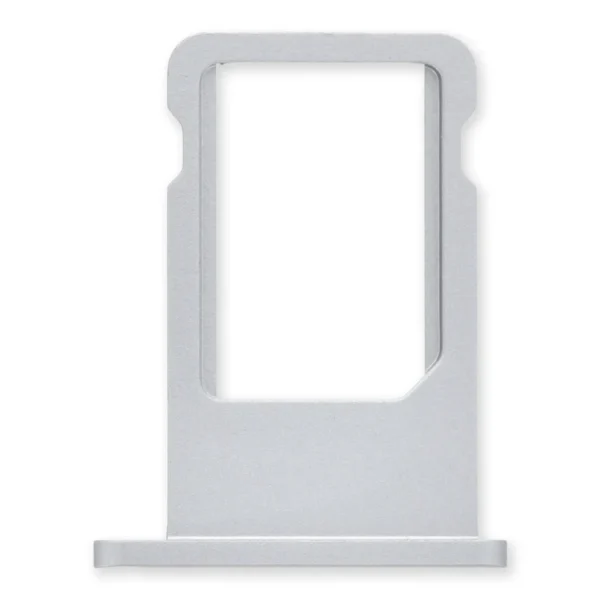
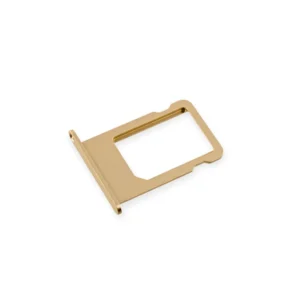
Replace a bent or missing nano SIM card tray for an iPhone 6. |
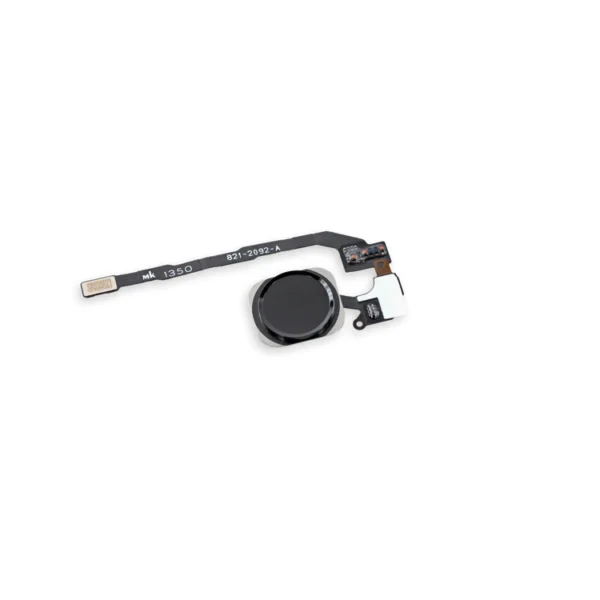
- Replace a home button assembly in your iPhone 5s and fix an unresponsive home button.
- Any superficial problem on the home button face or issue with a sticky, stuck, or broken home button click should be fixed with this part.
- This home button is also compatible with the first generation iPhone SE.
|
- Replace a scratched or missing exterior case button face for an iPhone 5s or 1st generation iPhone SE.
- This set of exterior case buttons includes the power/lock button, volume buttons, and the vibrate/ring switch faces.
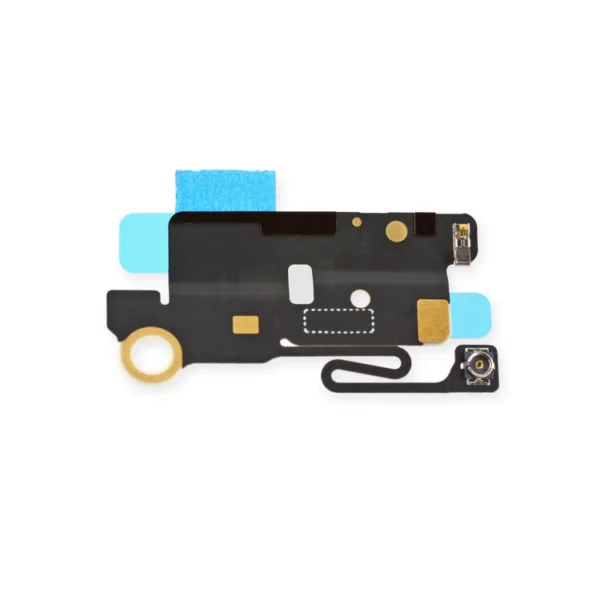
| Replace a torn or missing Bluetooth/Wi-Fi Antenna in your iPhone 5s or 1st generation iPhone SE and fix unreliable connections to Wi-Fi and Bluetooth service.
If you are experiencing connectivity issues and have a damaged or malfunctioning antenna, replacing this part may make the fix. | Specifications:
| Watt Hours |
5.73 Wh |
| Voltage |
3.8 V |
| Milliamp Hours |
1510 mAh |
| Manufacturer |
Aftermarket |
| Compatible Part Numbers |
616-0667, 616-0668, 616-0669, 616-0730, 616-0762, 661-8300, |
| Replace a bent or missing metal plate between the LCD and the rest of the internal parts in the iPhone 5s or 1st generation iPhone SE.
This shield plate disburses heat and protects the back of the LCD. |
| Content | iPhone 6 Nano SIM Card Tray
Replace a bent or missing nano SIM card tray for an iPhone 6. | iPhone 5s Home Button Assembly
- Replace a home button assembly in your iPhone 5s and fix an unresponsive home button.
- Any superficial problem on the home button face or issue with a sticky, stuck, or broken home button click should be fixed with this part.
- This home button is also compatible with the first generation iPhone SE.
| iPhone 5s/SE (1st Gen) Case Button Set
- Replace a scratched or missing exterior case button face for an iPhone 5s or 1st generation iPhone SE.
- This set of exterior case buttons includes the power/lock button, volume buttons, and the vibrate/ring switch faces.
| iPhone 5s/SE (1st Gen) Bluetooth and Wi-Fi Antenna
Replace a torn or missing Bluetooth/Wi-Fi Antenna in your iPhone 5s or 1st generation iPhone SE and fix unreliable connections to Wi-Fi and Bluetooth service.
If you are experiencing connectivity issues and have a damaged or malfunctioning antenna, replacing this part may make the fix. | iPhone 5c Battery
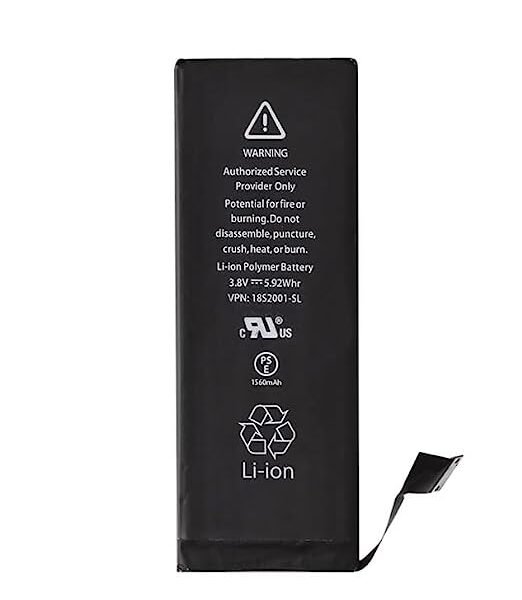
This replacement battery is what you need to bring that dead smartphone back to life.
- This battery is brand new! Each one has been tested to confirm that there are no cycles on the cell and that the capacity is 95% or higher.
Note: For optimal performance, calibrate your newly installed battery: Charge it to 100% and keep charging it for at least 2 more hours. Then use your device until it shuts off due to low battery. Finally, charge it uninterrupted to 100%.
Specifications:
| Watt Hours |
5.73 Wh |
| Voltage |
3.8 V |
| Milliamp Hours |
1510 mAh |
| Manufacturer |
Aftermarket |
| Compatible Part Numbers |
616-0667, 616-0668, 616-0669, 616-0730, 616-0762, 661-8300, |
| iPhone 5s/SE (1st Gen) LCD Shield Plate
Replace a bent or missing metal plate between the LCD and the rest of the internal parts in the iPhone 5s or 1st generation iPhone SE.
This shield plate disburses heat and protects the back of the LCD.
Note: This is not the display assembly and does not contain the LCD |




Reviews
There are no reviews yet.