| Description |
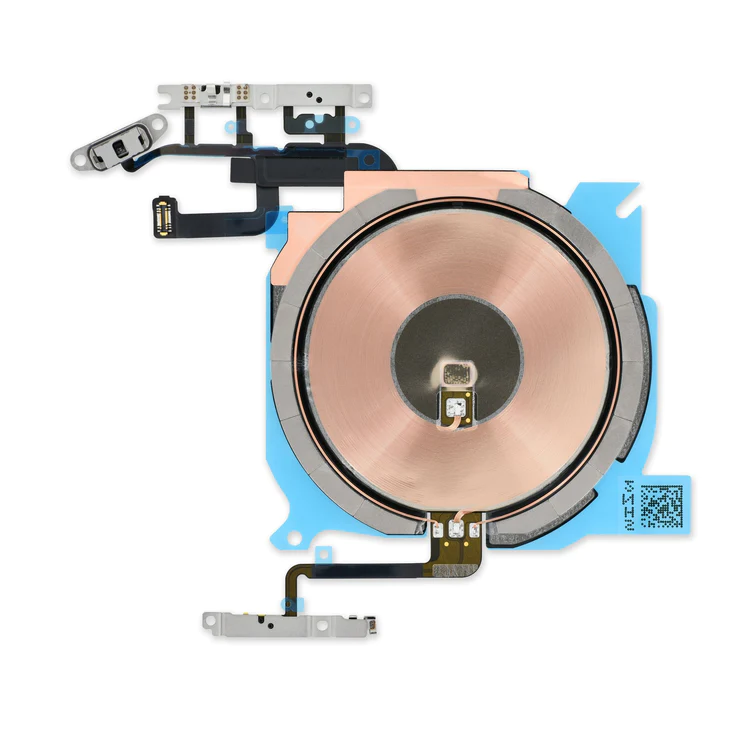
- Replace the cable that connects the internal volume buttons, vibrate/ring switch, and power button to the logic board of your iPhone 13 mini. In addition, this cable includes the Wireless Charging Antenna Coil.
- Fix issues with volume adjustment, vibration, and cordless charging.
Note: The external button covers are not included. | Replace a bent or missing metal bracket securing the front panel assembly cable connectors to the logic board in an iPhone 5s or 1st generation iPhone SE. |
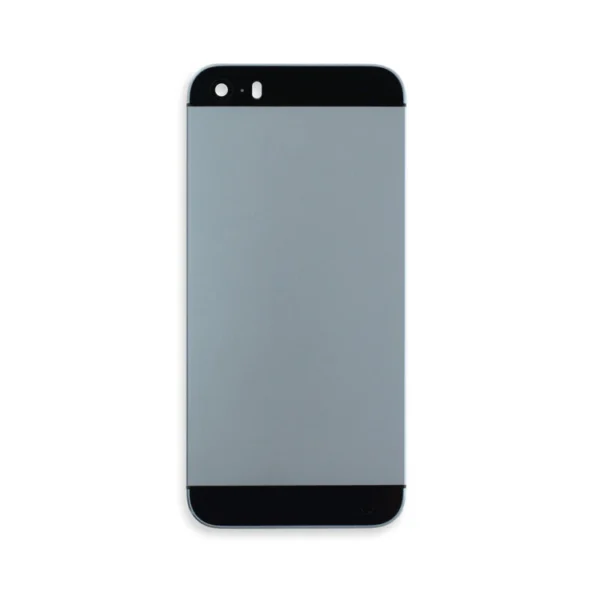
- Black rear case includes black glass panels at top and bottom.
- Silver or gold rear case includes white glass panels at top and bottom.
| Protect the display on your iPhone 5, 5s, 5c, or 1st generation SE from impacts and scratches with this precise laser-cut screen protector.
- Nu Glass Tempered Glass Screen Protector features an advanced silicone adhesion chemical for easy application, four-tiered layer composition (anti-scratch, oleophobic coating, heat resistance and electrostatic adhesion), so your phone will always be protected.
- Each pack contains one set of Nu Glass Tempered Glass Screen Protector
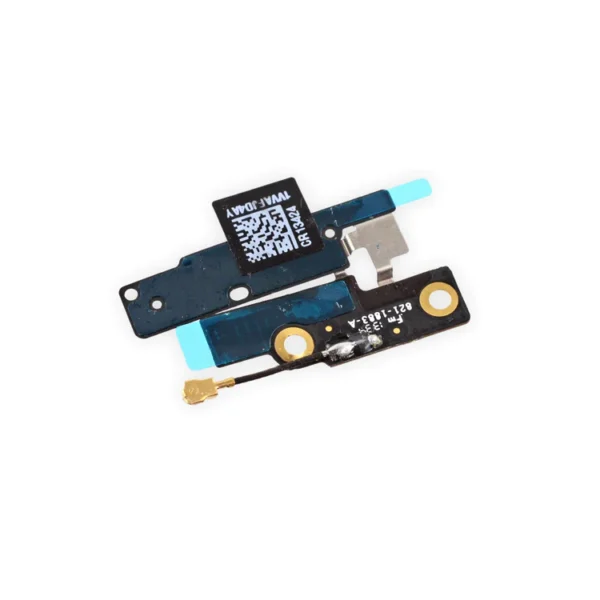
| Replace a bent or missing metal bracket securing the front facing camera and earpiece speaker to the display assembly in an iPhone 5s or 1st generation iPhone SE. | Replace a torn or missing Wi-Fi and Bluetooth antenna in your iPhone 5c and fix unreliable connectivity to Wi-Fi and Bluetooth service.
This antenna is adhered in the top left corner of the rear case. |
| Content | iPhone 13 mini Audio Control Cable and Wireless Charging Antenna
- Replace the cable that connects the internal volume buttons, vibrate/ring switch, and power button to the logic board of your iPhone 13 mini. In addition, this cable includes the Wireless Charging Antenna Coil.
- Fix issues with volume adjustment, vibration, and cordless charging.
Note: The external button covers are not included. | iPhone 5s/SE (1st Gen) Front Panel Assembly Cable Bracket
Replace a bent or missing metal bracket securing the front panel assembly cable connectors to the logic board in an iPhone 5s or 1st generation iPhone SE. | iPhone 5s Blank Rear Case
- Black rear case includes black glass panels at top and bottom.
- Silver or gold rear case includes white glass panels at top and bottom.
| Nu Glass Tempered Glass Screen Protector for iPhone 5/5s/5c/SE (1st Gen)
Protect the display on your iPhone 5, 5s, 5c, or 1st generation SE from impacts and scratches with this precise laser-cut screen protector.
- Nu Glass Tempered Glass Screen Protector features an advanced silicone adhesion chemical for easy application, four-tiered layer composition (anti-scratch, oleophobic coating, heat resistance and electrostatic adhesion), so your phone will always be protected.
- Each pack contains one set of Nu Glass Tempered Glass Screen Protector
| iPhone 5s/SE (1st Gen) Front Camera Bracket
Replace a bent or missing metal bracket securing the front facing camera and earpiece speaker to the display assembly in an iPhone 5s or 1st generation iPhone SE. | iPhone 5c Wi-Fi and Bluetooth Antenna
Replace a torn or missing Wi-Fi and Bluetooth antenna in your iPhone 5c and fix unreliable connectivity to Wi-Fi and Bluetooth service.
This antenna is adhered in the top left corner of the rear case. |







Reviews
There are no reviews yet.