Description
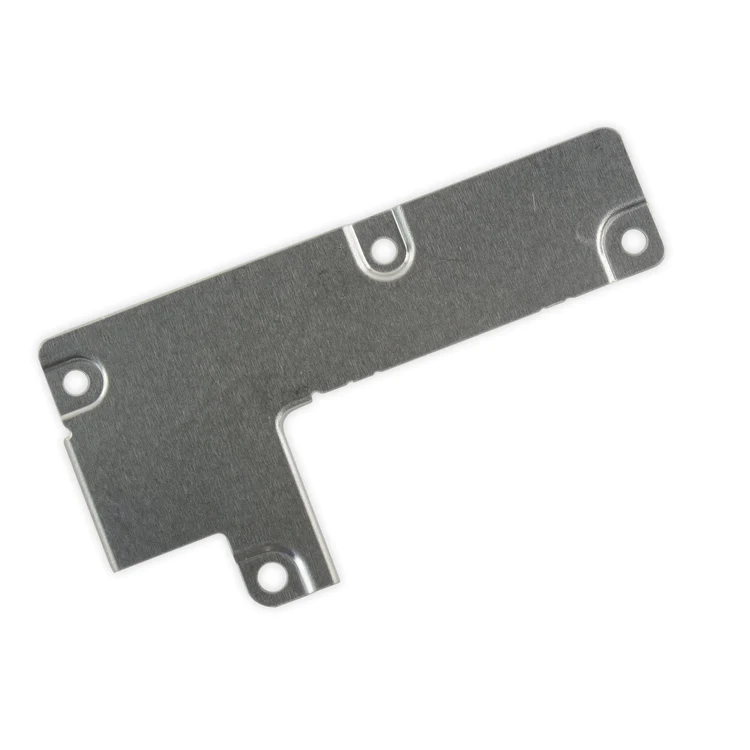
iPhone 7 Plus Front Panel Assembly Cable Bracket
This metal bracket secures the connectors from the LCD and digitizer as well as the battery cable to the logic board.

$6.00
This metal bracket secures the connectors from the LCD and digitizer as well as the battery cable to the logic board.
This metal bracket secures the connectors from the LCD and digitizer as well as the battery cable to the logic board.
| iPhone 7 Plus Front Panel Assembly Cable Bracket remove | iPhone 7 Plus/8 Plus Home Button Bracket remove | iPhone 7 Plus Case Button Set remove | iPhone 7 Plus Top Center Antenna Cable remove | iPhone 7/7 Plus Test Cable for Audio Control Cable remove | iPhone 7/7 Plus Test Cable for Front Camera and Sensors remove | |||||||||||||||||||||||||||
|---|---|---|---|---|---|---|---|---|---|---|---|---|---|---|---|---|---|---|---|---|---|---|---|---|---|---|---|---|---|---|---|---|
| Name | iPhone 7 Plus Front Panel Assembly Cable Bracket remove | iPhone 7 Plus/8 Plus Home Button Bracket remove | iPhone 7 Plus Case Button Set remove | iPhone 7 Plus Top Center Antenna Cable remove | iPhone 7/7 Plus Test Cable for Audio Control Cable remove | iPhone 7/7 Plus Test Cable for Front Camera and Sensors remove | ||||||||||||||||||||||||||
| Image | 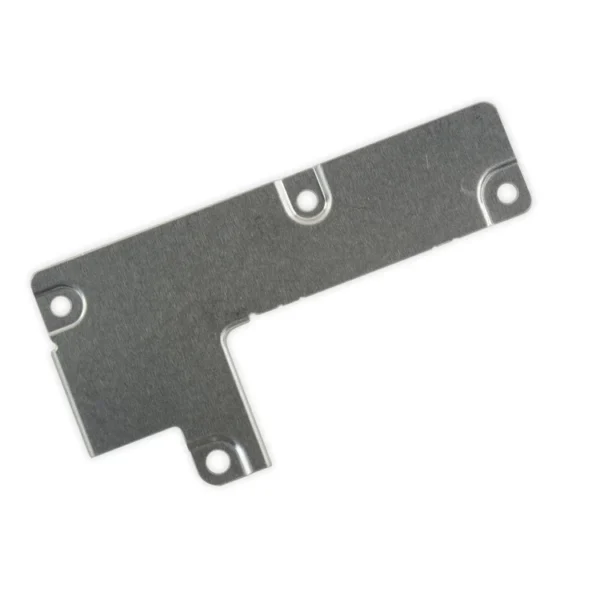 |  | 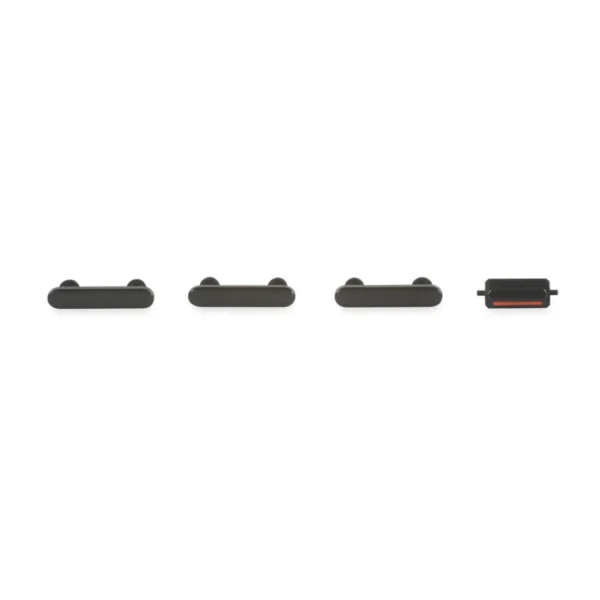 |  |  |  | ||||||||||||||||||||||||||
| SKU | iPhone 7 Plus Front Panel Assembly Cable Bracket | iPhone 7 Plus/8 Plus Home Button Bracket | iPhone 7 Plus Case Button Set | iPhone 7 Plus Top Center Antenna Cable | iPhone 7/7 Plus Test Cable for Audio Control Cable | iPhone 7/7 Plus Test Cable for Front Camera and Sensors | ||||||||||||||||||||||||||
| Rating | ||||||||||||||||||||||||||||||||
| Price | $6.00 | $7.00 | $11.00 | $6.00 | $11.00 | $11.00 | ||||||||||||||||||||||||||
| Stock | ||||||||||||||||||||||||||||||||
| Availability | ||||||||||||||||||||||||||||||||
| Add to cart | ||||||||||||||||||||||||||||||||
| Description | This metal bracket secures the connectors from the LCD and digitizer as well as the battery cable to the logic board. | Replace a missing or bent metal bracket securing the home button assembly to the back of the display assembly and fix a misaligned home button. |
| Replace the antenna cable in the top center of the rear case in your iPhone 7 Plus smartphone. |
|
| ||||||||||||||||||||||||||
| Content | iPhone 7 Plus Front Panel Assembly Cable BracketThis metal bracket secures the connectors from the LCD and digitizer as well as the battery cable to the logic board. | iPhone 7 Plus/8 Plus Home Button BracketReplace a missing or bent metal bracket securing the home button assembly to the back of the display assembly and fix a misaligned home button. | iPhone 7 Plus Case Button Set
| iPhone 7 Plus Top Center Antenna CableReplace the antenna cable in the top center of the rear case in your iPhone 7 Plus smartphone. | iPhone 7/7 Plus Test Cable for Audio Control Cable
| iPhone 7/7 Plus Test Cable for Front Camera and Sensors
| ||||||||||||||||||||||||||
| Weight | N/A | N/A | N/A | N/A | N/A | N/A | ||||||||||||||||||||||||||
| Dimensions | N/A | N/A | N/A | N/A | N/A | N/A | ||||||||||||||||||||||||||
| Additional information |
|
|
|
|
|
|


Reviews
There are no reviews yet.