| SKU | iPhone 7 Plus Dual Rear Camera Lens Cover | iPhone 7 Plus Case Button Set | iPhone 7 Plus Bare Logic Board | iPhone 7/7 Plus Test Cable for Rear Camera | iPhone 7 Plus Top Left Antenna | iPhone 7/7 Plus Test Cable for Front Camera and Sensors |
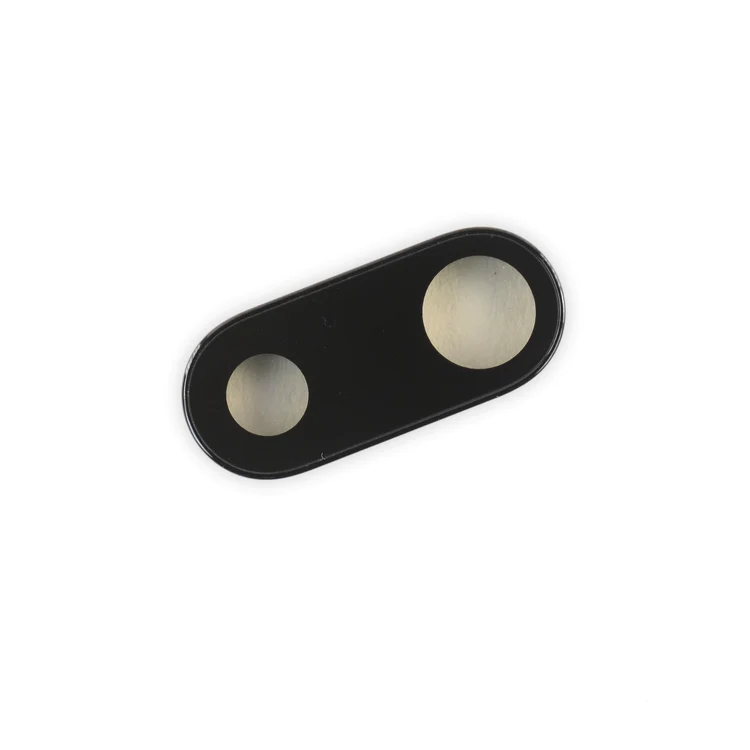
| Description | Replace the external lens covers for the dual rear-facing cameras in your iPhone 7 Plus.
Note: Removal of this part requires breaking spot welds between the lens cover bezel and the internal camera bracket. This is a difficult task. Be sure to review all of the replacement guide before attempting this repair. |
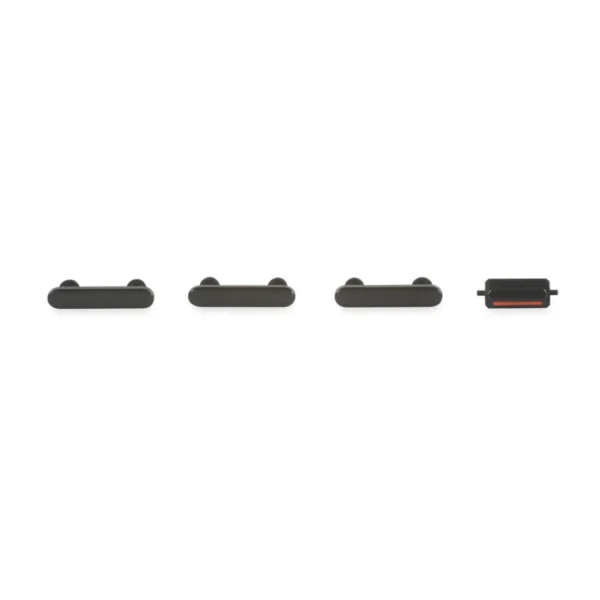
- This set of exterior case buttons includes the Power/Lock Button, Volume Buttons, and the Vibrate/Ring Switch for replacing buttons with cosmetic troubles.
- These parts are only the button faces visible on the outside of the case.
- The actual buttons and switch that do all the work are attached to the internal button cables.
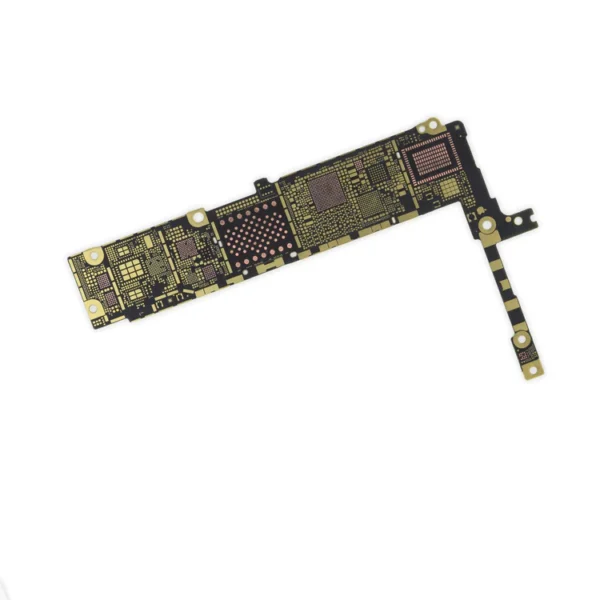
| Replace a bare logic board (with no components) for the iPhone 7 Plus.
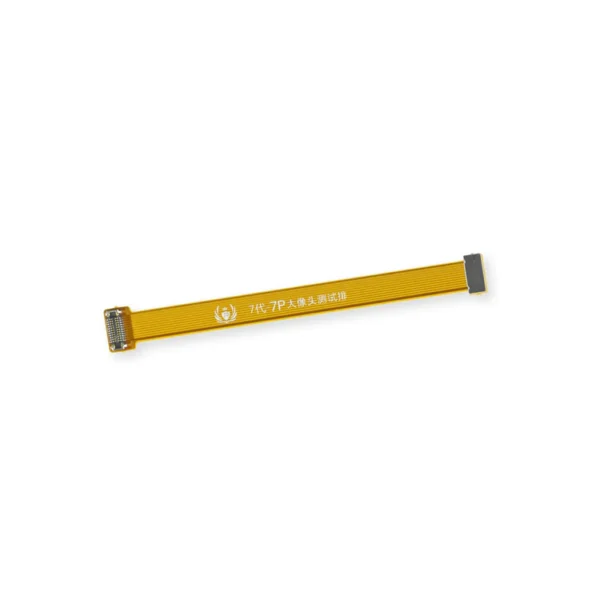
This is only the board to which all the surface soldered components would be mounted. | This handy test cable makes it easy to check the functions of a rear-facing camera in an iPhone 7 or iPhone 7 Plus without having to complete the installation and close up the iPhone's case.
- Indispensable to anyone who makes multiple iPhone 7 or iPhone 7 Plus repairs.
- With this cable installed you can connect, test, and quickly swap multiple replacement rear-facing cameras without wearing out the delicate press fit connectors on the logic board.
Note: This cable fits the connectors for the main and secondary rear-facing cameras in a iPhone 7 Plus, but one cable can only test one camera at a time. | Replace the antenna in the top left of the rear case in your iPhone 7 Plus. |
- This handy test cable makes it easy to check the functions of an iPhone 7 or iPhone 7 Plus front-facing camera and sensor cable assembly without having to complete the installation and close up the iPhone's case.
- Indispensable to anyone who makes multiple iPhone 7 and iPhone 7 Plus repairs.
- With this cable installed you can connect, test, and quickly swap multiple replacement front-facing camera and sensor cables without wearing out the delicate press fit connectors on the logic board.
|
| Content | iPhone 7 Plus Dual Rear Camera Lens Cover
Replace the external lens covers for the dual rear-facing cameras in your iPhone 7 Plus.
Note: Removal of this part requires breaking spot welds between the lens cover bezel and the internal camera bracket. This is a difficult task. Be sure to review all of the replacement guide before attempting this repair. | iPhone 7 Plus Case Button Set
- This set of exterior case buttons includes the Power/Lock Button, Volume Buttons, and the Vibrate/Ring Switch for replacing buttons with cosmetic troubles.
- These parts are only the button faces visible on the outside of the case.
- The actual buttons and switch that do all the work are attached to the internal button cables.
| iPhone 7 Plus Bare Logic Board
Replace a bare logic board (with no components) for the iPhone 7 Plus.
This is only the board to which all the surface soldered components would be mounted. | iPhone 7/7 Plus Test Cable for Rear Camera
This handy test cable makes it easy to check the functions of a rear-facing camera in an iPhone 7 or iPhone 7 Plus without having to complete the installation and close up the iPhone's case.
- Indispensable to anyone who makes multiple iPhone 7 or iPhone 7 Plus repairs.
- With this cable installed you can connect, test, and quickly swap multiple replacement rear-facing cameras without wearing out the delicate press fit connectors on the logic board.
Note: This cable fits the connectors for the main and secondary rear-facing cameras in a iPhone 7 Plus, but one cable can only test one camera at a time. | iPhone 7 Plus Top Left Antenna
Replace the antenna in the top left of the rear case in your iPhone 7 Plus. | iPhone 7/7 Plus Test Cable for Front Camera and Sensors
- This handy test cable makes it easy to check the functions of an iPhone 7 or iPhone 7 Plus front-facing camera and sensor cable assembly without having to complete the installation and close up the iPhone's case.
- Indispensable to anyone who makes multiple iPhone 7 and iPhone 7 Plus repairs.
- With this cable installed you can connect, test, and quickly swap multiple replacement front-facing camera and sensor cables without wearing out the delicate press fit connectors on the logic board.
|




Reviews
There are no reviews yet.