Description
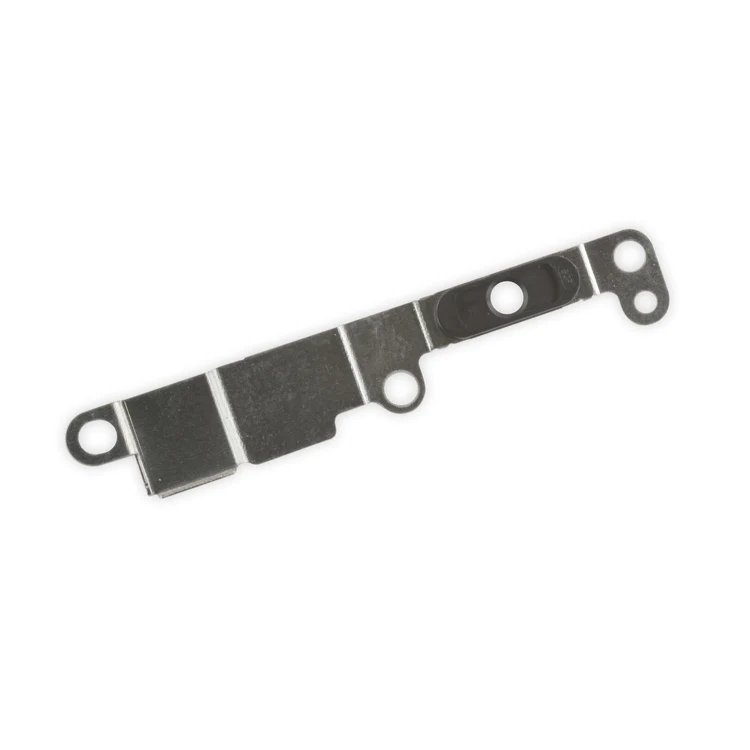
iPhone 7 Plus/8 Plus Home Button Bracket
Replace a missing or bent metal bracket securing the home button assembly to the back of the display assembly and fix a misaligned home button.

$7.00
Replace a missing or bent metal bracket securing the home button assembly to the back of the display assembly and fix a misaligned home button.
Replace a missing or bent metal bracket securing the home button assembly to the back of the display assembly and fix a misaligned home button.
| iPhone 7 Plus/8 Plus Home Button Bracket remove | iPhone 8 Plus Wi-Fi Diversity Antenna remove | iPhone 8 Plus Test Cable for LCD Screen and Digitizer remove | iPhone 8 Plus Audio Control Cable and Brackets remove | iPhone 8 Plus Lightning Port Bracket remove | iPhone 8 Plus Lightning Connector Assembly remove | |||||||||||||||||||||||||
|---|---|---|---|---|---|---|---|---|---|---|---|---|---|---|---|---|---|---|---|---|---|---|---|---|---|---|---|---|---|---|
| Name | iPhone 7 Plus/8 Plus Home Button Bracket remove | iPhone 8 Plus Wi-Fi Diversity Antenna remove | iPhone 8 Plus Test Cable for LCD Screen and Digitizer remove | iPhone 8 Plus Audio Control Cable and Brackets remove | iPhone 8 Plus Lightning Port Bracket remove | iPhone 8 Plus Lightning Connector Assembly remove | ||||||||||||||||||||||||
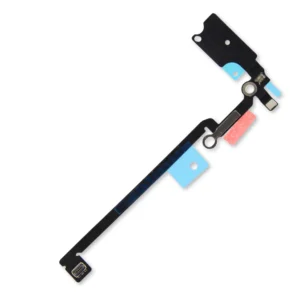
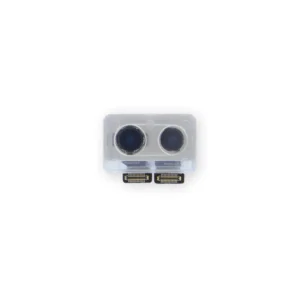
| Image |  |  | 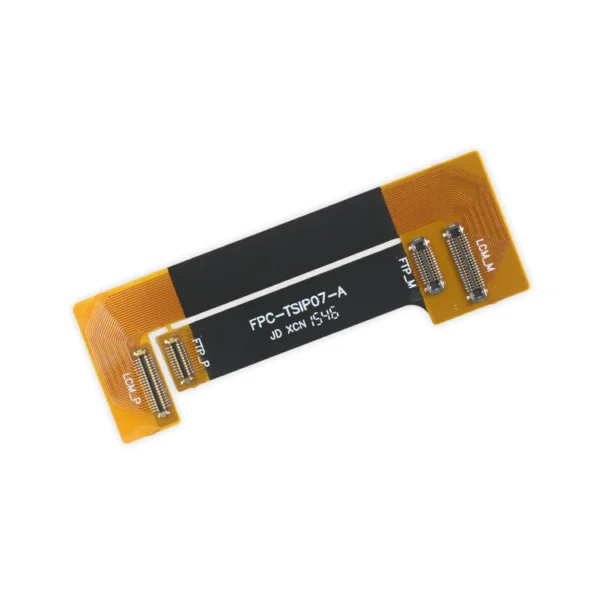 |  | 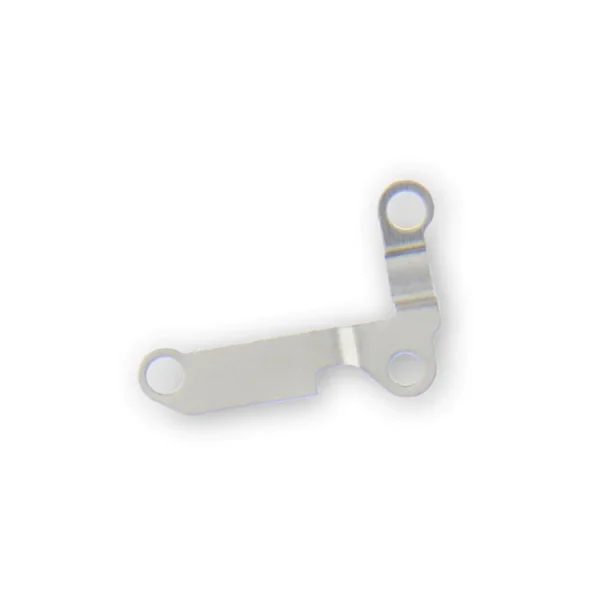 | 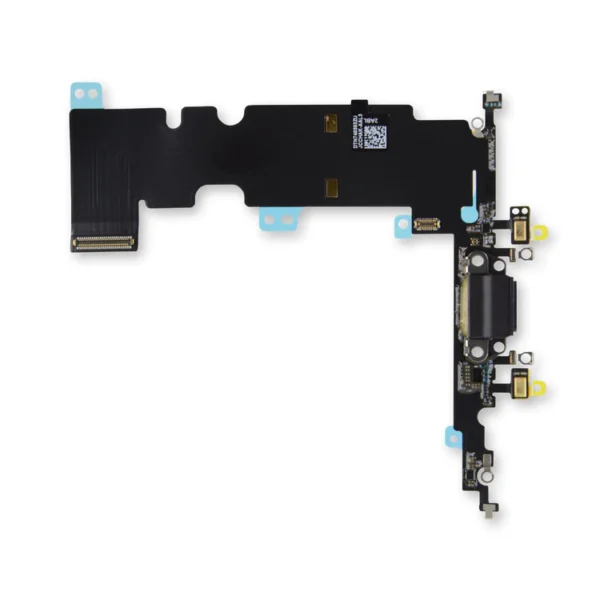 | ||||||||||||||||||||||||
| SKU | iPhone 7 Plus/8 Plus Home Button Bracket | iPhone 8 Plus Wi-Fi Diversity Antenna | iPhone 8 Plus Test Cable for LCD Screen and Digitizer | iPhone 8 Plus Audio Control Cable and Brackets | iPhone 8 Plus Lightning Port Bracket | iPhone 8 Plus Lightning Connector Assembly | ||||||||||||||||||||||||
| Rating | ||||||||||||||||||||||||||||||
| Price | $7.00 | $13.00 | $16.00 | $27.00 | $6.00 | $27.00 | ||||||||||||||||||||||||
| Stock | ||||||||||||||||||||||||||||||
| Availability | ||||||||||||||||||||||||||||||
| Add to cart | ||||||||||||||||||||||||||||||
| Description | Replace a missing or bent metal bracket securing the home button assembly to the back of the display assembly and fix a misaligned home button. |
| This handy test cable makes it easy to check the functions of an iPhone 8 Plus LCD Screen and Digitizer without having to complete the installation and close up the iPhone's case. Indispensable to anyone who makes multiple iPhone 8 Plus repairs. With this cable installed in an iPhone 8 Plus body you can connect, test, and quickly swap multiple replacement LCDs and digitizers without wearing out the delicate press fit connectors on the logic board. Note : This cable only tests the functions of the LCD and digitizer. It does not test the home button, front camera, or earpiece speaker. | This cable connects the internal volume buttons, vibrate/ring switch, and power button to the logic board. Note: The external button covers are not included. Specifications: Part Number 821-01079 |
Replace a bent or missing metal bracket that secures and reinforces the lighting port assembly in your iPhone 8 Plus. |
| ||||||||||||||||||||||||
| Content | iPhone 7 Plus/8 Plus Home Button BracketReplace a missing or bent metal bracket securing the home button assembly to the back of the display assembly and fix a misaligned home button. | iPhone 8 Plus Wi-Fi Diversity Antenna
| iPhone 8 Plus Test Cable for LCD Screen and DigitizerThis handy test cable makes it easy to check the functions of an iPhone 8 Plus LCD Screen and Digitizer without having to complete the installation and close up the iPhone's case. Indispensable to anyone who makes multiple iPhone 8 Plus repairs. With this cable installed in an iPhone 8 Plus body you can connect, test, and quickly swap multiple replacement LCDs and digitizers without wearing out the delicate press fit connectors on the logic board. Note : This cable only tests the functions of the LCD and digitizer. It does not test the home button, front camera, or earpiece speaker. | iPhone 8 Plus Audio Control Cable and BracketsThis cable connects the internal volume buttons, vibrate/ring switch, and power button to the logic board. Note: The external button covers are not included. Specifications: Part Number 821-01079 | iPhone 8 Plus Lightning Port BracketReplace a bent or missing metal bracket that secures and reinforces the lighting port assembly in your iPhone 8 Plus. | iPhone 8 Plus Lightning Connector Assembly
| ||||||||||||||||||||||||
| Weight | N/A | N/A | N/A | N/A | N/A | N/A | ||||||||||||||||||||||||
| Dimensions | N/A | N/A | N/A | N/A | N/A | N/A | ||||||||||||||||||||||||
| Additional information |
|
|
|
|
|
|

Reviews
There are no reviews yet.