| SKU | iPhone 6s Plus Wi-Fi Diversity Antenna | iPhone 6s Plus Wi-Fi/Bluetooth Antenna | iPhone 6s Plus Audio Control Cable | iPhone 6s Plus Lightning Connector Bracket | iPhone 6s Plus Battery | iPhone 6s Plus Front Panel Clips |
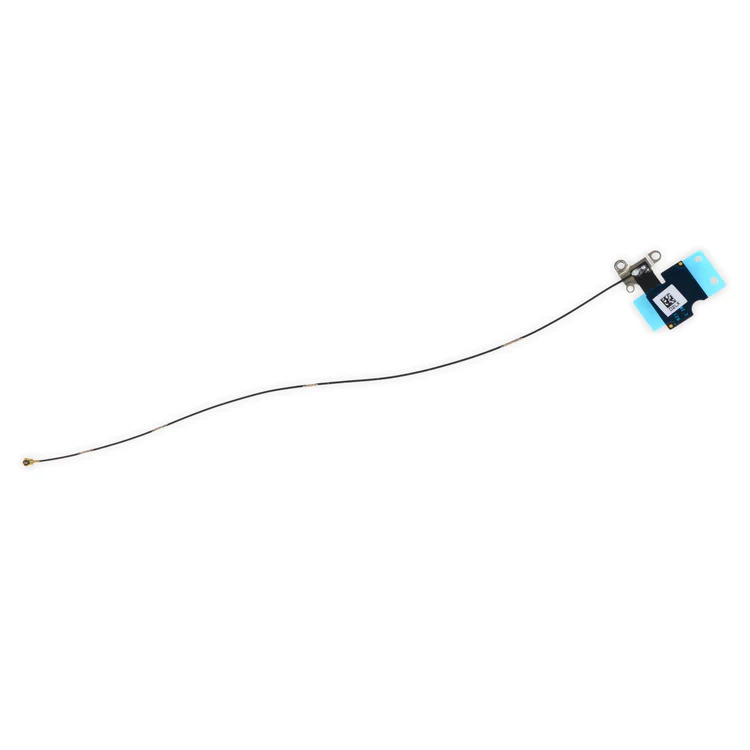
| Description | Replace a torn or missing Wi-Fi Diversity Antenna in your iPhone 6s Plus smartphone and fix unreliable connections to Wi-Fi signal.
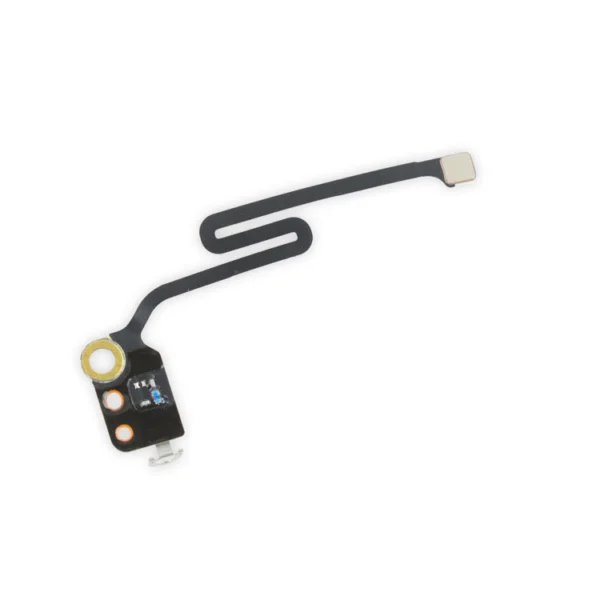
This antenna is adhered to the speaker on the bottom edge of the rear case. | Replace a torn or missing Wi-Fi/Bluetooth antenna in your iPhone 6s Plus and fix unreliable connections to Bluetooth and Wi-Fi service.
This antenna is located in the top left corner of the rear case.
Specifications:
Part Number
00172-03 | Replace the cable and internal switches for the volume and mute controls. |
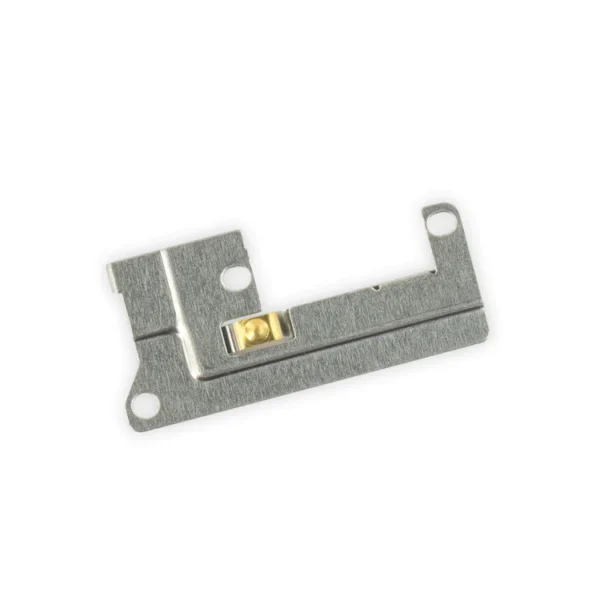
- Replace a missing or bent lightning connector bracket that secures the lightning connector assembly to the rear case of your iPhone 6s Plus.
- This metal bracket secures the home button assembly to the back of the LCD Screen and Digitizer Panel.
| This replacement battery is what you need to bring that dead smartphone back to life.
- This battery is brand new! Each one has been tested to confirm that there are no cycles on the cell and that the capacity is 95% or higher.
For optimal performance, calibrate your newly installed battery: Charge it to 100% and keep charging it for at least 2 more hours. Then use your device until it shuts off due to low battery. Finally, charge it uninterrupted to 100%. |
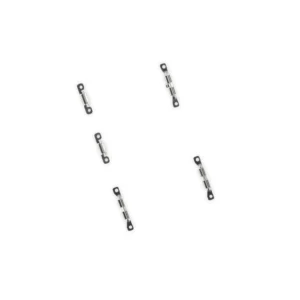
- Replace the set of five retaining clips in the edges of the rear case of an iPhone 6s Plus.
- These clips help hold the front panel assembly in place. Two short clips and one long clip fit in the left edge of the rear case.
- Two more long clips fit in the right edge and one includes a flange for the antenna cable.
|
| Content | iPhone 6s Plus Wi-Fi Diversity Antenna
Replace a torn or missing Wi-Fi Diversity Antenna in your iPhone 6s Plus smartphone and fix unreliable connections to Wi-Fi signal.
This antenna is adhered to the speaker on the bottom edge of the rear case. | iPhone 6s Plus Wi-Fi/Bluetooth Antenna
Replace a torn or missing Wi-Fi/Bluetooth antenna in your iPhone 6s Plus and fix unreliable connections to Bluetooth and Wi-Fi service.
This antenna is located in the top left corner of the rear case.
Specifications:
Part Number
00172-03 | iPhone 6s Plus Audio Control Cable
Replace the cable and internal switches for the volume and mute controls.
Specifications:
Part Number
821-00151-03 | iPhone 6s Plus Lightning Connector Bracket
- Replace a missing or bent lightning connector bracket that secures the lightning connector assembly to the rear case of your iPhone 6s Plus.
- This metal bracket secures the home button assembly to the back of the LCD Screen and Digitizer Panel.
| iPhone 6s Plus Battery
This replacement battery is what you need to bring that dead smartphone back to life.
- This battery is brand new! Each one has been tested to confirm that there are no cycles on the cell and that the capacity is 95% or higher.
For optimal performance, calibrate your newly installed battery: Charge it to 100% and keep charging it for at least 2 more hours. Then use your device until it shuts off due to low battery. Finally, charge it uninterrupted to 100%. | iPhone 6s Plus Front Panel Clips
- Replace the set of five retaining clips in the edges of the rear case of an iPhone 6s Plus.
- These clips help hold the front panel assembly in place. Two short clips and one long clip fit in the left edge of the rear case.
- Two more long clips fit in the right edge and one includes a flange for the antenna cable.
|






Reviews
There are no reviews yet.