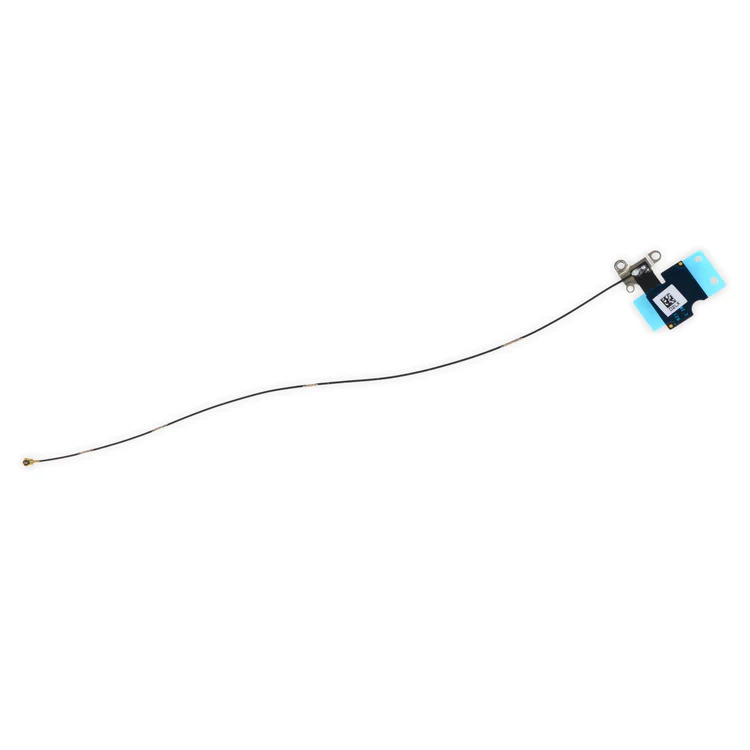
| Description | Replace a torn or missing Wi-Fi Diversity Antenna in your iPhone 6s Plus smartphone and fix unreliable connections to Wi-Fi signal.
This antenna is adhered to the speaker on the bottom edge of the rear case. | Replace a home button assembly in your iPhone 6s Plus and fix an unresponsive home button.
Any superficial problem on the home button face or issue with a sticky, stuck, or broken home button click should be fixed with this replacement. |
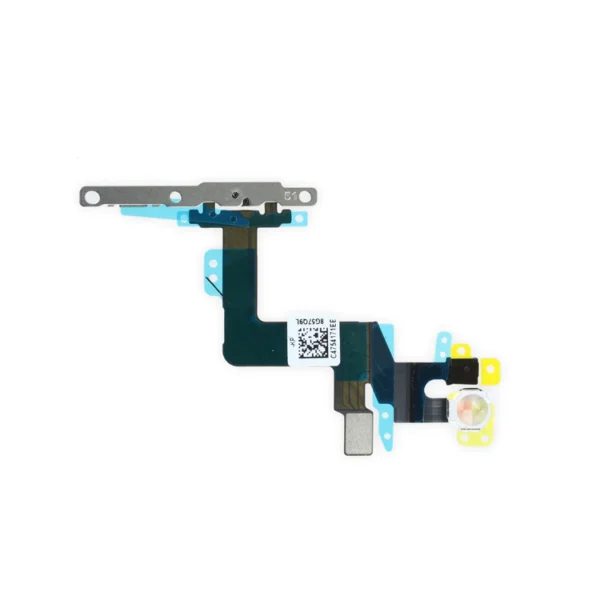
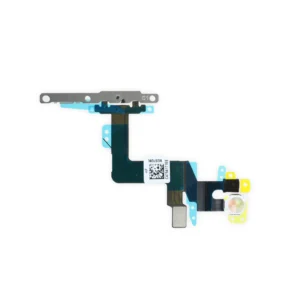
- If your power button has no clicking action or your camera flash doesn't work, this may be the part you need.
- This cable connects the power button and camera flash to the logic board.
- The metal power button bracket is included.
|
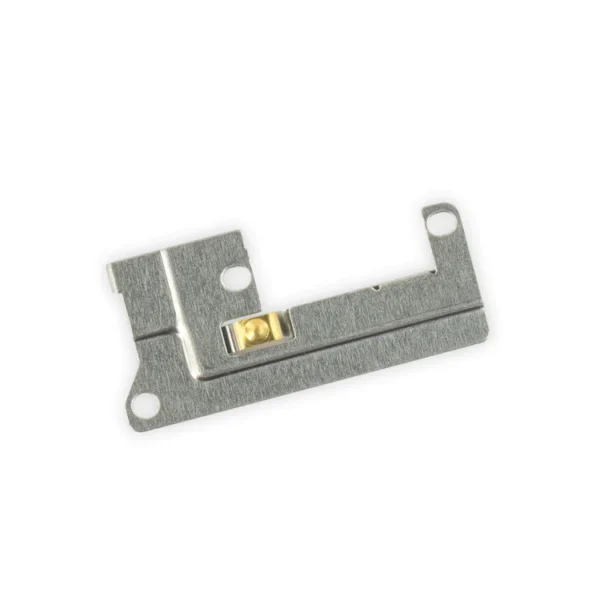
- Replace a missing or bent lightning connector bracket that secures the lightning connector assembly to the rear case of your iPhone 6s Plus.
- This metal bracket secures the home button assembly to the back of the LCD Screen and Digitizer Panel.
|
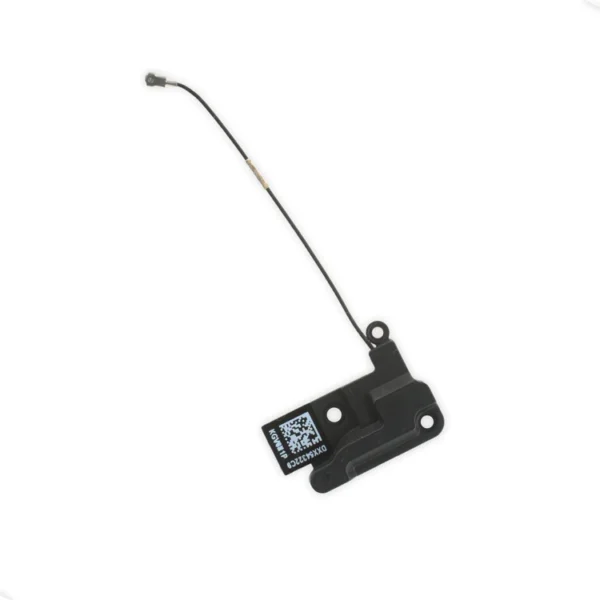
- Replace the Wi-Fi antenna in your iPhone 6s Plus smartphone and fix unreliable connectivity to Wi-Fi signal.
- This antenna is located in the top left corner of the rear case.
| This replacement battery is what you need to bring that dead smartphone back to life.
- This battery is brand new! Each one has been tested to confirm that there are no cycles on the cell and that the capacity is 95% or higher.
For optimal performance, calibrate your newly installed battery: Charge it to 100% and keep charging it for at least 2 more hours. Then use your device until it shuts off due to low battery. Finally, charge it uninterrupted to 100%. |
| Content | iPhone 6s Plus Wi-Fi Diversity Antenna
Replace a torn or missing Wi-Fi Diversity Antenna in your iPhone 6s Plus smartphone and fix unreliable connections to Wi-Fi signal.
This antenna is adhered to the speaker on the bottom edge of the rear case. | iPhone 6s Plus Home Button Assembly
Replace a home button assembly in your iPhone 6s Plus and fix an unresponsive home button.
Any superficial problem on the home button face or issue with a sticky, stuck, or broken home button click should be fixed with this replacement.
Note: The part assembly does not include the gasket that seals the home button face to the front panel of the phone.
The Touch ID function will only work with your phone's original home button assembly. Installing a new home button will only restore ordinary home button functionality, not Touch ID features | iPhone 6s Plus Power Button Cable and Bracket
- If your power button has no clicking action or your camera flash doesn't work, this may be the part you need.
- This cable connects the power button and camera flash to the logic board.
- The metal power button bracket is included.
Specifications:
Part Number
821-00124-04 | iPhone 6s Plus Lightning Connector Bracket
- Replace a missing or bent lightning connector bracket that secures the lightning connector assembly to the rear case of your iPhone 6s Plus.
- This metal bracket secures the home button assembly to the back of the LCD Screen and Digitizer Panel.
| iPhone 6s Plus Top Left Wi-Fi Antenna
- Replace the Wi-Fi antenna in your iPhone 6s Plus smartphone and fix unreliable connectivity to Wi-Fi signal.
- This antenna is located in the top left corner of the rear case.
| iPhone 6s Plus Battery
This replacement battery is what you need to bring that dead smartphone back to life.
- This battery is brand new! Each one has been tested to confirm that there are no cycles on the cell and that the capacity is 95% or higher.
For optimal performance, calibrate your newly installed battery: Charge it to 100% and keep charging it for at least 2 more hours. Then use your device until it shuts off due to low battery. Finally, charge it uninterrupted to 100%. |





Reviews
There are no reviews yet.