Description
iPhone 6 Nano SIM Card Tray
Replace a bent or missing nano SIM card tray for an iPhone 6.

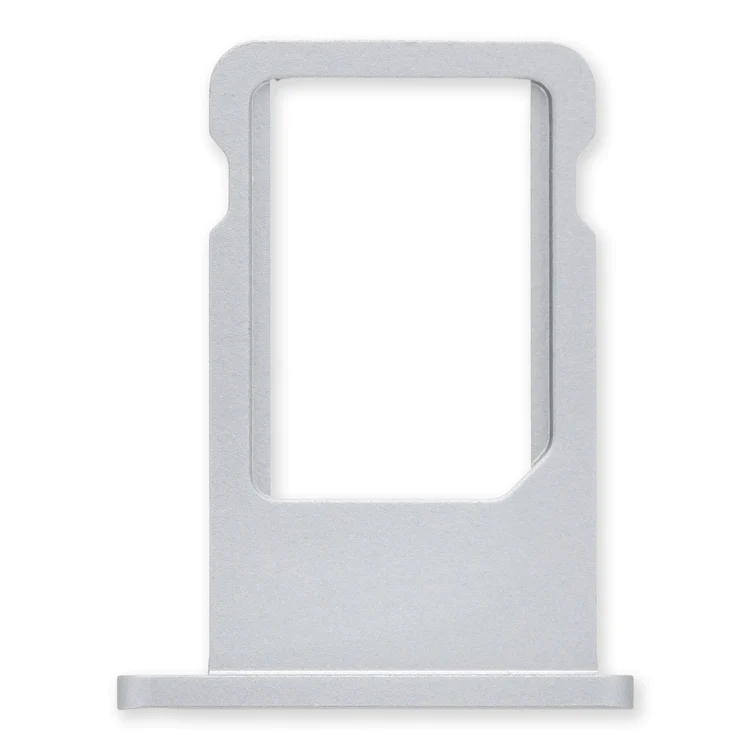
$11.00
Replace a bent or missing nano SIM card tray for an iPhone 6.
Replace a bent or missing nano SIM card tray for an iPhone 6.
| iPhone 6 Nano SIM Card Tray remove | iPhone 5s/SE (1st Gen) Loudspeaker remove | iPhone 5s/SE (1st Gen) Case Button Set remove | iPhone 5s Screen remove | iPhone 5c Case Button Set remove | iPhone 5s Blank Rear Case remove | |||||||||||||||||||||||||||||
|---|---|---|---|---|---|---|---|---|---|---|---|---|---|---|---|---|---|---|---|---|---|---|---|---|---|---|---|---|---|---|---|---|---|---|
| Name | iPhone 6 Nano SIM Card Tray remove | iPhone 5s/SE (1st Gen) Loudspeaker remove | iPhone 5s/SE (1st Gen) Case Button Set remove | iPhone 5s Screen remove | iPhone 5c Case Button Set remove | iPhone 5s Blank Rear Case remove | ||||||||||||||||||||||||||||
| Image | 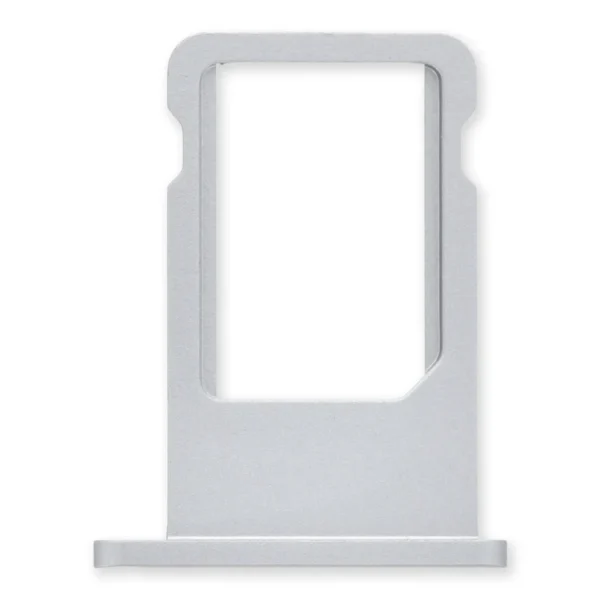 |  |  |  | 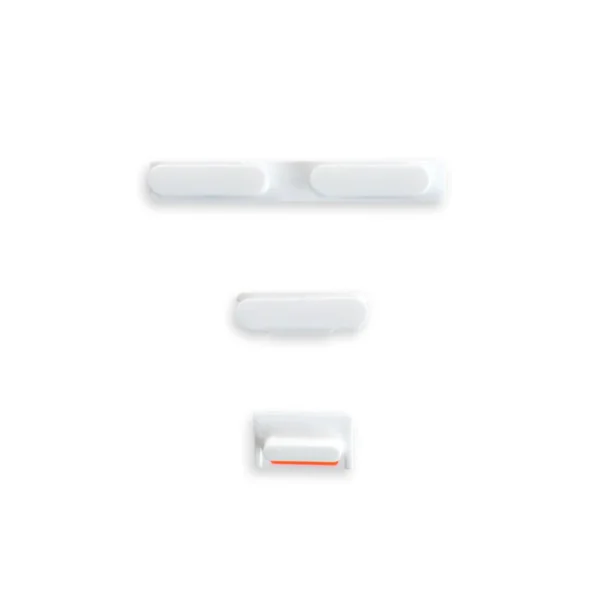 | 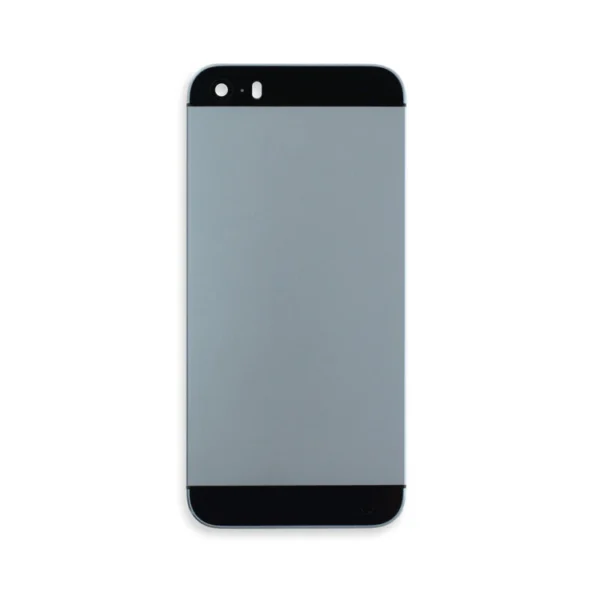 | ||||||||||||||||||||||||||||
| SKU | iPhone 6 Nano SIM Card Tray | iPhone 5s/SE (1st Gen) Loudspeaker | iPhone 5s/SE (1st Gen) Case Button Set | iPhone 5s Screen | iPhone 5c Case Button Set | iPhone 5s Blank Rear Case | ||||||||||||||||||||||||||||
| Rating | ||||||||||||||||||||||||||||||||||
| Price | $11.00 | $21.00 | $9.00 | $37.00 | $6.00 | $32.00 | ||||||||||||||||||||||||||||
| Stock | ||||||||||||||||||||||||||||||||||
| Availability | ||||||||||||||||||||||||||||||||||
| Add to cart | ||||||||||||||||||||||||||||||||||
| Description | Replace a bent or missing nano SIM card tray for an iPhone 6. | Replace a loudspeaker in your iPhone 5s or 1st generation iPhone SE and fix issues with speakerphone audio output.
An aging or malfunctioning speaker may have buzzing noises or cut out unexpectedly. Restore your phone's sound quality with this replacement part. Specifications:
|
| This iPhone 5s screen replacement includes all of the small parts pre-installed in the assembly, saving time and increasing the quality of your repair.
Replace a cracked or scratched front glass panel or malfunctioning LCD display on your iPhone 5s. A new screen and digitizer assembly will renew the appearance of your front panel, restore touch function, and eliminate the dead pixels or flickering on an aging display. | Replace a damaged or missing exterior button face for the power/lock button, volume buttons, and vibrate/ring switch for the iPhone 5c. Note: These are just the button parts visible on the outside of the rear case. You will need to transfer the wire hinge from your current power button. The actual buttons and switch that do all the work are attached to the Audio Control and Power Button Cable. If you are experiencing issues with your buttons not working it may actually be the Audio control & Power button cable that's bad. |
| ||||||||||||||||||||||||||||
| Content | iPhone 6 Nano SIM Card TrayReplace a bent or missing nano SIM card tray for an iPhone 6. | iPhone 5s/SE (1st Gen) LoudspeakerReplace a loudspeaker in your iPhone 5s or 1st generation iPhone SE and fix issues with speakerphone audio output.An aging or malfunctioning speaker may have buzzing noises or cut out unexpectedly. Restore your phone's sound quality with this replacement part. Specifications:
| iPhone 5s/SE (1st Gen) Case Button Set
| iPhone 5s ScreenThis iPhone 5s screen replacement includes all of the small parts pre-installed in the assembly, saving time and increasing the quality of your repair.
Replace a cracked or scratched front glass panel or malfunctioning LCD display on your iPhone 5s. A new screen and digitizer assembly will renew the appearance of your front panel, restore touch function, and eliminate the dead pixels or flickering on an aging display. Note: The Touch ID function will only work with your phone's original home button assembly. This replacement part does not include the home button. You will need to transfer the button assembly from your old display to retain Touch ID. | iPhone 5c Case Button SetReplace a damaged or missing exterior button face for the power/lock button, volume buttons, and vibrate/ring switch for the iPhone 5c. Note: These are just the button parts visible on the outside of the rear case. You will need to transfer the wire hinge from your current power button. The actual buttons and switch that do all the work are attached to the Audio Control and Power Button Cable. If you are experiencing issues with your buttons not working it may actually be the Audio control & Power button cable that's bad. | iPhone 5s Blank Rear Case
| ||||||||||||||||||||||||||||
| Weight | N/A | N/A | N/A | N/A | N/A | N/A | ||||||||||||||||||||||||||||
| Dimensions | N/A | N/A | N/A | N/A | N/A | N/A | ||||||||||||||||||||||||||||
| Additional information |
|
|
|
|
|
|


Reviews
There are no reviews yet.