| SKU | iPhone 13 mini Audio Control Cable and Wireless Charging Antenna | iPhone 5s/SE (1st Gen) Front Camera Bracket | iPhone 5c Wi-Fi and Bluetooth Antenna | iPhone 5s/SE Camera Bracket | iPhone 5s/SE (1st Gen) Earpiece Speaker | iPhone 5s Cable Connector Bracket |
| Description |
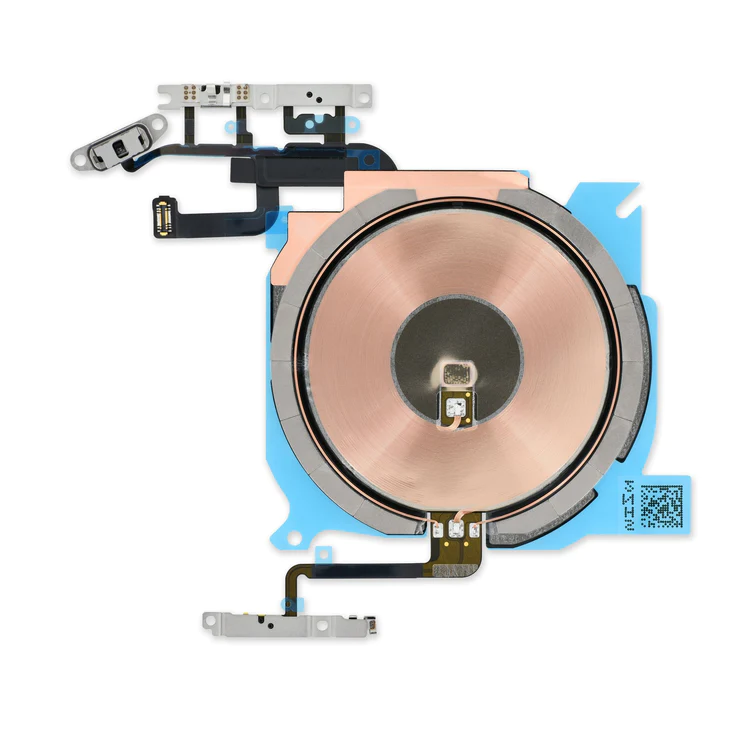
- Replace the cable that connects the internal volume buttons, vibrate/ring switch, and power button to the logic board of your iPhone 13 mini. In addition, this cable includes the Wireless Charging Antenna Coil.
- Fix issues with volume adjustment, vibration, and cordless charging.
Note: The external button covers are not included. |
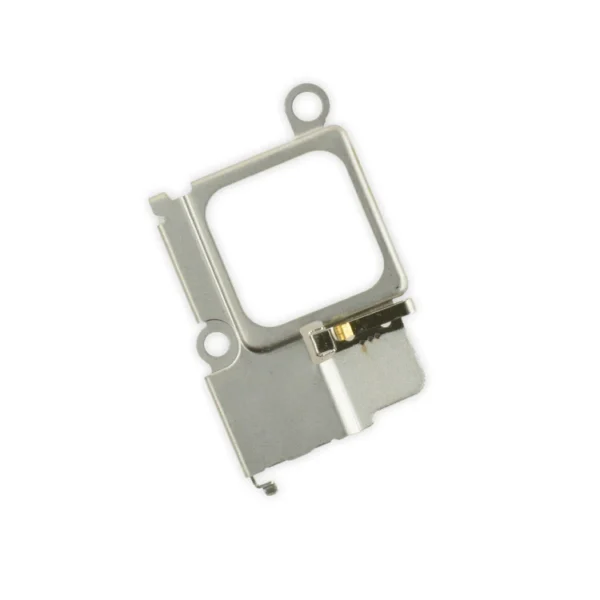
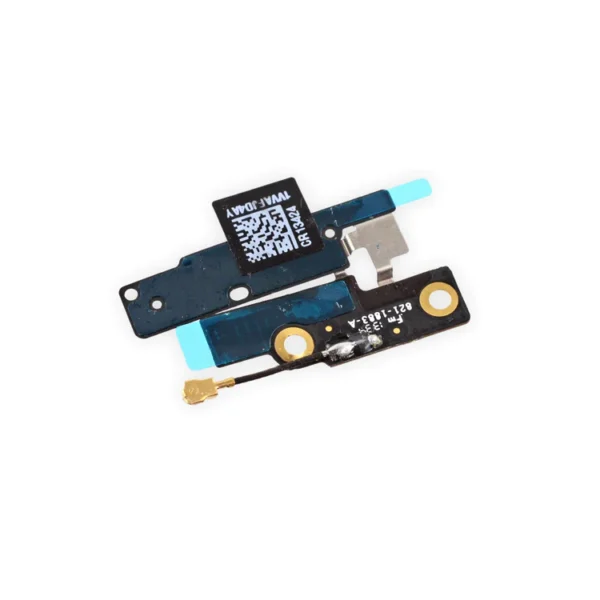
Replace a bent or missing metal bracket securing the front facing camera and earpiece speaker to the display assembly in an iPhone 5s or 1st generation iPhone SE. | Replace a torn or missing Wi-Fi and Bluetooth antenna in your iPhone 5c and fix unreliable connectivity to Wi-Fi and Bluetooth service.
This antenna is adhered in the top left corner of the rear case. | Replace a bent or missing metal bracket securing the front facing camera and earpiece speaker to the display assembly in an iPhone 5s or 1st generation iPhone SE. | Replace a malfunctioning earpiece speaker in your iPhone 5s or 1st generation iPhone SE and fix problems with phone call audio.
- This is the speaker used to listen while the phone is held to your ear.
- Earpiece speaker functions can be affected by water damage, dust ingress, or a blown speaker.
|
- Replace a bent or missing metal bracket that keeps the home button cable connection at the bottom end of your iPhone 5s closed.
- This part works with the home button cable support bracket.
|
| Content | iPhone 13 mini Audio Control Cable and Wireless Charging Antenna
- Replace the cable that connects the internal volume buttons, vibrate/ring switch, and power button to the logic board of your iPhone 13 mini. In addition, this cable includes the Wireless Charging Antenna Coil.
- Fix issues with volume adjustment, vibration, and cordless charging.
Note: The external button covers are not included. | iPhone 5s/SE (1st Gen) Front Camera Bracket
Replace a bent or missing metal bracket securing the front facing camera and earpiece speaker to the display assembly in an iPhone 5s or 1st generation iPhone SE. | iPhone 5c Wi-Fi and Bluetooth Antenna
Replace a torn or missing Wi-Fi and Bluetooth antenna in your iPhone 5c and fix unreliable connectivity to Wi-Fi and Bluetooth service.
This antenna is adhered in the top left corner of the rear case. | iPhone 5s/SE (1st Gen) Front Camera Bracket
Replace a bent or missing metal bracket securing the front facing camera and earpiece speaker to the display assembly in an iPhone 5s or 1st generation iPhone SE. | iPhone 5s/SE (1st Gen) Earpiece Speaker
Replace a malfunctioning earpiece speaker in your iPhone 5s or 1st generation iPhone SE and fix problems with phone call audio.
- This is the speaker used to listen while the phone is held to your ear.
- Earpiece speaker functions can be affected by water damage, dust ingress, or a blown speaker.
Note: This is a used OEM part. | iPhone 5s Home Button Cable Connector Bracket
- Replace a bent or missing metal bracket that keeps the home button cable connection at the bottom end of your iPhone 5s closed.
- This part works with the home button cable support bracket.
|




Reviews
There are no reviews yet.