| Description |
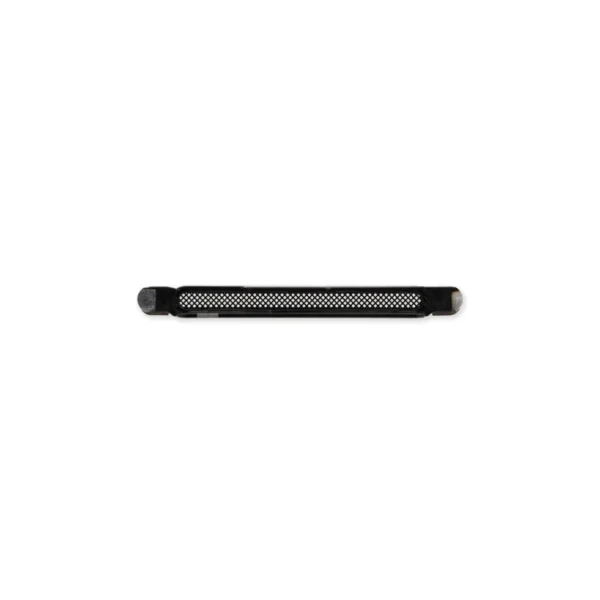
- Replace a punctured or missing mesh covering the earpiece speaker opening compatible with an iPhone 13, 13 mini, 13 Pro, 13 Pro Max, 14, 14 Plus, 14 Pro, or 14 Pro Max.
- Keep dust and dirt from blocking the earpiece speaker.
Note: Installation adhesive is not included. |
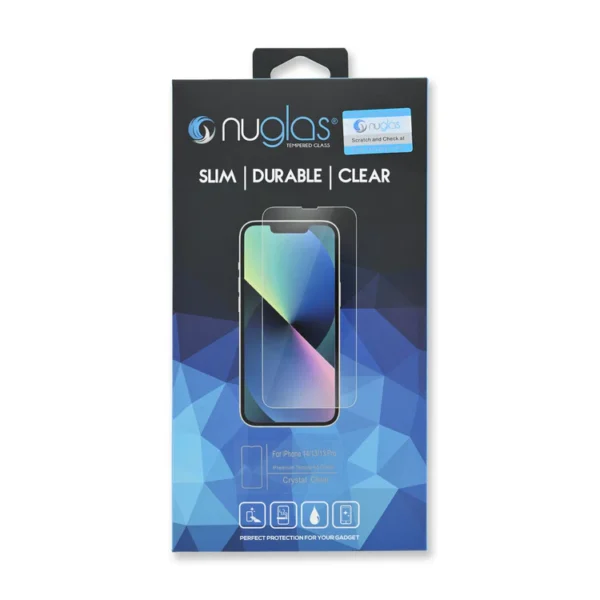
- Protect the display on your iPhone 13, iPhone 13 Pro, or iPhone 14 from impacts and scratches with this precise laser-cut screen protector.
- NuGlas Tempered Glass Screen Protector features an advanced silicone adhesion chemical for easy application, four-tiered layer composition (anti-scratch, oleophobic coating, heat resistance and electrostatic adhesion), so your phone will always be protected.
Each pack contains one set of NuGlas Tempered Glass Screen Protector.
|
- Replace the cable that connects the internal volume buttons, vibrate/ring switch, and power button to the logic board of your iPhone 13. In addition, this cable includes the Wireless Charging Antenna Coil.
- Fix issues with volume adjustment, vibration, and cordless charging.
Note: The external button covers are not included. | Replace the mesh covers for the speaker, vent, and microphone openings in an iPhone 13, iPhone 13 Pro, or iPhone 13 Pro Max.
|
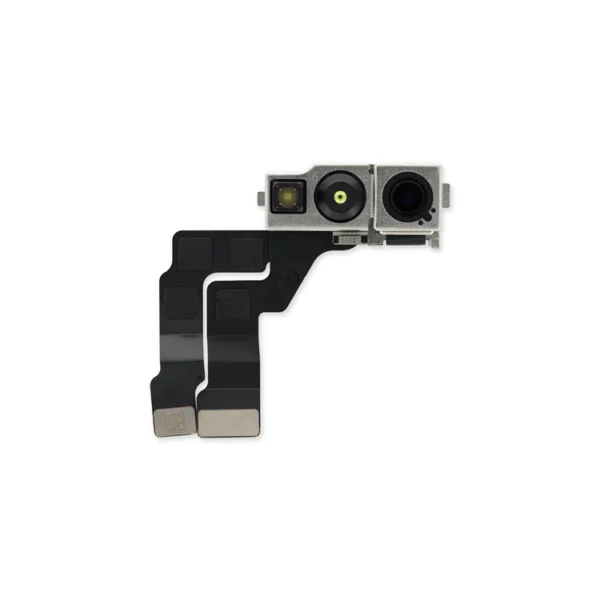
- Replace a malfunctioning front-facing camera assembly and restore selfie camera functions.
- Replacing the front camera assembly will not restore facial recognition functions or any other infrared camera functions. These components are paired to the logic board for security reasons, and Face ID will only
- function with the original paired camera. Only standard photography functions will be restored with a replacement camera assembly.
Specifications:
Part Number
821-03153, 821-03181 | Replace a malfunctioning front-facing camera assembly and restore selfie camera functions. |
| Content | iPhone 13/14 Earpiece Speaker Mesh
- Replace a punctured or missing mesh covering the earpiece speaker opening compatible with an iPhone 13, 13 mini, 13 Pro, 13 Pro Max, 14, 14 Plus, 14 Pro, or 14 Pro Max.
- Keep dust and dirt from blocking the earpiece speaker.
Note: Installation adhesive is not included. | NuGlas Tempered Glass Screen Protector for iPhone 13/13 Pro/14
- Protect the display on your iPhone 13, iPhone 13 Pro, or iPhone 14 from impacts and scratches with this precise laser-cut screen protector.
- NuGlas Tempered Glass Screen Protector features an advanced silicone adhesion chemical for easy application, four-tiered layer composition (anti-scratch, oleophobic coating, heat resistance and electrostatic adhesion), so your phone will always be protected.
Each pack contains one set of NuGlas Tempered Glass Screen Protector.
| iPhone 13 Audio Control Cable and Wireless Charging Antenna
- Replace the cable that connects the internal volume buttons, vibrate/ring switch, and power button to the logic board of your iPhone 13. In addition, this cable includes the Wireless Charging Antenna Coil.
- Fix issues with volume adjustment, vibration, and cordless charging.
Note: The external button covers are not included.
| iPhone 13/13 Pro/13 Pro Max Speaker Mesh Set
Replace the mesh covers for the speaker, vent, and microphone openings in an iPhone 13, iPhone 13 Pro, or iPhone 13 Pro Max.
| iPhone 13 Front Camera Assembly
- Replace a malfunctioning front-facing camera assembly and restore selfie camera functions.
- Replacing the front camera assembly will not restore facial recognition functions or any other infrared camera functions. These components are paired to the logic board for security reasons, and Face ID will only
- function with the original paired camera. Only standard photography functions will be restored with a replacement camera assembly.
Specifications:
Part Number
821-03153, 821-03181 | iPhone 14 Front Camera Assembly
Replace a malfunctioning front-facing camera assembly and restore selfie camera functions. |






Reviews
There are no reviews yet.