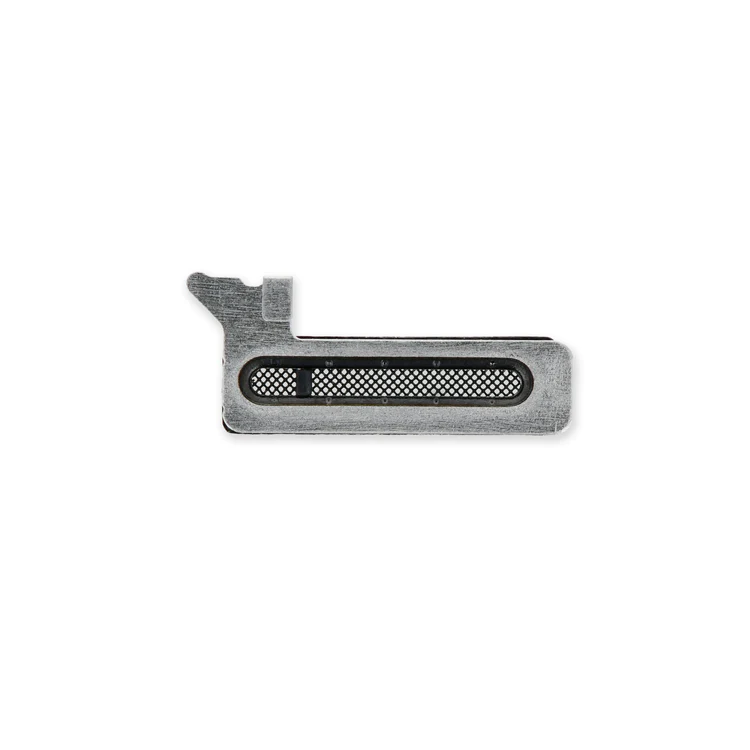
| Description | Replace punctured or missing mesh covering the earpiece speaker opening in your iPhone 12, iPhone 12 mini, iPhone 12 Pro, or iPhone 12 Pro Max.
Keep dust and dirt from blocking the earpiece speaker.
Note: Installation adhesive is not included. | Replace a scratched or cracked front panel glass digitizer screen or a malfunctioning Super Retina XDR OLED display. This part is compatible with an iPhone 12 mini.
- New parts tested to strict quality standards.
- 100% factory tested for display performance, including luminance and color balance.
- A 5.4 inch OLED multitouch 2340 x 1080 display featuring active-matrix organic light-emitting diode (AMOLED) technology; a significant improvement over more standard liquid crystal displays (LCD). This screen measures up closest to the original OLED display specifications.
A new screen and digitizer assembly will renew the appearance of your front panel, restore touch function, and eliminate the dead pixels or flickering on an aging display. | Fix problems with vibration alerts and haptic feedback by replacing a malfunctioning linear oscillator motor.
Specifications;
| Replace a broken or scratched rear panel with this new blank aftermarket rear panel.
Note:
- The rear-facing camera bezels and lens covers are not included.
- Replacing this panel requires removing the spot welded rear-facing camera bezels.
| Fix problems with vibration alerts and haptic feedback by replacing a malfunctioning linear oscillator motor.
Specifications:
| Replace scratched external lens covers and metal bezel rings for the rear-facing camera of your iPhone 12.
Note: Replacing these lens covers with their metal bezel rings requires removing the spot welds attaching the camera bezels to the rear panel. |
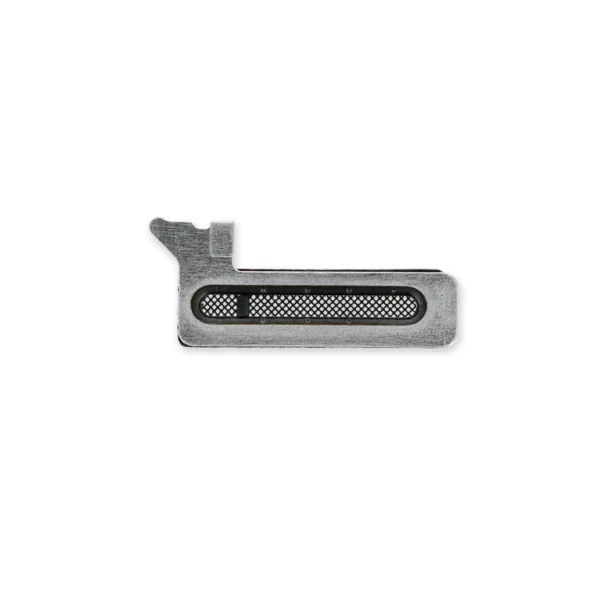
| Content | iPhone 12/12 mini/12 Pro/12 Pro Max Earpiece Speaker Mesh
Replace punctured or missing mesh covering the earpiece speaker opening in your iPhone 12, iPhone 12 mini, iPhone 12 Pro, or iPhone 12 Pro Max.
Keep dust and dirt from blocking the earpiece speaker.
Note: Installation adhesive is not included. | iPhone 12 mini SIM Card Tray
Replace a scratched or cracked front panel glass digitizer screen or a malfunctioning Super Retina XDR OLED display. This part is compatible with an iPhone 12 mini.
- New parts tested to strict quality standards.
- 100% factory tested for display performance, including luminance and color balance.
- A 5.4 inch OLED multitouch 2340 x 1080 display featuring active-matrix organic light-emitting diode (AMOLED) technology; a significant improvement over more standard liquid crystal displays (LCD). This screen measures up closest to the original OLED display specifications.
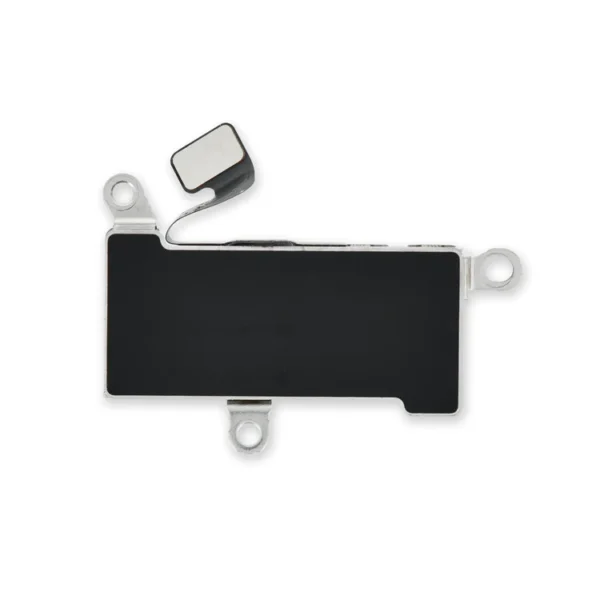
A new screen and digitizer assembly will renew the appearance of your front panel, restore touch function, and eliminate the dead pixels or flickering on an aging display. | iPhone 12/12 Pro Vibrator
Fix problems with vibration alerts and haptic feedback by replacing a malfunctioning linear oscillator motor.
Specifications;
| iPhone 12 Aftermarket Blank Rear Glass Panel
Replace a broken or scratched rear panel with this new blank aftermarket rear panel.
Note:
- The rear-facing camera bezels and lens covers are not included.
- Replacing this panel requires removing the spot welded rear-facing camera bezels.
| iPhone 12 mini Vibrator
Fix problems with vibration alerts and haptic feedback by replacing a malfunctioning linear oscillator motor.
Specifications:
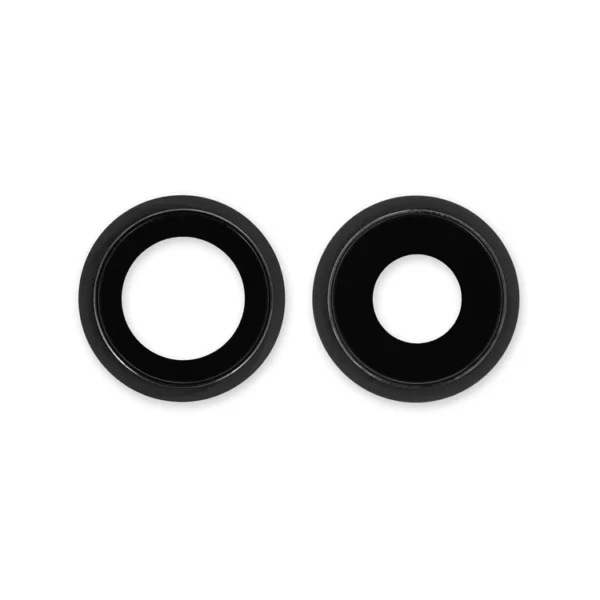
| iPhone 12 Rear Camera Lenses and Bezels
Replace scratched external lens covers and metal bezel rings for the rear-facing camera of your iPhone 12.
Note: Replacing these lens covers with their metal bezel rings requires removing the spot welds attaching the camera bezels to the rear panel. |





Reviews
There are no reviews yet.