| Description |
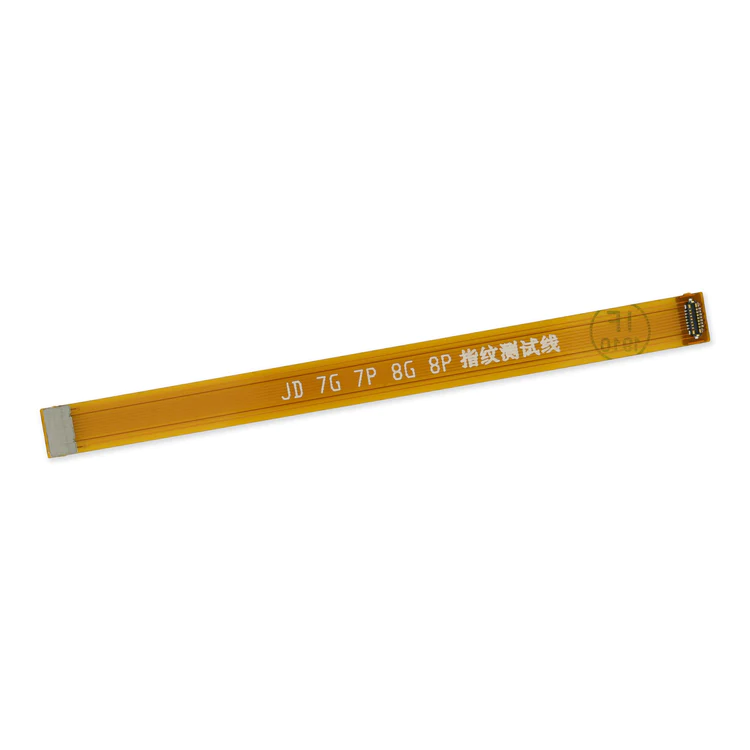
- This handy test cable makes it easy to check the function of a home button assembly without having to complete the installation.
- Indispensable to anyone who makes multiple iPhone 7 and 7 Plus repairs.
- With this cable installed in an iPhone 7 or 7 Plus body you can connect, test, and quickly swap multiple replacement home button assemblies without wearing out the delicate press fit connector on the logic board.
| Replace a torn or missing gasket on the SIM card tray for an iPhone 7 or iPhone 7 Plus. This gasket fits just inside the exterior face of the SIM card tray. |
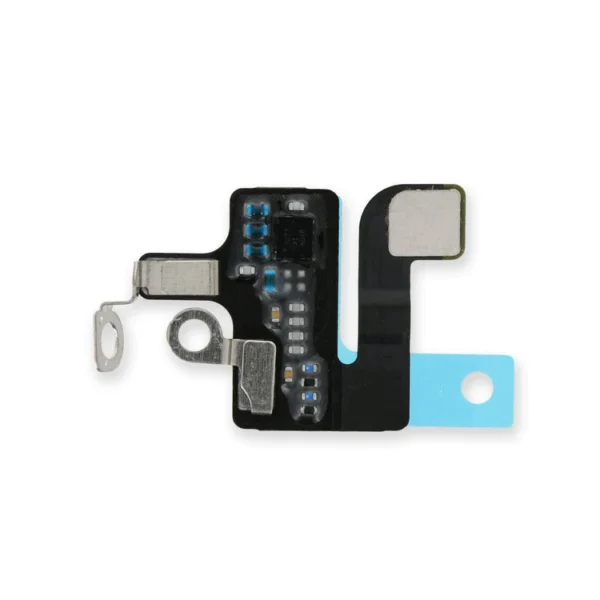
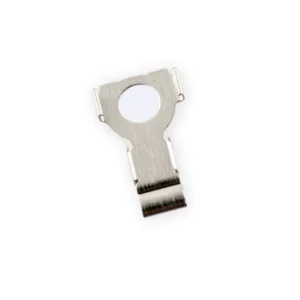
- Replace a torn or missing antenna contact assembly in the top right of the rear case in your iPhone 7.
- Fix Wi-Fi connectivity problems.
| Replace a backlight diode on the logic board of the following iPhone models with their component labels:
- iPhone 6 D1501
- iPhone 6s D4020
- iPhone 7 D3702
Are you learning to microsolder or starting your own board level repair business? This component is included in the Board Component Bundle. |
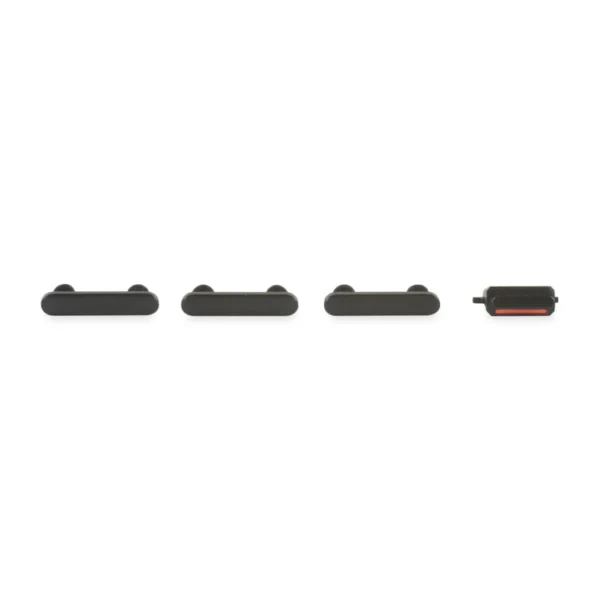
- This set of exterior case buttons includes the Power/Lock Button, Volume Buttons, and the Vibrate/Ring Switch for replacing buttons with cosmetic troubles.
- These are the button parts visible on the outside of the case.
- The actual buttons and switch that do all the work are attached to the internal button cables.
|
Replace a torn or missing gasket on the hold button assembly for an iPhone 7 or iPhone 7 Plus. This gasket fits around the body of the hold button assembly. |
| Content | iPhone 7/7 Plus Test Cable for Home Button
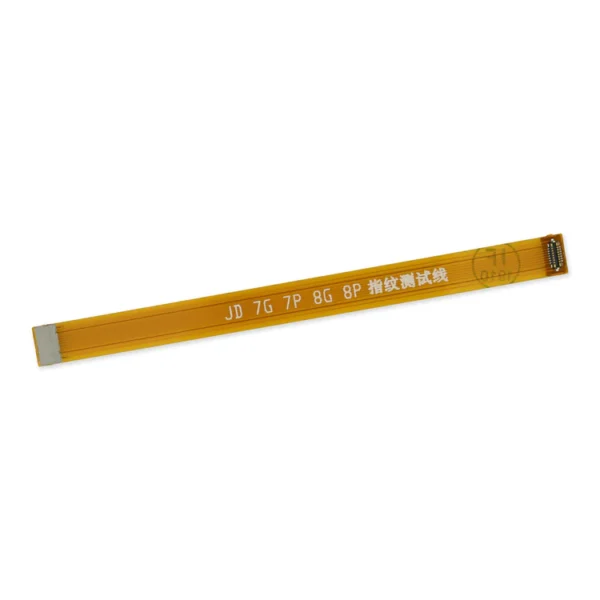
- This handy test cable makes it easy to check the function of a home button assembly without having to complete the installation.
- Indispensable to anyone who makes multiple iPhone 7 and 7 Plus repairs.
- With this cable installed in an iPhone 7 or 7 Plus body you can connect, test, and quickly swap multiple replacement home button assemblies without wearing out the delicate press fit connector on the logic board.
| iPhone 7/7 Plus SIM Card Tray Gasket
Replace a torn or missing gasket on the SIM card tray for an iPhone 7 or iPhone 7 Plus. This gasket fits just inside the exterior face of the SIM card tray. | iPhone 7 Top Right Antenna
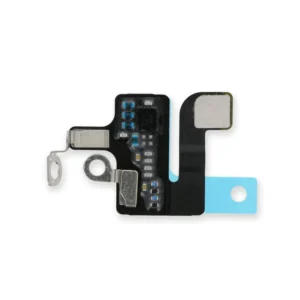
- Replace a torn or missing antenna contact assembly in the top right of the rear case in your iPhone 7.
- Fix Wi-Fi connectivity problems.
| iPhone 6/6s/7 Backlight Diode
Replace a backlight diode on the logic board of the following iPhone models with their component labels:
- iPhone 6 D1501
- iPhone 6s D4020
- iPhone 7 D3702
Are you learning to microsolder or starting your own board level repair business? This component is included in the Board Component Bundle. | iPhone 7 Case Button Set
- This set of exterior case buttons includes the Power/Lock Button, Volume Buttons, and the Vibrate/Ring Switch for replacing buttons with cosmetic troubles.
- These are the button parts visible on the outside of the case.
- The actual buttons and switch that do all the work are attached to the internal button cables.
| iPhone 7/7 Plus Hold Switch Gasket
Replace a torn or missing gasket on the hold button assembly for an iPhone 7 or iPhone 7 Plus. This gasket fits around the body of the hold button assembly. |





Reviews
There are no reviews yet.