Description
iPhone 6 Nano SIM Card Tray
Replace a bent or missing nano SIM card tray for an iPhone 6.

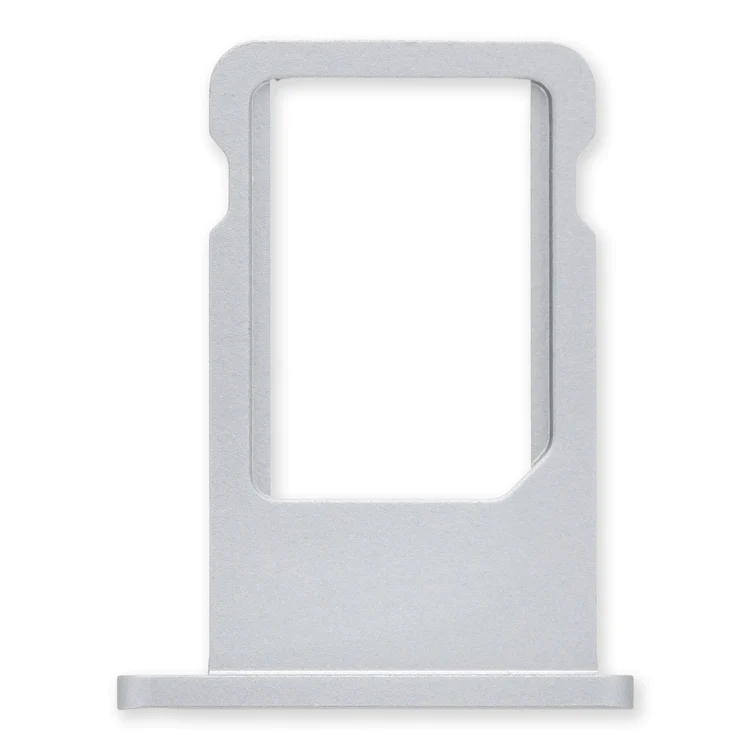
$11.00
Replace a bent or missing nano SIM card tray for an iPhone 6.
Replace a bent or missing nano SIM card tray for an iPhone 6.
| iPhone 6 Nano SIM Card Tray remove | iPhone 5c Case Button Set remove | iPhone 5s Rear Camera remove | iPhone 5s/SE (1st Gen) Rear Camera Lens Cover remove | iPhone 5s/SE (1st Gen) Home Button Spring Contact Backing remove | iPhone 5s Battery remove | |||||||||||||||||||||||||||||
|---|---|---|---|---|---|---|---|---|---|---|---|---|---|---|---|---|---|---|---|---|---|---|---|---|---|---|---|---|---|---|---|---|---|---|
| Name | iPhone 6 Nano SIM Card Tray remove | iPhone 5c Case Button Set remove | iPhone 5s Rear Camera remove | iPhone 5s/SE (1st Gen) Rear Camera Lens Cover remove | iPhone 5s/SE (1st Gen) Home Button Spring Contact Backing remove | iPhone 5s Battery remove | ||||||||||||||||||||||||||||
| Image | 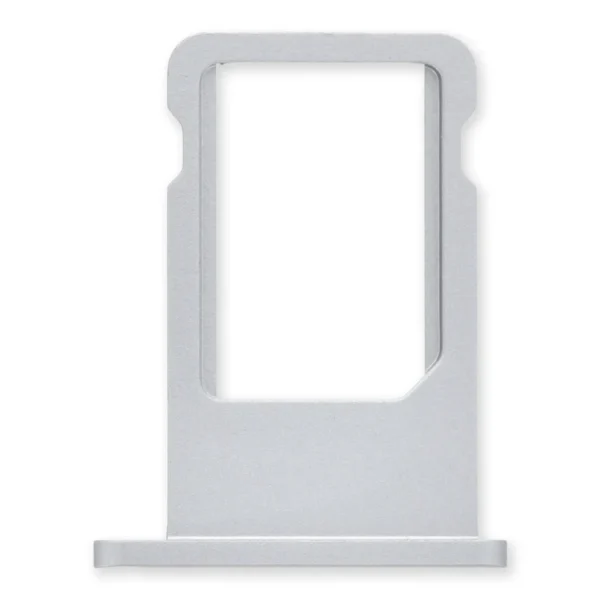 | 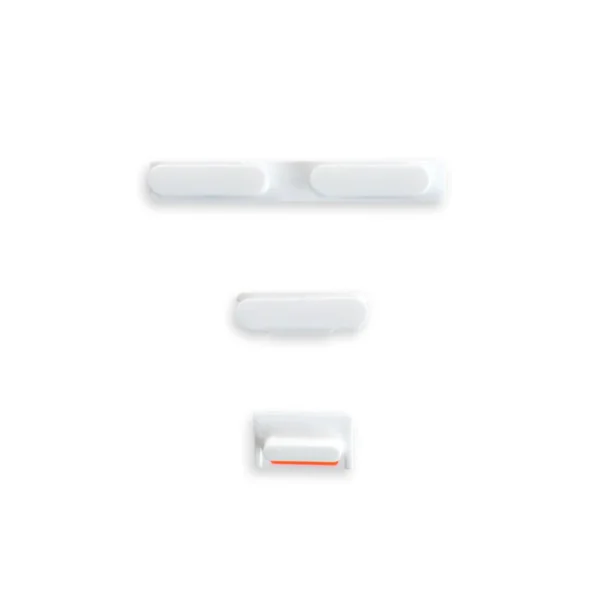 | 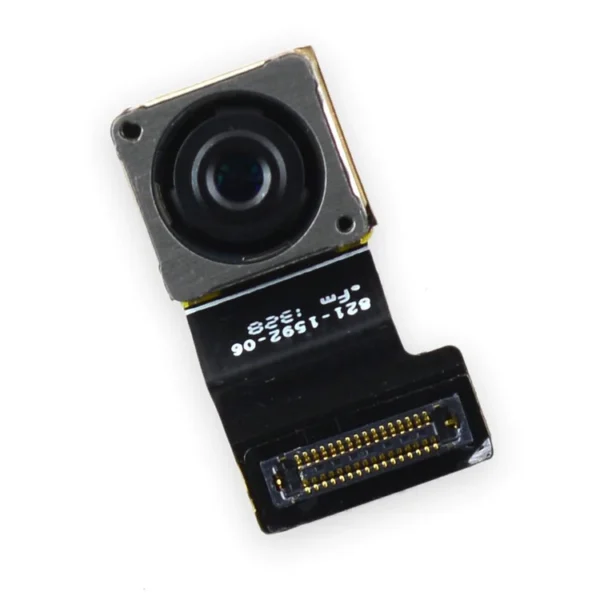 |  |  | 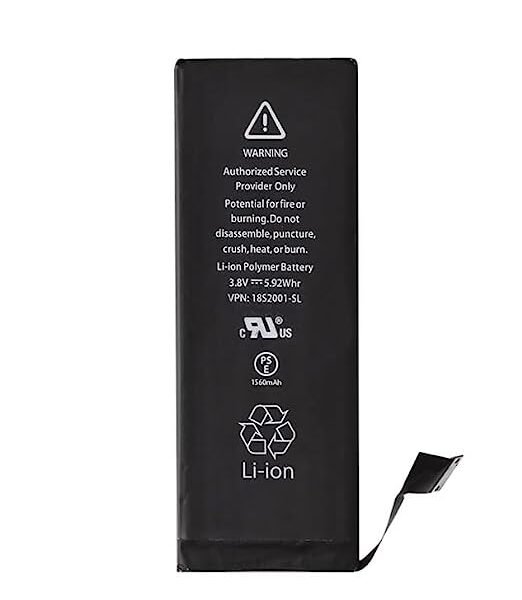 | ||||||||||||||||||||||||||||
| SKU | iPhone 6 Nano SIM Card Tray | iPhone 5c Case Button Set | iPhone 5s Rear Camera | iPhone 5s/SE (1st Gen) Lens Cover | iPhone 5s Battery | |||||||||||||||||||||||||||||
| Rating | ||||||||||||||||||||||||||||||||||
| Price | $11.00 | $6.00 | $11.00 | $6.00 | $1.05 | $26.24 | ||||||||||||||||||||||||||||
| Stock | ||||||||||||||||||||||||||||||||||
| Availability | ||||||||||||||||||||||||||||||||||
| Add to cart | ||||||||||||||||||||||||||||||||||
| Description | Replace a bent or missing nano SIM card tray for an iPhone 6. | Replace a damaged or missing exterior button face for the power/lock button, volume buttons, and vibrate/ring switch for the iPhone 5c. Note: These are just the button parts visible on the outside of the rear case. You will need to transfer the wire hinge from your current power button. The actual buttons and switch that do all the work are attached to the Audio Control and Power Button Cable. If you are experiencing issues with your buttons not working it may actually be the Audio control & Power button cable that's bad. | Replace a malfunctioning 8 megapixel rear-facing camera in your iPhone 5s.
If your rear camera has sensor issues, focusing problems, or shows a blank image, you’ll want to replace this part. | Replace a scratched external lens cover for the rear-facing camera in your iPhone 5s or 1st generation iPhone SE. | Replace the captive phillips screw, spring contact, and adhesive backing from the home button assembly compatible with an iPhone 5s or 1st generation SE. | This iPhone 5s replacement battery is what you need to bring your dead iPhone 5s back to life!
| ||||||||||||||||||||||||||||
| Content | iPhone 6 Nano SIM Card TrayReplace a bent or missing nano SIM card tray for an iPhone 6. | iPhone 5c Case Button SetReplace a damaged or missing exterior button face for the power/lock button, volume buttons, and vibrate/ring switch for the iPhone 5c. Note: These are just the button parts visible on the outside of the rear case. You will need to transfer the wire hinge from your current power button. The actual buttons and switch that do all the work are attached to the Audio Control and Power Button Cable. If you are experiencing issues with your buttons not working it may actually be the Audio control & Power button cable that's bad. | iPhone 5s Rear CameraReplace a malfunctioning 8 megapixel rear-facing camera in your iPhone 5s.If your rear camera has sensor issues, focusing problems, or shows a blank image, you’ll want to replace this part. Note: If you have a scratched lens in the rear case, this part will not solve your issue. Specifications:
| iPhone 5s/SE (1st Gen) Rear Camera Lens CoverReplace a scratched external lens cover for the rear-facing camera in your iPhone 5s or 1st generation iPhone SE. | iPhone 5s/SE (1st Gen) Home Button Spring Contact BackingReplace the captive phillips screw, spring contact, and adhesive backing from the home button assembly compatible with an iPhone 5s or 1st generation SE. | This iPhone 5s replacement battery is what you need to bring your dead iPhone 5s back to life!
Battery degradation is an inevitable part of your iPhone 5s’s lifespan. Extend the life of your phone with this new replacement battery compatible with iPhone 5s. If your iPhone 5s won't turn on, is stuck in a boot loop, has a "service battery" warning, or simply won't hold a charge, this replacement battery may be what you need to fix it. Note: For optimal performance, calibrate your newly installed battery: Charge it to 100% and keep charging it for at least 2 more hours. Then use your device until it shuts off due to low battery. Finally, charge it uninterrupted to 100%. Specifications:
| ||||||||||||||||||||||||||||
| Weight | N/A | N/A | N/A | N/A | N/A | N/A | ||||||||||||||||||||||||||||
| Dimensions | N/A | N/A | N/A | N/A | N/A | N/A | ||||||||||||||||||||||||||||
| Additional information |
|
|
|
|
|
|


Reviews
There are no reviews yet.