| SKU | iPhone 7/7 Plus Test Cable for Audio Control Cable | iPhone 6/6s/7 Backlight Diode | iPhone 7 Top Right Antenna | iPhone 7 Wi-Fi Diversity Antenna | iPhone 7/7 Plus Lightning Connector Grounding Spring Contact | iPhone 6s/6s Plus/7/7 Plus Backlight Filter |
| Description |
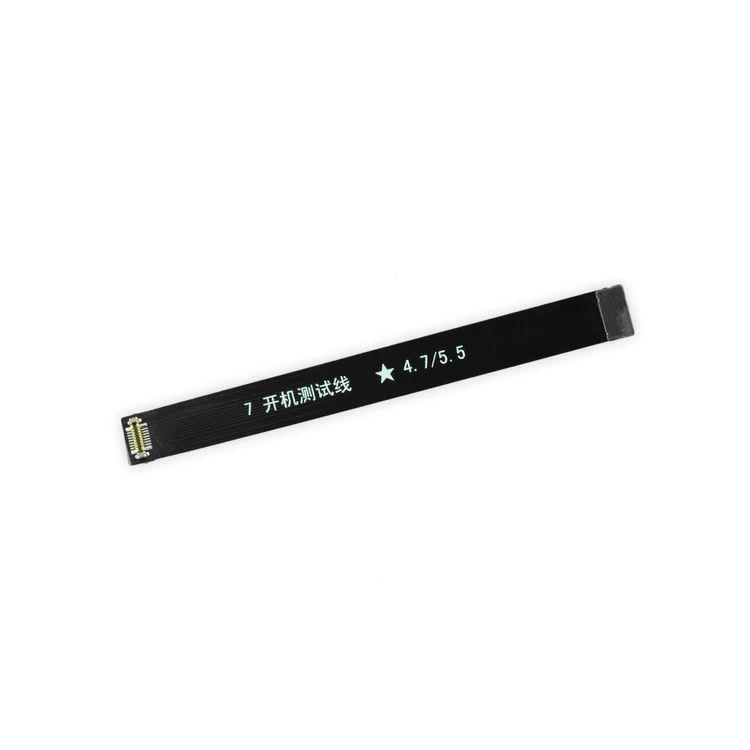
- This handy test cable makes it easy to check the functions of an audio control and power button cable assembly without having to complete the installation.
- Indispensable to anyone who makes multiple iPhone 7 or iPhone 7 Plus repairs.
- With this cable installed you can connect, test, and quickly swap multiple replacement audio control and power button cable assemblies without wearing out the delicate press fit connector on the logic board.
| Replace a backlight diode on the logic board of the following iPhone models with their component labels:
- iPhone 6 D1501
- iPhone 6s D4020
- iPhone 7 D3702
Are you learning to microsolder or starting your own board level repair business? This component is included in the Board Component Bundle. |
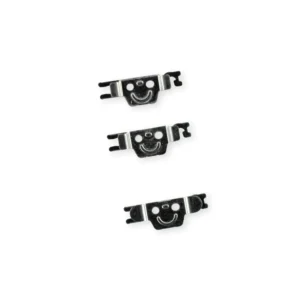
- Replace a torn or missing antenna contact assembly in the top right of the rear case in your iPhone 7.
- Fix Wi-Fi connectivity problems.
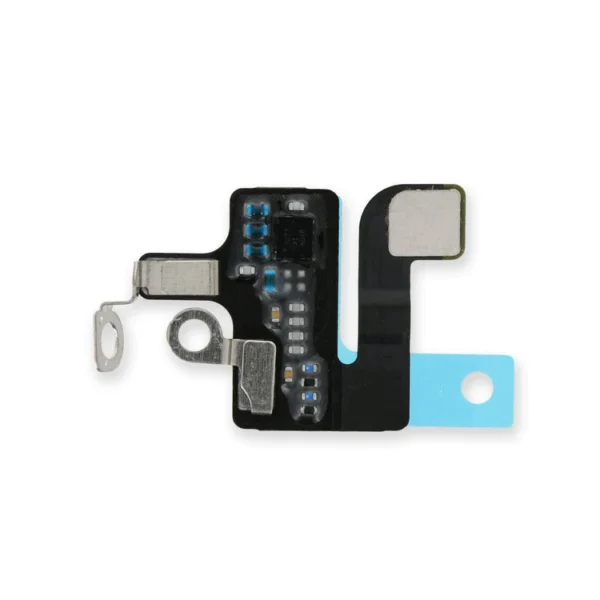
| Replace a torn or missing Wi-Fi Diversity Antenna in your iPhone 7 and fix unreliable connections to Wi-Fi signal.
This Wi-Fi antenna and cable is adhered to the loudspeaker in the lower right corner inside the rear case.
Specifications:
|
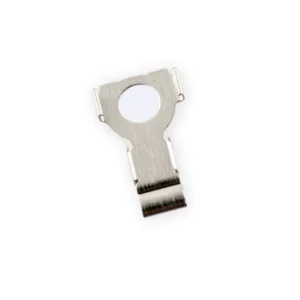
Replace the spring contact that grounds the lightning connector assembly to the back of the home button bracket in your iPhone 7 or iPhone 7 Plus. | Replace a backlight filter on the logic board of the following iPhone models with their component labels:
- iPhone 6s and iPhone 6s Plus
- FL4211
- FL4212
- FL4213
- FL4291
- FL4292
- FL4293
- iPhone 7 and iPhone 7 Plus
Are you learning to micro solder or starting your own board level repair business? This component is included in the Board Component Bundle. |
| Content | iPhone 7/7 Plus Test Cable for Audio Control Cable
- This handy test cable makes it easy to check the functions of an audio control and power button cable assembly without having to complete the installation.
- Indispensable to anyone who makes multiple iPhone 7 or iPhone 7 Plus repairs.
- With this cable installed you can connect, test, and quickly swap multiple replacement audio control and power button cable assemblies without wearing out the delicate press fit connector on the logic board.
| iPhone 6/6s/7 Backlight Diode
Replace a backlight diode on the logic board of the following iPhone models with their component labels:
- iPhone 6 D1501
- iPhone 6s D4020
- iPhone 7 D3702
Are you learning to microsolder or starting your own board level repair business? This component is included in the Board Component Bundle. | iPhone 7 Top Right Antenna
- Replace a torn or missing antenna contact assembly in the top right of the rear case in your iPhone 7.
- Fix Wi-Fi connectivity problems.
| iPhone 7 Wi-Fi Diversity Antenna
Replace a torn or missing Wi-Fi Diversity Antenna in your iPhone 7 and fix unreliable connections to Wi-Fi signal.
This Wi-Fi antenna and cable is adhered to the loudspeaker in the lower right corner inside the rear case.
Specifications:
| iPhone 7/7 Plus Lightning Connector Grounding Spring Contact
Replace the spring contact that grounds the lightning connector assembly to the back of the home button bracket in your iPhone 7 or iPhone 7 Plus. | iPhone 6s/6s Plus/7/7 Plus Backlight Filter
Replace a backlight filter on the logic board of the following iPhone models with their component labels:
- iPhone 6s and iPhone 6s Plus
- FL4211
- FL4212
- FL4213
- FL4291
- FL4292
- FL4293
- iPhone 7 and iPhone 7 Plus
Are you learning to micro solder or starting your own board level repair business? This component is included in the Board Component Bundle. |






Reviews
There are no reviews yet.