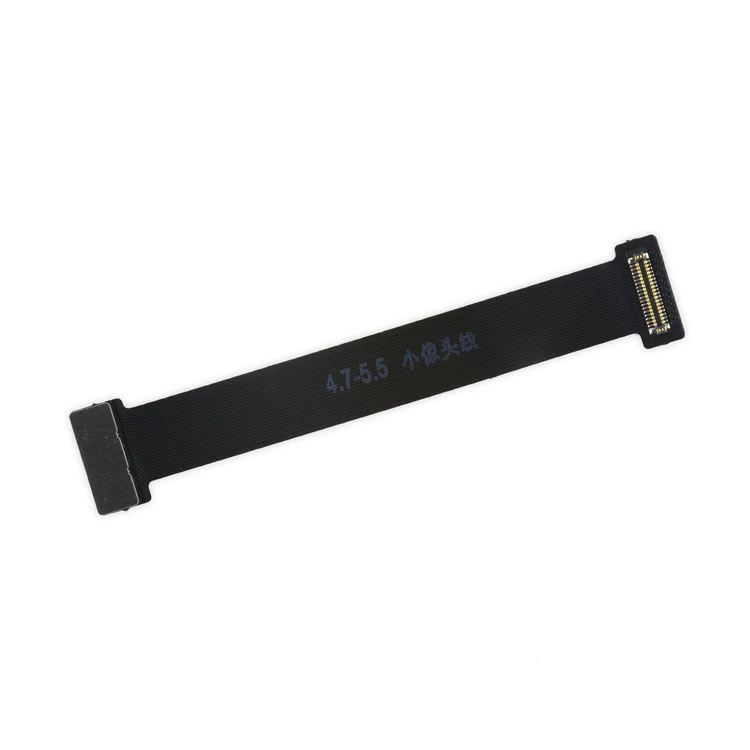
| Description | This handy test cable makes it easy to check the functions of a front camera and sensor cable assembly without having to complete the installation and is indispensable to anyone who makes multiple iPhone 6 and 6 Plus repairs. With this cable installed in an iPhone 6 or 6 Plus body you can connect, test, and quickly swap multiple replacement front camera cables without wearing out the delicate press fit connector on the logic board. | Replace the power button cable on your iPhone 6 to fix and unresponsive power button.
Note: The external power button face is not included.
Specifications:
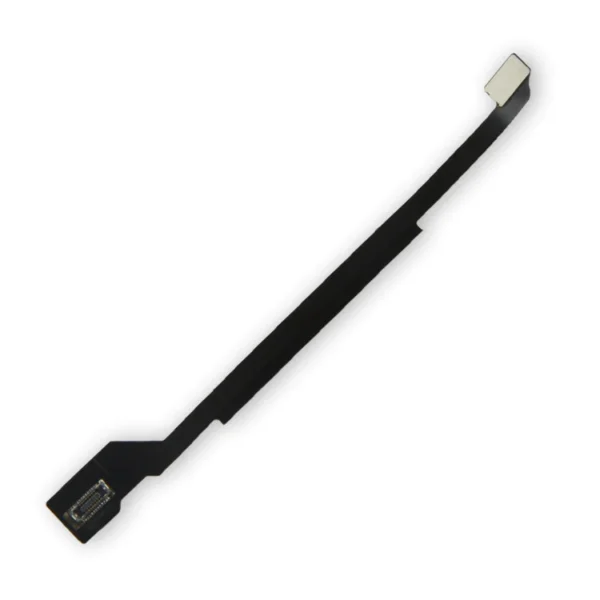
| This iPhone 6 Test Cable for Home Button and Link Cable is indispensable to anyone who makes multiple iPhone 6 repairs!
- Make it easy to check the function of a home button assembly through the home button link cable connection to the logic board without having to complete the installation.
- This test cable fits between the home button connector on the logic board and the connector on the home button link cable.
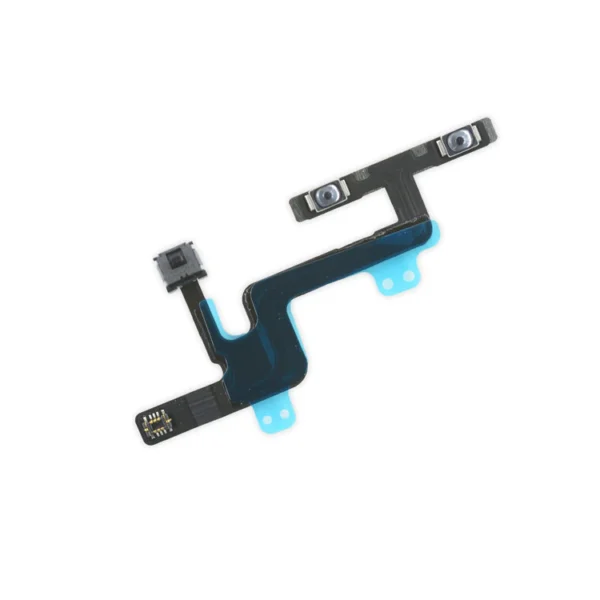
Note: This cable will not fit between the home button assembly and the home button link cable. | Replace the audio control cable on your iPhone 6 to fix an unresponsive volume button or broken mute switch.
Specifications:
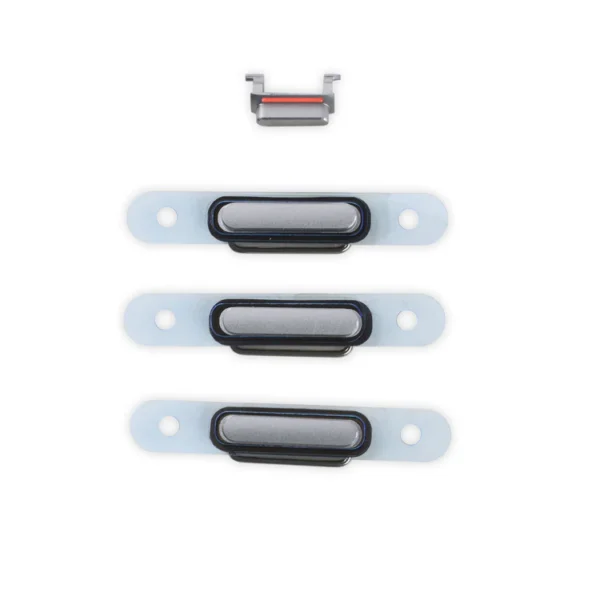
| Replace a scratched or missing exterior case button for your iPhone 6. Gray tone to match the case of the Black iPhone 6.
Note: These are the button parts visible on the outside of the case. The actual buttons and switch that do all the work are attached to the Audio Control or Power Button Cable. | This handy test cable makes it easy to check the functions of an iPhone 6 LCD and Digitizer without having to complete the installation and close up the iPhone's case, making it indispensable to anyone who makes multiple iPhone 6 repairs. With this cable installed in an iPhone 6 body you can connect, test, and quickly swap multiple replacement LCDs and digitizers without wearing out the delicate press fit connectors on the logic board.
Note: This cable only tests the functions of the LCD and digitizer. It does not test the home button, front camera, or earpiece speaker. |
| Content | iPhone 6 and 6 Plus Test Cable for Front Camera
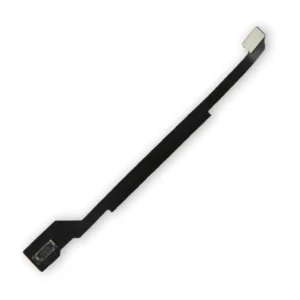
This handy test cable makes it easy to check the functions of a front camera and sensor cable assembly without having to complete the installation and is indispensable to anyone who makes multiple iPhone 6 and 6 Plus repairs. With this cable installed in an iPhone 6 or 6 Plus body you can connect, test, and quickly swap multiple replacement front camera cables without wearing out the delicate press fit connector on the logic board. | iPhone 6 Power Button Cable
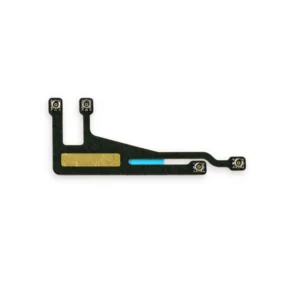
Replace the power button cable on your iPhone 6 to fix and unresponsive power button.
Note: The external power button face is not included.
Specifications:
| iPhone 6 Test Cable for Home Button and Link Cable
This iPhone 6 Test Cable for Home Button and Link Cable is indispensable to anyone who makes multiple iPhone 6 repairs!
- Make it easy to check the function of a home button assembly through the home button link cable connection to the logic board without having to complete the installation.
- This test cable fits between the home button connector on the logic board and the connector on the home button link cable.
Note: This cable will not fit between the home button assembly and the home button link cable. | iPhone 6 Audio Control Cable
Replace the audio control cable on your iPhone 6 to fix an unresponsive volume button or broken mute switch.
Specifications:
| iPhone 6 Case Button Set
Replace a scratched or missing exterior case button for your iPhone 6. Gray tone to match the case of the Black iPhone 6.
Note: These are the button parts visible on the outside of the case. The actual buttons and switch that do all the work are attached to the Audio Control or Power Button Cable. | iPhone 6 Test Cable for LCD Screen and Digitizer
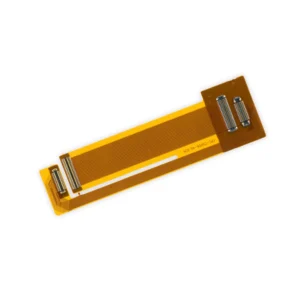
This handy test cable makes it easy to check the functions of an iPhone 6 LCD and Digitizer without having to complete the installation and close up the iPhone's case, making it indispensable to anyone who makes multiple iPhone 6 repairs. With this cable installed in an iPhone 6 body you can connect, test, and quickly swap multiple replacement LCDs and digitizers without wearing out the delicate press fit connectors on the logic board.
Note: This cable only tests the functions of the LCD and digitizer. It does not test the home button, front camera, or earpiece speaker. |




Reviews
There are no reviews yet.