| Description |
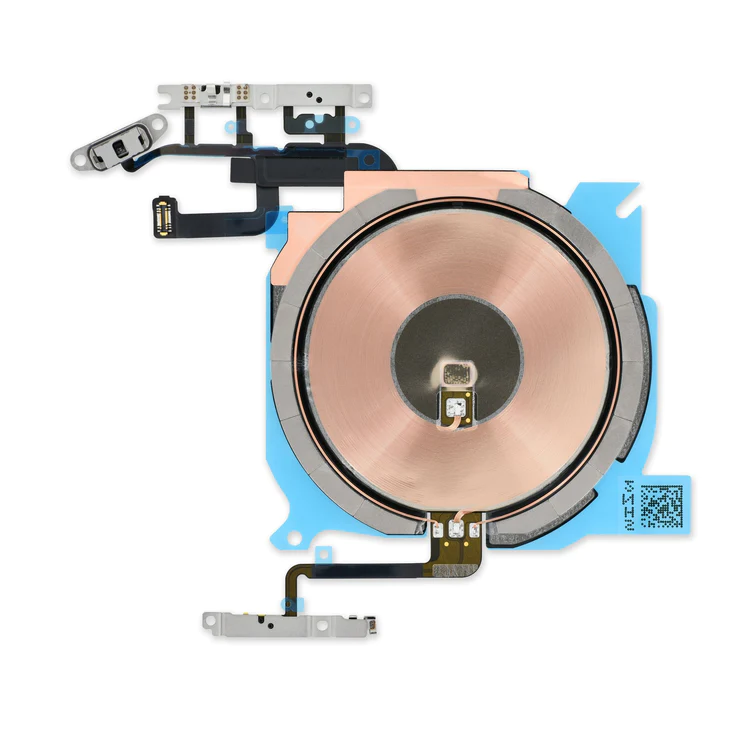
- Replace the cable that connects the internal volume buttons, vibrate/ring switch, and power button to the logic board of your iPhone 13 mini. In addition, this cable includes the Wireless Charging Antenna Coil.
- Fix issues with volume adjustment, vibration, and cordless charging.
Note: The external button covers are not included. | Replace a scratched or cracked home button in your iPhone 5 or iPhone 5c.
Keep in mind, this is just a button cover—not the actual actuator that's integrated in the home button cable. So if your home button is not working properly, the button cable is the more likely culprit.
Note: This new part has no square icon in its center. |
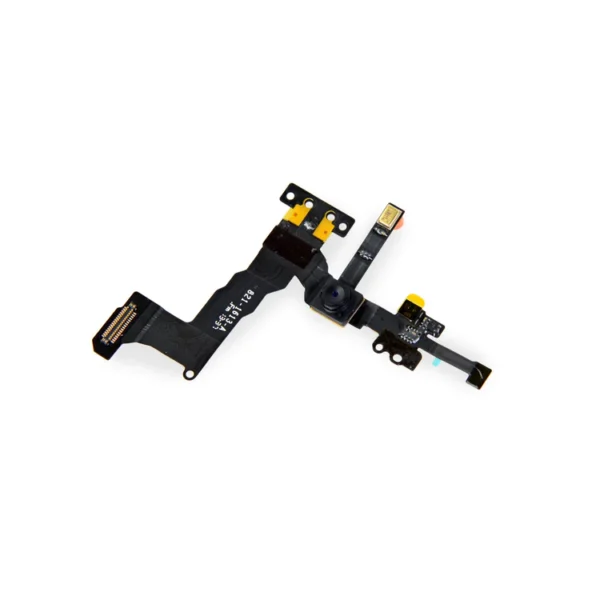
- Replace a front-facing camera and sensor cable in your iPhone 5s or 1st generation iPhone SE and fix problems with front-facing camera images,
- poor noise cancelling for phone calls,
- or malfunctioning screen brightness adjustment.
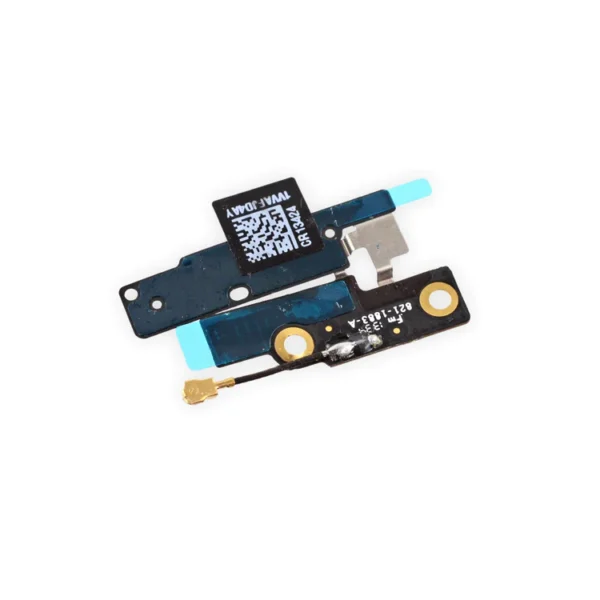
| Replace a torn or missing Wi-Fi and Bluetooth antenna in your iPhone 5c and fix unreliable connectivity to Wi-Fi and Bluetooth service.
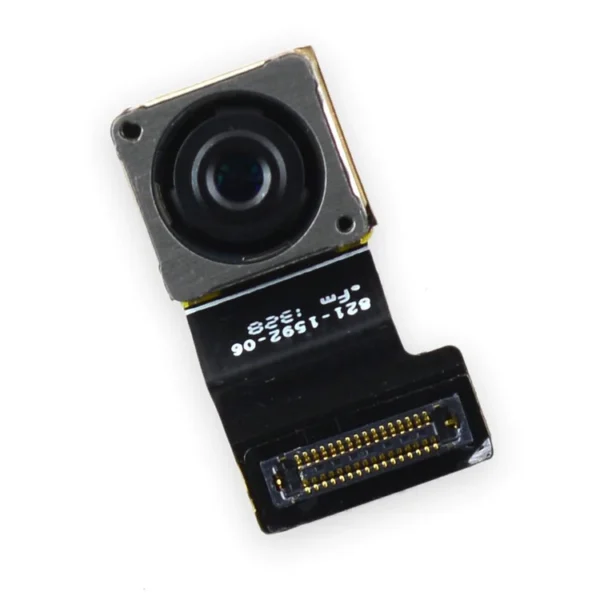
This antenna is adhered in the top left corner of the rear case. | Replace a bent or missing SIM card tray for an iPhone 5s or 1st generation iPhone SE. This tray holds the nano SIM card and is inserted on the side of the phone. | Replace a malfunctioning 8 megapixel rear-facing camera in your iPhone 5s.
If your rear camera has sensor issues, focusing problems, or shows a blank image, you’ll want to replace this part. |
| Content | iPhone 13 mini Audio Control Cable and Wireless Charging Antenna
- Replace the cable that connects the internal volume buttons, vibrate/ring switch, and power button to the logic board of your iPhone 13 mini. In addition, this cable includes the Wireless Charging Antenna Coil.
- Fix issues with volume adjustment, vibration, and cordless charging.
Note: The external button covers are not included. | iPhone 5c Home Button
Replace a scratched or cracked home button in your iPhone 5 or iPhone 5c.
Keep in mind, this is just a button cover—not the actual actuator that's integrated in the home button cable. So if your home button is not working properly, the button cable is the more likely culprit.
Note: This new part has no square icon in its center. | iPhone 5s/SE (1st Gen) Front Camera and Sensor Cable
- Replace a front-facing camera and sensor cable in your iPhone 5s or 1st generation iPhone SE and fix problems with front-facing camera images,
- poor noise cancelling for phone calls,
- or malfunctioning screen brightness adjustment.
Note: Some new Front Camera and Sensor Cables will include an extra tab that is used in parts testing | iPhone 5c Wi-Fi and Bluetooth Antenna
Replace a torn or missing Wi-Fi and Bluetooth antenna in your iPhone 5c and fix unreliable connectivity to Wi-Fi and Bluetooth service.
This antenna is adhered in the top left corner of the rear case. | iPhone 5s/SE (1st Gen) Nano SIM Card Tray
Replace a bent or missing SIM card tray for an iPhone 5s or 1st generation iPhone SE. This tray holds the nano SIM card and is inserted on the side of the phone. | iPhone 5s Rear Camera
Replace a malfunctioning 8 megapixel rear-facing camera in your iPhone 5s.
If your rear camera has sensor issues, focusing problems, or shows a blank image, you’ll want to replace this part.
Note: If you have a scratched lens in the rear case, this part will not solve your issue.
Specifications:
| Compatible Part Numbers |
923-0652, 821-1592-06 |
|






Reviews
There are no reviews yet.