| SKU | iPhone 12/12 mini/12 Pro/12 Pro Max Earpiece Speaker Mesh | iPhone 12 mini Lightning Connector Assembly | iPhone 12 mini Earpiece Speaker and Sensor Assembly | iPhone 12 Pro Max Wi-Fi Antenna | iPhone 12 mini Front Camera Assembly | iPhone 12/12 Pro Vibrator |
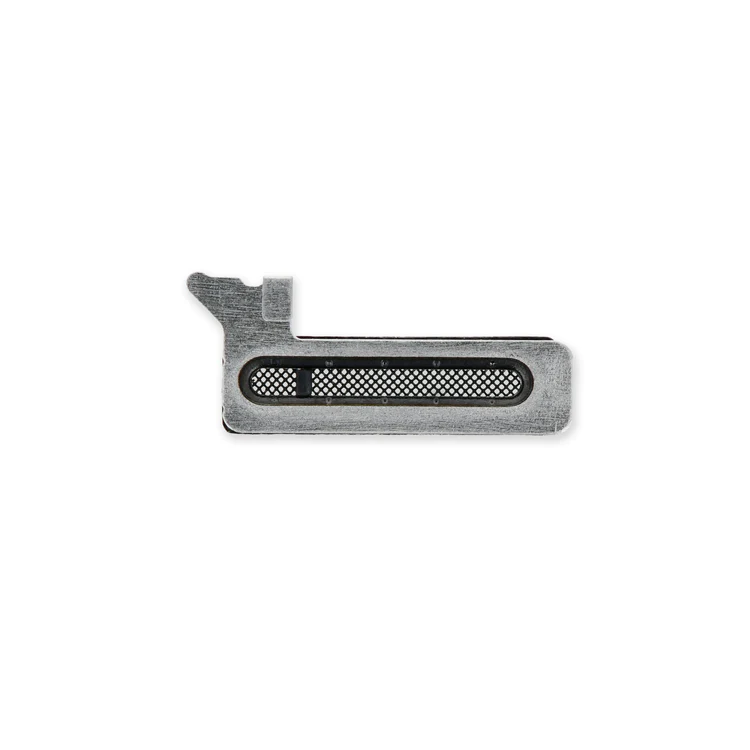
| Description | Replace punctured or missing mesh covering the earpiece speaker opening in your iPhone 12, iPhone 12 mini, iPhone 12 Pro, or iPhone 12 Pro Max.
Keep dust and dirt from blocking the earpiece speaker.
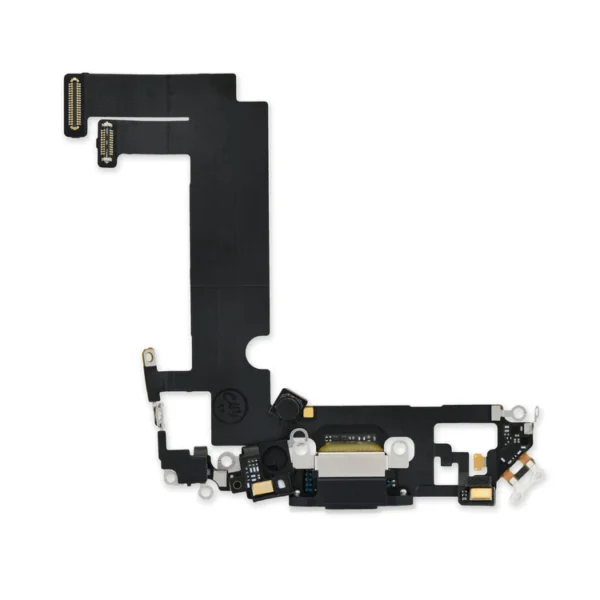
Note: Installation adhesive is not included. | Replace a lightning connector and microphone in an iPhone 12 mini.
If your phone isn't charging, has connectivity problems, is not recognized when plugged into your computer via USB, or has trouble recording audio, this part could fix the problem.
Specifications:
| Replace a malfunctioning earpiece speaker in your iPhone 12 mini. Restore phone call audio and some sensor functions.
- This is the speaker used to listen while the phone is held to your ear.
- Earpiece speaker functions can be affected by water damage, dust ingress, or a blown speaker.
Note: The Earpiece Speaker and Sensor Assembly is paired to the logic board in an iPhone 12 mini. This assembly contains the flood illuminator, which is part of the Face ID security feature. Replacing this assembly will not restore Face ID functions.
Specifications:
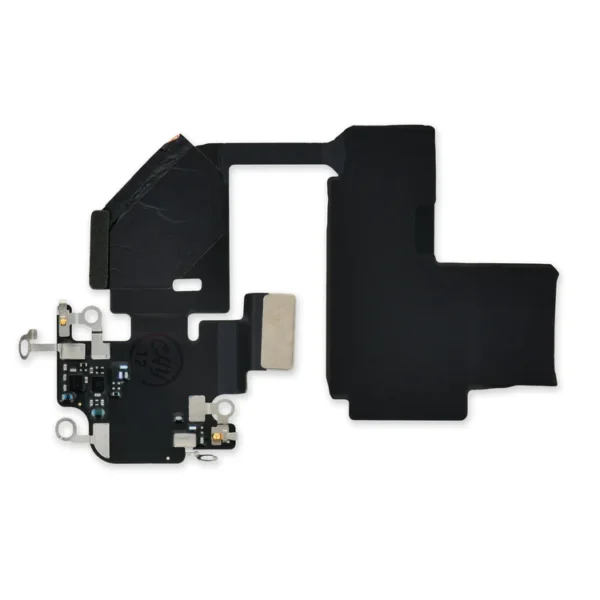
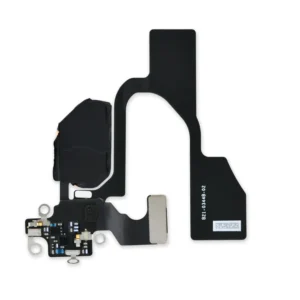
| Replace a torn or missing Bluetooth Antenna in your iPhone 12 Pro Max smartphone. Fix unreliable connectivity to Bluetooth devices.
Specifications:
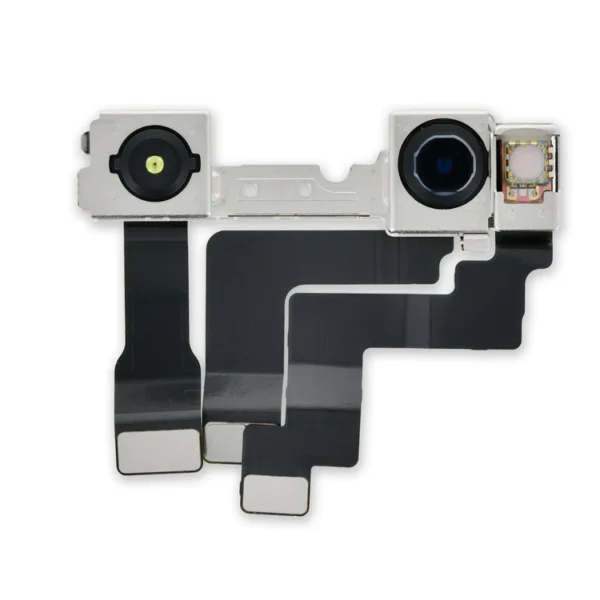
| Replace a malfunctioning front-facing camera assembly and restore selfie camera functions.
Note: Replacing the front camera assembly will not restore facial recognition functions or any other infrared camera functions. These components are paired to the logic board for security reasons, and Face ID will only function with the original paired camera. Only standard photography functions will be restored with a replacement camera assembly.
Specifications:
| Part Number |
821-02613, 821-026514, 821-02615 |
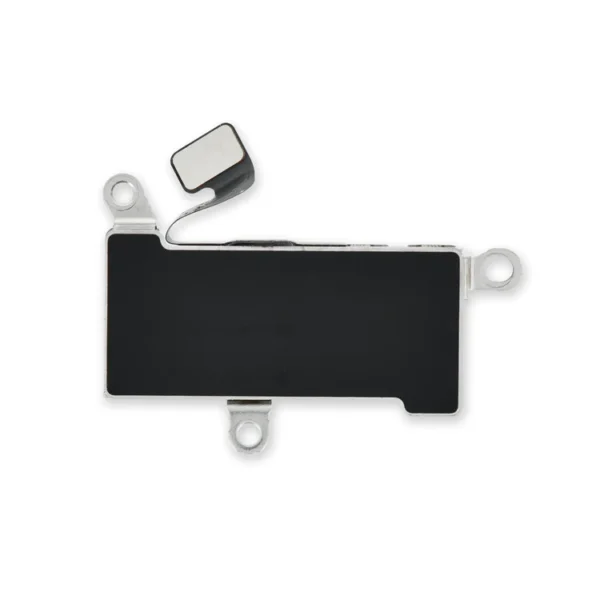
| Fix problems with vibration alerts and haptic feedback by replacing a malfunctioning linear oscillator motor.
Specifications;
|
| Content | iPhone 12/12 mini/12 Pro/12 Pro Max Earpiece Speaker Mesh
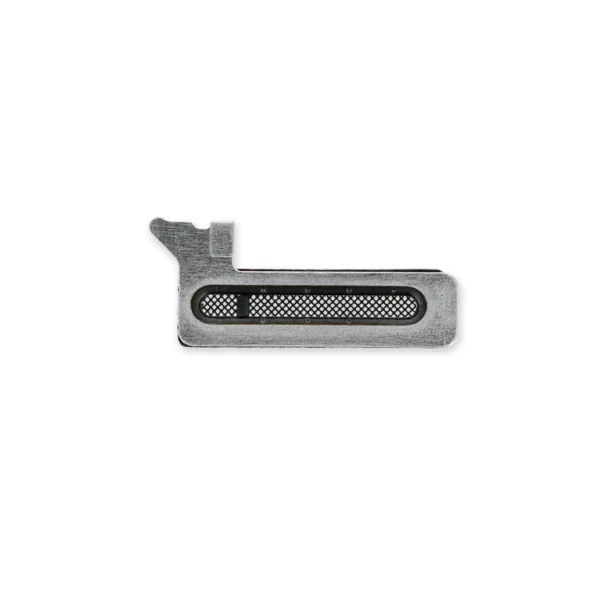
Replace punctured or missing mesh covering the earpiece speaker opening in your iPhone 12, iPhone 12 mini, iPhone 12 Pro, or iPhone 12 Pro Max.
Keep dust and dirt from blocking the earpiece speaker.
Note: Installation adhesive is not included. | iPhone 12 mini Lightning Connector Assembly
Replace a lightning connector and microphone in an iPhone 12 mini.
If your phone isn't charging, has connectivity problems, is not recognized when plugged into your computer via USB, or has trouble recording audio, this part could fix the problem.
Specifications:
| iPhone 12 mini Earpiece Speaker and Sensor Assembly
Replace a malfunctioning earpiece speaker in your iPhone 12 mini. Restore phone call audio and some sensor functions.
- This is the speaker used to listen while the phone is held to your ear.
- Earpiece speaker functions can be affected by water damage, dust ingress, or a blown speaker.
Note: The Earpiece Speaker and Sensor Assembly is paired to the logic board in an iPhone 12 mini. This assembly contains the flood illuminator, which is part of the Face ID security feature. Replacing this assembly will not restore Face ID functions.
Specifications:
| iPhone 12 Pro Max Wi-Fi Antenna
Replace a torn or missing Bluetooth Antenna in your iPhone 12 Pro Max smartphone. Fix unreliable connectivity to Bluetooth devices.
Specifications:
| iPhone 12 mini Front Camera Assembly
Replace a malfunctioning front-facing camera assembly and restore selfie camera functions.
Note: Replacing the front camera assembly will not restore facial recognition functions or any other infrared camera functions. These components are paired to the logic board for security reasons, and Face ID will only function with the original paired camera. Only standard photography functions will be restored with a replacement camera assembly.
Specifications:
| Part Number |
821-02613, 821-026514, 821-02615 |
| iPhone 12/12 Pro Vibrator
Fix problems with vibration alerts and haptic feedback by replacing a malfunctioning linear oscillator motor.
Specifications;
|




Reviews
There are no reviews yet.